
1. 서론
Thank you for choosing the Eono Eonoheadphone 1 Wireless Active Noise Cancelling Headphones. This manual provides essential information for setting up, operating, and maintaining your headphones. Please read it carefully before use.
패키지 내용
- Eono Eonoheadphone 1 Wireless ANC Headphones
- USB-C 충전 케이블
- 3.5mm 오디오 케이블(AUX)
- 하드 휴대용 케이스
- 사용자 설명서
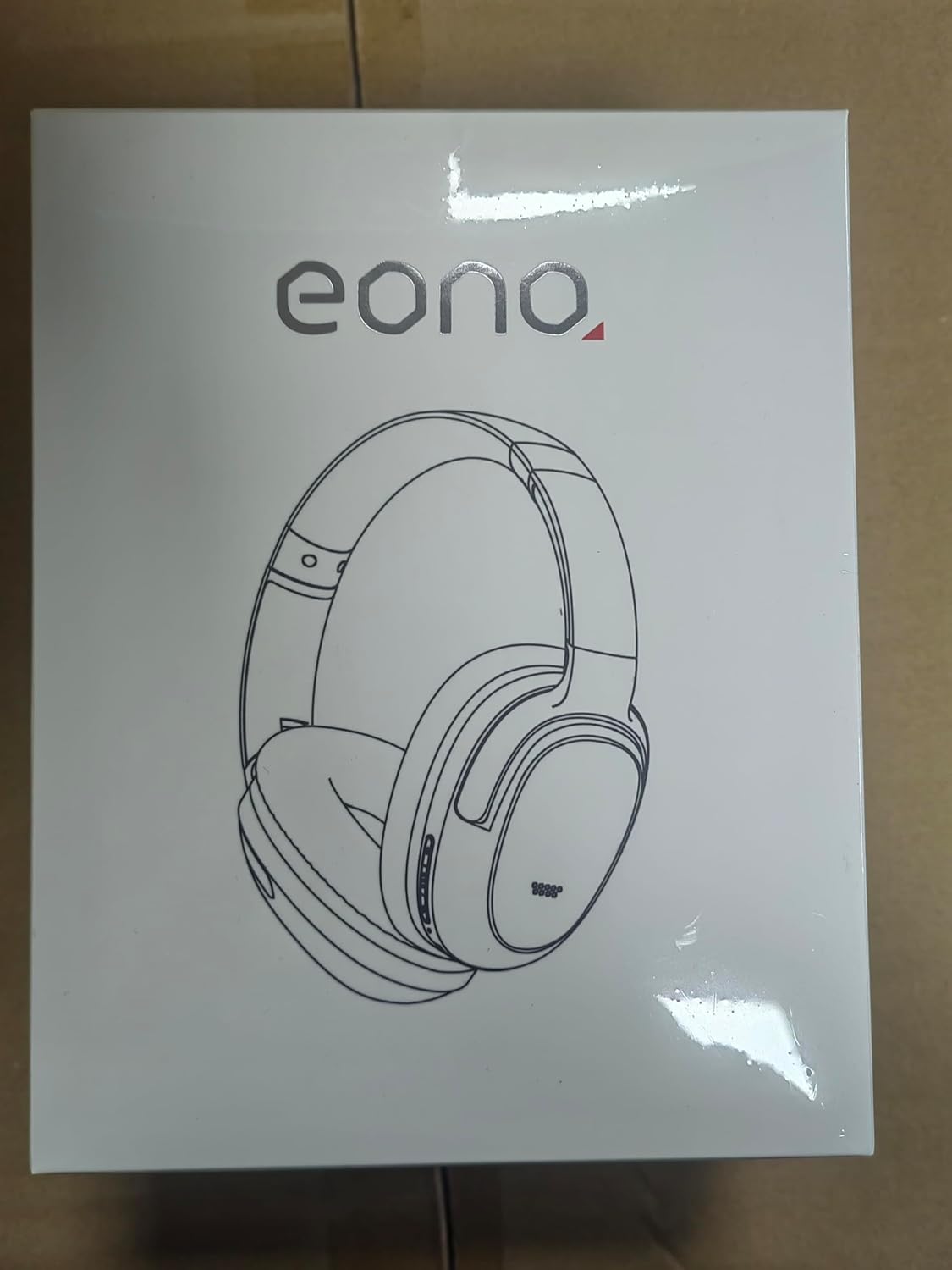
Image: Eono Eonoheadphone 1 headphones and included accessories.
2. 제품 오버view
The Eono Eonoheadphone 1 features a lightweight, comfortable design with advanced audio technology.
마이크 배치

Image: Diagram illustrating the placement of ANC microphones (1, 2, 3, 4) and the Call Microphone (5) on the headphones.
- ANC Mics (1, 2, 3, 4): Four microphones are strategically placed to detect and filter out ambient noise for effective Active Noise Cancellation.
- Call Mic (5): Dedicated microphone for clear voice calls.
편안함과 디자인

Image: Close-up of the ultra-soft protein leather earcups with memory foam padding.
The Eonoheadphone 1 features ultra-soft protein leather earcups with memory foam padding designed to fit snugly over your ears, providing comfort during extended listening sessions. The lightweight construction further enhances wearability.
오디오 품질

Image: Illustration of sound waves from a 40mm driver.
Equipped with 40mm dynamic drivers and highly flexible silk diaphragms, these headphones reproduce rich bass and crisp treble, extending up to 40 kHz for enhanced audio clarity.
3. 설정
헤드폰 충전하기
Before first use, fully charge your headphones. Use the provided USB-C cable to connect the headphones to a compatible USB power source.

Image: Quick charge and battery life information.
- 완전 충전에는 약 60 분.
- A 10분 급속 충전 provides up to 5 hours of playback.
- Battery life: Up to 40시간 with Active Noise Cancellation (ANC) enabled, or up to 60시간 정상 모드에서.
블루투스 페어링
The Eonoheadphone 1 uses Bluetooth 5.2 for stable wireless connectivity.

이미지: 전ample of a Bluetooth pairing request on a mobile device.
- 전원 켜기: 헤드폰의 전원 버튼을 표시등이 깜빡일 때까지 길게 누르세요. 표시등이 깜빡이면 페어링 모드에 진입한 것입니다.
- 블루투스 활성화: 기기(스마트폰, 태블릿, 컴퓨터)에서 Bluetooth를 활성화하세요.
- 헤드폰 선택: In your device's Bluetooth settings, select "Eonoheadphone 1" from the list of available devices.
- 연결 확인: Once connected, the indicator light on the headphones will change, and you may hear an audio prompt.
다 지점 연결

Image: Headphones connected to two devices simultaneously.
The Eonoheadphone 1 can connect to two devices simultaneously. This allows you to seamlessly switch between listening to music on one device and taking calls on another without re-pairing.
4. 사용 설명서
전원 켜기/끄기
- 전원을 켜려면: 전원 버튼을 약 3초간 길게 누릅니다.
- 전원을 끄려면: 전원 버튼을 약 5초간 길게 누릅니다.
능동형 소음 제거(ANC) 모드
The headphones offer multiple noise control modes to adapt to your environment.

Image: Visual representation of different noise cancelling modes in various settings.
- ANC 모드: Activates active noise cancellation, reducing up to 95% of low-frequency ambient noise. Ideal for travel or noisy environments.
- 일반 모드: 능동적 소음 제거 기능이 없는 표준 오디오 재생입니다.
- 투명 모드: Allows ambient sounds to pass through, enabling you to hear your surroundings while listening to audio. Useful for awareness in urban environments.
To switch between modes, press the dedicated ANC button on the headphones. An audio prompt will indicate the current mode.
음악 및 통화 제어
The headphones feature intuitive controls for managing your audio and calls. Refer to the physical buttons on the earcups for specific functions:
- 볼륨 높이기/낮추기: 오디오 볼륨을 조절합니다.
- 재생/일시 중지: 다기능 버튼을 한 번 누르세요.
- 다음 트랙: 다기능 버튼을 두 번 누르세요.
- 이전 트랙 : 다기능 버튼을 세 번 누르세요.
- 전화 받기/종료: 수신 통화 또는 통화 진행 중에 다기능 버튼을 한 번 누릅니다.
- 전화 거부: 전화가 오는 동안 다기능 버튼을 길게 누르세요.
5. 유지관리
청소
헤드폰 상태를 유지하려면:
- 부드럽고 마른 천으로 이어컵과 헤드밴드를 닦으세요.
- 연마성 세척제나 용제를 사용하지 마십시오.
- Do not immerse the headphones in water. While water-resistant, they are not designed for submersion.
저장
The Eonoheadphone 1 features a foldable design for convenient storage and portability.

Image: Instructions for folding and storing the headphones in the carrying case.
- 이어컵을 평평하게 돌리세요.
- Fold the headphones inward.
- Place them in the provided hard carrying case to protect them from damage.
6. 문제 해결
If you encounter issues with your Eono Eonoheadphone 1, refer to the following common solutions:
- 전원 없음: 헤드폰이 충전되어 있는지 확인하세요. USB-C 케이블을 사용하여 전원에 연결하세요.
- 페어링할 수 없습니다: Make sure Bluetooth is enabled on your device and the headphones are in pairing mode. Try turning Bluetooth off and on again on your device, or restart both devices.
- 소리 없음: Check the volume levels on both the headphones and your connected device. Ensure the headphones are correctly paired. If using a wired connection, ensure the 3.5mm audio cable is fully inserted into both the headphones and the audio source.
- 나쁜 음질: Ensure there are no obstructions between the headphones and your device. Move closer to your device to improve signal strength. Check if the audio source quality is high.
- ANC가 효과적으로 작동하지 않음: Ensure the earcups form a good seal around your ears. Some high-frequency or sudden noises may not be fully cancelled.
- 마이크 문제: Ensure the headphones are connected and selected as the input device on your computer or smartphone. Check for any mute functions on your device.
7. 사양
| 모델 번호 | S3 |
| 상표 | Eono |
| 치수(제품) | 16 x 7.2 x 14.8cm |
| 무게(제품) | 410g |
| 색상 | 검은색 |
| 귀 위치 | 오버이어 |
| 임피던스 | 16옴 |
| 소음 제어 | 능동 소음 제거 |
| 주파수 응답 | 16Hz - 40kHz |
| 연결 기술 | 무선(블루투스 5.2) |
| 블루투스 범위 | 10 미터 |
| 오디오 커넥터 | USB-C (Charging), 3.5mm (Audio Input) |
| 재료 | 가죽, 플라스틱 |
| Charging Time (Full) | 대략. 60 분 |
| 빠른 충전 | 10 Minutes for 5 hours playback |
| 배터리 수명(ANC 켜짐) | 최대 40시간 |
| 배터리 수명(일반 모드) | 최대 60시간 |
| 드라이버 크기 | 40mm (XNUMXmm) |
| 방수 레벨 | 방수 |
| 특징 | Active Noise Cancellation, Fast Charging, Lightweight, Built-in Microphone, Foldable Design |
8. 보증 및 지원
For warranty information or technical support, please contact Eono customer service through your purchase platform. You can find support links on the product packaging or by visiting:
- Amazon.es Customer Service
- Amazon.com Customer Service
- Amazon.co.uk Customer Service
- Amazon.de Customer Service
- Amazon.fr Customer Service
- Amazon.it Customer Service
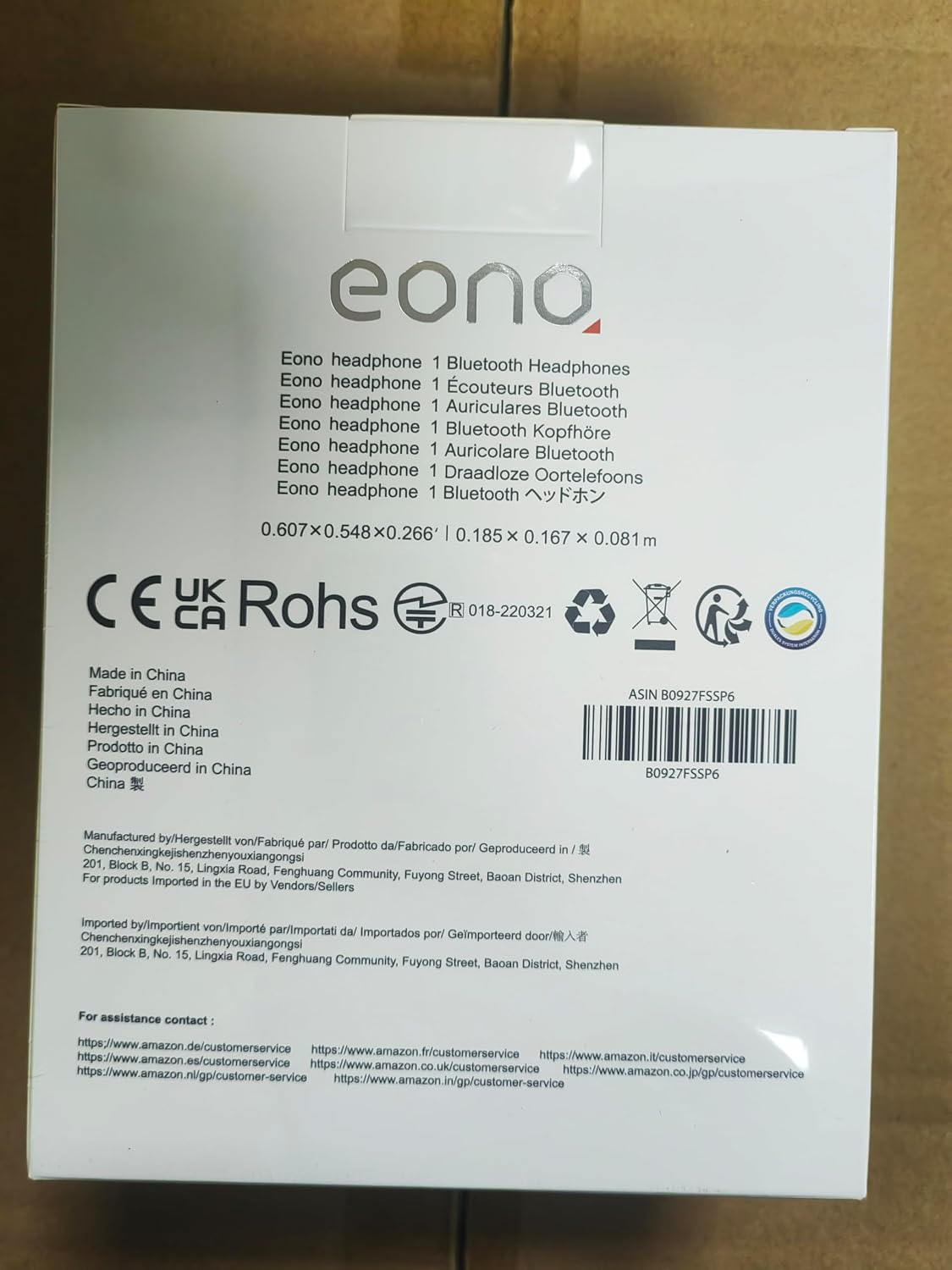
Image: Back of product packaging with customer service information.