
1. 소개 및 이상view
This manual provides detailed instructions for the installation, operation, and maintenance of your vidaXL 12U 19-inch IP20 Wall-Mounted Network Cabinet. This 12U network cabinet is designed for organizing network accessories such as routers, fiber optic modems, and other standard 19-inch equipment. Constructed from high-quality cold-rolled steel, this data cabinet offers a solid and durable structure for your networking needs.

그림 1: 전체 view of the vidaXL 12U Network Cabinet with its front door open.
2. 안전 정보
- 조립 및 사용 전에 반드시 모든 지침을 읽고 이해하시기 바랍니다.
- The cabinet weighs approximately 21.9 kg (48.2 lbs). Exercise caution when lifting or moving to prevent injury. It is recommended to have two people for lifting and installation.
- Wear appropriate personal protective equipment, such as gloves, during assembly to avoid cuts from potentially sharp edges.
- Ensure the mounting surface is structurally sound and capable of supporting the cabinet's weight plus the weight of all installed equipment (minimum 70 kg capacity).
- Do not overload the cabinet beyond its specified weight capacity.
- 어린이와 애완동물을 집회 장소에 가까이 두지 마십시오.
3. 패키지 내용
Verify that all components are present and undamaged before beginning assembly. If any parts are missing or damaged, contact vidaXL customer support.
- Main cabinet frame components
- Front door with lock and keys
- Removable side panels
- Adjustable 19-inch mounting rails
- 조립 하드웨어(나사, 너트, 와셔)
- 사용 설명서
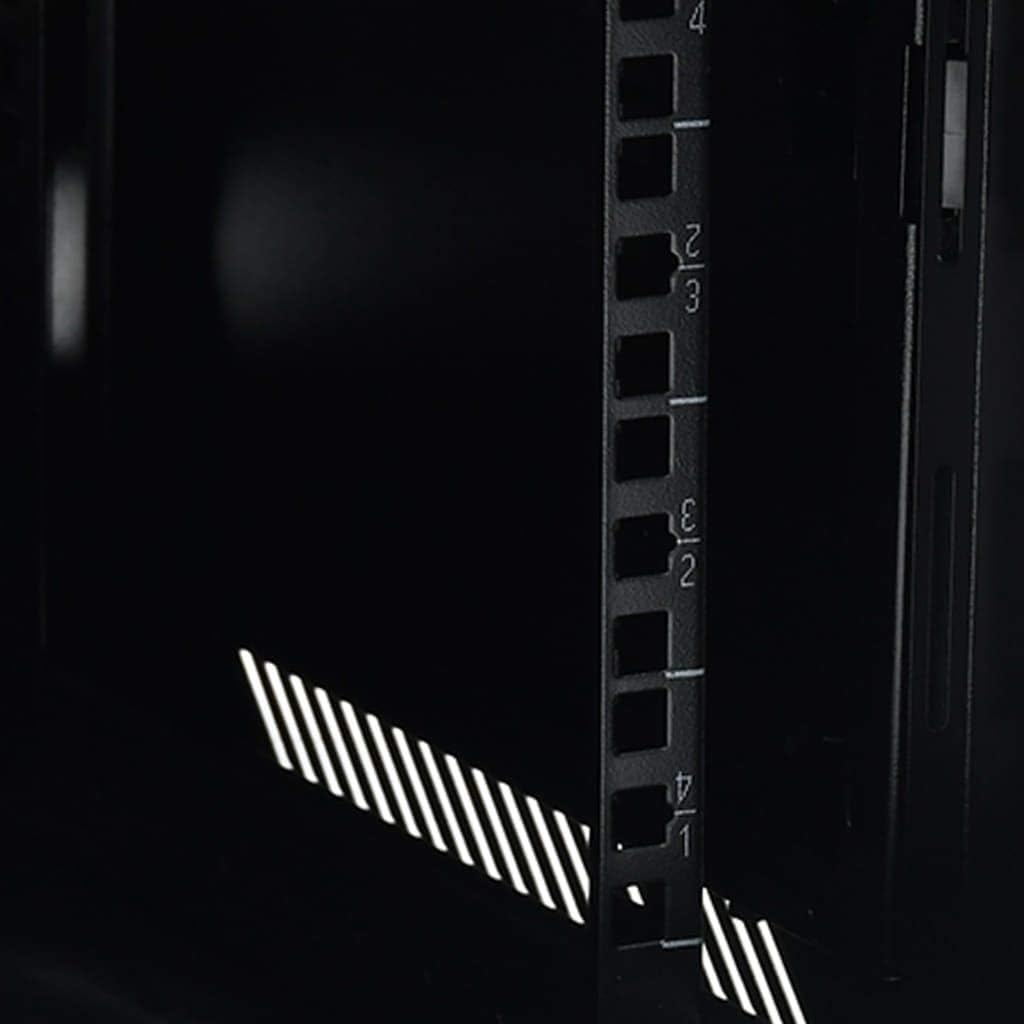
Figure 2: The included keys for the front door lock.
4. 설정
4.1 조립
The network cabinet is delivered in a disassembled state and requires assembly. Follow the step-by-step instructions provided in the included assembly guide. Ensure all screws are tightened securely, but do not overtighten.
4.2 장착 옵션
This cabinet can be wall-mounted or placed on a sturdy table or surface. For wall mounting, use appropriate hardware (not always included) suitable for your wall type and the total weight. Ensure the mounting points are level and secure.

Figure 3: Key dimensions of the network cabinet for planning installation.
4.3 장비 설치
- 입장: The side panels are removable to facilitate easier installation and maintenance of network accessories. Gently unclip or unscrew the side panels to remove them.
- Adjustable Rails: The 19-inch mounting rails inside the cabinet are adjustable. Loosen the screws holding them in place, slide them to the desired depth, and re-tighten the screws.
- 장비 장착: Secure your 19-inch standard equipment (e.g., routers, switches, patch panels) to the adjustable rails using appropriate rack screws and cage nuts (not always included).

그림 4: 내부 view highlighting the adjustable mounting rails.
5. 운영
- 보안: The front door is equipped with a lock and key to prevent unauthorized access and protect the items stored inside. Always lock the door when the cabinet is unattended.
- 케이블 관리 : Utilize the various openings and internal space for organized cable routing to ensure proper airflow and prevent damage to cables.
- 통풍: The cabinet features ventilation slots to help dissipate heat generated by active equipment. Ensure these slots are not obstructed.

Figure 5: Detail of the lock mechanism on the front door.
6. 유지관리
- 청소: 외부 표면은 부드러운 천으로 정기적으로 닦아주세요.amp 천으로 닦으세요. 마감재를 손상시킬 수 있는 연마성 세제나 용제는 사용하지 마세요.
- 점검: Periodically inspect all screws and connections to ensure they remain tight. Check for any signs of wear, damage, or deformation, especially if the cabinet has been moved or subjected to stress.
- 통풍: Ensure ventilation openings are free from dust and debris to maintain optimal airflow.
7. 문제 해결
- 조립의 어려움: If components do not align easily, double-check the assembly instructions and ensure all parts are oriented correctly. Avoid forcing parts together, as this can cause bending or damage.
- 문이 제대로 닫히지 않음: Ensure the cabinet is assembled squarely and is not warped. Check the hinges for proper alignment and lubrication. Adjust the door if necessary.
- 내각 불안정성: If the cabinet feels unstable after assembly, verify that all fasteners are securely tightened. For wall-mounted units, confirm that the mounting hardware is appropriate and correctly installed into a solid structure.
- 손상된 구성 요소: If any parts arrive bent or damaged, contact vidaXL customer support for assistance.
8. 사양
| 상표 | 비다XL |
| 모델 번호 | 30167 |
| 색상 | 검은색 |
| 치수(길이 x 너비 x 높이) | 60 x 60 x 64cm(600 x 600 x 640mm) |
| 재료 | 합금강 |
| 호환 장치 | Server, laptop, desktop computer, CPU |
| 품목 무게 | 21.9 킬로그램 |
| 중량 용량 | Minimum 70 Kilograms |
| U-Size | 12유 |
| IP 등급 | IP20 |
9. 보증 및 지원
For warranty information, please refer to the terms and conditions provided at the time of purchase or contact your retailer. For technical support or inquiries regarding your vidaXL network cabinet, please visit the official vidaXL web해당 웹사이트를 방문하거나 고객 서비스 부서에 직접 문의하십시오. 보증 청구를 위해서는 구매 영수증을 구매 증빙 자료로 보관하십시오.