
1. 서론
The Edifier TWS1 PRO True Wireless Earbuds offer a superior audio experience with advanced features designed for convenience and durability. This manual provides detailed instructions for setup, operation, and maintenance to ensure optimal performance.
- 블루투스 V5.2 + CVC 8.0: Ensures a reliable connection, clear sound, and minimal latency.
- Qualcomm AptX-Adaptive: Provides high-resolution and uninterrupted audio.
- 42 Hours Battery and Rapid Charging: Enjoy extended playtime with quick charging capabilities.
- IP65 Sweat, Water, and Dust Resistant: Designed for durability in various environments.
- 터치 컨트롤: 음악과 통화를 직관적으로 제어하세요.
2. 상자 안에 무엇이 들어있나요?
Upon unboxing your Edifier TWS1 PRO earbuds, please ensure all the following items are present:
- Edifier TWS1 PRO Earbuds
- 충전 케이스
- USB-C 충전 케이블
- 이어쿠션(다양한 사이즈)
- 사용자 설명서
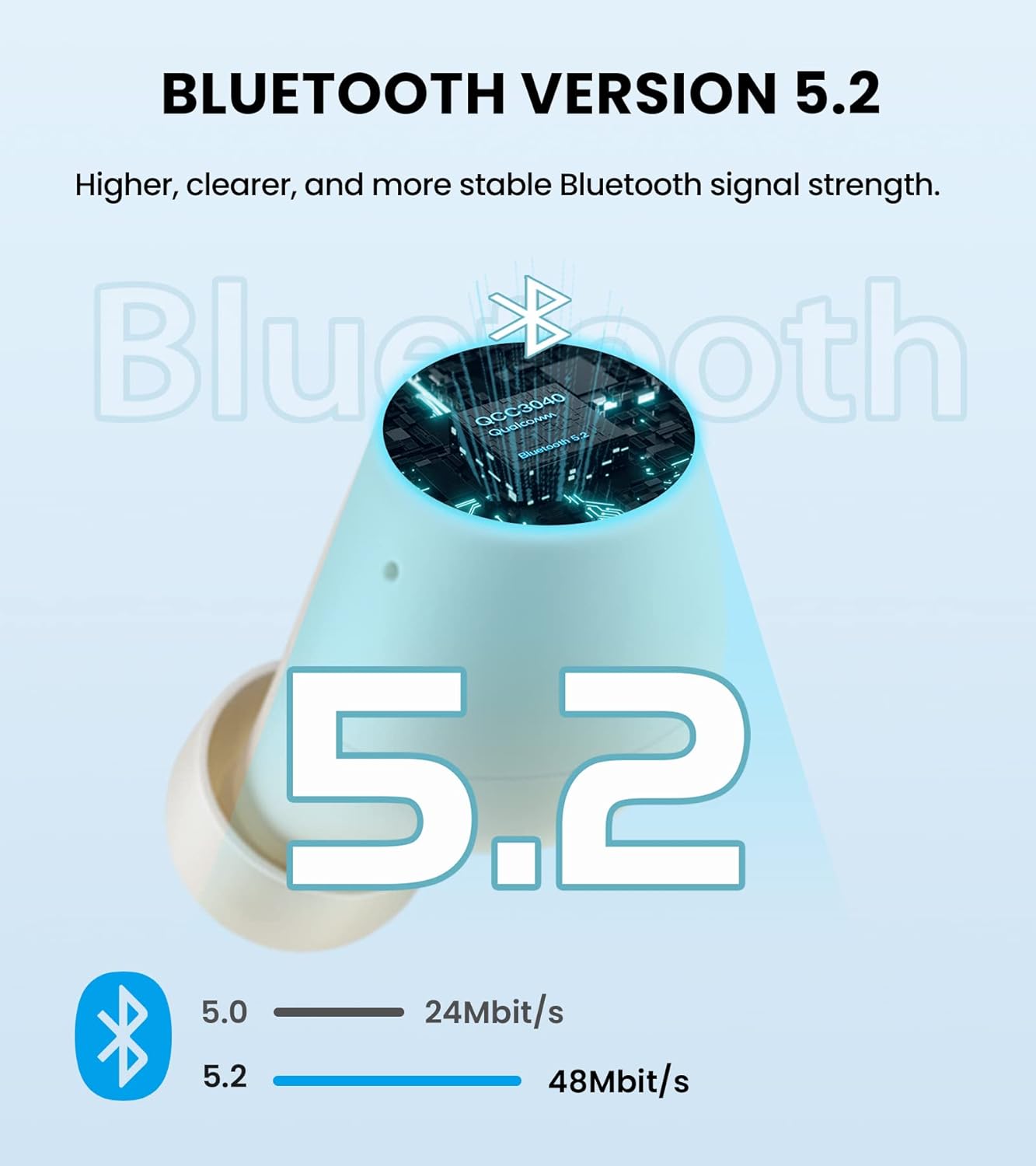
Image: Edifier TWS1 PRO Earbuds and Charging Case, showcasing the product and its compact design.
Video: An unboxing demonstration of the Edifier TWS1 PRO, showing all included components.
3. 설정 및 페어링
Automatic Pairing (First Use)
- Take both earbuds out of the charging case. The earbuds will automatically power on and enter pairing mode.
- On your mobile device, enable Bluetooth and search for "EDIFIER TWS1 Pro" in the available devices list.
- Select "EDIFIER TWS1 Pro" to connect. Once connected, the indicator light on the earbuds will flash slowly.
Manual Pairing (Connecting to a New Device)
- 이어버드가 충전 케이스에 들어 있고 케이스 뚜껑이 열려 있는지 확인하세요.
- Press and hold the touch button on either the left or right earbud for approximately 2-3 seconds until the indicator light flashes rapidly in blue and red. This indicates pairing mode.
- On your new mobile device, enable Bluetooth and search for "EDIFIER TWS1 Pro" in the available devices list.
- Select "EDIFIER TWS1 Pro" to connect. Once connected, the indicator light will flash slowly.
Video: A demonstration of the Bluetooth connection process for the Edifier TWS1 PRO earbuds.
Video: Instructions on how to pair the Edifier TWS1 PRO earbuds for the first time.
4. 사용 설명서
터치 컨트롤
The Edifier TWS1 PRO earbuds feature intuitive touch controls for managing your audio and calls.
- Single Tap (Left or Right Earbud): Play/Pause music, Accept/End a call.
- 두 번 탭하기(오른쪽 이어버드): 다음 트랙.
- 두 번 탭(왼쪽 이어버드): 이전 트랙.
- 길게 누르기(오른쪽 이어버드): 볼륨을 높이세요.
- 길게 누르기(왼쪽 이어버드): 볼륨을 낮추세요.
- Long Press (Left or Right Earbud during incoming call): 전화를 거절하세요.

Image: Diagram illustrating the touch control functions for the Edifier TWS1 PRO earbuds.
Video: A demonstration of call handling and music playback controls on the Edifier TWS1 PRO earbuds.
5. 충전
The Edifier TWS1 PRO earbuds provide up to 12 hours of playtime on a single charge, with an additional 30 hours provided by the charging case, totaling 42 hours. The charging case supports rapid charging, fully charging in less than 40 minutes.
이어버드 및 케이스 충전하기
- 이어버드를 충전 케이스에 넣으세요. 충전을 시작하려면 이어버드가 제대로 장착되었는지 확인하세요.
- 제공된 USB-C 충전 케이블을 사용하여 충전 케이스를 전원에 연결합니다.
- The indicator light on the case will show charging status. A steady red light indicates charging.

Image: Visual representation of the 42-hour total battery life and rapid charging feature.
Video: A demonstration of how to charge the Edifier TWS1 PRO earbuds and case.
6. 유지관리
The Edifier TWS1 PRO earbuds are IP65 rated, meaning they are sweat, water, and dust resistant. Proper maintenance ensures longevity and optimal performance.
- 청소: 이어버드와 충전 케이스는 부드럽고 마른 천으로 정기적으로 닦아주세요. 연마성 재질이나 강한 화학 약품은 사용하지 마세요.
- 물 노출: While water resistant, it is recommended to wipe off any water droplets from the earbuds before placing them back into the charging case or charging them.
- 저장: 이어버드와 케이스는 서늘하고 건조한 곳에 보관하고, 극한의 온도 변화는 피하십시오.

Image: Illustration highlighting the IP65 dust and water resistance of the Edifier TWS1 PRO earbuds.