
1. 서론
The iBaby M8 2K Smart Baby Monitor provides advanced monitoring capabilities for your child's nursery. Featuring 2K video resolution, pan, tilt, and zoom functions, two-way audio, and various alerts, it helps you stay connected and informed. This manual provides essential information for setting up, operating, and maintaining your iBaby M8 monitor.
2. 안전 정보
- Keep the monitor and its power adapter out of reach of children.
- Do not place the monitor or cables within 3 feet of the crib or playpen to prevent strangulation hazards.
- 제공된 전원 어댑터만 사용하십시오. 승인되지 않은 어댑터를 사용하면 기기가 손상되고 보증이 무효화될 수 있습니다.
- Ensure proper ventilation around the monitor. Do not cover it with clothes or other materials.
- Avoid exposing the monitor to extreme temperatures, direct sunlight, or moisture.
- This product is not a medical device and should not be used as a substitute for adult supervision.
3. 패키지 내용
Verify that all items are present in your iBaby M8 package:
- iBaby M8 2K Smart Baby Monitor Camera
- 월 마운트 키트
- 전원 어댑터
- 빠른 시작 가이드(사용자 설명서)

Image: The iBaby M8 monitor, power adapter, wall mount, and quick start guide included in the package.
Video: An unboxing video demonstrating the contents of the iBaby M8 Smart Baby Monitor package.
4. 제품 오버view
The iBaby M8 monitor is designed with a spherical body and an adjustable camera lens. It features:
- 2K HD 비디오: Provides clear and detailed live streaming.
- 팬 및 틸트 : 카메라 설정을 원격으로 조정하세요 view회전 각도(355° 팬, 110° 틸트).
- 디지털 줌: Zoom in on your baby for a closer look.
- 양방향 대화: Communicate with your baby or caregiver through the monitor.
- Moonlight Projector: Projects soothing images onto the ceiling.
- 사운드 머신: Access over 1000 lullabies and white noise sounds.
- 환경 센서: Monitors room temperature and humidity.
- 스마트 알림: Notifies you of crying, motion, and environmental changes.
- 듀얼 밴드 Wi-Fi: 2.4GHz 및 5GHz Wi-Fi 네트워크를 모두 지원하여 유연한 연결성을 제공합니다.
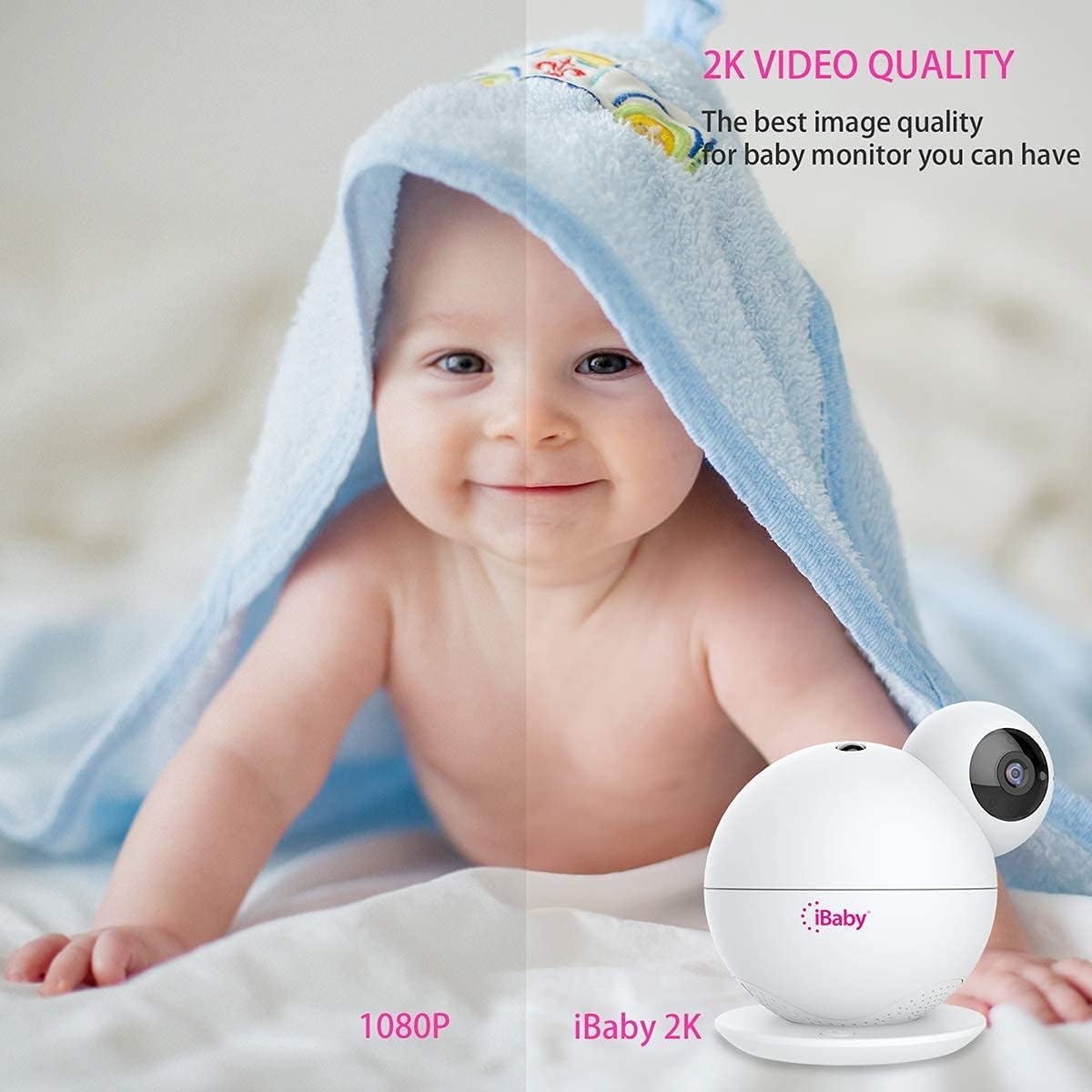
Image: A visual comparison highlighting the superior 2K video quality of the iBaby M8 monitor compared to 1080P.
5. 설정 가이드
5.1 초기 설정
- 전원 켜기: Connect the provided power adapter to the iBaby M8 monitor and plug it into a power outlet. The monitor will take approximately one minute to power on.
- 앱 다운로드: Download the 'iBaby Care' app from the Apple App Store or Google Play Store on your smartphone.
- Wi-Fi에 연결: Ensure your mobile device is connected to a 2.4GHz or 5GHz Wi-Fi network.
- Open App & Select Monitor: Open the iBaby Care app, select 'iBaby M8' from the installation list, and follow the on-screen prompts.
- Wi-Fi 비밀번호를 입력하세요: 메시지가 표시되면 Wi-Fi 네트워크 비밀번호를 입력하세요.
- QR 코드 스캔: The app will generate a QR code. Hold your smartphone screen in front of the iBaby M8 camera lens (approximately 6-8 inches away) until you hear a confirmation sound indicating the QR code has been scanned successfully.
- 편성: The monitor will then connect to your Wi-Fi network. This process may take a few moments. Once connected, you can begin using your iBaby M8 monitor.
Video: A step-by-step guide on how to install and set up the iBaby M8 monitor using the iBaby Care app.
5.2 장착 옵션
The iBaby M8 comes with a wall mount kit for flexible placement. You can place the monitor on a flat surface or mount it to a wall for an optimal view 보육원의.

Image: The iBaby M8 monitor shown with its included wall mount kit, illustrating various mounting possibilities.
6. 사용 설명서
6.1 라이브 View 및 카메라 제어
- Open the iBaby Care app on your smartphone to access the live video feed.
- Use the on-screen controls to pan (move horizontally), tilt (move vertically), and digitally zoom the camera to get the desired view.
6.2 양방향 대화
- Tap the microphone icon in the app to speak through the monitor to your baby or a caregiver in the room.
- The monitor's built-in speaker will transmit your voice.

Image: A baby in a crib with a speech bubble, illustrating the two-way audio communication feature of the iBaby M8 monitor.
6.3 Moonlight Projector & Sound Machine
- Activate the moonlight projector feature via the app to display soothing images on the nursery ceiling.
- Access the sound machine feature in the app to play lullabies, white noise, or other calming sounds.

Image: A sleeping baby in a crib with the iBaby M8 monitor nearby, indicating the sound machine feature playing lullabies.
6.4 알림 및 통지
- The iBaby M8 can send alerts for crying, motion detection, and changes in room temperature or humidity.
- Configure alert settings within the iBaby Care app to receive notifications on your smartphone, even when the screen is off.

Image: A crying baby in a crib with the iBaby M8 monitor and a smartphone displaying a crying alert notification.
7. 유지관리
- 청소: Use a soft, dry cloth to clean the monitor's surface. Do not use liquid or aerosol cleaners.
- 렌즈 관리: 선명한 화질을 유지하려면 극세사 천으로 카메라 렌즈를 부드럽게 닦아주세요.
- 저장: If storing the monitor for an extended period, ensure it is clean, dry, and stored in a safe place away from extreme temperatures.
8. 문제 해결
8.1 일반적인 문제 및 해결 방법
| 문제 | 가능한 해결책 |
|---|---|
| Monitor not connecting to Wi-Fi | Ensure your Wi-Fi network is 2.4GHz or 5GHz. Check your Wi-Fi password. Restart your router and the monitor. Make sure the monitor is within range of your Wi-Fi router. |
| 비디오 품질이 좋지 않음 | Check your internet connection speed. Ensure the camera lens is clean. Adjust the camera's position for better lighting. |
| 모니터에서 오디오가 나오지 않습니다 | Check the volume settings in the app. Ensure your phone's volume is up. Restart the app and the monitor. |
| Alerts not working | Verify alert settings in the iBaby Care app. Ensure app notifications are enabled on your smartphone. Check the monitor's sensitivity settings. |
If you encounter persistent issues, please refer to the support section for further assistance.
9. 사양
| 특징 | 세부 사항 |
|---|---|
| 모델 | M8 |
| 비디오 해상도 | 2K (2 times higher HD than 1080P) |
| 팬 각도 | 355° |
| 기울기 각도 | 110° |
| 연결성 | 2.4GHz 및 5GHz Wi-Fi |
| 양방향 대화 | 예 |
| Moonlight Projector | 예 |
| 음향 기기 | 1000+ lullabies and white noise |
| 알림 | Crying, Motion, Temperature, Humidity |
| 재료 | 플라스틱 |
| 색상 | 하얀색 |
| 배터리 | Built-in, non-replaceable |
| 스마트 홈 호환성 | 예 |
10. 보증 및 지원
iBaby is committed to providing quality products and excellent customer service. If you have any questions or encounter issues with your iBaby M8 monitor, our support team is ready to assist you.
- 보증: Please refer to the product packaging or the official iBaby web자세한 보증 정보는 사이트를 참조하십시오.
- 보고: iBaby supports a no-questions-asked return within 30 days if the product fails to satisfy you.
- 지원팀에 문의: For technical assistance or customer service, visit the official iBaby web대지: www.ibabylabs.com.