
소개
This manual provides essential information for the safe and efficient operation of your MEDION P64145 All-in-One Audio System. Please read it thoroughly before using the device and keep it for future reference.
중요한 안전 정보
화재, 감전 및 부상 위험을 줄이기 위해 본 제품 사용 시 항상 기본적인 안전 수칙을 준수하십시오. 나중에 참조할 수 있도록 본 설명서를 잘 보관하십시오.
- 장치를 비나 습기에 노출시키지 마십시오.
- 통풍구를 막지 마십시오.
- 제조사가 지정한 부속품/액세서리만 사용하세요.
- 모든 서비스는 자격을 갖춘 서비스 담당자에게 의뢰하세요.
패키지 내용
포장을 풀 때 모든 품목이 모두 들어 있고 양호한 상태인지 확인하세요.
- MEDION Life MD44125 P64145 AiO Audio System
- 리모콘(배터리 포함)
- 전원 코드
- 사용자 설명서
설정
1. 풀기 및 배치
Carefully remove the audio system from its packaging. Place the unit on a stable, flat surface away from direct sunlight, heat sources, and excessive dust or moisture. Ensure adequate ventilation around the unit.
2. Connecting the Power and Antenna
Connect the provided power cord to the AC IN socket on the rear of the audio system, then plug the other end into a wall outlet. Extend the telescopic antenna on the rear of the unit for optimal FM and DAB+ radio reception. Adjust its position for the best signal quality.
영상: 뒤쪽 view of the MEDION P64145 audio system with the power cord connected and the telescopic antenna extended. This image demonstrates how to properly connect power and set up the antenna for improved radio signal reception.
3. 리모컨 배터리 설치
Open the battery compartment on the remote control and insert the provided battery, observing the correct polarity.
작동 지침
1. 전원 켜기/끄기
를 누르세요 힘 본체 또는 리모컨의 버튼을 눌러 시스템을 켜거나 끄십시오.
2. 소스 선택
를 누르세요 원천 button repeatedly to cycle through available input sources: DAB+, FM, CD, USB, Bluetooth, AUX-in.
3. DAB+ 라디오 운영
- DAB+ 모드를 선택하세요.
- 시스템이 자동으로 사용 가능한 DAB+ 방송국을 검색합니다.
- 사용하세요 조정 +/- 버튼이나 회전식 노브를 사용하여 방송국을 탐색할 수 있습니다.
- 누르다 OK 방송국을 선택합니다.
- To save a station, press and hold a preset number button (1-30).
동영상: This video demonstrates selecting DAB+ radio, adjusting volume, and other functions on a similar MEDION micro audio system. It illustrates the user interface and controls for various audio modes.
4. FM 라디오 작동
- FM 모드를 선택하세요.
- 사용하세요 조정 +/- buttons to manually tune or press and hold to auto-scan for the next available station.
- To save a station, press and hold a preset number button (1-30).
5. CD 재생
- CD 모드를 선택합니다.
- Insert a CD (audio CD or MP3 CD) into the CD slot.
- The system will automatically begin playback.
- 사용 재생/일시정지, 멈추다, 건너뛰기 +/- 제어를 위한 버튼.
영상: 앞쪽 view of the audio system highlighting the integrated CD player. This image shows where to insert CDs for playback.
6. USB 재생
- MP3가 포함된 USB 플래시 드라이브 삽입 fileUSB 포트에 s.
- USB 모드를 선택합니다.
- 탐색 버튼을 사용하여 트랙을 찾아 선택하세요.
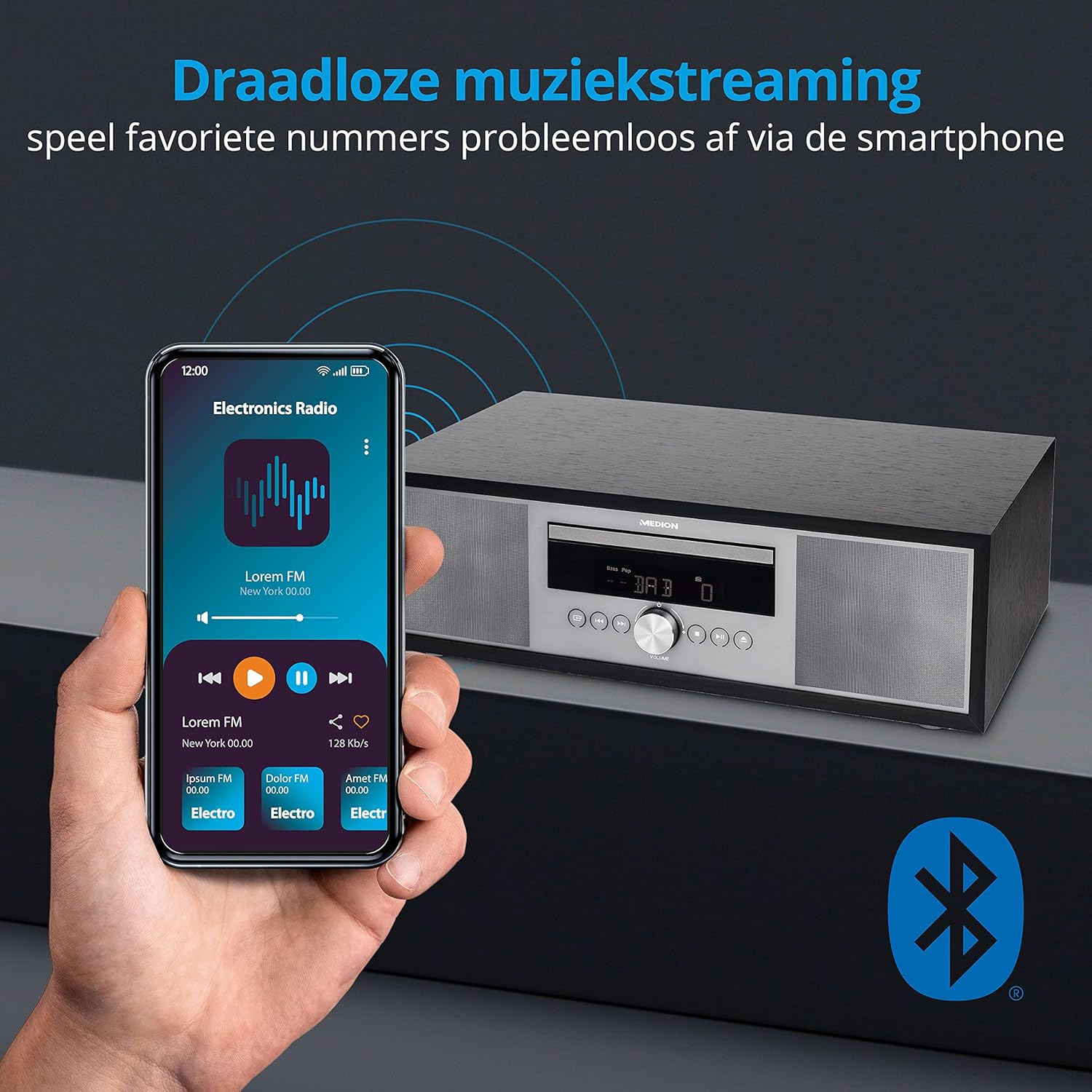
7. 블루투스 스트리밍
- Select Bluetooth mode. The display will show "Pairing".
- On your smartphone or tablet, enable Bluetooth and search for "MEDION P64145".
- 페어링할 기기를 선택하세요. 연결되면 무선으로 오디오를 스트리밍할 수 있습니다.

영상: A smartphone displaying a music app connected via Bluetooth to the MEDION audio system. This image demonstrates wireless music streaming capability.
8. AUX 입력 연결
Connect an external audio device (e.g., MP3 player) to the AUX-in port using a 3.5mm audio cable. Select AUX-in mode to play audio from the connected device.
9. Alarm and Sleep Timer
The system features an alarm function (wake via radio, alarm sound, CD, or USB) and a sleep timer. Refer to the detailed instructions in the full user manual for setting these features.
10. 사운드 설정
사운드 프로 조정file using the equalizer settings. The system offers five selectable sound settings (Pop, Rock, Jazz, Classic, Flat) to optimize your listening experience.

영상: Icons representing different sound equalizer presets (Pop, Rock, Jazz, Classic, Flat) available on the audio system. This image highlights the customizable sound options.
유지
- 청소: Use a soft, dry cloth to clean the unit. Do not use liquid cleaners or aerosol sprays.
- CD 관리: CD는 가장자리를 잡고 다루세요. 깨끗하게 유지하고 흠집이 나지 않도록 하세요.
- 저장: 장기간 사용하지 않을 경우, 제품의 전원을 뽑고 서늘하고 건조한 곳에 보관하십시오.
문제 해결
| 문제 | 가능한 원인 | 해결책 |
|---|---|---|
| 전원이 없습니다 | Power cord not connected properly; Power outlet not working. | 전원 코드 연결 상태를 확인하십시오. 다른 콘센트에 연결해 보십시오. |
| 소리가 나지 않습니다 | 볼륨이 너무 낮음; 음소거 기능이 활성화됨; 잘못된 소스가 선택됨. | Increase volume; Deactivate mute; Select correct source. |
| 라디오 수신 불량 | 안테나가 확장되지 않았거나 올바른 위치에 있지 않음. 간섭이 발생합니다. | Extend and adjust antenna; Move unit away from other electronic devices. |
| 블루투스 페어링 문제 | Device not in pairing mode; Bluetooth disabled on external device. | Ensure system is in Bluetooth pairing mode; Enable Bluetooth on external device and retry pairing. |
명세서
- 모델: MEDION P64145 (MD44125)
- 오디오 출력 전력: 15와트
- 라디오 튜너: DAB+, PLL-FM Stereo (30 presets each)
- CD 플레이어: Supports Audio CD, MP3-CD
- 연결성: 블루투스, USB, AUX-in
- 특별 기능: Alarm function, Sleep timer, Color display
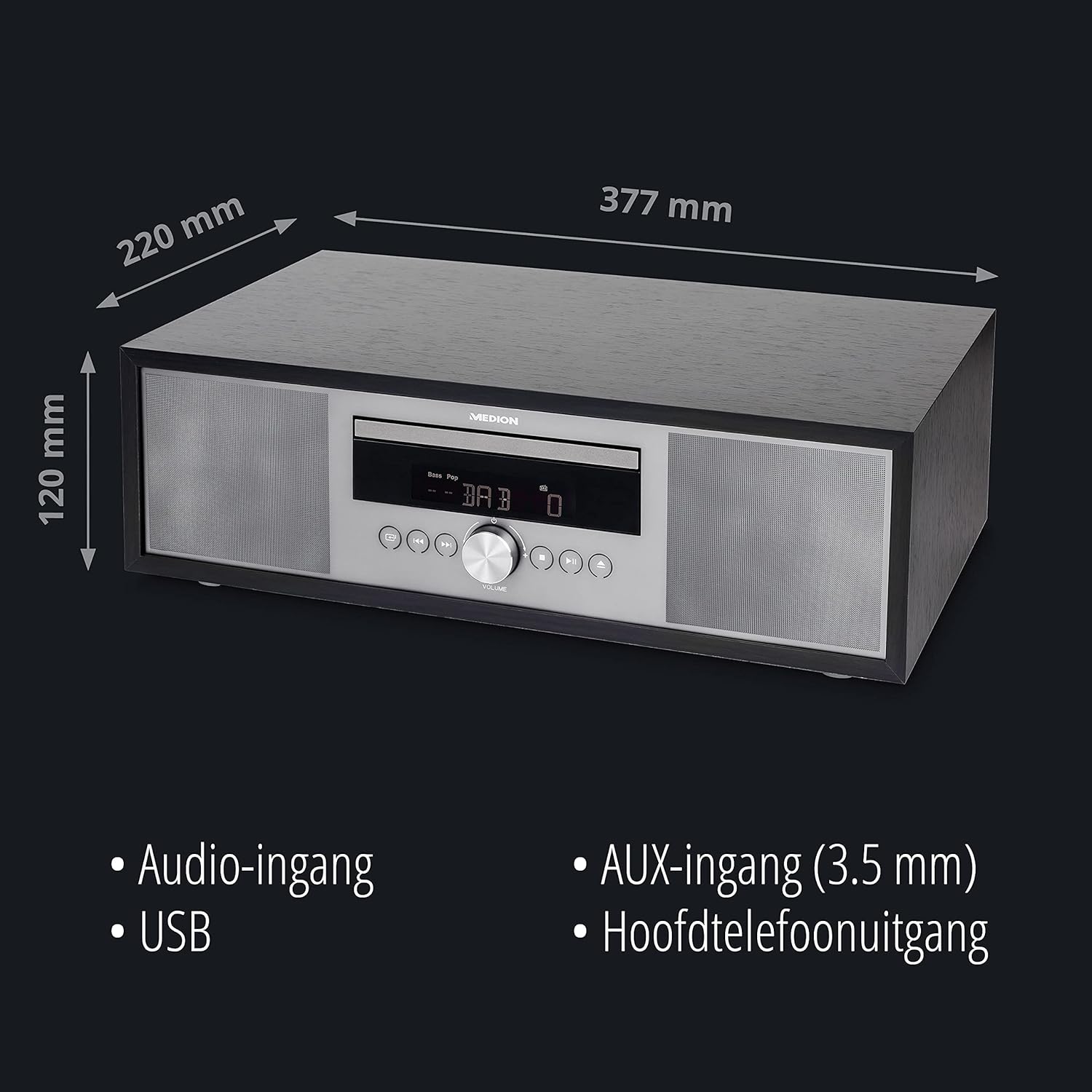
- 치수(대략): 41.8 x 27.3 x 15.5cm
- 무게(대략): 3.95kg

영상: The MEDION P64145 audio system with its dimensions indicated. This image provides a visual representation of the product's size.
보증 및 지원
For warranty information, technical support, or service inquiries, please refer to the warranty card included in your package or visit the official MEDION web사이트. 보증 청구를 위해 구매 증빙 자료를 보관하세요.