
소개
This manual provides essential information for the proper use and care of your ProCase Smart Case. Designed to protect your iPad Air while enhancing its functionality, this case offers a slim profile, robust protection, and versatile viewing options. Please read these instructions carefully to ensure optimal performance and longevity of your product.
호환성
The ProCase Smart Case is specifically designed to fit the following iPad Air models:
- iPad Air 11-inch M4 (2026, Models A3460/A3463)
- iPad Air 11-inch M3 (2025, Models A3266/A3267/A3270)
- iPad Air 11-inch M2 (2024, Models A2902/A2903/A2904)
- iPad Air 5th Generation 10.9-inch (2022, Models A2588/A2589/A2591)
- iPad Air 4th Generation 10.9-inch (2020, Models A2072/A2316/A2324/A2325)
메모: 이 사건은 아니다 compatible with iPad A16/10th Gen (2025/2022) or any other iPad models. To confirm your iPad model number, navigate to 설정 > 일반 > 정보 귀하의 기기에서.

Figure 1: Compatibility chart and location of iPad model number.
주요 특징
- Slim Protective Hard Back Design: Features a lightweight hard PC back shell combined with a premium PU exterior. This design protects your iPad Air against daily drops, bumps, shocks, and scratches while maintaining a slim, lightweight, and travel-friendly profile.
- Clear Frosted Back: The translucent matte back cover allows the Apple logo to be visible while preventing fingerprints, smudges, and scratches. This design adds style without adding bulk.
- Apple Pencil 지원: Built-in magnets support magnetic attachment and wireless charging for Apple Pencil Pro, 2nd Generation, and USB-C Pencil.
- 자동 절전/절전 해제 기능: The smart magnetic cover automatically wakes your iPad when opened and puts it to sleep when closed, helping to extend battery life.
- Tri-Fold Stand with Two View각도: The magnetic front cover folds into stable viewing and typing positions, ideal for watching videos, reading, or working.
- 정확한 컷아웃: Ensures full access to the camera, speakers, ports, and Touch ID without needing to remove the case.
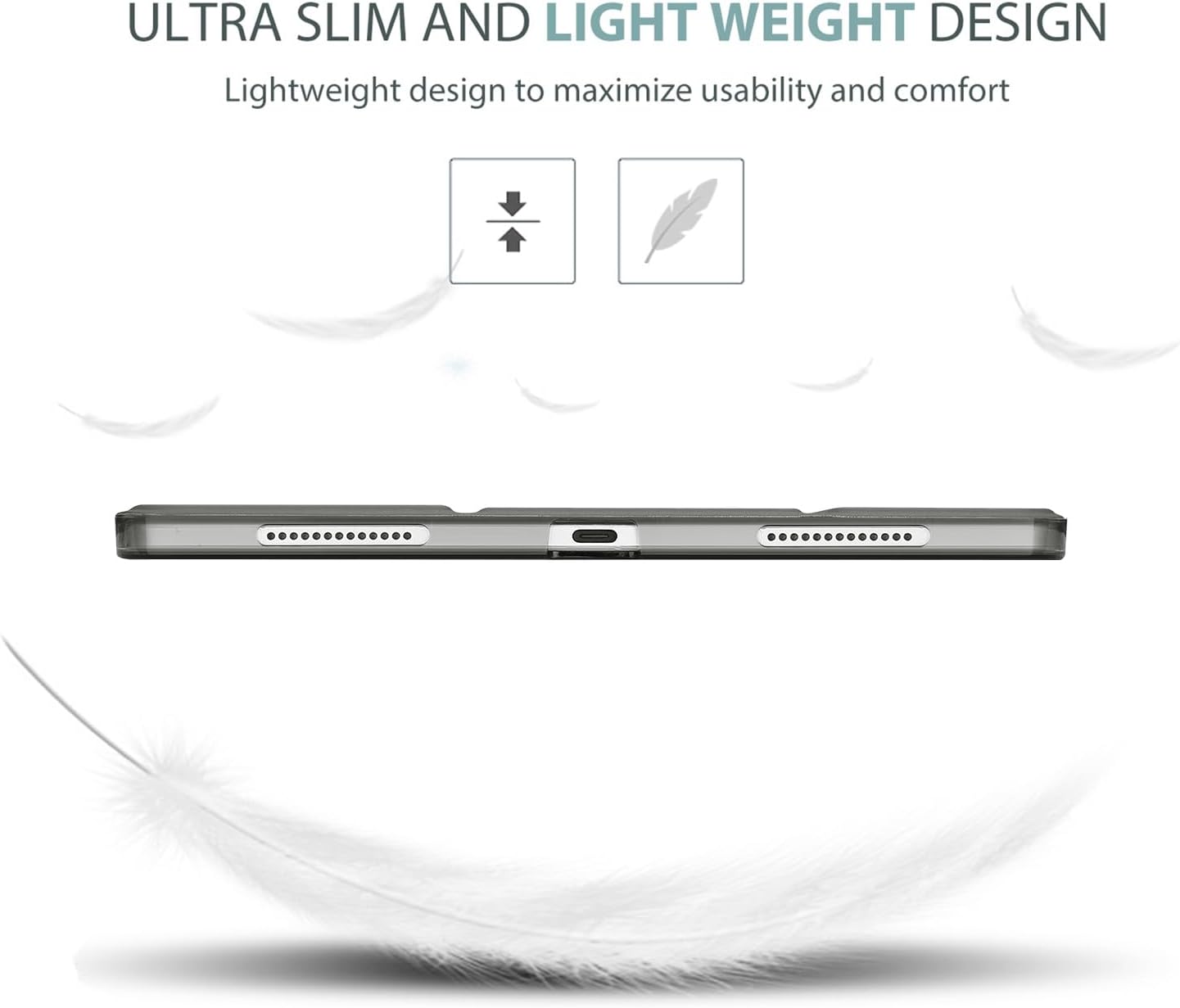
Figure 2: Ultra-slim and lightweight design for enhanced portability.

Figure 3: Translucent cover design showcasing the iPad's original aesthetic while offering protection.
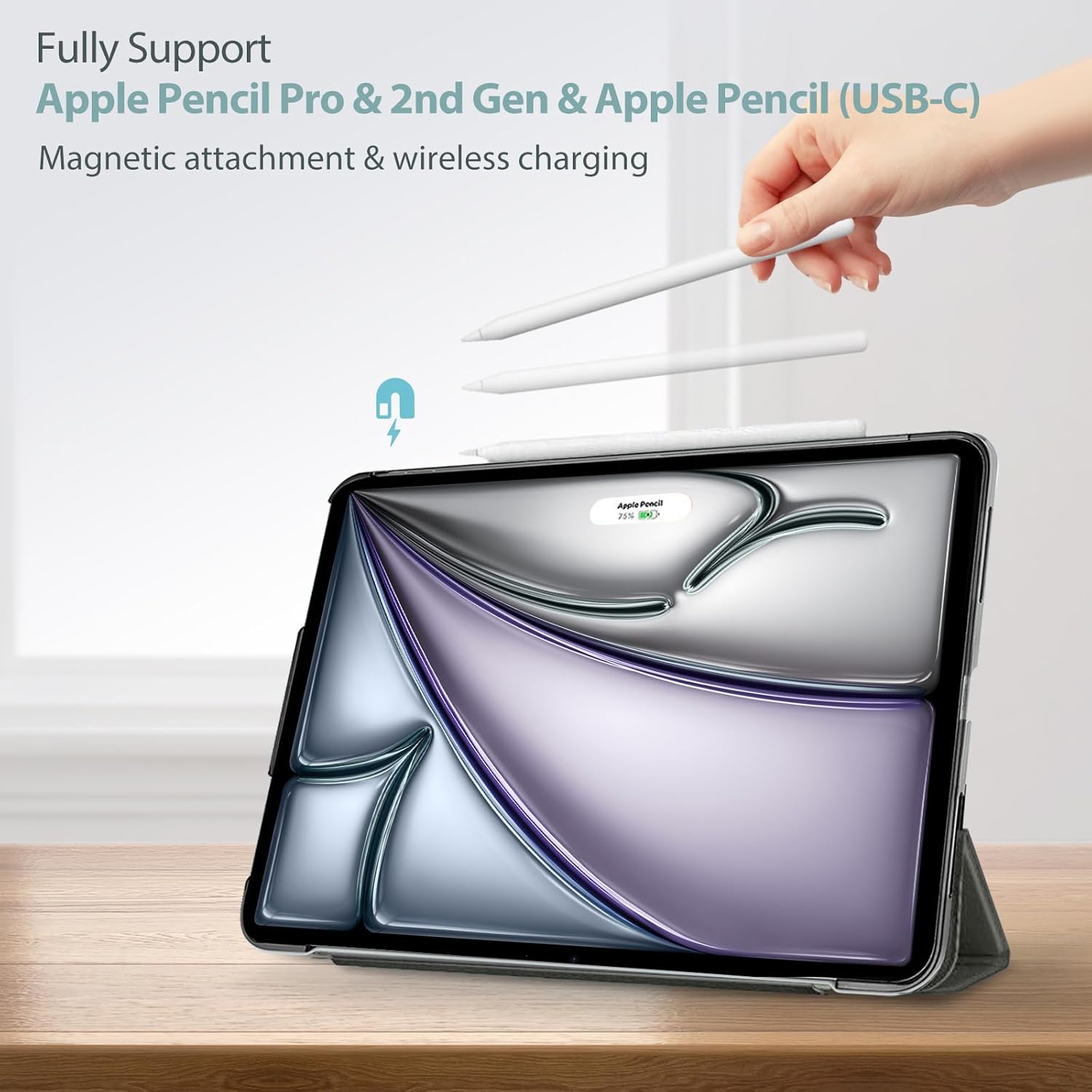
Figure 4: Full support for Apple Pencil magnetic attachment and wireless charging.
설치 가이드
Follow these steps to properly install your iPad Air into the ProCase Smart Case:
- Ensure your iPad Air is clean and free of dust or debris.
- Align the iPad with the hard back shell of the case, making sure the camera cutout and port openings match.
- Gently press the iPad into the case, starting from one corner and working your way around until all edges are securely snapped into place.
- Verify that all buttons, ports, and the camera are accessible and unobstructed.

Figure 5: Precise cutouts ensure full access to all iPad features.
Important Note for Touch ID
If your iPad model features Touch ID, please complete the Touch ID settings and fingerprint registration 이전의 to assembling the case. This ensures proper functionality of the Touch ID sensor once the case is installed.
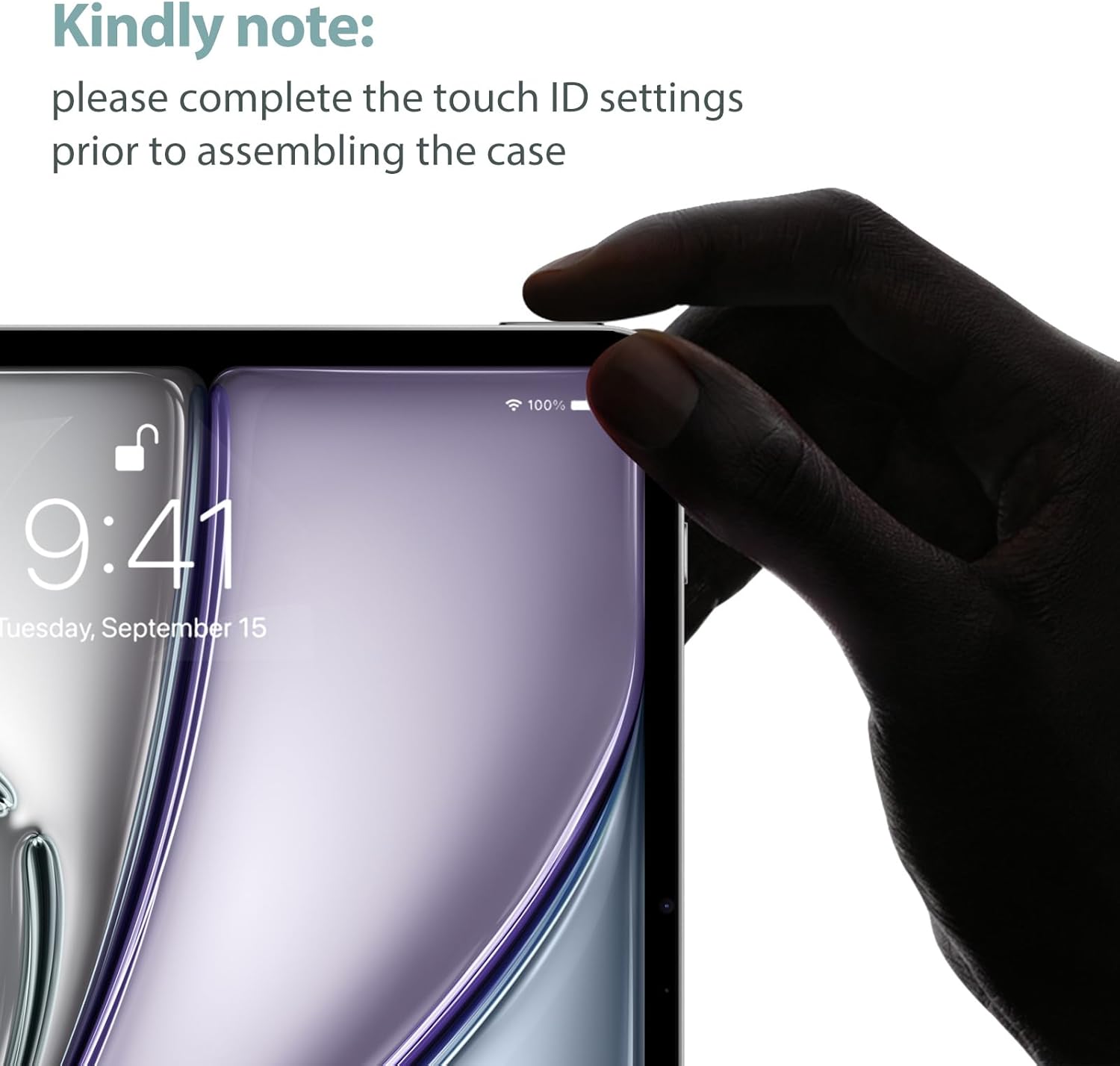
Figure 6: Reminder to set up Touch ID before installing the case.
작동 지침
3단 접이식 스탠드 사용하기
The magnetic front cover can be folded into two stable positions to provide different view잉 각도:
- View각도(65°): Fold the front cover into a triangular stand to prop up your iPad for comfortable video watching or presentations.
- Typing Angle (30°): Fold the front cover into a lower triangular stand for an ergonomic typing or drawing experience.

Figure 7: Tri-fold stand offering two stable view입력 및 타이핑 각도.
자동 절전/절전 해제 기능
The case features a magnetic sensor that interacts with your iPad. Simply open the front cover to automatically wake your iPad, and close it to put your iPad to sleep. This feature helps conserve battery power.

Figure 8: Auto Sleep/Wake functionality for convenient power management.
제품 끝view 동영상
비디오 1: 포괄적인view of the ProCase Smart Case, demonstrating its features including anti-scratch properties, translucent back, auto sleep/wake, precise cutouts, Apple Pencil support, and the versatile tri-fold stand for various view입력 및 타이핑 각도.
관리 및 유지 보수
To keep your ProCase Smart Case in optimal condition:
- 청소: 부드러운 천으로 외부를 닦아주세요.amp 깨끗한 천을 사용하세요. 잘 지워지지 않는 얼룩은 순한 비눗물에 적신 후 깨끗한 천으로 닦아내면 됩니다.amp 천으로 닦고 자연 건조하세요. 강한 화학 약품이나 연마성 세척제는 사용하지 마세요.
- 극한의 환경을 피하세요: 케이스를 극한 온도, 장시간 직사광선 또는 과도한 습기에 노출시키지 마십시오.
- 조심스럽게 다루십시오: While the case offers protection, avoid unnecessary drops or impacts to prolong its lifespan.
문제 해결
- 케이스가 맞지 않습니다: Double-check your iPad model number against the compatibility list in this manual (Settings > General > About). Ensure you have the correct case size for your specific iPad Air generation.
- 자동 절전/깨우기가 작동하지 않음: Verify that the iPad is correctly seated in the case and that the magnetic cover is fully closing. Ensure the 'Lock/Unlock' feature is enabled in your iPad settings (Settings > Display & Brightness > Lock/Unlock).
- Apple Pencil Not Charging/Attaching: Ensure your Apple Pencil is compatible with your iPad model and that the case's magnetic strip is clean and unobstructed. Re-seat the iPad in the case to ensure proper alignment.
- 케이스가 헐렁한 느낌입니다. Remove the iPad from the case and re-install it, ensuring all corners and edges snap firmly into place. If the issue persists, verify compatibility.
제품 사양
| 특징 | 세부 사항 |
|---|---|
| 상표 | 프로케이스 |
| 제조업체 | 프로케이스 |
| 제품 치수 | 9.8 x 7.17 x 0.39 인치 |
| 품목 무게 | 2.8 온스 |
| 색상 | 회색 |
| 폼 팩터 | 케이스, 커버 |
| 쉘 유형 | 딱딱한 |
| 특별 기능 | Lightweight, Auto Sleep/Wake, Tri-Fold Stand, Apple Pencil Support |
보증 및 지원
Specific warranty details for the ProCase Smart Case are not provided in the product information. For warranty claims, technical support, or further inquiries, please refer to the official ProCase web사이트에서 확인하거나 고객 서비스에 직접 문의하세요. 구매 증빙 자료로 구매 영수증을 보관하세요.