
소개
Thank you for choosing the MEDION E11909 (MD 20059) 19-inch HD TV. This television features an integrated DVD player, a 12V car adapter for mobile use, and a triple tuner for receiving cable, satellite, or DVB-T2 HD signals. This manual provides essential information for the safe and efficient use of your new device. Please read it thoroughly before operation and keep it for future reference.
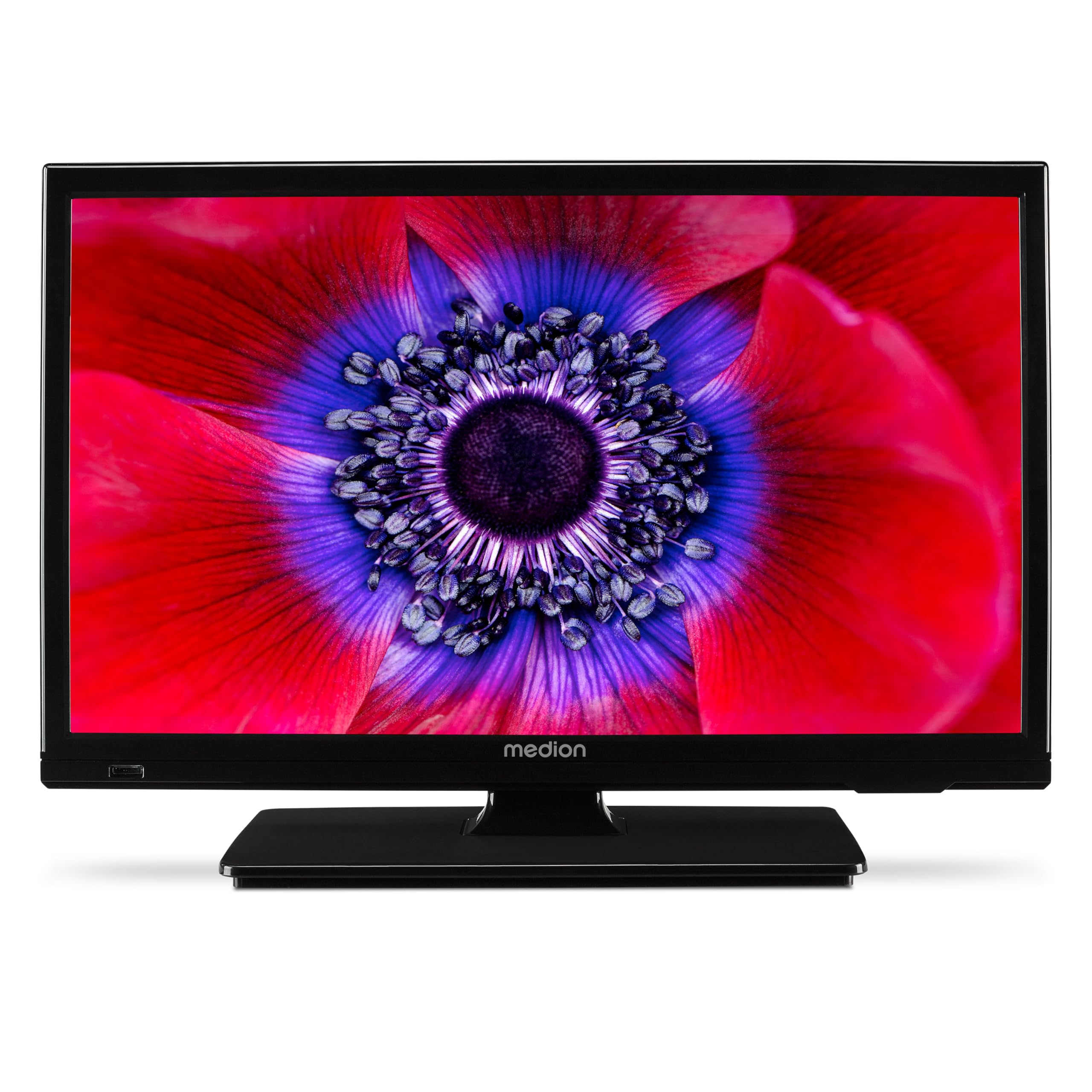
그림 1: MEDION E11909 19-inch HD TV. This image shows the front view of the television, highlighting its compact design suitable for various environments.
안전 정보
Please observe the following safety instructions to prevent damage to the device or injury to yourself:
- TV를 비나 습기에 노출시키지 마세요.
- 적절한 환기를 확보하세요. 환기구를 막지 마세요.
- 기기와 함께 제공된 전원 어댑터만 사용하세요.
- TV를 열지 마세요asing; 모든 서비스는 자격을 갖춘 인력에게 의뢰하세요.
- TV를 열원과 직사광선으로부터 멀리 두세요.
- When using the 12V car adapter, ensure the vehicle's power outlet is clean and provides stable power.
패키지 내용
패키지에 모든 품목이 들어 있는지 확인하세요.
- MEDION E11909 MD20059 LCD TV
- AAA 배터리가 필요한 리모컨
- 외부 전원 어댑터
- Car adapter (12V)
- DVB-T 안테나
- AV 어댑터
- 나사로 스탠드
- 사용자 설명서
- 보증서
설정
1. 스탠드 부착
- TV 화면을 아래로 향하게 하여 부드럽고 깨끗한 표면에 조심스럽게 놓으세요.
- 스탠드를 TV 바닥의 장착 구멍에 맞춰 정렬하세요.
- 제공된 나사를 사용하여 스탠드를 고정하세요.
2. 전원 연결하기
- 가정용: Connect the external power adapter to the TV's DC IN port and then plug it into a standard wall outlet.
- For Mobile Use (Car/Caravan): Connect the 12V car adapter to the TV's DC IN port and then plug it into your vehicle's 12V DC power socket.
3. Connecting Antennas and External Devices
Refer to the connection diagram below for port locations.

그림 2: Rear panel connections. This image illustrates the various input and output ports on the back of the television, including HDMI, USB, SCART, VGA, AV In, YPbPr, PC Audio In, Headphone Jack, Digital Audio Out, and the 12V DC power input.
- 안테나/케이블: Connect your DVB-T antenna (included), cable, or satellite dish to the appropriate RF IN port.
- HDMI 장치: Connect devices like Blu-ray players or game consoles to the HDMI ports.
- USB 장치: 미디어 재생을 위해 USB 드라이브를 USB 포트에 삽입합니다.
- Older Devices: Use the SCART, VGA, or AV IN ports for older equipment.
4. 초기 설정
After connecting power and turning on the TV for the first time, an initial setup wizard will guide you through language selection, country, and channel scanning. Follow the on-screen instructions.
운영
1. 전원 켜기/끄기
를 누르세요 힘 리모컨이나 TV에 있는 버튼을 눌러 기기를 켜거나 끌 수 있습니다.
2. 원격 제어 기능
The remote control allows you to navigate menus, change channels, adjust volume, and select input sources. Refer to the remote control diagram in your separate warranty booklet for specific button functions.
3. Channel Selection and Volume
- 사용하세요 채널+/- 채널을 변경하는 버튼입니다.
- 사용하세요 볼륨+/- 볼륨을 조절하는 버튼.
4. 입력 소스 선택
를 누르세요 원천 button on the remote control to cycle through available input sources (TV, HDMI1, HDMI2, AV, USB, DVD).
5. Using the Integrated DVD Player
- Insert a DVD disc into the disc slot on the side of the TV.
- TV가 자동으로 DVD 모드로 전환되어야 합니다. 만약 전환되지 않으면, 버튼을 누르세요. 원천 button and select DVD.
- 리모컨의 재생 버튼을 사용하세요(재생, 일시 정지, 정지, 빨리 감기, 되감기DVD 재생을 제어하기 위해.

그림 3: TV with integrated DVD player. This image shows the television screen displaying high-definition content, with a DVD disc partially visible, indicating the integrated DVD player functionality.
6. Using the Media Player (USB)
- USB 저장장치를 USB 포트에 삽입합니다.
- 를 누르세요 원천 button and select USB.
- 탐색하세요 files (photos, music, videos) using the remote control and press OK 놀다.

그림 4: Easy playback of photos, videos, and more. This image highlights the USB port on the TV's side and icons representing music, photos, and video files, indicating the TV's multimedia playback capabilities.
유지
1. 화면 청소
부드럽고 보풀이 없는 천으로 화면을 부드럽게 닦으세요. 잘 지워지지 않는 얼룩은 가볍게 닦아주세요.amp천에 물이나 특수 화면 세척제를 묻혀 닦으세요. 화면에 직접 액체를 뿌리지 마세요.
2. 장치 청소
TV를 닦으세요asin부드럽고 마른 천으로 닦아주세요. 연마성 세제나 용제는 사용하지 마세요.
3. 보관
TV를 장기간 보관할 경우 전원을 차단하고 리모컨에서 배터리를 제거한 후 서늘하고 건조한 곳에, 가능하면 원래 포장 상태로 보관하십시오.
문제 해결
If you encounter problems with your TV, please refer to the following common issues and solutions:
- 전원 없음:
- Check if the power adapter is securely connected to both the TV and the power outlet.
- 전원 콘센트가 제대로 작동하는지 확인하십시오. - 화면/소리 없음:
- Verify that the correct input source is selected (e.g., HDMI1, TV, DVD).
- Check all cable connections (antenna, HDMI, AV).
- Perform a channel scan if using TV mode. - DVD가 재생되지 않습니다.
- Ensure the disc is inserted correctly with the label facing up.
- Check if the disc is clean and free from scratches.
- Try a different DVD to rule out disc issues. - 원격 제어가 작동하지 않음:
- Replace the batteries (AAA).
- 리모컨과 TV의 적외선 센서 사이에 장애물이 없는지 확인하십시오.
이러한 해결 방법을 시도한 후에도 문제가 지속되면 고객 지원팀에 문의하세요.
명세서
- 상표: MEDION
- 모델: E11909 (MD 20059)
- 화면 크기: 18.5 인치 (47cm)
- 디스플레이 기술: LED-LCD
- 해결: 768p(HD)
- 새로 고침 빈도: 60Hz
- 종횡비: 1.77시 1분
- 연결 기술 : HDMI, USB
- 특별 기능: Built-in DVD player, 12V Car Adapter, Triple Tuner for HD reception (Cable, Satellite, DVB-T2)
- 포함된 구성 요소: LCD TV (MD 20059)
- 제품 크기: 16D x 44W x 31Hcm
- 오디오 출력: 2 x 3 W RMS Stereo Speakers
보증 및 지원
Your MEDION E11909 (MD 20059) TV comes with a manufacturer's warranty. Please refer to the included warranty booklet for detailed terms and conditions, including the warranty period and coverage.
For technical support, service, or further inquiries, please visit the official MEDION website or contact their customer service department. Contact information can typically be found in your warranty booklet or on the MEDION support page.