
1. 서론
The TP-Link RE605X is an AX1800 Dual Band Wi-Fi 6 Range Extender designed to expand your existing Wi-Fi network coverage. It eliminates Wi-Fi dead zones and provides faster speeds, greater capacity, and reduced network congestion using the latest Wi-Fi 6 technology. This manual provides instructions for setting up, operating, and troubleshooting your RE605X.

Figure 1: TP-Link RE605X AX1800 Wi-Fi 6 Range Extender
2. 주요 특징
- Faster Wi-Fi 6 Speed: Equipped with Wi-Fi 6 technology for speeds up to 1201 Mbps on the 5GHz band and 574 Mbps on the 2.4GHz band.
- 듀얼 밴드: Operates on both 2.4GHz and 5GHz frequencies simultaneously.
- OneMesh 호환: Creates a seamless Mesh network when connected to a OneMesh router for whole-home coverage.
- 기가비트 이더넷 포트: Provides a fast-wired connection for devices like smart TVs, computers, and gaming consoles.
- 지능형 신호등: Helps determine the optimal placement for the extender by indicating signal strength.
- 액세스 포인트(AP) 모드: Transforms a wired internet connection into a dual-band wireless access point.
- TP-Link 테더 앱: Allows easy setup and management of your network from iOS or Android mobile devices.
- 최고의 호환성: Extends the range of any standard Wi-Fi router or wireless access point.
3. 설정
There are two primary methods to set up your RE605X range extender: using the WPS button or via the TP-Link Tether app.
3.1. WPS Button Setup (Recommended for quick setup)
- 확장기를 라우터 근처의 전기 콘센트에 연결하세요.
- 연장 장치의 전원 LED가 파란색으로 계속 켜질 때까지 기다리세요.
- 라우터의 WPS 버튼을 누르세요.
- Within two minutes, press the WPS button on your RE605X extender.
- 연결에 성공하면 확장기의 신호 LED가 파란색으로 계속 켜져 있어야 합니다. 그렇지 않으면 확장기를 라우터에 더 가까이 놓고 위의 단계를 다시 시도하십시오.

Figure 2: Location of the WPS button on the RE605X
3.2. TP-Link Tether App Setup
The Tether app provides an intuitive way to set up and manage your extender.
- App Store(iOS) 또는 Google Play(Android)에서 TP-Link Tether 앱을 다운로드하세요.
TP-Link Tether 앱 다운로드 - 확장기를 라우터 근처의 전기 콘센트에 연결하세요.
- Open the Tether app and follow the on-screen instructions to connect to your extender and configure it.

Figure 3: TP-Link Tether App for setup and management
4. 익스텐더 작동
4.1. Optimal Placement with Intelligent Signal Light
After initial setup, relocate the extender to a position between your router and the Wi-Fi dead zone. The Intelligent Signal Light helps you find the best spot:
- 솔리드 블루: 좋은 연결입니다.
- 단색 빨간색: 연결 상태가 좋지 않습니다. 확장기를 라우터에 더 가까이 이동하세요.
- 끄다: 연결되지 않음.
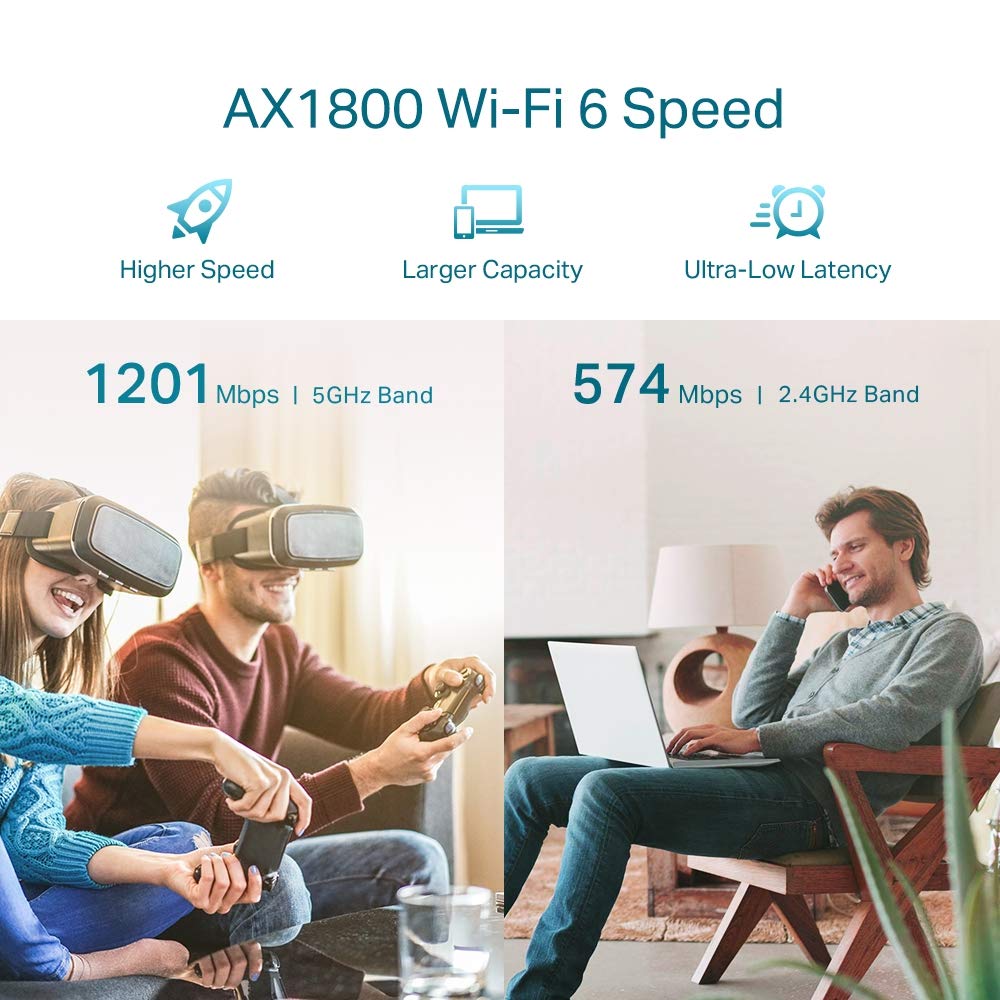
Figure 4: Intelligent Signal Light on RE605X
4.2. 듀얼 밴드 작동
The RE605X extends both 2.4GHz and 5GHz Wi-Fi bands. Devices will automatically connect to the optimal band for performance. The 5GHz band offers higher speeds for demanding tasks like streaming and gaming, while the 2.4GHz band provides broader coverage for general use.

Figure 5: AX1800 Dual Band Wi-Fi 6 Speed Distribution
5. 액세스 포인트(AP) 모드
The RE605X can function as a wireless access point. This mode allows you to convert a wired internet connection into a dual-band Wi-Fi hotspot.
- Connect an Ethernet cable from your router or wall Ethernet port to the Gigabit Ethernet port on the RE605X.
- Configure the extender to AP Mode using the TP-Link Tether app or a web 브라우저.
- The RE605X will then broadcast a new Wi-Fi network, enhancing your wired network with wireless capability.

Figure 6: RE605X operating in Access Point Mode
6. OneMesh 호환성
The RE605X is compatible with TP-Link OneMesh routers, allowing you to create a unified Mesh Wi-Fi network. This provides seamless whole-home coverage with a single Wi-Fi name, eliminating dead zones and ensuring uninterrupted streaming as you move around your home.
Benefits of OneMesh:
- 통합 네트워크: A single Wi-Fi name for your entire home.
- 원활한 로밍: Devices automatically switch to the strongest Wi-Fi signal as you move.
- 간편한 관리: Manage your entire network from the Tether app.

Figure 7: OneMesh network with RE605X and an existing router
7. 유지관리
RE605X의 최적의 성능과 수명을 보장하려면 다음 유지 관리 팁을 고려하세요.
- 펌웨어 업데이트: Tether 앱이나 TP-Link를 통해 펌웨어 업데이트를 정기적으로 확인하고 설치하세요. web최신 기능과 보안 패치를 보장하기 위해 사이트를 방문하세요.
- 청소: 기기를 깨끗하게 유지하고 먼지가 쌓이지 않도록 하십시오. 부드럽고 마른 천을 사용하십시오. 액체 세척제는 사용하지 마십시오.
- 통풍: Ensure the extender is placed in a well-ventilated area and its vents are not obstructed to prevent overheating.
- 전원 주기: If you experience performance issues, try power cycling the extender (unplug it for 10 seconds and then plug it back in).
8. 사양
| 특징 | 세부 사항 |
|---|---|
| 상표 | 티피링크 |
| 모델 번호 | RE605X |
| 무선 통신 표준 | 802.11ax(와이파이 6) |
| 데이터 전송 속도 | AX1800 (1201 Mbps at 5GHz, 574 Mbps at 2.4GHz) |
| 주파수 대역 클래스 | 듀얼 밴드(2.4GHz, 5GHz) |
| 특별 기능 | Access Point Mode, Dual Band, LED Indicator, OneMesh Compatible |
| 커넥터 유형 | RJ45 (Gigabit Ethernet Port) |
| 품목 무게 | 7.76 온스 |
| 품목 치수(D x W x H) | 52D x 34W x 65H 밀리미터 |
| 호환 장치 | Smartphone, PC, Gaming Consoles, Smart TVs |
9. 문제 해결
9.1. 일반적인 문제 및 해결 방법
- Extender not connecting to router:
- Ensure the extender is within range of your router.
- Verify that your router's WPS function is enabled.
- Try setting up using the TP-Link Tether app for more detailed guidance.
- 라우터와 확장기를 모두 재시작하십시오.
- Poor signal strength or slow speeds:
- Relocate the extender closer to your main router, ensuring the Intelligent Signal Light is solid blue.
- 간섭을 일으킬 수 있는 큰 금속 물체, 콘크리트 벽 또는 기타 전자 장치 근처에 연장기를 두지 마십시오.
- 라우터의 펌웨어가 최신인지 확인하세요.
- 확장기에 접근할 수 없습니다 web 관리 페이지:
- 기기가 익스텐더의 Wi-Fi 네트워크에 연결되어 있는지 확인하세요.
- Try using the default access address (e.g., tplinkrepeater.net) or the IP address assigned by your router.
- 브라우저 캐시를 지우거나 다른 브라우저를 사용해 보세요.
9.2. 자주 묻는 질문(FAQ)
- What is a Range Extender?
A range extender, also known as a Wi-Fi signal booster, is a device that wirelessly connects to your router and rebroadcasts its signal to extend Wi-Fi coverage to areas with weak or no signal.
- What does OneMesh do?
OneMesh creates a unified Wi-Fi network by combining a OneMesh router with a OneMesh extender. This eliminates Wi-Fi dead zones and provides seamless roaming with a single network name, ensuring high-speed Wi-Fi throughout your home.
- What is Built-In Access Point Mode?
In Access Point Mode, the RE605X can convert a wired internet connection (from an Ethernet cable) into a high-speed dual-band wireless signal, effectively creating a new Wi-Fi access point.
10. 보증 및 지원
10.1. 보증 정보
The TP-Link RE605X comes with a 3-year Domestic warranty. For warranty service or RMA (Return Merchandise Authorization) confirmation, customers need to contact TP-Link support on the provided toll-free number. After confirmation, the product must be brought to a designated service center.
10.2. 고객 지원
For installation-related queries, compatibility issues, warranty service, or any other general inquiries, please contact TP-Link customer support:
- 무료 전화 번호: 1800 2094 168
- 이메일: support.in@tp-link.com
- 제조업체 주소: TP-Link Technologies Co., Ltd, South Building, No.5 Keyuan Road, Central Zone, Science & Technology Park, Nanshan, Shenzhen, P.R. China
- Importer Address (India): TP-LINK India Private Limited, 녹색 산업 단지, Dongri Pada, Poman, Kaman-Bhiwandi Road, Vasai East, Palghar, Maharashtra – 401208


