
소개
The Picun Elite P80S Wireless Headset provides a high-definition audio experience with multidimensional surround sound, extra bass, and noise reduction. Designed for comfort and versatility, it features both wireless and wired connectivity options, a detachable microphone, and intuitive controls. This manual provides detailed instructions for setup, operation, maintenance, and troubleshooting to ensure optimal performance of your headset.
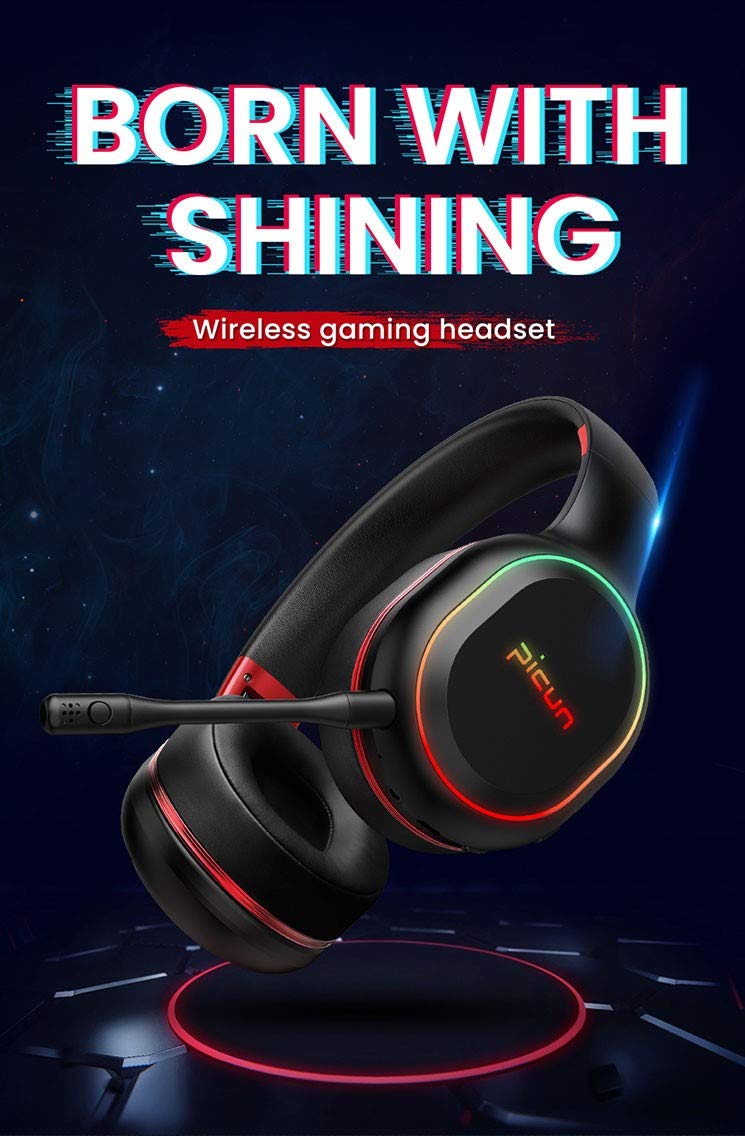
Image: The Picun Elite P80S Wireless Headset, showcasin디자인과 내장 마이크가 특징입니다.
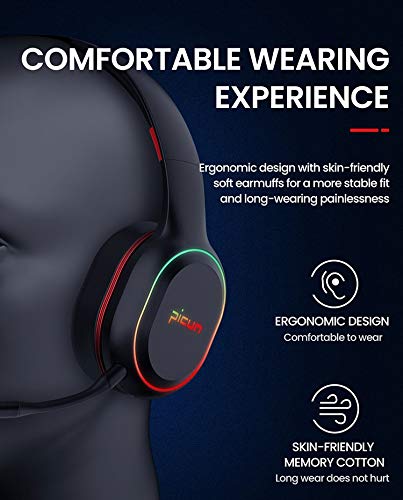
Image: The Picun Elite P80S Headset demonstrating its ergonomic design and comfortable earcups made from skin-friendly memory cotton.
상자 안에 무엇이 들어있나요?
패키지에 모든 품목이 들어 있는지 확인하세요.
- Picun Elite P80S Wireless Headset
- 분리형 마이크
- USB 충전 케이블
- 3.5mm AUX 오디오 케이블
- 사용 설명서 (본 문서)
설정
1. 헤드셋 충전
Before initial use, fully charge the headset. Connect the provided USB charging cable to the headset's charging port and to a compatible USB power source (e.g., computer USB port, USB wall adapter). The LED indicator will show charging status and turn off or change color when fully charged.
A full charge provides approximately 40 hours of game time or 60 hours of music/media playback in wireless mode.
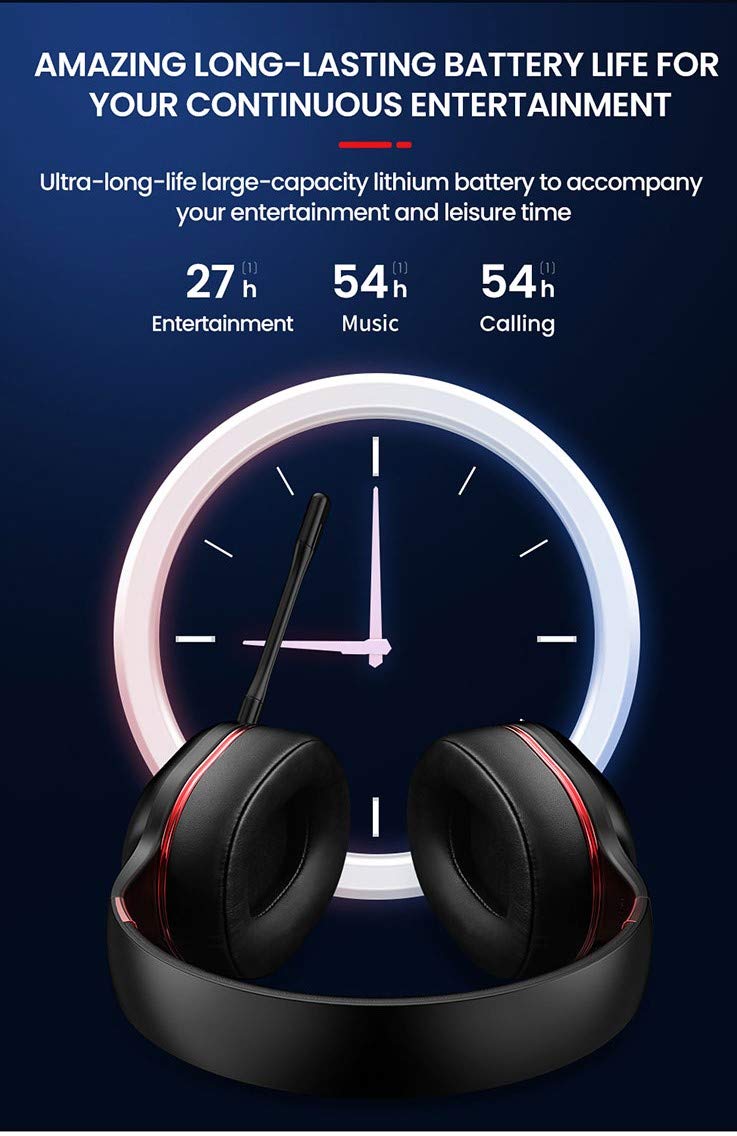
Image: Picun Elite P80S Headset illustrating long battery life for entertainment, music, and calls.
2. 마이크 부착
The professional detachable microphone can be inserted into the designated port on the left earcup. Ensure it is securely connected for clear voice communication. The microphone can be rotated 360 degrees for optimal positioning.
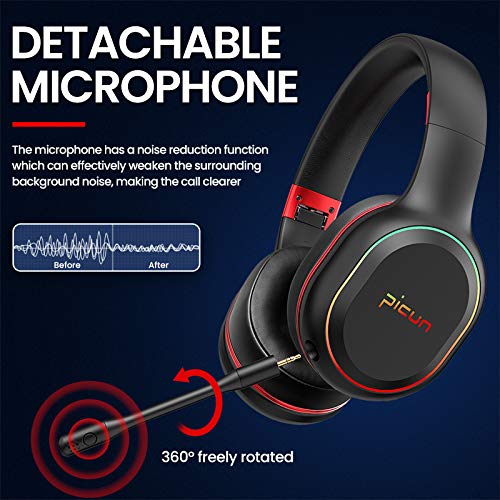
Image: Picun Elite P80S Headset showing the detachable microphone and its 360-degree rotation capability.
작동 지침
1. 전원 켜기/끄기
- 전원 켜기: LED 표시등이 켜질 때까지 약 3초 동안 전원 버튼을 길게 누릅니다.
- 전원 끄기 : LED 표시등이 꺼질 때까지 약 3초 동안 전원 버튼을 길게 누릅니다.
2. 블루투스 페어링 (무선 모드)
After powering on, the headset will automatically enter pairing mode (LED indicator will flash). On your device (smartphone, PC, console), enable Bluetooth and search for "Picun Elite P80S". Select it to connect. A voice prompt will confirm successful pairing. The headset maintains a stable connection up to 10 meters.

Image: Diagram illustrating the stable and instant connection features of the Picun Elite P80S headset, highlighting 10-meter transmission, audio/video synchronization, call stability, and no in-game delay.
3. Wired Mode (AUX Connection)
To use the headset in wired mode, connect the provided 3.5mm AUX audio cable to the headset's AUX port and to your audio source. Wired mode allows for indefinite playback regardless of battery charge. The headset functions as a passive headphone in wired mode.
4. 마이크 사용
- Detachable Pro Microphone: Provides high-definition vocals and effectively reduces ambient noise for clear communication during gaming or calls.
- Inbuilt Microphone: An additional microphone is integrated for general use, ensuring seamless communication even without the detachable mic.
5. 오디오 기능
The Picun Elite P80S provides omnidirectional stereo sound, allowing for an immersive audio experience, especially beneficial for gaming to detect subtle sound cues.
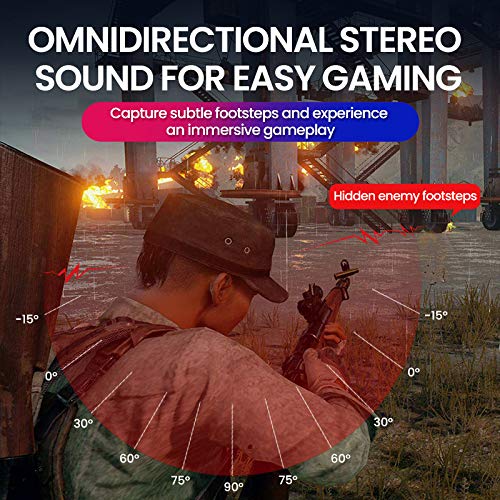
Image: A gaming scenario demonstrating the omnidirectional stereo sound capability, helping users identify sound sources like footsteps from various directions.
6. 미디어 컨트롤
The headset features integrated buttons for easy control:
- 재생/일시 중지: Press the Multi-function button once to play or pause music/videos.
- 전화 받기/종료: Press the Multi-function button once to answer an incoming call, and again to end it.
- 볼륨 조절: 볼륨 높이기(+) 버튼과 볼륨 낮추기(-) 버튼을 사용하여 음량을 조절하세요.
- 다음 / 이전 트랙 : Long press Volume Up (+) for next track, Long press Volume Down (-) for previous track.
7. Dual Shock / Vibration Mode
Activate the Dual Shock / Vibration Mode for an enhanced immersive experience, particularly for deep bass in music and movies, or realistic vibrations during gaming. This mode can be toggled on or off using the dedicated switch on the headset.
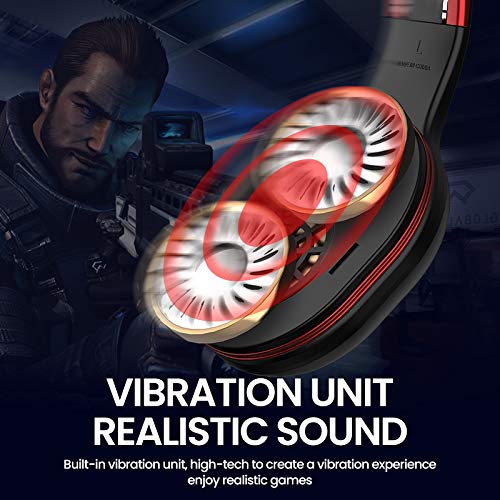
Image: Close-up of the Picun Elite P80S earcup highlighting the built-in vibration unit for realistic sound and gaming experience.
8. LED Light Display
The headset features a gradient colorful breathing light display. To turn the LED lights on or off, press and hold both the Volume Up (+) and Volume Down (-) buttons simultaneously for approximately 3 seconds.

Image: Picun Elite P80S Headset showcasing its gradient colorful breathing light effect, with instructions on how to activate/deactivate it.
유지
- 청소: 부드럽고 마른 천을 사용하여 헤드셋을 닦으세요. 연마성 세제나 용제는 사용하지 마세요.
- 저장: 헤드셋은 직사광선과 극한의 온도를 피해 서늘하고 건조한 곳에 보관하세요. 접이식 디자인으로 컴팩트하게 보관할 수 있습니다.
- 배터리 관리 : 배터리 수명을 연장하려면 헤드셋을 자주 완전히 방전시키지 마세요. 장시간 사용하지 않더라도 정기적으로 충전하세요.
- 케이블 관리: 케이블을 조심스럽게 다루십시오. 손상을 방지하기 위해 급격한 굽힘이나 과도한 당김을 피하십시오.
문제 해결
No Power / Headset Not Turning On
- Ensure the headset is fully charged. Connect it to a power source using the USB charging cable.
- Verify that the power button is pressed and held for the correct duration (approx. 3 seconds).
블루투스로 페어링할 수 없습니다
- Make sure the headset is in pairing mode (LED flashing). If not, power it off and on again.
- Ensure Bluetooth is enabled on your device and it is within 10 meters of the headset.
- Remove "Picun Elite P80S" from your device's Bluetooth list and attempt to pair again.
- 기기 특정 문제를 배제하기 위해 다른 기기와 페어링을 시도해 보세요.
소리가 나지 않음 / 낮은 볼륨
- 헤드셋과 연결된 기기의 볼륨 레벨을 확인하세요.
- If in wired mode, ensure the 3.5mm AUX cable is fully inserted into both the headset and the audio source.
- If in wireless mode, ensure the headset is properly paired and connected.
- 다른 오디오 소스 또는 애플리케이션으로 테스트해 보세요.
마이크가 작동하지 않음
- 분리형 마이크가 헤드셋에 단단히 꽂혀 있는지 확인하세요.
- Check microphone settings on your connected device (e.g., input device selection, volume levels).
- Test the microphone in different applications or communication platforms.
One Earpiece Not Working
- 연결된 기기에서 오디오 밸런스 설정을 확인하세요.
- If using the AUX cable, ensure it is fully inserted and try a different cable if available.
- 헤드셋과 연결된 기기를 재시작하세요.
명세서
| 상표 | 피쿤 |
| 모델명 | Elite P80S |
| 색상 | 검은색 |
| 폼 팩터 | 귀 위 |
| 소음 제어 | 능동 소음 제거 |
| 헤드폰 잭 | 3.5 mm 잭 |
| 인클로저 재료 | 인조 가죽 |
| 호환 장치 | Personal Computers/Laptops, Playstations/ X-box/ Nintendo Switch, Smartphones/Pads |
| 케이블 특징 | 분리 가능 |
| 무선 기술 유형 | 블루투스 |
| 제어 유형 | 볼륨 조절 |
| 제어 방법 | Touch (for some functions, e.g., Play/Pause, Answer/End Call via Multi-function button) |
보증 및 지원
For warranty information and technical support, please refer to the warranty card included with your product or contact Picun customer service through their official web사이트. 보증 청구를 위해 구매 증빙 자료를 보관해 주세요.
For further assistance, please visit the official Picun support page or contact their customer service directly.