
소개
Thank you for choosing the ABKO K515 RGB Gaming Mechanical Keyboard. This manual provides essential information for setting up, operating, maintaining, and troubleshooting your new keyboard. The K515 features GTMX Quick Swap Switches, Cherry Stabilizers, a 1000Hz polling rate for rapid response, and vibrant RGB backlighting. It is designed for durability with a waterproof feature and constructed from Acrylonitrile Butadiene Styrene (ABS) material. This specific variant comes with English/Korean keycaps.

Image: The ABKO K515 RGB Gaming Mechanical Keyboard, showcasing its white design and RGB lighting.
설정
- 키보드 풀기: Carefully remove the keyboard and any accessories from the packaging. Ensure all components, including the keycap puller, are present.
- 컴퓨터에 연결: Plug the USB cable of the ABKO K515 keyboard into an available USB port on your computer. The keyboard is designed for plug-and-play functionality and should be recognized automatically by most operating systems.
- 드라이버 설치: No additional drivers are typically required for basic functionality. Your operating system will install necessary generic drivers.
- 초기 전원 켜기: The RGB backlighting should illuminate upon successful connection, indicating the keyboard is powered on and ready for use.

Image: The USB cable of the ABKO K515 keyboard, featuring a ferrite bead for signal stability.
작동 지침
표시등
The keyboard features indicator lights located at the top right, which display the status of Num Lock, Caps Lock, Scroll Lock, and Win Lock. These lights illuminate when the respective function is active.
RGB 백라이트
The K515 keyboard supports various RGB lighting effects, including a rainbow LED effect. Specific key combinations (often involving the 'Fn' key) are used to cycle through different lighting modes, adjust brightness, and change effect speed. Refer to the keyboard's function key legends for detailed controls.
Quick Swap Switches
The Quick Swap Switch feature allows for easy replacement of individual mechanical switches without soldering. This enables customization of typing feel or replacement of faulty switches. Use the provided switch puller for safe removal and insertion of switches.
1000Hz 폴링 레이트
The keyboard operates at a 1000Hz polling rate, ensuring rapid data transmission between the keyboard and your computer. This high polling rate minimizes input lag, which is beneficial for gaming and fast typing.

이미지: 자세한 view of the ABKO K515 keyboard's function keys and status indicator lights.
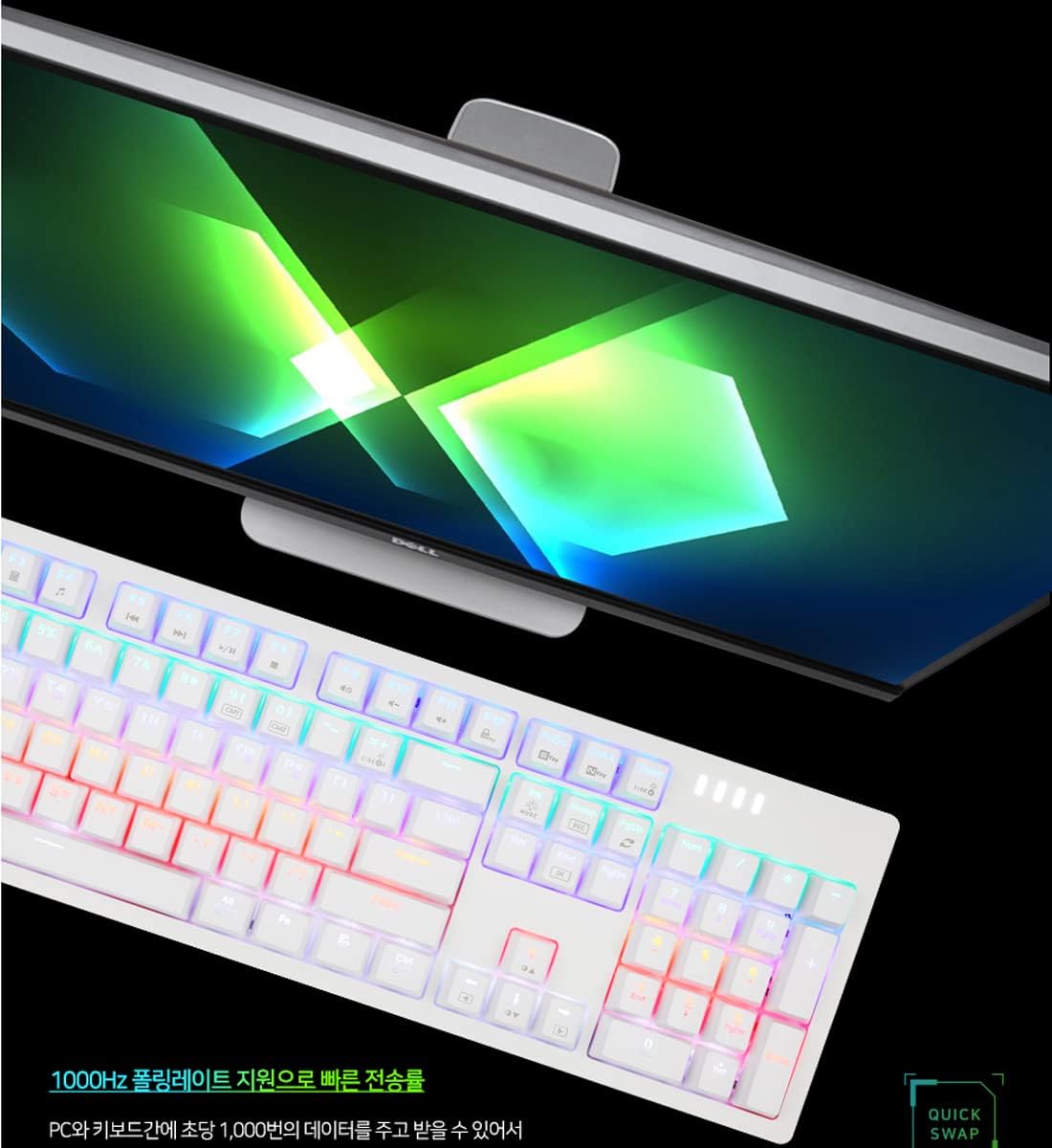
Image: The ABKO K515 keyboard connected to a computer, illustrating its high-performance capabilities with a 1000Hz polling rate.
유지
청소
The ABKO K515 keyboard features a waterproof design, allowing for easier cleaning. To clean, disconnect the keyboard from your computer. Use a soft, damp cloth to wipe down the keycaps and chassis. For deeper cleaning, you can remove keycaps using the provided keycap puller and clean underneath. Ensure the keyboard is completely dry before reconnecting it.
키캡 및 스위치 교체
Use the included keycap puller to gently remove keycaps. For switch replacement, use the switch puller to carefully extract the mechanical switch. Align the new switch correctly with the pins and press firmly until it clicks into place. Avoid excessive force to prevent damage to the switch or PCB.

Image: The keycap puller and switch puller tools, essential for keyboard maintenance and customization.
문제 해결
- 키보드가 응답하지 않음:
- USB 케이블이 키보드와 컴퓨터에 모두 단단히 연결되어 있는지 확인하세요.
- 키보드를 다른 USB 포트에 연결해 보세요.
- 컴퓨터를 다시 시작하세요.
- 시스템 특정 문제를 배제하기 위해 다른 컴퓨터에서 키보드를 테스트하세요.
- RGB 조명이 작동하지 않음:
- Check if the RGB lighting is turned off or set to minimum brightness using the keyboard's function keys.
- Ensure no software conflicts are preventing the lighting from functioning.
- 키가 등록되지 않음:
- Remove the keycap and inspect the switch for any debris.
- If using Quick Swap Switches, ensure the switch is fully seated and properly aligned. Consider swapping the problematic switch with a known working one to diagnose.
명세서
| 모델 | 케이515 |
| 상표 | 압코 |
| 제품 치수 | 17.52 x 5.28 x 1.38인치(445 x 134 x 35mm) |
| 품목 무게 | 2.29파운드(840g) |
| 연결 기술 | USB |
| 키보드 유형 | Mechanical, Quick Swap Switch |
| 스위치 유형 | GTMX Switch (Blue Switch variant), Cherry Stabilizer |
| 폴링 속도 | 1000Hz |
| 백라이트 | RGB (Rainbow LED effect) |
| 특징 | 방수복 |
| 재료 | 아크릴로니트릴 부타디엔 스티렌(ABS) |
| 키캡 | 영어/한국어 |
보증 정보
Specific warranty details for the ABKO K515 keyboard are not provided in this manual. Please refer to the warranty card included with your product or visit the official ABKO web최신 및 자세한 보증 정보는 해당 웹사이트를 참조하십시오. 보증 청구를 위해서는 구매 증빙 자료를 보관하십시오.
고객 지원
For technical assistance, troubleshooting beyond this guide, or general inquiries about your ABKO K515 keyboard, please contact ABKO customer support. Contact information can typically be found on the official ABKO web사이트 또는 제품 포장에 표시되어 있습니다.