
YEHUA 6972313151837
YEHUA HDMI Adapter Cable User Manual
모델: 6972313151837
제품 끝view
The YEHUA 1080P 2-in-1 USB Type C/Micro USB to HDMI Adapter Cable is designed to connect your Android and iOS devices to a larger screen, such as a TV, projector, or monitor. This cable facilitates the mirroring of files, movies, games, photos, and applications directly from your mobile device to the display.
It features wide compatibility with various Android phones equipped with Type C or Micro USB ports, including Samsung Galaxy, HTC, LG, Google Pixels, Nokia, One Plus, Sony, Moto models, Huawei, and Xiaomi. It also supports iPhone models from iPhone 6 to iPhone 11 Pro Max.
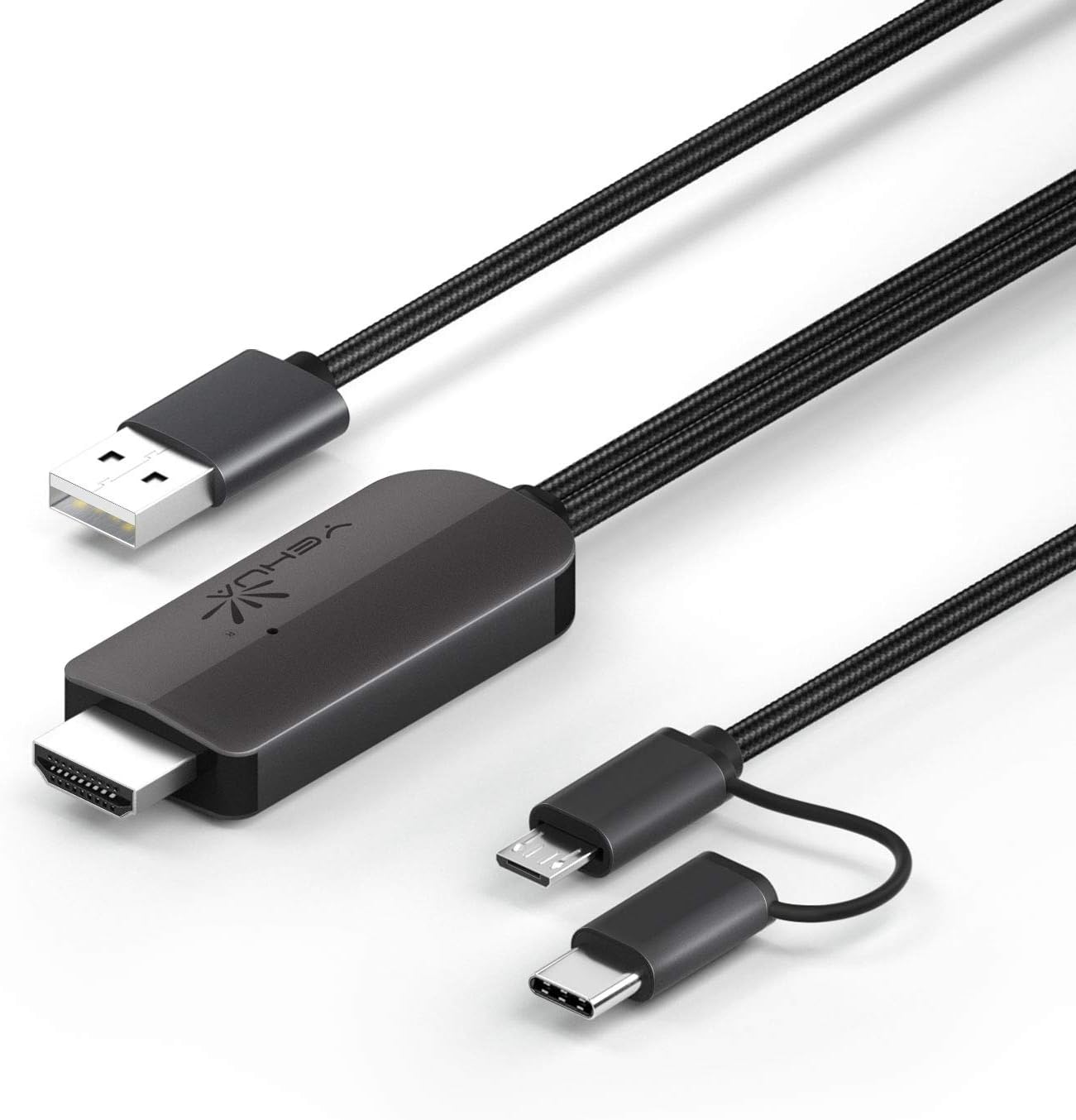
그림 1: YEHUA HDMI Adapter Cable showing its various connectors: USB-A for power, HDMI for display output, and a combined Micro USB/USB-C for device input.
주요 특징
- 1080P Resolution Support: Delivers high-definition video output for clear visuals.
- 2-in-1 연결성: Features both USB Type-C and Micro USB connectors for broad compatibility with Android devices.
- Bluetooth 5.0 Audio Synchronization: Ensures audio plays directly from the TV/projector without delay, addressing a common issue with older HDMI adapters for Android.
- Plug and Play (with App): Requires the "MiraPlug" application for full functionality.
- 내구성 있는 디자인: Features quality cords and plugs for enhanced longevity.
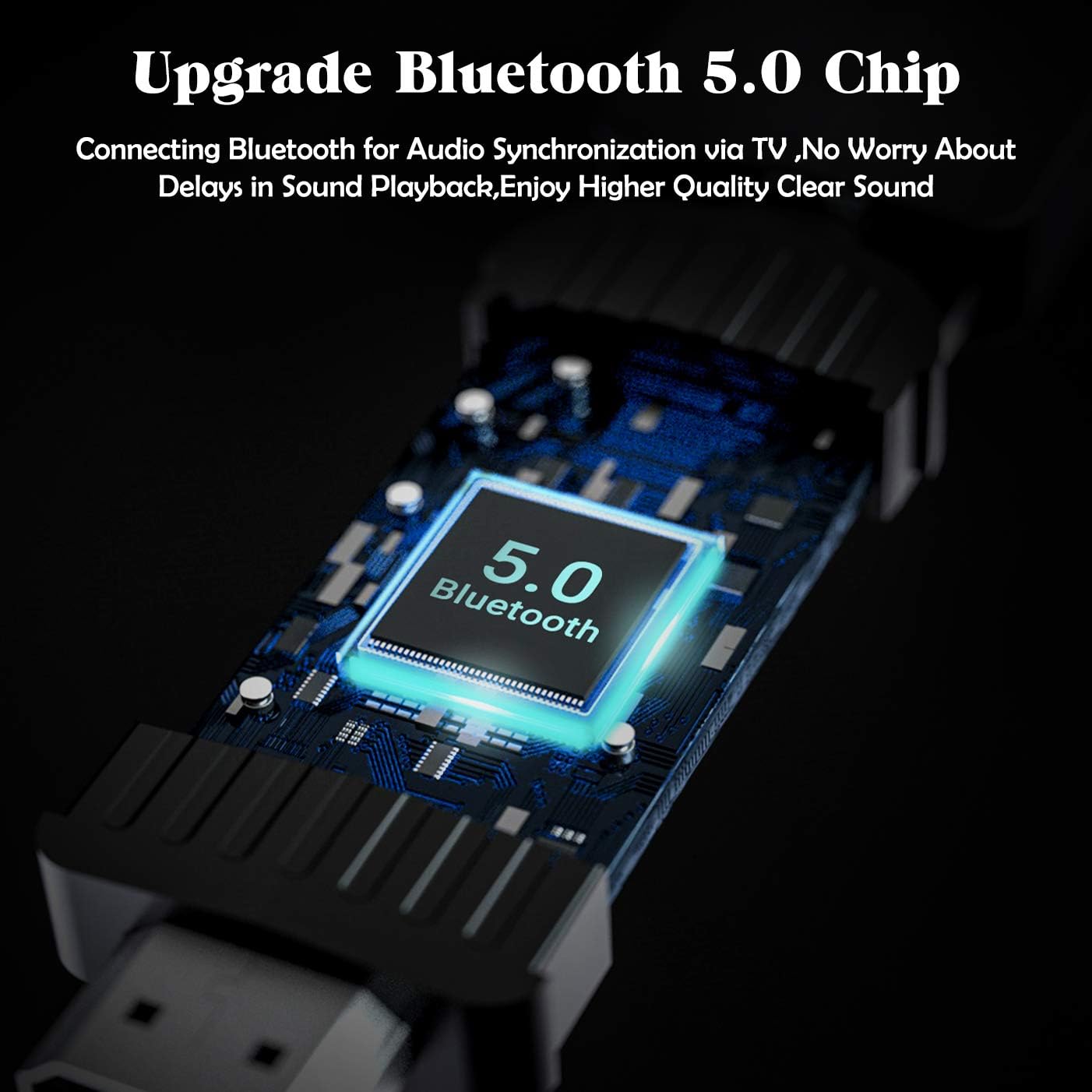
그림 2: Visual representation of the cable's compatibility with both Type-C and Micro USB interfaces found on various Android smartphones.

그림 3: An illustration of the upgraded Bluetooth 5.0 chip integrated into the adapter, which enables audio synchronization with the connected display.
설치 지침
- 전원 연결: Connect the USB-A end of the YEHUA HDMI Adapter Cable to a 5V/2A (or 1A minimum) power source. This can be a USB wall charger, a power bank, or a USB port on your TV/projector. Ensure the adapter is powered before connecting your mobile device.
- HDMI 연결: Plug the HDMI connector of the cable into an available HDMI input port on your TV, monitor, or projector.
- 장치 연결: Connect the appropriate mobile device connector (Micro USB or USB Type-C) to your smartphone or tablet.
- 앱 설치: Download and install the "MiraPlug" application from your device's app store (e.g., Google Play Store for Android, Apple App Store for iOS). This app is essential for the adapter to function correctly.
- Bluetooth Pairing (for Audio): After connecting, turn on Bluetooth on your mobile device. 검색 and connect to the adapter's Bluetooth signal. This step is crucial for audio to transmit directly from the TV/projector. If Bluetooth is not connected, audio may play through your phone or other paired Bluetooth devices.

그림 4: 오버view of compatible devices and connection types for the YEHUA HDMI adapter, illustrating how phones, tablets, monitors, TVs, and projectors connect, along with power options like USB wall chargers and power banks.
작동 지침
Once all connections are made and the MiraPlug app is installed and running, your mobile device's screen should be mirrored to the connected display. The adapter supports 1080P resolution for clear mirroring.
- 화면 미러링: The adapter will automatically mirror your phone's display to the TV or projector.
- 오디오 출력: With Bluetooth connected, audio will be routed through the TV or projector's speakers. If you prefer audio through headphones or your phone's speakers, disconnect the Bluetooth pairing with the adapter.
- 앱 호환성: The adapter works with most applications for mirroring. However, please note that some streaming services (e.g., Netflix, Amazon Prime Video, Disney+) may have content protection (DRM) that prevents mirroring of their video content. You may see menus and subtitles, but the video itself might appear black.
- 노름: The adapter provides minimal lag, making it suitable for playing mobile games on a larger screen.
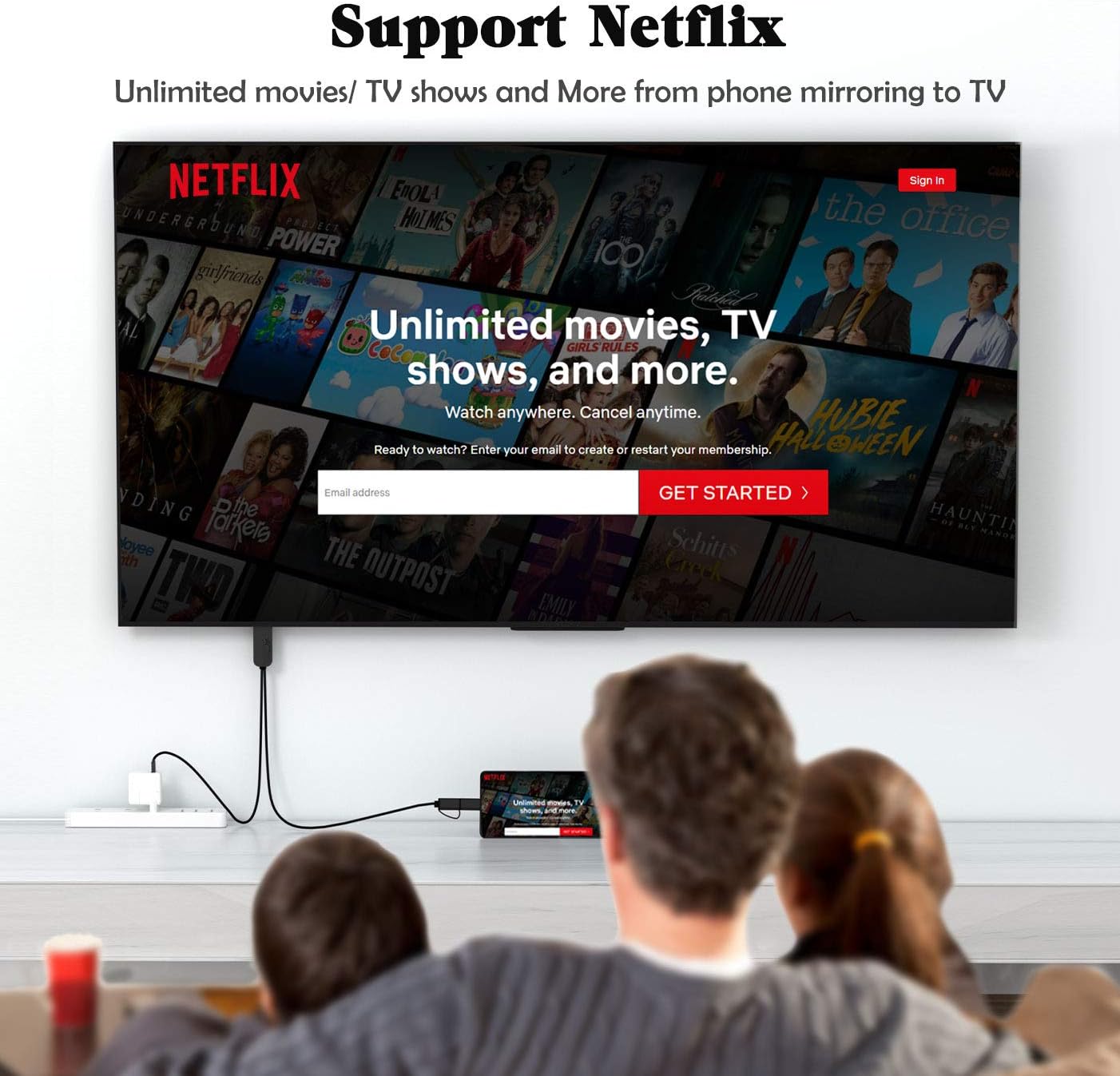
그림 5: 전ample of the YEHUA HDMI adapter being used to mirror a mobile device's screen to a television, displaying a streaming service interface. Note that some streaming services may restrict video playback due to DRM.

그림 6: A collage illustrating diverse applications of the YEHUA HDMI adapter, from casual home viewing and gaming to professional presentations and educational content sharing.
유지 보수 및 관리
- 저장: 케이블은 직사광선과 극한의 온도를 피해 서늘하고 건조한 곳에 보관하세요.
- 청소: 부드럽고 마른 천으로 케이블과 커넥터를 닦으십시오. 액체 세척제나 용제를 사용하지 마십시오.
- 손질: Avoid bending the cable sharply or pulling it by the cord. Always grasp the connector when plugging or unplugging.
- 열: It is normal for the HDMI cable to become warm during extended use. This does not indicate a malfunction.
문제 해결
| 문제 | 가능한 원인 | 해결책 |
|---|---|---|
| No display on TV/Projector. | Insufficient power supply; Incorrect HDMI input selected; MiraPlug app not running or installed; Loose connections. | Ensure the USB-A end is connected to a 5V/2A (or 1A) power source. Check if the TV/projector is set to the correct HDMI input. Verify MiraPlug app is installed and open. Reconnect all cables securely. |
| No audio from TV/Projector. | Bluetooth not paired; Phone audio settings. | Ensure Bluetooth is enabled on your phone and paired with the adapter. Check your phone's audio output settings. |
| Video content (e.g., Netflix) shows black screen. | Digital Rights Management (DRM) restrictions. | This is typically due to content protection policies of streaming services. The adapter cannot bypass these restrictions. Try mirroring content from other apps (e.g., YouTube, local videos). |
| Cable gets hot during use. | 정상 작동. | This is expected behavior and does not indicate a fault. Ensure adequate ventilation around the adapter. |
명세서
- 상표: 예화
- 모델 번호: 6972313151837
- 커넥터 유형: HDMI, USB-A, Micro USB, USB Type-C
- 케이블 유형: HDMI, USB
- 호환 장치: Cellular Phones (Android with Type-C/Micro USB, iPhone 6-11 Pro Max)
- 지원되는 해상도: 1080P HDTV
- 오디오 동기화: 블루투스 5.0
- 전원 입력: 5V/2A (minimum 1A)
- 케이블 길이: 약 6.6피트(2미터)
- 색상: 검은색
- 품목 무게: 2.6 온스
지원하다
For further assistance or inquiries, please refer to the official YEHUA support channels or the retailer where the product was purchased.
PDF 형식의 사용자 설명서도 다운로드할 수 있습니다. 사용자 매뉴얼 다운로드(PDF)
Ask a question about this manual
Ask about setup, troubleshooting, compatibility, parts, safety, or missing instructions. Manuals+ will review the question and use this page’s manual context to help answer it.