
1. 서론
Thank you for choosing the Memphis Audio VIV1100.1 SixFive Series Mono Subwoofer Amp리퍼. 이것 amp이 앰프는 차량용 오디오 시스템에 강력하고 선명한 저음 성능을 제공하도록 설계되었습니다. 본 설명서는 최적의 성능과 제품 수명 연장을 위해 올바른 설치, 작동 및 유지 관리에 필요한 필수 정보를 제공합니다. amp리퍼.
2. 안전 정보
WARNING: Improper installation or use of this product can result in serious injury or death. Read and understand all instructions before installing or using this product.
- 설치를 시작하기 전에 항상 차량 배터리의 음극 단자를 분리하세요.
- 움직이는 부품이나 날카로운 모서리로 인한 손상을 방지하기 위해 모든 배선이 올바르게 배치되고 고정되었는지 확인하십시오.
- 본 설명서에 명시된 대로 전원, 접지 및 스피커 연결에는 적절한 굵기의 전선을 사용하십시오.
- 마운트하지 마십시오 amp직사광선, 과도한 열, 습기 또는 먼지에 노출되는 장소에 증폭기를 설치하지 마십시오.
- 절대 조작하지 마세요 amplifier with damaged wiring or if it emits smoke or unusual odors. Immediately disconnect power and consult a qualified technician.
- 최적의 성능과 안전을 위해 전문가의 설치를 권장합니다.
3. 패키지 내용
패키지에 다음 품목이 포함되어 있는지 확인하십시오.
- Memphis Audio VIV1100.1 Mono Subwoofer Amp리퍼
- 장착 하드웨어(나사)
- 사용 설명서(이 문서)
- Remote Bass Knob (if included with your model)
4. 설정 및 설치
4.1 장착 Amp리퍼
건조하고 통풍이 잘 되며 열원으로부터 멀리 떨어진 설치 장소를 선택하십시오. 주변에 충분한 공기 흐름이 있는지 확인하십시오. amp냉각용 증폭기. 안전하게 고정하십시오. amp제공된 장착 하드웨어를 사용하여 앰프를 단단히 고정하십시오.
4.2 배선 연결
All wiring connections must be secure and properly insulated. Refer to the diagrams below for correct wiring procedures.

그림 1: 후면 패널 연결. This image displays the rear panel of the VIV1100.1 amplifier, highlighting the power input terminals (B+, GND, REM), RCA input/output jacks, and speaker output terminals. Also visible are the 'AUTO TURN ON' switch, 'INPUT LEVEL' switch, and 'PROTECT' indicator.
4.2.1 전원 연결
- B+ (12V 전원): Connect a heavy-gauge power cable (e.g., 4 AWG or larger, depending on installation) directly from the positive terminal of the vehicle's battery. Install an appropriate fuse (not supplied) within 18 inches of the battery.
- GND(접지): Connect a heavy-gauge ground cable of the same size as the power cable to a clean, unpainted metal surface of the vehicle chassis. Ensure a good electrical connection.
- REM(원격 켜기): Connect a 18-gauge wire from the remote turn-on output of your head unit to this terminal. This wire turns the amp헤드 유닛으로 라이터를 켜고 끌 수 있습니다.
4.2.2 입력 연결
헤드 유닛의 RCA 출력을 다음에 연결하세요. amplifier's RCA INPUT jacks. If your head unit does not have RCA outputs, use the high-level input option if available (refer to the 'INPUT LEVEL' switch).
4.2.3 스피커 연결
서브우퍼를 다음에 연결하세요. amplifier's SPEAKER terminals. Ensure correct polarity (+ to + and - to -). This is a mono amplifier, designed for a single subwoofer or multiple subwoofers wired to a single channel. Refer to your subwoofer's specifications for impedance matching.
4.3 Amplifier Controls and Adjustments
The VIV1100.1 amplifier features various controls for fine-tuning your audio system. Adjust these settings carefully to achieve optimal sound quality.
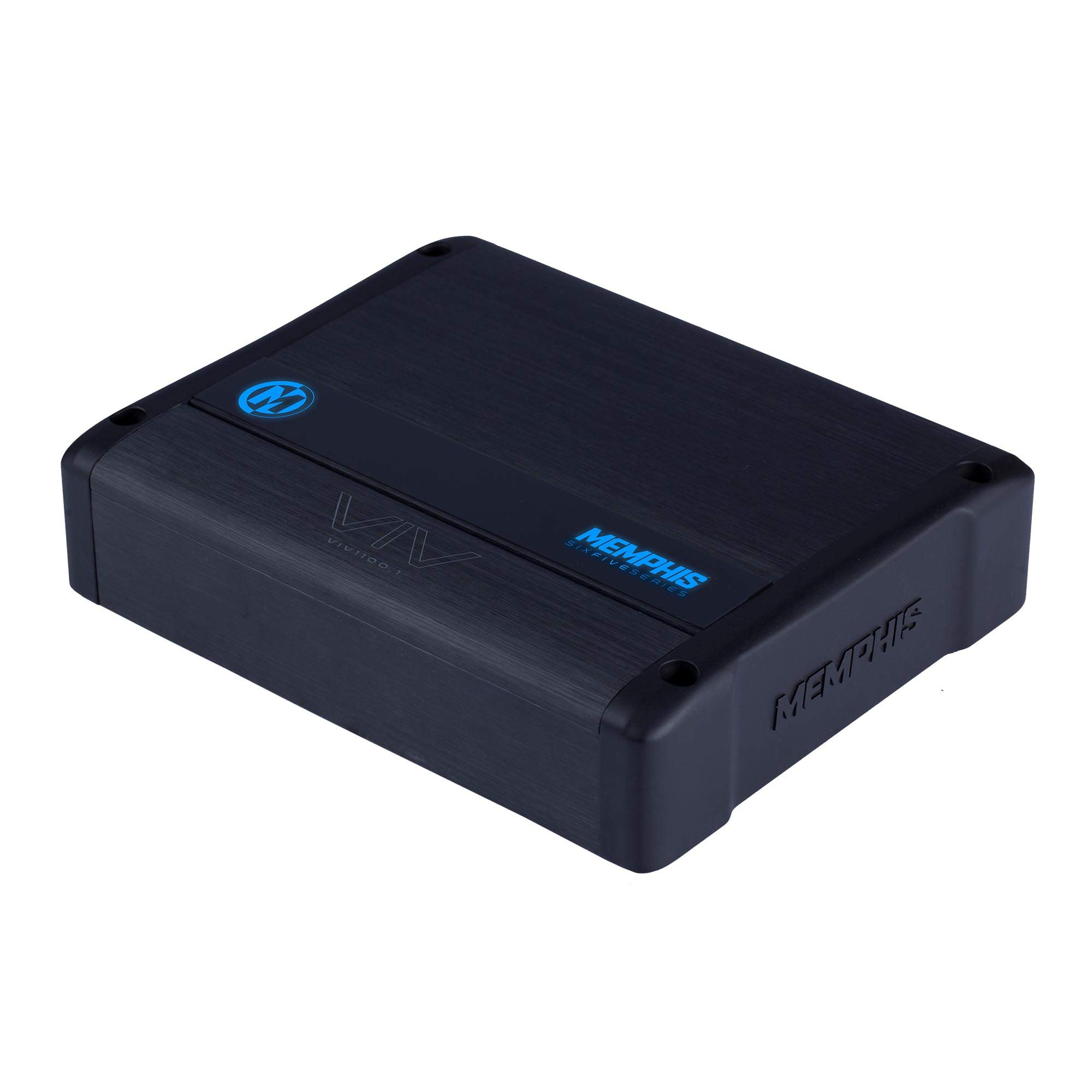
그림 2: 상단 패널 컨트롤. This image illustrates the top control panel of the VIV1100.1 amplifier, detailing the adjustable knobs for GAIN, SUB-SONIC filter, X-OVER (low-pass crossover), CENTER FREQ, Q, BASS BOOST, and the LED COLOR selector.
- 이득: 입력 감도를 조정합니다. amplifier to match the output of your head unit. Start with the gain at minimum and slowly increase until desired volume is reached without distortion.
- SUB-SONIC Filter (24dB Per Octave): Filters out extremely low frequencies that are inaudible and can damage subwoofers. Set this just below the lowest frequency your subwoofer can reproduce effectively.
- X-OVER (Low Pass Crossover - 48dB Per Octave): Controls the upper frequency limit of the amplifier's output. Set this to allow only bass frequencies to pass to the subwoofer.
- CENTER FREQ & Q: These controls are part of the M-Equalization™ system, allowing for precise tuning of a specific frequency band. Adjust the CENTER FREQ to select the frequency and Q to adjust the bandwidth of the boost/cut.
- 베이스 부스트: 저음 주파수를 조절하여 증폭시켜 줍니다. 왜곡 및 스피커 손상을 방지하기 위해 적절한 양으로 사용하십시오.
- LED 색 : Selects the color of the amplifier's LED panel. This amplifier features 7 selectable colors.
5. 사용 설명서
제대로 설치 및 구성되면, amplifier will turn on automatically when your head unit is powered on (via the remote turn-on wire or DC offset sensing if 'AUTO TURN ON' is enabled). The LED indicator will illuminate to show operational status.
- 전원 켜기: 그만큼 amplifier will power on when the remote turn-on signal is received.
- LED 표시등: The LED panel will display the selected color during normal operation. If the amplifier enters protection mode, the LED may change color or turn off (refer to Troubleshooting).
- 볼륨 조절: 헤드 유닛을 사용하여 전체 시스템 볼륨을 조절하세요. amplifier's gain control should be set once and not used as a volume control.
6. 유지관리
The Memphis Audio VIV1100.1 amplifier requires minimal maintenance. Follow these guidelines to ensure continued performance:
- 청소: 주기적으로 닦아주세요 amp부드럽고 마른 천으로 기기 외부를 닦으세요. 강한 화학 물질이나 연마성 세척제는 사용하지 마세요.
- 점검: Regularly check all wiring connections for tightness and signs of corrosion or damage. Ensure adequate ventilation around the amp리퍼.
- 방해물을 피하세요: 위에 물건을 올려놓지 마세요. amplifier that could block airflow to the heat sinks.
7. 문제 해결
문제가 발생하면 amp앰프에 문제가 있는 경우, 지원팀에 문의하기 전에 다음 문제 해결 가이드를 참조하십시오.
| 문제 | 가능한 원인 | 해결책 |
|---|---|---|
| No Power / No LED | 퓨즈 단선, 전원/접지 연결 불량, 원격 전원 켜짐 신호 없음. | Check inline fuse near battery. Verify power, ground, and remote wire connections. Ensure head unit is on. |
| Protection Mode (LED changes/off) | 과열, 스피커 단락, 임피던스 과소, DC 오프셋. | 허용하다 amp냉각기를 식히십시오. 스피커 배선에 단락이 있는지 확인하십시오. 스피커 임피던스가 amplifier's limits. Disconnect inputs to check for DC offset. |
| 소리가 출력되지 않음 | 입력 신호 없음, 게인 설정 오류, 스피커 케이블 분리. | Check RCA input cables. Adjust gain. Verify speaker connections. Ensure head unit is playing audio. |
| 왜곡된 소리 | 게인 설정이 너무 높거나, 크로스오버 설정이 잘못되었거나, 스피커가 손상되었을 수 있습니다. | Reduce gain. Adjust crossover and bass boost settings. Test with a different speaker if possible. |
| 엔진 소음/윙윙거리는 소리 | Poor ground connection, RCA cables routed near power wires, ground loop. | 보장하다 amplifier and head unit have solid, separate ground points. Reroute RCA cables away from power wires. Use a ground loop isolator if necessary. |
8. 사양
The following are key specifications for the Memphis Audio VIV1100.1 SixFive Series Mono Subwoofer Amp정수기:
- 모델 번호: VIV1101 0 (VIV1100.1)
- 전력 출력: 1,100 watts RMS x 1 at 1 ohm (typical)
- 아음속 필터: 24dB Per Octave
- 로우 패스 크로스오버: 48dB Per Octave
- 디지털 신호 처리: 예
- 마치다: Angel Hair Anodized
- LED 패널: 7 Color Selectable Color Changing LED Panel
- 장착 유형: Door mount (refer to installation guidelines for secure mounting)
- 한국어: 841992149113
- 첫 이용 가능 날짜: 23년 2020월 XNUMX일
9. 보증 및 지원
9.1 보증 정보
This Memphis Audio VIV1100.1 amplifier는 90일 한정 보증. This warranty covers defects in materials and workmanship under normal use. It does not cover damage caused by improper installation, accident, misuse, abuse, neglect, unauthorized modification, or normal wear and tear. Please retain your proof of purchase for warranty claims.
9.2 고객 지원
For technical assistance, warranty service, or questions regarding your Memphis Audio VIV1100.1 amplifier, please contact your authorized Memphis Audio dealer or visit the official Memphis Audio website for support resources. When contacting support, please have your product model number and purchase information readily available.


