
소개
The Amazon Basics DisplayPort to HDMI Female Converter allows you to connect a computer or other device with a DisplayPort output to an HDMI-equipped display, such as an HDTV, monitor, or projector. This adapter supports video resolutions up to 4K at 60Hz, providing a high-quality visual experience. It is a uni-directional converter, meaning it converts signals from DisplayPort to HDMI only.

Image: The Amazon Basics DisplayPort to HDMI Female Converter, showing both the DisplayPort male connector and the HDMI female port on the adapter.
주요 특징
- 고해상도 지원: Supports video resolutions up to 4K@60Hz for clear and vibrant visuals.
- Uni-Directional Conversion: Converts signal from DisplayPort (DP) to HDMI only. Not bi-directional.
- 폭넓은 호환성: Connects computers with DisplayPort to HDMI-equipped HDTVs, monitors, or projectors.
- 플러그 앤 플레이: No external power adapter or driver installation required for operation.
- DisplayPort Standards: Supports both Standard DisplayPort (DP) and Dual-Mode DisplayPort (DP++).
패키지 내용
- 1 x Amazon Basics DisplayPort to HDMI Female Converter (Model DP12-UH01)
- Note: An HDMI cable is required and sold separately.
설치 지침
DisplayPort 소스 장치를 HDMI 디스플레이에 연결하려면 다음 단계를 따르십시오.
- 포트 식별: Ensure your computer or source device has a DisplayPort output and your display has an HDMI input. This adapter is not compatible with USB ports.
- DisplayPort를 연결하세요: Insert the male DisplayPort connector of the adapter into the DisplayPort output on your computer.
- HDMI 케이블을 연결하십시오: Take your HDMI cable (not included) and plug one end into the HDMI female port on the converter.
- 디스플레이에 연결: Plug the other end of the HDMI cable into the HDMI input port on your HDTV, monitor, or projector.
- 전원 켜기: Power on both your computer and your display. The display should automatically detect the signal. If not, manually select the correct HDMI input on your display.
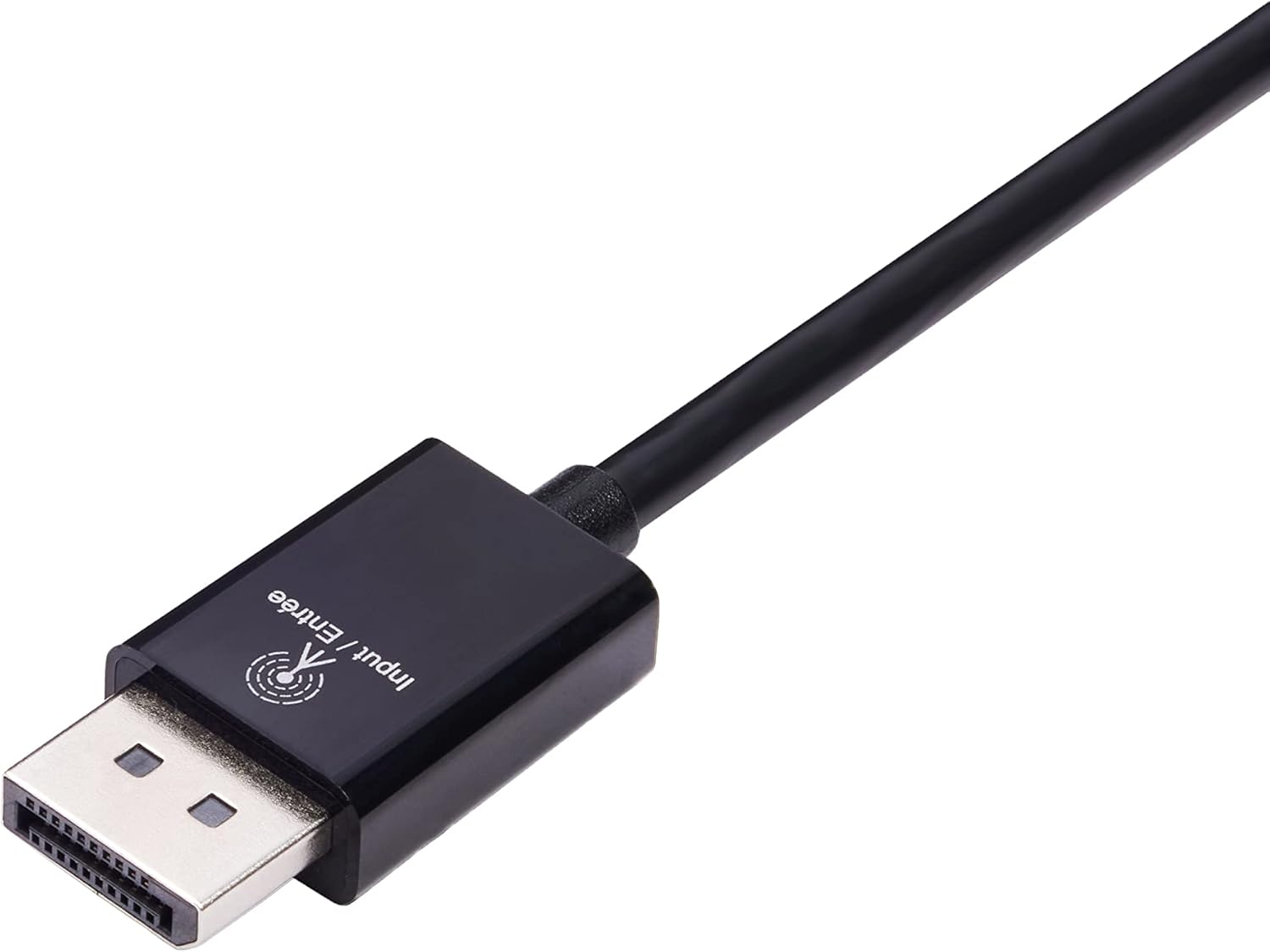
Image: Close-up of the DisplayPort male connector, labeled "Input / Entrée".
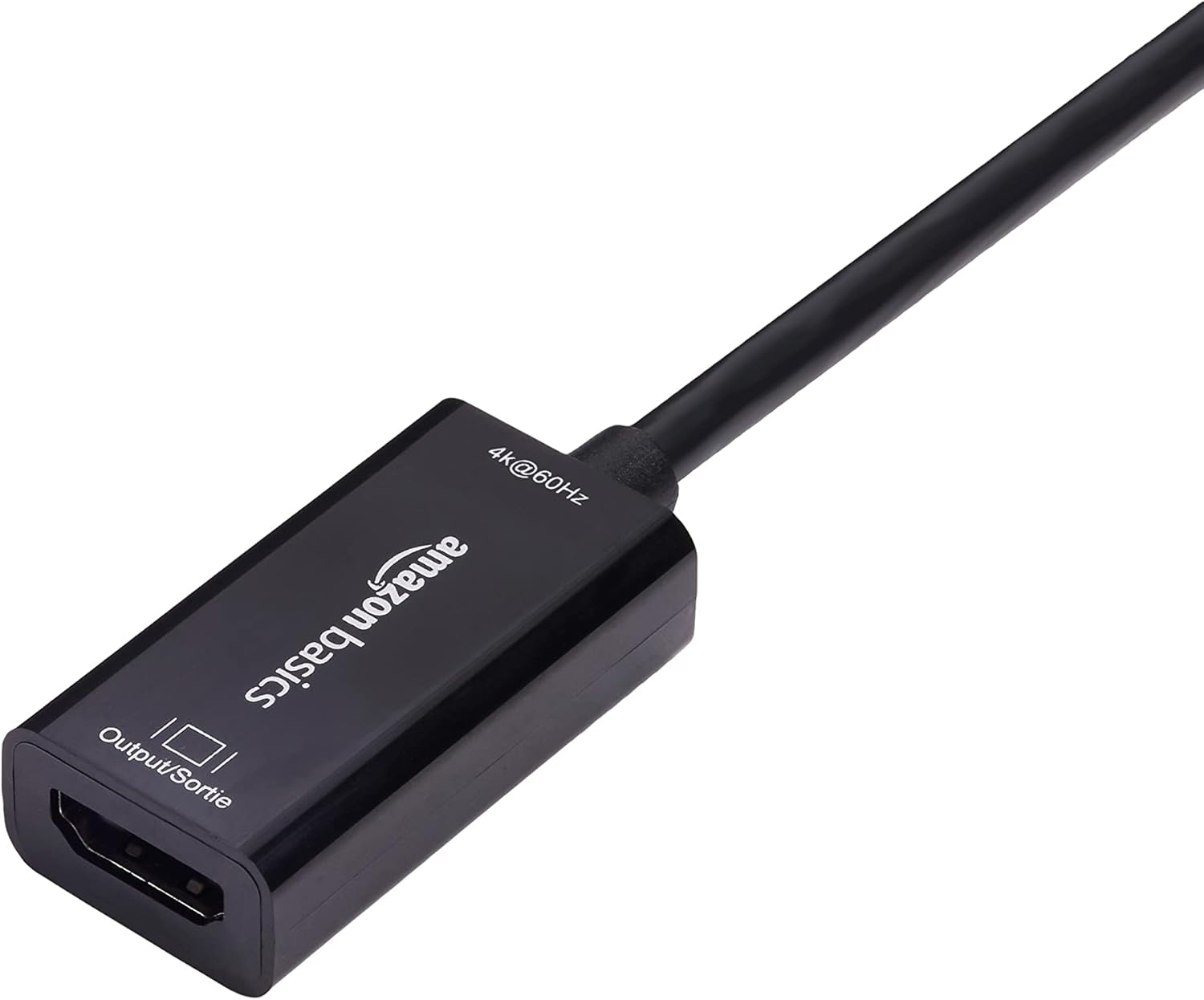
Image: Close-up of the HDMI female port on the converter, labeled "Output / Sortie".
The adapter is plug-and-play, requiring no additional software or drivers.

Image: The DisplayPort to HDMI converter connected to a laptop's DisplayPort, with an HDMI cable ready to connect to a display.
작동 지침
Once connected, the Amazon Basics DisplayPort to HDMI Female Converter operates automatically. Your computer's operating system should detect the connected display and extend or duplicate your desktop as configured in your display settings.
- 화면 설정: To adjust resolution, refresh rate, or display mode (extend/duplicate), access your computer's display settings. For Windows, right-click on the desktop and select "Display settings." For macOS, go to "System Preferences" > "Displays."
- 오디오 전송: This adapter supports audio transmission from DisplayPort to HDMI. Ensure your computer's sound output is set to the HDMI display if you wish to use its speakers.
관리 및 유지 보수
변환기의 수명과 최적의 성능을 보장하려면 다음 사항을 준수하십시오.
- 어댑터를 건조한 환경에 보관하고, 습기와 극한의 온도를 피하세요.
- 케이블을 과도하게 구부리거나 비틀지 마십시오.
- Clean the connectors periodically with a dry, lint-free cloth to prevent dust buildup.
- 어댑터를 직접 분해하거나 수리하려고 하지 마십시오.
문제 해결
| 문제 | 해결책 |
|---|---|
| 모니터에 표시가 되지 않습니다. |
|
| Resolution or refresh rate issues (e.g., not 4K@60Hz). |
|
| No audio from the display. |
|
| Adapter not working with a USB port. | This adapter is designed for DisplayPort outputs only and is not compatible with USB ports. Please ensure your computer has a dedicated DisplayPort. |

Image: A compatibility chart illustrating that the adapter works with PCs with DisplayPort, HDMI TVs, and projectors, but not with computer USB ports.
명세서
| 특징 | 세부 사항 |
|---|---|
| 모델 번호 | DP12-UH01 |
| 커넥터 유형 | DisplayPort Male to HDMI Female |
| 최대 해상도 | 4K@60Hz |
| 방향 | 단방향(DisplayPort에서 HDMI로만) |
| 호환 장치 | Computers with DisplayPort, HDTVs, Monitors, Projectors |
| 색상 | 검은색 |
| 품목 치수(L x W x H) | 1.8 x 0.75 x 0.55인치(4.57 x 1.91 x 1.4cm) |
| 품목 무게 | 0.8온스(22.68g) |
| 입력 Voltage | 20 볼트 |
| 현재 평가 | 1 Amps |
| 전원 플러그 유형 | No Plug (Bus-powered) |

Image: A diagram illustrating the approximate dimensions of the converter, showing a length of 9 inches (22.86 cm) for the cable and adapter combined.
보증 정보
This Amazon Basics DisplayPort to HDMI Female Converter is covered by a 1년 한정 보증 provided by Amazon Basics. For details regarding warranty claims and terms, please refer to the official Amazon Basics warranty policy or contact customer support.
고객 지원
For further assistance, technical support, or warranty inquiries, please visit the official Amazon Basics support page or contact Amazon customer service directly. You can typically find support contact information on the Amazon web사이트의 "도움말" 또는 "고객 서비스" 섹션을 참조하십시오.