
1. 서론
This manual provides essential information for the setup, operation, maintenance, and troubleshooting of your ASUS ROG Zephyrus G14 14-inch Gaming Laptop. Please read this manual thoroughly to ensure proper usage and to maximize the performance and longevity of your device.
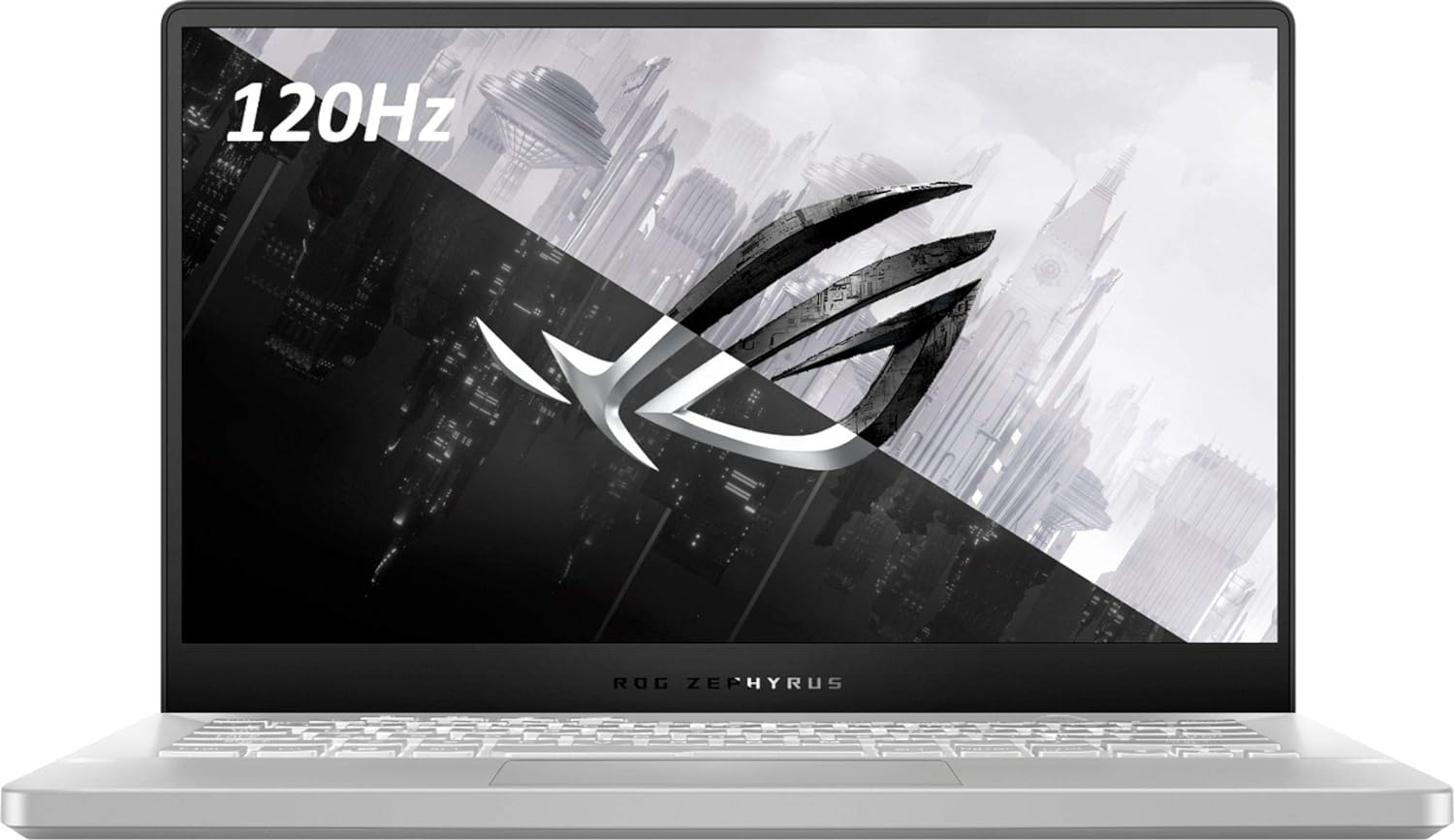
그림 1: 전면 view of the ASUS ROG Zephyrus G14 Laptop.
2. 설정
2.1 포장 풀기 및 초기 검사
- 노트북과 모든 액세서리를 포장에서 조심스럽게 꺼내세요.
- 노트북, 전원 어댑터 및 포함된 모든 설명서 등 모든 구성품이 있는지 확인하십시오.
- 노트북에 물리적 손상이 있는지 확인하십시오. 손상이 발견되면 즉시 판매점에 연락하십시오.
2.2 전원 어댑터 연결
- AC 어댑터를 노트북의 전원 잭에 연결하세요.
- 전원 코드를 벽면 콘센트에 꽂으세요.
- 배터리 표시등이 켜지면 노트북이 충전 중임을 나타냅니다.
2.3 첫 번째 전원 켜기
- 노트북 덮개를 엽니다.
- 키보드 상단 오른쪽 부분에 있는 전원 버튼을 누르세요.
- Follow the on-screen instructions to complete the initial setup of Windows 10 Home.
3. 노트북 작동
3.1 키보드 및 터치패드
The ASUS ROG Zephyrus G14 features a full-sized keyboard and a precision touchpad. Familiarize yourself with the layout and special function keys (Fn keys) for quick access to system settings like volume, brightness, and Wi-Fi.

그림 2: 키보드 및 터치패드 배치.
3.2 디스플레이 기능
Your laptop is equipped with a 14-inch display offering a 1920 x 1080 pixel resolution. For optimal viewing, ensure display drivers are up to date.
3.3 I/O 포트
노트북은 외부 장치를 연결하기 위한 다양한 포트를 제공합니다.
- 왼쪽: 1x 3.5mm Combo Audio Jack, 1x HDMI 2.0b, 1x USB 3.2 Gen 2 Type-C (supporting DisplayPort / power delivery / G-SYNC).
- 오른쪽: 2x USB 3.2 Gen 1 Type-A, 1x USB 3.2 Gen 2 Type-C.

그림 3: 왼쪽 포트.

그림 4: 오른쪽 포트.
3.4 전원 관리
The laptop is designed for efficient power usage. To optimize battery life, adjust screen brightness, close unused applications, and utilize power-saving modes available in Windows settings. The average battery life is approximately 8 hours under typical usage conditions.
4. 유지관리
4.1 청소 지침
- 부드럽고 보푸라기가 없는 천을 사용하여 화면과 섀시를 청소하세요.
- 완고한 자국의 경우, dampen the cloth lightly with water or a screen-safe cleaning solution.
- 가혹한 화학물질이나 연마재는 피하세요.
- 먼지가 쌓이는 것을 방지하려면 키보드와 터치패드를 정기적으로 청소하세요.
4.2 배터리 관리
- 배터리를 자주 완전히 방전시키지 마세요.
- 장시간 사용하지 않을 경우 노트북을 서늘하고 건조한 곳에 보관하세요.
- If the battery performance significantly degrades, contact ASUS support for replacement options.
4.3 소프트웨어 업데이트
Regularly update your operating system (Windows 10 Home) and drivers to ensure optimal performance, security, and compatibility. ASUS provides utility software to assist with driver updates.
5. 문제 해결
이 섹션에서는 노트북에서 발생할 수 있는 일반적인 문제에 대해 설명합니다.
5.1 전원 문제
- 노트북이 켜지지 않습니다: Ensure the power adapter is securely connected and the wall outlet is functional. If the battery is completely drained, allow it to charge for a few minutes before attempting to power on.
- Laptop stuck in reboot loop: Try performing a hard reset by holding the power button for 15 seconds. If the issue persists, it may indicate a hardware problem; contact support.
5.2 디스플레이 문제
- 화면에 표시되지 않음: Connect an external monitor to verify if the issue is with the laptop's internal display. Ensure display drivers are updated.
5.3 성능 및 열
- Laptop runs hot: Ensure ventilation vents are clear and not obstructed. Consider using the laptop on a hard, flat surface. High temperatures during intensive tasks (like gaming) are normal, but excessive heat during light use may indicate an issue.
5.4 Fingerprint Reader Issues
- Fingerprint reader inconsistent: Ensure your finger is clean and dry. Re-register your fingerprints in Windows Hello settings if accuracy is consistently low.
5.5 키보드 백라이트
- Uneven keyboard backlight: This can be a characteristic of some keyboard designs. Ensure backlight settings are adjusted to your preference using the dedicated function keys or ASUS software.
6. 사양
| 특징 | 세부 사항 |
|---|---|
| 모델명 | Zephyrus 14 (GA401IV-BR9N6) |
| 프로세서 | AMD 라이젠 9 (3GHz) |
| 그래픽 코프로세서 | NVIDIA GeForce RTX 2060 (전용) |
| 숫양 | 16GB DDR4(3200MHz) |
| 저장 | 1TB SSD(솔리드 스테이트 드라이브) |
| 디스플레이 크기 | 14 인치 |
| 화면 해상도 | 1920 x 1080 픽셀 |
| 운영 체제 | 윈도우 10 홈 |
| 무선형 | 802.11ax |
| I/O 포트 | 4x USB 3.0 Ports (including Type-C with DisplayPort/Power Delivery/G-SYNC), 1x HDMI 2.0b, 1x 3.5mm Combo Audio Jack |
| 평균 배터리 수명 | 8시간 |
| 품목 무게 | 3.64파운드 |
| 제품 치수 | 12.8 x 8.7 x 0.7 인치 |
| 특별 기능 | Anti Glare Coating, Fingerprint Reader, HD Audio, Spill Resistant |
Note: Some configurations may feature upgraded components such as 40GB RAM or Windows 11 Pro, depending on the specific purchase variant.
7. 보증 및 지원
7.1 제품 보증
Your ASUS ROG Zephyrus G14 laptop comes with a standard manufacturer's warranty. For professionally upgraded components like RAM and SSD, a 1-year standard warranty is typically provided. Please refer to the warranty card included with your product for specific terms and conditions, or visit the official ASUS support web대지.
7.2 기술 지원
기술 지원, 드라이버 다운로드 또는 서비스 문의는 ASUS 공식 지원 페이지를 방문하십시오. website or contact their customer service. Have your product model number (GA401IV-BR9N6) and serial number ready when contacting support.
ASUS 공식 지원: https://www.asus.com/support/