
1. 서론
구매해주셔서 감사합니다asing the HOMPOW Mini Projector. This projector is designed to provide a high-quality viewing experience with its 1080P Full HD support and 6500 lumens brightness. It includes a 100-inch projection screen for immediate use. This manual will guide you through the setup, operation, and maintenance of your new projector.
패키지 내용
- HOMPOW 미니 프로젝터
- 100-inch Projection Screen
- 원격 제어
- HDMI 케이블
- 전원 어댑터
- 사용자 설명서
2. 안전 지침
프로젝터를 사용하기 전에 모든 안전 지침을 주의 깊게 읽어 주십시오. 이 지침을 따르지 않을 경우 화재, 감전 또는 기타 부상을 입을 수 있습니다.
- l을 사용할 때 프로젝터 렌즈를 직접 쳐다보지 마십시오.amp 켜져 있습니다. 밝은 빛은 눈에 손상을 줄 수 있습니다.
- 통풍구를 막지 마십시오. 과열을 방지하려면 적절한 공기 흐름이 필수적입니다.
- Keep the projector away from water or other liquids. Do not operate in wet environments.
- 프로젝터가 떨어지지 않도록 안정적이고 평평한 표면에 놓으세요.
- 프로젝터와 함께 제공된 전원 어댑터만 사용하십시오.
- 천둥번개가 칠 때나 장기간 사용하지 않을 때는 프로젝터의 전원을 뽑아 두십시오.
- 프로젝터를 직접 수리하려고 하지 마십시오. 모든 서비스는 자격을 갖춘 전문가에게 맡기십시오.
3. 제품 오버view
프로젝터 구성 요소
Familiarize yourself with the main parts of your HOMPOW Mini Projector.


입력/출력 포트
- HDMI 포트 : Connect to devices like laptops, gaming consoles (PS3/PS4), Fire TV Stick, and TV boxes.
- USB 포트: Connect USB drives for media playback or power for streaming devices.
- SD 카드 슬롯: Insert SD cards for direct media playback.
- AV 포트: AV 케이블을 사용하여 오래된 장치에 연결합니다.
- VGA 포트: VGA 출력이 있는 컴퓨터에 연결합니다.
- 오디오 출력(3.5mm 잭): 외부 스피커 또는 헤드폰을 연결하세요.
- DC 입력: 프로젝터의 전원 입력.
4. 설정
초기 배치
프로젝터를 안정적인 표면에 놓으십시오. 최적의 성능을 위해서는 viewing, ensure the projector is positioned directly in front of the projection surface (wall or screen). The recommended projection distance is approximately 3 meters for a clear image.
전원 연결
- Connect the power adapter to the DC In port on the projector.
- 전원 어댑터를 전원 콘센트에 꽂습니다.
- 프로젝터나 리모컨의 전원 버튼을 눌러 전원을 켜세요.
장치 연결
The projector supports various input sources. Below are common connection methods:
HDMI Connection (e.g., Fire TV Stick, Laptop, Gaming Console)
- Connect the HDMI output cable from your device (e.g., Fire TV Stick) to the HDMI input port on the projector.
- If using a streaming stick like Fire TV Stick, connect its USB power cable to the projector's USB port for power.
- On the projector's main menu, select the "HDMI" input source.
Smartphone/Tablet Connection
To connect a smartphone or tablet, an HDMI conversion adapter (not included) is required. Connect your device to the adapter, then connect the adapter to the projector's HDMI port.

USB Drive/SD Card Playback
Insert a USB drive into the USB port or an SD card into the SD card slot. Select the corresponding input source from the main menu to browse and play media files.
5. 사용 설명서
초점 조정
Rotate the focus ring on the projector lens until the image appears clear and sharp on the screen.
키스톤 보정
The projector features a ±15-degree keystone correction function. Adjust the keystone dial to correct distorted images (trapezoidal shape) if the projector is not perfectly perpendicular to the screen.
소스 선택
Use the remote control or the buttons on the projector to navigate the main menu and select your desired input source (HDMI, USB, SD, AV, VGA).
오디오 출력
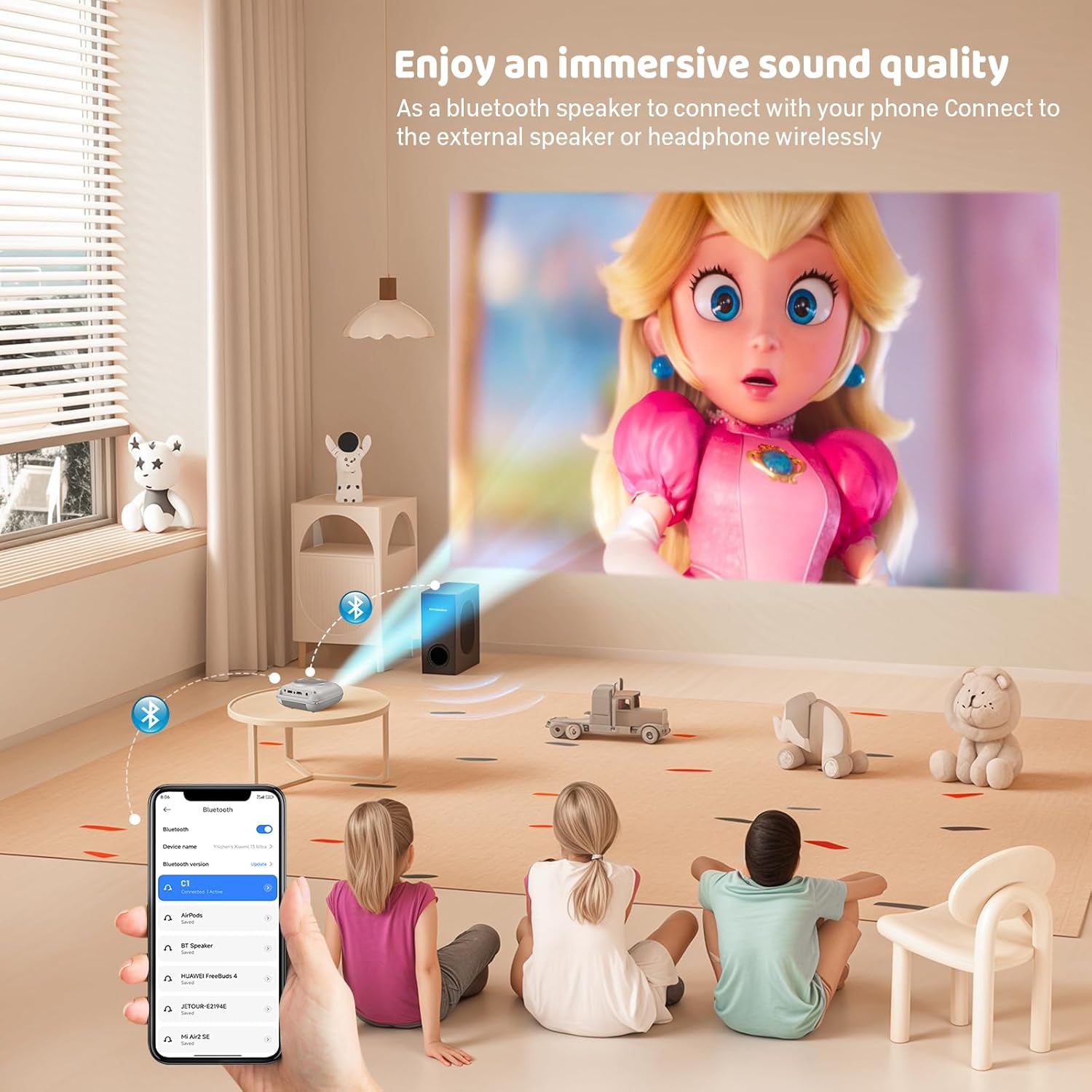
The projector has two built-in speakers for immersive sound. For a different audio experience, you can connect external speakers or headphones via the 3.5mm audio jack.
화면 미러링
The projector supports screen mirroring for compatible devices. Refer to the on-screen instructions or the projector's menu for specific steps to enable screen mirroring from your smartphone or tablet.
6. 유지관리
렌즈 청소
프로젝터 렌즈는 광학 렌즈 전용으로 제작된 부드럽고 보풀 없는 천으로 살살 닦아주세요. 렌즈에 흠집을 낼 수 있는 연마성 세척제나 천은 사용하지 마십시오.
프로젝터 본체 청소
프로젝터 외부를 부드럽고 마른 천으로 닦으십시오. 액체 세척제나 용제를 사용하지 마십시오.
통풍
Ensure the ventilation openings are clear of dust and debris. The projector features a dual-fan cooling system to maintain optimal operating temperature and extend lamp life. Do not obstruct these vents.
Lamp 삶
LED lamp in your HOMPOW projector has a lifespan of approximately 60,000 hours, providing long-term use without frequent lamp 대사.
7. 문제 해결
| 문제 | 가능한 원인 | 해결책 |
|---|---|---|
| 이미지가 없거나 흐릿하게 보입니다. | Focus not adjusted; incorrect input source; cable not connected properly. | Adjust the focus ring; select the correct input source; check all cable connections. |
| 소리가 나지 않습니다 | Volume too low; audio cable not connected; device audio settings. | Increase projector volume; ensure audio cables are connected; check audio output settings on the connected device. |
| 이미지는 사다리꼴입니다 | 프로젝터가 화면에 수직이 아닙니다. | Adjust the keystone correction dial or reposition the projector. |
| 리모컨이 작동하지 않습니다 | Batteries low or dead; obstruction between remote and projector. | 배터리를 교체하고 프로젝터의 적외선 수신기와 수신기 사이에 시야가 확보되었는지 확인하십시오. |
| 프로젝터가 과열됩니다 | Ventilation ports blocked. | Ensure all ventilation ports are clear and unobstructed. |
8. 사양
- 디스플레이 기술: 액정표시장치
- 네이티브 해상도: 1280 x 720 픽셀
- 지원되는 해상도: 최대 1080P 풀 HD
- 명도: 6500루멘
- 대비율: 3000시 1분
- Lamp 삶: 60,000시간
- 투사 크기: 32-176 inches (Recommended: 100 inches)
- 투사 거리: 1m - 5.2m (Recommended: 3m)
- 키스톤 보정: ±15 degrees manual
- 연결성: HDMI, USB, SD, AV, VGA
- 오디오: Built-in dual speakers, 3.5mm audio out
- 전력 소비량: 48와트
- 제품 크기: 19 x 15 x 8cm
- 제품 무게: 1.71kg
9. 보증 및 지원
The HOMPOW Mini Projector comes with a manufacturer's warranty. Please refer to the warranty card included in your package for specific terms and conditions. For any product inquiries, technical support, or warranty claims, please contact HOMPOW customer service through the contact page on their official website or the platform where you purchased the product. Our customer support team aims to respond promptly during business hours.