
1. 서론
Thank you for choosing the ipega PG-9083S Wireless Gamepad. This device is designed to enhance your mobile gaming experience on both iOS and Android smartphones and tablets. Please read this manual carefully before use to ensure proper operation and to maximize your enjoyment of the product.
2. 제품 특징 및 기타view
The ipega PG-9083S offers a range of features for an immersive gaming experience:
- 무선 4.0 연결: Provides a stable and efficient connection to your mobile devices.
- Telescopic Holder: Adjustable holder accommodates devices from 5 to 10 inches, with a maximum extension of 28cm (11 inches).
- 광범위한 호환성: Supports iOS (iPhone 8/XR/XS and newer) and Android mobile phones and tablets.
- 인체공학적 디자인: 장시간 게임 플레이에도 편안한 그립감을 제공하도록 설계되었습니다.
- 맞춤형 버튼 매핑: Allows for personalized control settings to suit various game types and player preferences.
- 고정밀 조이스틱: Designed for accurate control and smooth operation in games.

Figure 2.1: The ipega PG-9083S Wireless Gamepad, showcasing its design with a tablet inserted. This image highlights the sleek feel and how it holds a device.

Figure 2.2: The gamepad's telescopic function, illustrating its ability to hold various devices including smartphones and tablets, with a maximum length of 28cm (11 inches).

Figure 2.3: Illustration of the gamepad's ergonomic design for comfort and its support for both vertical and horizontal screen orientations for tablets.

Figure 2.4: Depiction of the customizable button mapping feature, allowing users to set function keys according to personal habits for various game control needs.
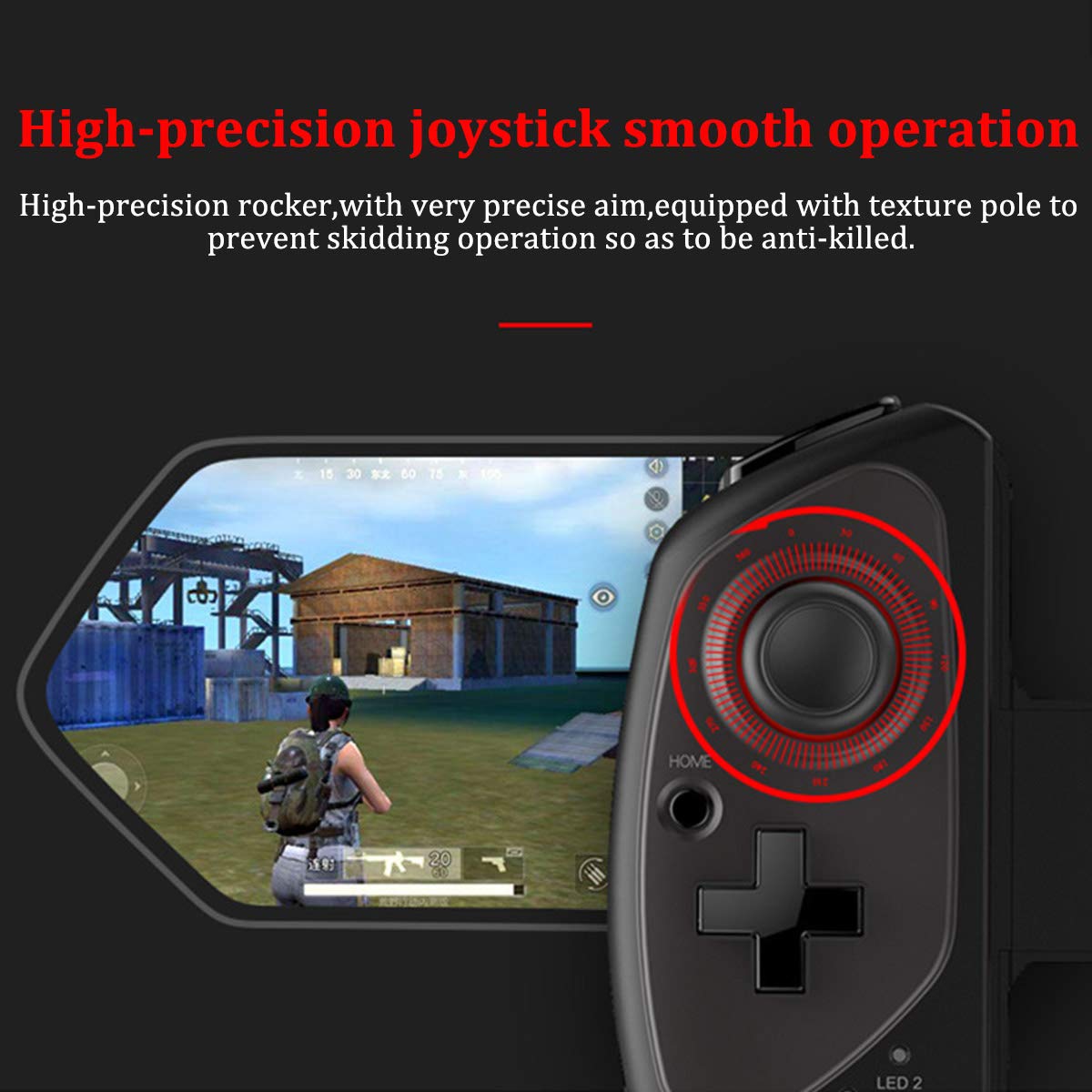
Figure 2.5: Close-up of the high-precision joystick, emphasizing its smooth operation and textured pole designed to prevent slipping during intense gameplay.
3. 설정 가이드
3.1 게임패드 충전
Before initial use, fully charge the gamepad. Connect the provided USB charging cable to the gamepad's charging port and to a USB power source (e.g., computer, USB wall adapter). The LED indicator will show charging status and turn off or change color when fully charged.
3.2 기기 삽입하기
- Pull the telescopic arm outwards to unlock and extend it.
- Carefully place your smartphone or tablet into the holder, ensuring it is centered and securely seated.
- Release the telescopic arm to allow it to retract and firmly grip your device. Ensure the device is locked in place before gaming.

그림 3.1: 상세 view of the security lock mechanism for the telescopic arm, illustrating how to extend and secure your device.
3.3 블루투스 페어링
To connect the gamepad to your device:
- 전원 켜기: Press and hold the Power button (usually the HOME button) for a few seconds until the LED indicator starts flashing, indicating it's in pairing mode.
- 블루투스 활성화: On your smartphone or tablet, go to your Bluetooth settings and turn on Bluetooth.
- 검색 장치: Your device will scan for available Bluetooth devices. Look for "PG-9083S" or a similar name in the list.
- 쌍: Select the gamepad from the list to initiate pairing. Once connected, the LED indicator on the gamepad will typically become solid.
- 모드 선택(해당되는 경우): Some games or operating systems may require specific modes. Refer to your game's settings or the gamepad's quick start guide for specific mode switching instructions (e.g., Android Standard, iOS Direct Play).
4. 사용 설명서
4.1 전원 켜기/끄기
- 전원 켜기: 를 누르고 계세요 집 button for approximately 3 seconds. The indicator light will flash.
- 전원 끄기 : 를 누르고 계세요 집 button for approximately 5 seconds until the indicator light turns off. The gamepad will automatically power off after a period of inactivity to save battery.
4.2 Gamepad Modes
The PG-9083S supports different operating modes for optimal compatibility with various platforms. Typically, these modes are activated by holding a specific button combination while powering on the gamepad.
- 안드로이드 표준 모드: Often activated by holding X + 홈. For general Android gaming.
- iOS Direct Play Mode: Often activated by holding Y + 집. For iOS games that support direct gamepad input.
- 다른 모드: Consult the quick start guide included with your product for any additional specific modes or button combinations for advanced functionality or specific game titles.
4.3 In-Game Control
Once connected, the gamepad will function as your primary input device for compatible games. The layout includes:
- 듀얼 아날로그 스틱: 정확한 움직임과 카메라 제어를 위해.
- 방향 패드: For directional input, often used in retro games or menu navigation.
- 동작 버튼(A, B, X, Y): 게임 내 액션을 위해.
- 어깨 버튼(L1, R1) 및 트리거(L2, R2): For additional actions, often firing or accelerating.
- SELECT/BACK, START/MENU, HOME Buttons: For system functions and game menus.
Refer to individual game settings for specific button assignments and customization options.
5. 유지관리
- 청소: 부드럽고 마른 천으로 게임패드 표면을 닦으십시오. 독한 화학 약품이나 연마성 세척제를 사용하지 마십시오.
- 저장: 게임패드는 직사광선과 극한의 온도를 피해 서늘하고 건조한 곳에 보관하세요.
- 배터리 관리 : 배터리 수명을 연장하려면 배터리를 자주 완전히 방전시키지 마세요. 장시간 사용하지 않더라도 게임패드를 정기적으로 충전하세요.
- 낙하 방지: 내부 구성 요소를 손상시킬 수 있는 떨어뜨리거나 충격을 방지하세요.
6. 문제 해결
6.1 Gamepad Not Connecting/Pairing
- 게임패드가 충전되어 있는지 확인하세요.
- 기기에서 Bluetooth가 활성화되어 있는지 확인하세요.
- 휴대폰의 Bluetooth 설정에서 기기를 삭제한 후 다시 페어링해보세요.
- Ensure the gamepad is in the correct pairing mode for your operating system (Android/iOS).
- Restart both your mobile device and the gamepad.
6.2 Buttons or Joysticks Unresponsive/Inaccurate
- Verify the gamepad is properly connected and in the correct operating mode for the game.
- Some games may require specific controller configurations or do not fully support external gamepads. Check the game's settings.
- Ensure there are no physical obstructions preventing button presses or joystick movement.
- If experiencing issues with joystick sensitivity or "dead zones," check if the game offers in-game calibration or sensitivity adjustments.
6.3 게임패드 충전 안 됨
- Check the charging cable and USB power source. Try a different cable or adapter.
- Ensure the charging port on the gamepad is clean and free of debris.
6.4 Device Not Fitting Securely
- Ensure your device's dimensions are within the specified telescopic holder range (5-10 inches, up to 28cm/11 inches).
- Remove any bulky cases from your device that might prevent a secure fit.
7. 사양
| 모델 번호: | PG-9083S |
| 연결성: | 무선 4.0 |
| Telescopic Holder Range: | 5 - 10 inches (up to 28 cm / 11 inches) |
| 호환성: | iOS (iPhone 8/XR/XS and newer), Android (Mobile Phones, Tablets) |
| 품목 무게: | 13.1온스(약 371그램) |
| 패키지 크기: | 9.53 x 6.81 x 2.44 인치 |
8. 안전 정보
- 게임패드를 극한의 온도, 습도 또는 직사광선에 노출시키지 마십시오.
- Do not attempt to disassemble or modify the gamepad. This will void any potential warranty and may cause damage.
- 장치를 물과 기타 액체에서 멀리하세요.
- Dispose of the battery according to local regulations. Do not dispose of batteries in household waste.
- 어린아이의 손이 닿지 않는 곳에 보관하세요.