
1. 서론
Thank you for choosing the Tribit FlyBuds C1 True Wireless Earbuds (Model BTH91). This manual provides essential information for setting up, operating, and maintaining your new earbuds. Please read it thoroughly to ensure optimal performance and longevity of your device.

Image: Tribit FlyBuds C1 Wireless Earbuds and Charging Case.
2. 안전 정보
이어폰이 손상되거나 부상을 입지 않도록 다음 안전 예방 조치를 준수하세요.
- 이어버드나 충전 케이스를 분해하거나 개조하지 마세요.
- 기기를 극한 온도, 직사광선, 화염에 가까이 두지 마세요.
- Avoid exposing the earbuds to water for prolonged periods, despite their IPX8 rating. Ensure the charging port cover is securely closed before exposure to liquids.
- 기기를 청소할 때 연마성 세척제나 독한 화학 약품을 사용하지 마십시오.
- 청력 손상을 예방하려면 적당한 볼륨으로 들으세요.
- 어린이와 애완동물의 손이 닿지 않는 곳에 보관하세요.
3. 패키지 내용
The Tribit FlyBuds C1 package includes:
- Tribit FlyBuds C1 Earbuds (Model BTH91)
- 충전 케이스
- USB-C 충전 케이블
- 매는 밧줄
- 6 Pairs of Silicone Ear Tips (various sizes)
- 사용자 설명서
- 18개월 보증 카드
Image: All items included in the Tribit FlyBuds C1 retail package.
4. 설정
4.1. 이어버드와 케이스 충전
처음 사용하기 전에 이어버드와 충전 케이스를 완전히 충전하세요.
- 이어버드를 충전 케이스에 넣으세요. 이어버드가 각 슬롯에 제대로 꽂혔는지 확인하세요.
- Connect the USB-C charging cable to the charging port on the case and to a power source. The LED indicators on the case will show charging status. A full charge takes approximately 1.5 hours.
- The charging case also supports wireless charging. Simply place the case on a compatible wireless charging pad.
The earbuds provide up to 5 hours of playback on a single charge, and the charging case extends total playtime to up to 100 hours.
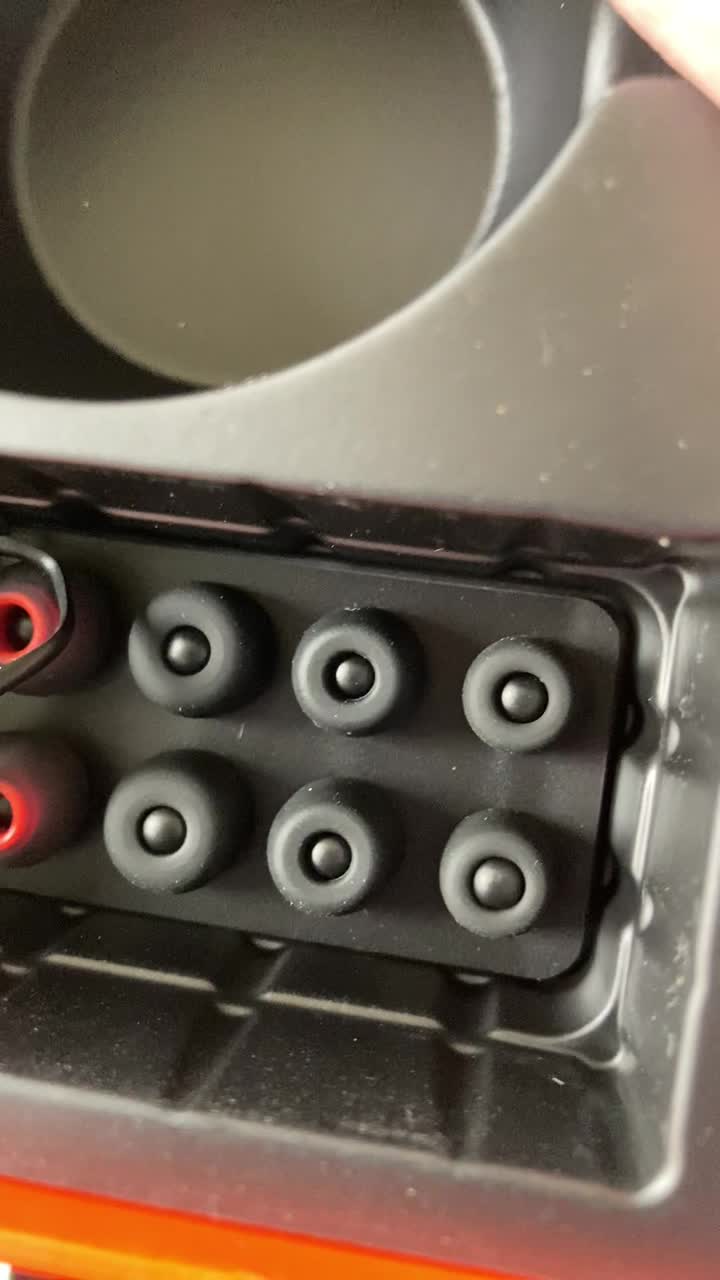
Image: Tribit FlyBuds C1 earbuds charging inside their case, with battery indicator lights visible.
4.2. 기기와 페어링
The Tribit FlyBuds C1 feature one-step pairing for convenience.
- 충전 케이스를 여세요. 이어버드가 자동으로 페어링 모드로 진입합니다.
- 기기(스마트폰, 태블릿, 노트북)에서 Bluetooth를 활성화하고 사용 가능한 기기를 검색하세요.
- Select "Tribit FlyBuds C1" from the list of devices. Once connected, a voice prompt will confirm successful pairing.
- The earbuds will automatically connect to the last paired device when the case is opened. To unpair, press and hold the button on the charging case.
4.3. 이어버드 장착
최적의 음질과 편안함을 위해 올바른 크기의 이어팁을 선택하세요.
- Experiment with the 6 included pairs of silicone ear tips to find the best fit for your ears. A snug fit ensures better bass response and noise isolation.
- 이어버드를 귓속에 부드럽게 넣고 살짝 돌려 고정하세요.
Image: Selection of silicone ear tips for personalized fit.
5. 사용 설명서
5.1. 전원 켜기/끄기
- 전원 켜기: 충전 케이스를 열면 이어버드의 전원이 자동으로 켜집니다.
- 전원 끄기 : 이어버드를 충전 케이스에 다시 넣고 뚜껑을 닫으세요. 자동으로 전원이 꺼지고 충전이 시작됩니다.
5.2. 음악 재생
The Tribit FlyBuds C1 feature physical buttons for control:
- 재생/일시 중지: 이어버드 중 하나의 버튼을 한 번 누르세요.
- 다음 트랙: 오른쪽 이어버드의 버튼을 두 번 누르세요.
- 이전 트랙 : 왼쪽 이어버드의 버튼을 두 번 누르세요.
Note: Volume control is not directly available on the earbuds. Please adjust volume via your connected device.
5.3. 통화 관리
- 전화 받기/종료: 이어버드 중 하나의 버튼을 한 번 누르세요.
- 전화 거부: 이어버드 중 하나의 버튼을 2초 동안 길게 누르세요.
- 음성 비서(Siri, Google Assistant)를 활성화하세요. Triple-press the button on either earbud.
The earbuds feature 4 microphones with CVC 8.0 Call Noise Reduction for clear calls.
5.4. 한쪽 이어버드 모드
Either earbud can be used independently. Simply take one earbud out of the case, and it will automatically connect to your device. The other earbud can remain in the case or be used later.
5.5. IPX8 방수
The Tribit FlyBuds C1 are IPX8 rated, offering protection against sweat, splashes, and submersion in water up to 1 meter for 30 minutes. This makes them suitable for sports and exercise in various weather conditions.
- Ensure the USB-C charging port cover is securely closed before exposing the earbuds to water.
- Do not charge the earbuds if they are wet. Dry them thoroughly before placing them back in the charging case.
6. 유지관리
Proper maintenance ensures the longevity and performance of your Tribit FlyBuds C1.
- 청소: Regularly clean the earbuds and charging case with a soft, dry, lint-free cloth. For ear tips, remove them and wash with mild soap and water, then dry completely before reattaching.
- 저장: 사용하지 않을 때는 이어버드를 충전 케이스에 보관하여 보호하고 충전 상태를 유지하세요. 서늘하고 건조한 곳에 극한의 온도를 피해 보관하세요.
- 손상을 방지하세요: Do not drop, puncture, or expose the device to strong impacts.
7. 문제 해결
If you encounter issues with your Tribit FlyBuds C1, try the following solutions:
| 문제 | 해결책 |
|---|---|
| 이어폰이 페어링되지 않음 |
|
| 소리가 나지 않거나 볼륨이 작음 |
|
| 이어폰이 충전되지 않음 |
|
| 간헐적 연결 |
|
8. 사양
| 특징 | 세부 사항 |
|---|---|
| 모델명 | BTH91 (FlyBuds C1) |
| 연결 기술 | 무선(블루투스) |
| 블루투스 버전 | 5.2 |
| 블루투스 범위 | 10 미터 |
| 배터리 수명(이어버드) | 충전당 최대 5시간 |
| 총 재생 시간(충전 케이스 포함) | 최대 100시간 |
| 충전 시간 | 약 1.5시간 (케이스 기준) |
| 방수 레벨 | IPX8(방수) |
| 소음 제어 기능 | CVC 8.0 Call Noise Reduction, Sound Isolation |
| 제어 방법 | 물리적 버튼 |
| 충전 포트 | USB-C, Wireless Charging (Qi-compatible) |
| 품목 무게 | 2.4 온스 |
| 제품 치수 | 2.4 x 2.4 x 1.2 인치 |
9. 보증 및 지원
Tribit provides an 18-month warranty for the FlyBuds C1 (Model BTH91) from the date of purchase. This warranty covers manufacturing defects and ensures your product is free from material and workmanship flaws under normal use.
For warranty claims, technical support, or any questions regarding your product, please contact Tribit customer service:
- 이메일: support@tribitaudio.com
- 지원 티켓 : 방문하다 tribitaudio.com/support
- 핸드폰: 1-888-232-3138 (Mon-Fri, 9:00-6:00 PST [US])
Please have your purchase receipt and product model number (BTH91) ready when contacting support.