
1. 서론
Thank you for choosing the Vacmaster Orson Lite 24V Max Cordless Vacuum Cleaner. This manual provides essential information for the safe and efficient use, maintenance, and troubleshooting of your new appliance. Please read these instructions carefully before use and retain them for future reference.
중요 안전 지침
- Always ensure the vacuum is switched off and unplugged before cleaning or performing maintenance.
- 물이나 젖은 물건을 빨아들이는 데 진공청소기를 사용하지 마십시오.
- 머리카락, 느슨한 옷, 손가락 및 신체의 모든 부분을 구멍이나 움직이는 부품에서 멀리 두십시오.
- 먼지통과 필터가 제자리에 있지 않은 상태에서 사용하지 마세요.
- 진공청소기는 건조하고 실내에 보관하세요.
2. 패키지 내용
Carefully unpack your Vacmaster Orson Lite and check that all items are present and in good condition. If any items are missing or damaged, please contact customer support.
- 본체 진공 장치(배터리 내장)
- 확장 완드
- Powered Floor Head
- 2-in-1 Crevice Tool and Dusting Brush
- Wall Mount / Charging Dock
- Charging Adapter (UK)
- 2 Washable HEPA 13 Filters
- 사용자 설명서

이미지: 이상view of the Vacmaster Orson Lite cordless vacuum cleaner and its included accessories, such as the main unit, extension wand, floor head, and various attachments.
3. 조립
Follow these steps to assemble your Vacmaster Orson Lite vacuum cleaner.
- 확장 막대를 부착하세요: 연장봉을 본체에 딸깍 소리가 나면서 제자리에 단단히 고정될 때까지 삽입하십시오.
- 바닥 헤드를 연결하세요: Attach the powered floor head to the other end of the extension wand, ensuring it clicks firmly.
- 벽면 마운트 설치: Choose a suitable location near a power outlet. Secure the wall mount/charging dock to the wall using appropriate screws and anchors (not included). Ensure it is mounted at a height that allows the vacuum to hang freely.

Image: The Vacmaster Orson Lite cordless vacuum cleaner securely stored on its wall-mounted charging dock, ready for use.
4. 배터리 충전
The Vacmaster Orson Lite is powered by a 24V Max lithium-ion battery. For optimal performance, fully charge the battery before first use.
- 충전기 연결: Plug the charging adapter into a wall outlet and connect the other end to the charging port on the wall mount or directly to the vacuum unit.
- 충전 표시기: The LED battery display on the vacuum will show the charging status. It will illuminate progressively as the battery charges and indicate a full charge when all segments are lit.
- 충전 시간: 일반적으로 완전 충전에는 약 4~5시간이 걸립니다.

Image: Close-up of the Vacmaster Orson Lite's control panel, showing the LED battery display indicating the current charge level.
5. 운영
The Vacmaster Orson Lite offers versatile 3-in-1 cleaning for various surfaces.
전원 켜기/끄기 및 속도 선택
- 손잡이에 있는 전원 버튼을 눌러 청소기를 켜거나 끄세요.
- Press the speed selection button to switch between standard and Turbo modes. Turbo mode provides increased suction for stubborn dirt and pet hair, but reduces runtime.
- The LED battery display indicates remaining power during use.
청소 모드
- 스틱형 진공청소기: For cleaning hard floors and carpets. The powered floor head features LED task lights to illuminate dust and debris.
- 핸드헬드 진공 청소기: Detach the extension wand and floor head to use the main unit as a handheld vacuum for furniture, car interiors, or small spills.
- With 2-in-1 Tool: Attach the crevice tool and dusting brush directly to the main unit or the extension wand for cleaning tight spaces, upholstery, or delicate surfaces.

Image: A user operating the Vacmaster Orson Lite in handheld mode, effectively cleaning stairs with its compact design.
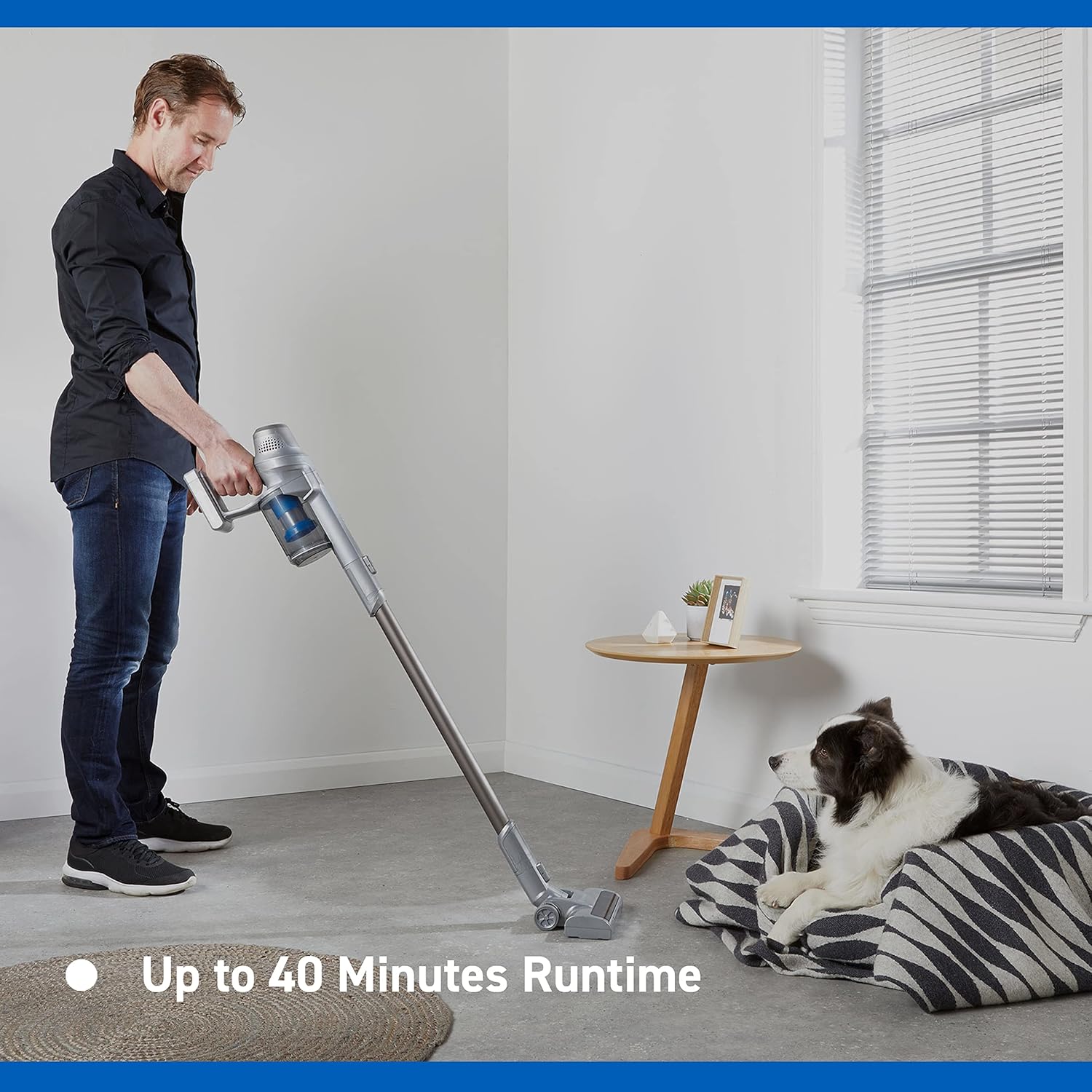
Image: Close-up of the Vacmaster Orson Lite's powered floor head, showcasing its integrated LED task lights illuminating debris on a hard floor.

Image: A man using the lightweight Vacmaster Orson Lite with its extension wand to easily clean dust from a high corner of a room.
6. 유지관리
Regular maintenance ensures your Vacmaster Orson Lite operates efficiently and prolongs its lifespan.
먼지통 비우기
- 진공이 꺼져 있는지 확인하세요.
- Press the dust bin release button to detach the dust bin from the main unit.
- Position the dust bin over a trash receptacle and press the bottom release button to open the flap and empty the contents.
- Close the flap and reattach the dust bin to the main unit until it clicks securely.

Image: A hand demonstrating the easy-to-empty dust bin feature of the Vacmaster Orson Lite, showing debris being released into a trash can.
필터 청소
The Vacmaster Orson Lite includes 2 washable HEPA 13 filters. Clean them regularly to maintain suction power.
- 위에 설명한 대로 먼지통을 제거하세요.
- 필터 어셈블리를 비틀어서 먼지통에서 빼내세요.
- Tap the filters gently to remove loose dust. For a deeper clean, rinse the filters under cold running water until the water runs clear.
- Allow the filters to air dry completely for at least 24 hours before reassembling. Do not use a dryer or heat source.
- Reinsert the dry filters into the dust bin and reattach the dust bin to the vacuum.
브러시 롤 청소
Periodically check the brush roll in the powered floor head for tangled hair or debris. Use scissors to cut away any tangled material and remove it by hand.
7. 문제 해결
If you encounter issues with your Vacmaster Orson Lite, refer to the following common problems and solutions.
| 문제 | 가능한 원인 | 해결책 |
|---|---|---|
| 진공청소기가 켜지지 않습니다 | 배터리가 소진되었습니다 배터리가 제대로 연결되지 않았습니다. | 배터리를 완전히 충전하십시오 배터리가 안전하게 삽입되었는지 확인하세요 |
| 흡입력 상실 | 먼지통이 꽉 찼어요 필터가 막혔습니다 노즐, 분사봉 또는 호스가 막혔습니다. | 먼지통 비우기 필터 청소 또는 교체 막힌 부분을 확인하고 제거하세요. |
| 브러시 롤이 회전하지 않습니다 | 엉킨 잔해 Floor head not properly connected | Clean brush roll of hair and debris Ensure floor head is securely attached |
| 짧은 런타임 | 배터리가 완전히 충전되지 않음 Using Turbo mode excessively 배터리 성능 저하 | 배터리를 완전히 충전 Use standard mode for general cleaning Contact customer support if battery life significantly decreases |
8. 사양
| 특징 | 사양 |
|---|---|
| 상표 | 백마스터 |
| 모델 번호 | VSE2101EU |
| 제품 크기(L x W x H) | 23.5 x 22.5 x 116cm |
| 품목 무게 | 2.55 킬로그램 |
| 힘 | 450 와트 |
| 권tage | 24 볼트 |
| 속도의 수 | 2 |
| 사운드 레벨 | 70데시벨 |
| 실행 시간 | 최대 40분 |
| 배터리 유형 | 1 리튬이온(포함) |
| 특별 기능 | Lightweight, Cordless, Bagless |
| 필터 유형 | Washable HEPA 13 |
| 제조업체 | 클레바 |
| 원산지 | 중국 |
9. 보증 및 지원
보증 정보
The Vacmaster Orson Lite VSE2101EU comes with a 2년 보증 on spare parts, covering defects in materials and workmanship from the date of purchase. This warranty does not cover damage caused by misuse, neglect, accident, or unauthorized modification. Please retain your proof of purchase for warranty claims.
고객 지원
For technical assistance, warranty claims, or to order replacement parts, please visit the official Vacmaster web사이트 또는 고객 서비스 부서에 문의하세요. 연락처 정보는 일반적으로 제품 포장이나 브랜드 공식 웹사이트에서 확인할 수 있습니다. web대지.