
Echelon REFLECT 50 (50-inch Touch)
Echelon Reflect Smart Connect 피트니스 미러 사용 설명서
Model: REFLECT 50 (50-inch Touch)
1. 서론
This manual provides essential information for the safe and effective use of your Echelon Reflect Smart Connect Fitness Mirror. Please read this manual thoroughly before setup and operation, and retain it for future reference.
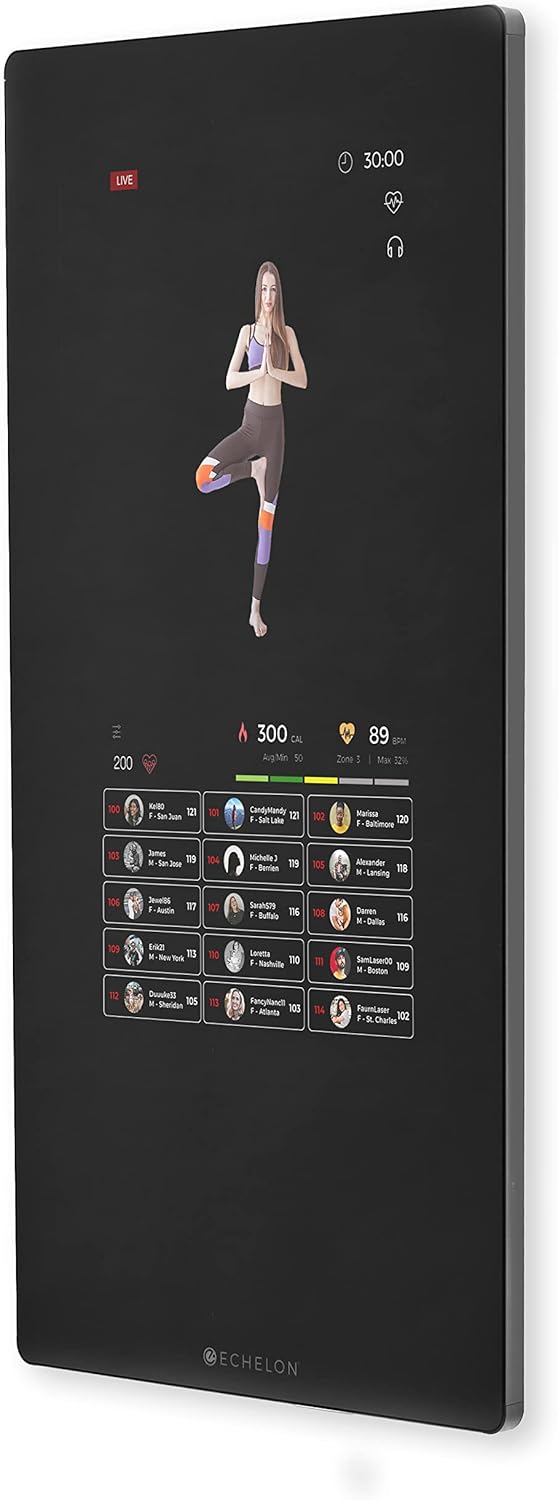
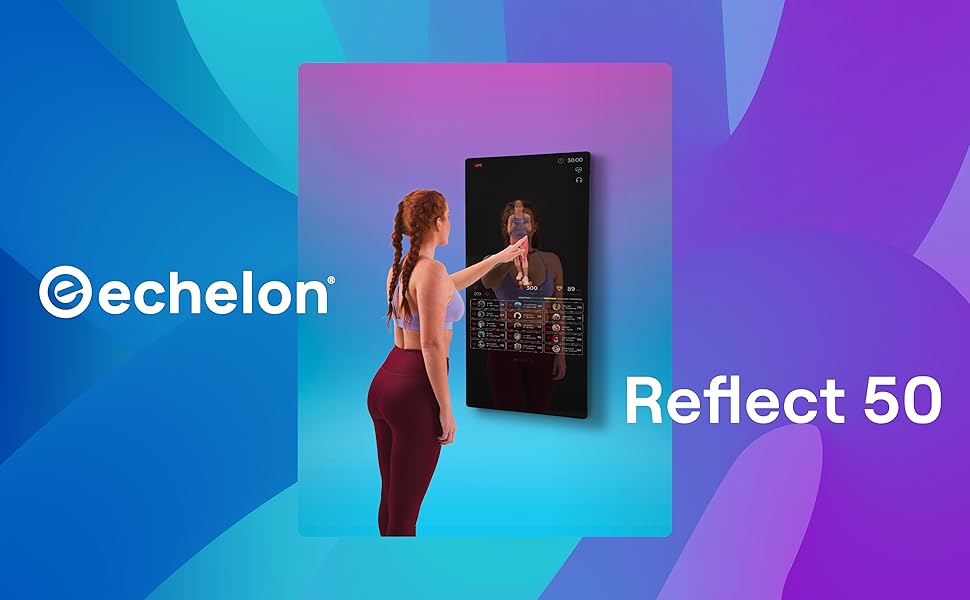
The Echelon Reflect Smart Connect Fitness Mirror is a sophisticated fitness device designed to bring a wide range of interactive workouts directly into your home. Its sleek, space-saving design integrates seamlessly into any living space while providing access to a vast library of live and on-demand fitness classes.
자세한 사용자 가이드를 원하시면 공식 PDF 설명서를 참조하십시오. Echelon Reflect User Manual (PDF)
2. 안전 정보
중요한: Always ensure proper mounting to a load-bearing wall for safe and stable use of the Echelon Reflect Fitness Mirror. Failure to do so may result in injury or damage to the product.
- 기기를 사용하기 전에 모든 지침을 읽으세요.
- Keep children and pets away from the mirror during operation.
- Do not attempt to service the mirror yourself. Refer all servicing to qualified personnel.
- 전원 코드가 끼이거나 손상되지 않았는지 확인하세요.
- Use the mirror only for its intended purpose as described in this manual.
3. 제품 특징
The Echelon Reflect Smart Connect Fitness Mirror offers a range of features designed to enhance your home workout experience:
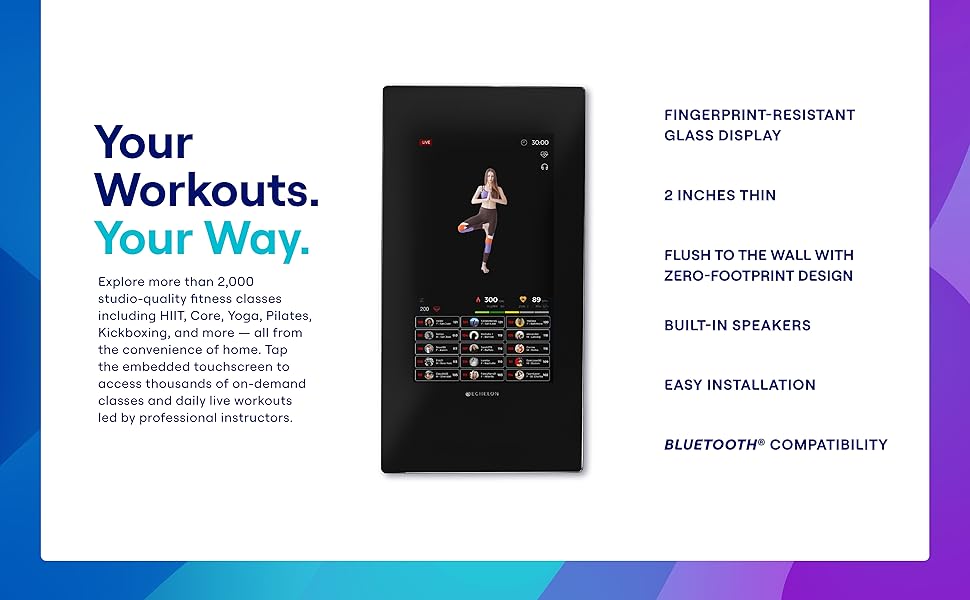
- 터치스크린 디스플레이: Easy-to-use, sweat-proof, and WiFi-enabled for interactive class selection and real-time feedback.
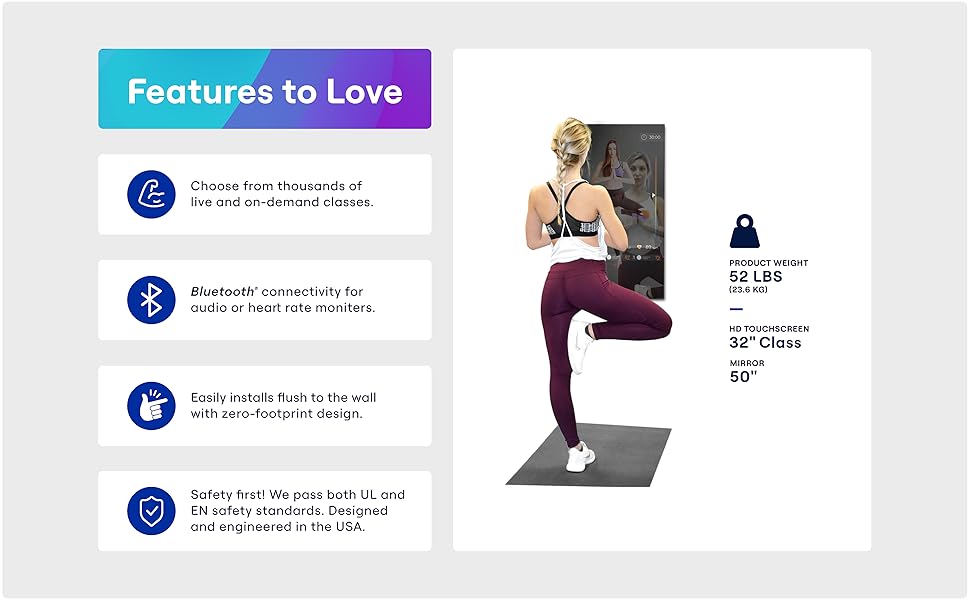
- Zero Footprint Design: A sleek, wall-mounted design that blends into your home decor, requiring minimal space.
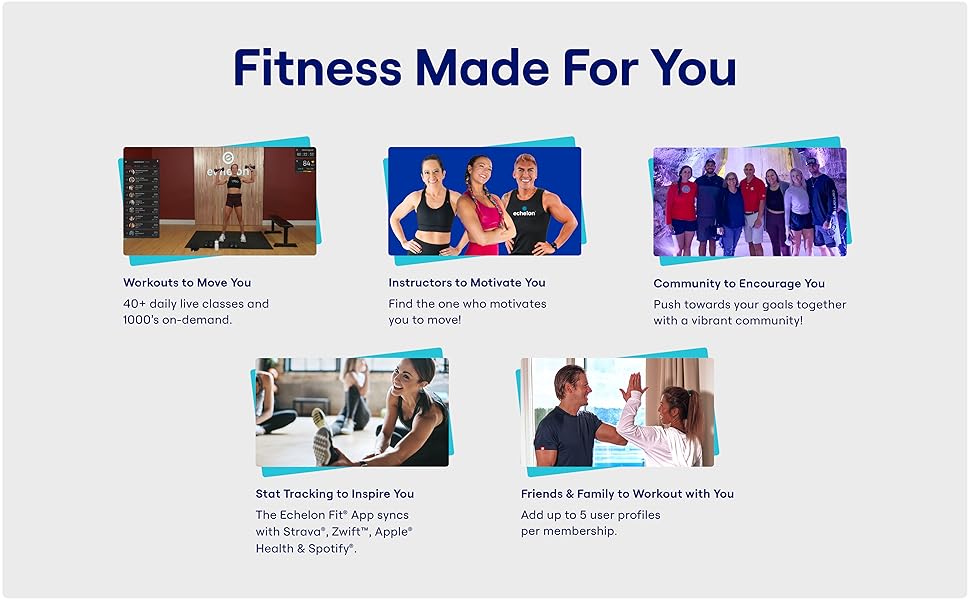
- Live & On-Demand Classes: Access to over 3,000 live and on-demand fitness classes through the Echelon Fit App, including Cycling, Running, Kickboxing, Strength Training, Yoga, Pilates, and more.
- 내장 카메라 : Allows for live sessions and interaction with trainers.
- 성과 추적: Real-time tracking of heart rate, calories burned, and progress.
- 블루투스 호환성 : For audio and heart rate monitors.
- Fingerprint-Resistant Glass: 깔끔한 외관을 유지합니다.
- 내장 스피커: For immersive audio during workouts.
- 다중 사용자 프로files: 최대 5명의 사용자 지원files per membership.
비주얼 오버view
4. 설정 및 설치
The Echelon Reflect Fitness Mirror is designed for wall mounting. Proper installation is crucial for safety and optimal performance.
4.1 풀기
- 모든 포장재를 조심스럽게 제거하세요.
- Inspect the mirror for any signs of damage. If damaged, do not proceed with installation and contact customer support.
- Ensure all included components are present: 50" Mirror.
4.2 벽면 장착
- Choose a suitable location on a load-bearing wall. The mirror weighs approximately 52 pounds.
- Refer to the detailed mounting instructions provided in the full user manual (PDF link above) for specific hardware and steps.
- 장착 표면이 깨끗하고 건조한지 확인하세요.
- Securely attach the mounting bracket to the wall according to the instructions.
- Carefully lift and hang the Echelon Reflect onto the secured bracket. It is recommended to have at least two people for this step.
4.3 초기 전원 켜기
- Once securely mounted, connect the power cable to the mirror and then to a standard electrical outlet.
- The mirror will power on and guide you through the initial setup process on the touchscreen.
- Follow the on-screen prompts to connect to your Wi-Fi network and create or log in to your Echelon account.
5. 사용 설명서
The Echelon Reflect operates primarily through its intuitive touchscreen interface.
5.1 인터페이스 탐색
- Use touch gestures (tap, swipe) to navigate through menus and select classes.
- The main screen typically displays available classes, user profile및 설정이 있습니다.
5.2 운동 시작하기
- From the home screen, select your desired class category (e.g., Yoga, Strength, Cardio, Kickboxing).
- Browse through the available live or on-demand classes.
- Tap on a class to view details, then select "Play" or "Join" to begin.
- Ensure you have adequate space around the mirror for your workout.
5.3 액세서리 연결
- 블루투스 오디오 Pair Bluetooth headphones or speakers through the mirror's settings menu for private or enhanced audio.
- 심박수 모니터: Connect compatible Bluetooth heart rate monitors to track your heart rate during workouts. This data will be displayed on-screen.
5.4 비디오 데모
Watch this official video for a visual guide on the Echelon Reflect Touch features and operation:
Official Echelon Reflect Smart Connect Fitness Mirror overview video, demonstrating various features including live and on-demand classes, heart rate tracking, and progress tracking.
6. 유지관리 및 관리
Regular maintenance ensures the longevity and optimal performance of your Echelon Reflect Fitness Mirror.
- 화면 청소: Use a soft, lint-free cloth to wipe the fingerprint-resistant glass display. For stubborn marks, slightly dampen the cloth with water or a screen-safe cleaner. Avoid abrasive cleaners or sprays directly on the screen.
- 일반 청소: Wipe down the frame and exterior with a soft, damp 옷감.
- 저장: If storing for an extended period, ensure the mirror is powered off and unplugged. Store in a cool, dry place.
- 소프트웨어 업데이트: The mirror will periodically receive software updates. Ensure it is connected to Wi-Fi to receive these updates, which improve performance and add new features.
7. 문제 해결
This section addresses common issues you might encounter with your Echelon Reflect Fitness Mirror.
| 문제 | 가능한 원인 | 해결책 |
|---|---|---|
| Mirror does not power on. | 전원 케이블이 연결되지 않았습니다. 전원 콘센트 문제입니다. | Ensure power cable is securely plugged into the mirror and a working electrical outlet. Test the outlet with another device. |
| Wi-Fi에 연결할 수 없습니다. | Wi-Fi 비밀번호가 잘못되었습니다. 신호가 약합니다. 라우터 문제입니다. | Double-check Wi-Fi password. Move the mirror closer to the router or use a Wi-Fi extender. Restart your router. |
| Classes are buffering or lagging. | Slow internet connection; network congestion. | Check your internet speed. Reduce other network activity. Restart your router. |
| 터치스크린이 반응하지 않습니다. | 일시적인 소프트웨어 오류입니다. | Restart the mirror by unplugging it for 30 seconds and plugging it back in. |
| Bluetooth 장치가 페어링되지 않습니다. | 기기가 페어링 모드가 아닙니다. 간섭이 발생했습니다. | Ensure your Bluetooth device is in pairing mode. Move closer to the mirror. Try restarting both devices. |
If the issue persists after attempting these solutions, please contact Echelon customer support.
8. 사양
| 기인하다 | 세부 사항 |
|---|---|
| 상표 | 단계 |
| 모델명 | REFLECT 50 |
| 스타일 | 50-inch Touch |
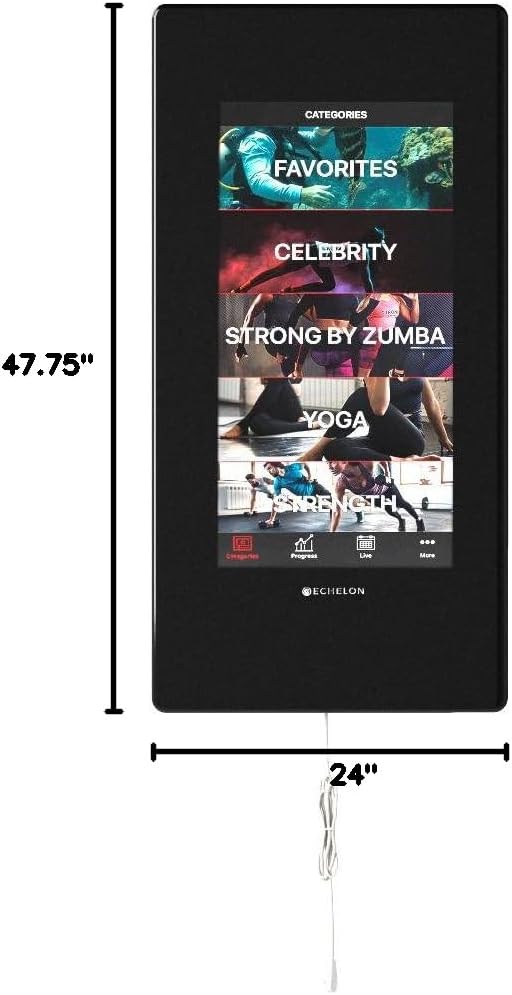
| 제품 치수(L x W) | 47.75인치 x 24인치 |
| 품목 무게 | 52파운드(약 23.6kg) |
| 재료 | 유리, 금속 프레임 |
| 장착 유형 | 벽걸이형 |
| 특징 | Touch Sensor, Smart Features |
| 색상 | 검은색 |
| 한국어: | 813061024775 |
9. 보증 정보
The Echelon Reflect Smart Connect Fitness Mirror is covered by a 24-month limited parts and labor warranty. For any issues or to claim warranty service, please contact Echelon customer service.
10. 고객 지원
For technical assistance, troubleshooting beyond this manual, or warranty inquiries, please contact Echelon customer support.
- Refer to the official Echelon web최신 연락처 정보는 사이트에서 확인하세요.
- Have your product model number (REFLECT 50) and purchase details ready when contacting support.
Ask a question about this manual
Ask about setup, troubleshooting, compatibility, parts, safety, or missing instructions. Manuals+ will review the question and use this page’s manual context to help answer it.