
소개
This manual provides detailed instructions for the proper use and maintenance of your SYNCO Lav-S6E Omnidirectional Lavalier Microphone. Please read this manual thoroughly before operating the device to ensure optimal performance and longevity.
제품 끝view 및 주요 특징
The SYNCO Lav-S6E is an omnidirectional lavalier microphone designed for clear audio recording across various devices. Its key features include:
- Auto-pairing Technology: Equipped with two built-in microchips for automatic recognition and flexible pairing between 3.5mm TRRS and 3.5mm TRS audio input devices. This eliminates the need for external adapters, offering plug-and-play functionality.
- Clear Working Status Indicator: An integrated indicator light allows for real-time monitoring of the microphone's operational status and connection, ensuring you are aware of its state during recording.
- 전방향 픽업 패턴: Features a 360-degree sound pickup range and a high-sensitivity condenser microphone head, designed to capture sound comprehensively.
- 폭넓은 호환성: Compatible with iOS/Android smartphones, cameras, laptops, PCs, and other devices equipped with 3.5mm jacks.
- Advanced Noise Handling: Utilizes upgraded circuitry to achieve low self-noise and actively reduce ambient noise below 70Hz, providing clear and focused audio.
상자 안에 무엇이 들어있나요?
패키지를 열면 모든 구성품이 들어 있는지 확인하세요.
- SYNCO Lav-S6E Lavalier Microphone
- 리튬 이온 배터리
- Note: Additional accessories such as a windscreen and lapel clip are typically included with lavalier microphones. Please check your packaging.
설치 지침
- 배터리 삽입: Ensure the Lithium Ion battery is correctly inserted into the microphone's power module.
- 장치에 연결:
- For devices with a 3.5mm TRRS or TRS jack (smartphones, cameras, laptops, PCs), simply plug the microphone's 3.5mm connector into the audio input port. The microphone's auto-pairing technology will detect the device type.
- For iPhone 7 and later models, use the 3.5mm-to-Lightning adapter provided with your iPhone.
- Some Android smartphones may require downloading an external video recording application for the microphone to function correctly.
- 모니터 상태: Observe the indicator light on the microphone's power module. A steady light indicates a successful connection and operational status.
- 마이크를 연결하세요: Securely clip the lavalier microphone to your clothing, approximately 6-8 inches (15-20 cm) from your mouth, to capture optimal sound. Ensure it is not rubbing against clothing, which can cause unwanted noise.

Image: The SYNCO Lav-S6E microphone features auto-pairing technology, allowing direct connection to both cameras and smartphones without additional adapters.
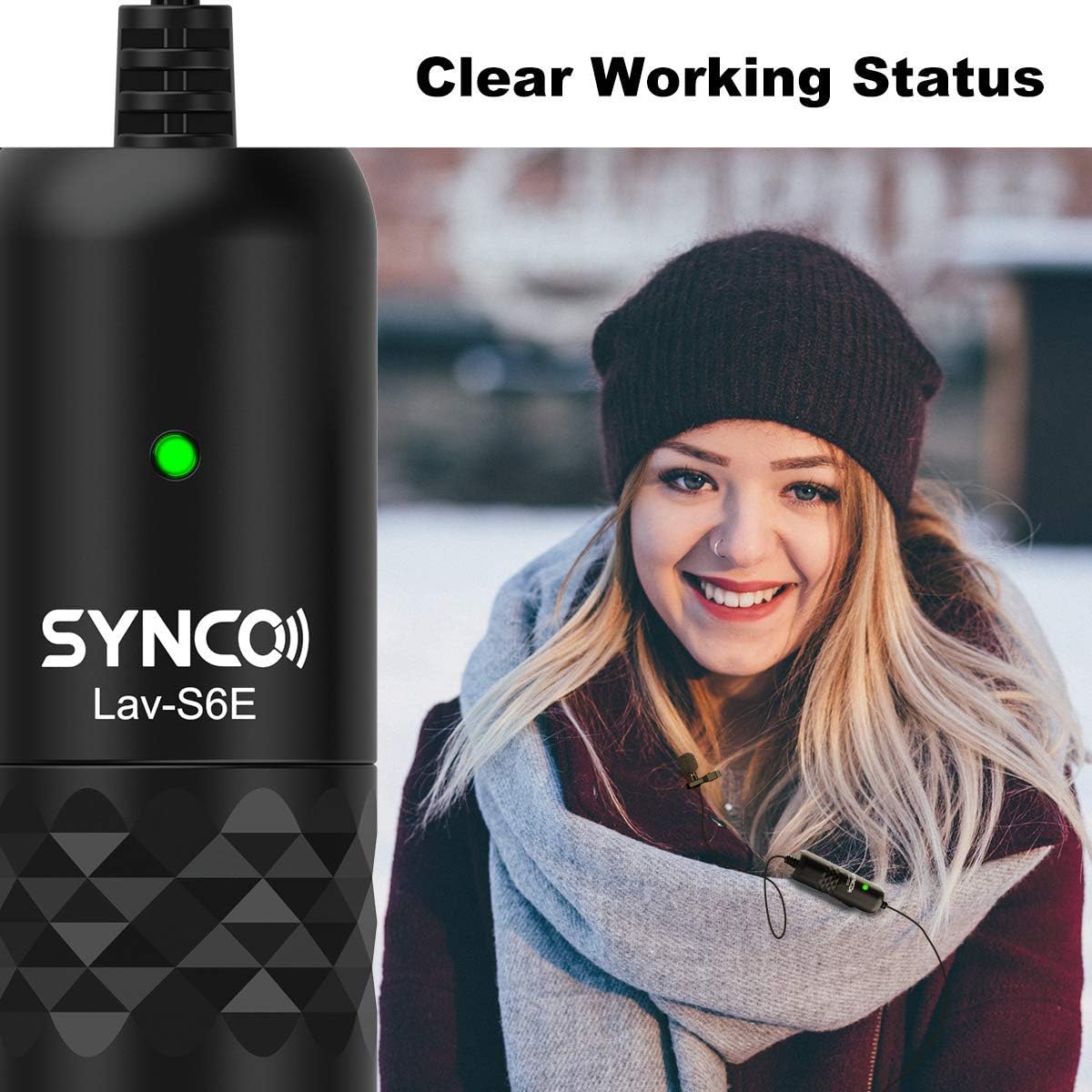
Image: The microphone's indicator light provides a clear visual cue of its working status.

Image: The SYNCO Lav-S6E offers wide compatibility with various recording devices.
작동 지침
- 위치: For optimal sound capture, position the microphone on your lapel or collar. Ensure the omnidirectional capsule is facing outwards and is not obstructed by clothing or accessories.
- 녹음: Once connected and the indicator light is active, begin recording on your chosen device (smartphone, camera, laptop, PC).
- 오디오 모니터링: If your recording device allows, use headphones to monitor the audio input during recording to ensure clear sound and proper microphone placement.
- 케이블 관리 : The 6-meter (19.7-foot) cable provides flexibility. Manage the cable to prevent tangling or accidental disconnections during use.

Image: The omnidirectional pickup pattern captures sound from all directions, suitable for group discussions or interviews.

Image: The microphone's advanced noise processing helps to clarify audio by reducing ambient sounds.
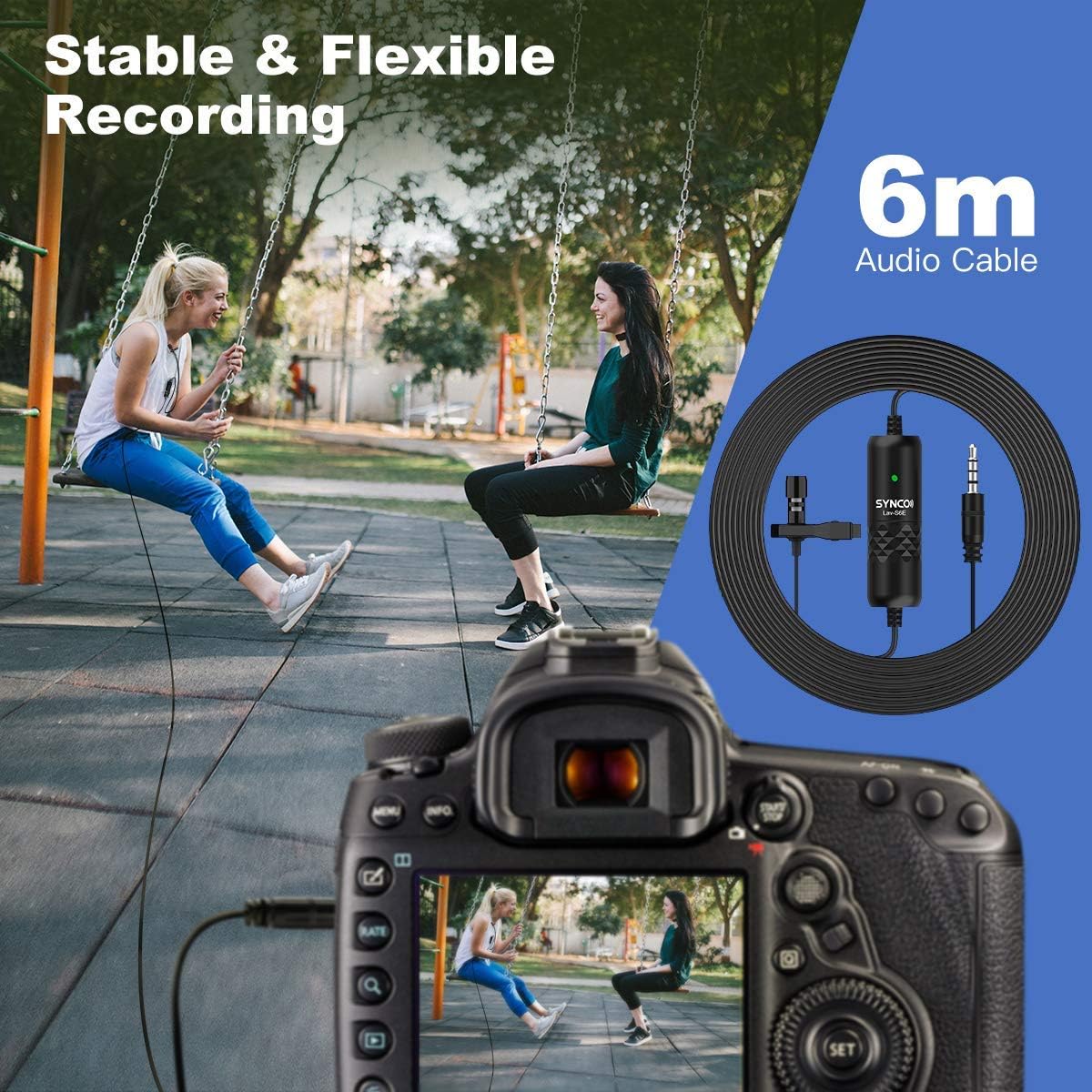
Image: The 6-meter audio cable provides ample length for flexible recording setups.
문제 해결
- 소리가 나지 않거나 볼륨이 낮음:
- Ensure the microphone is securely plugged into the device's audio input.
- Check the battery level and ensure it is correctly inserted.
- Verify the indicator light is active.
- Adjust the input volume settings on your recording device.
- For smartphones, confirm that the correct audio input source is selected in your recording app.
- 정적 또는 원치 않는 소음:
- 마이크가 옷이나 다른 물체에 닿아 마찰되지 않도록 하십시오.
- 다른 전자 기기에서 발생하는 전자기 간섭을 확인하십시오.
- The microphone has advanced noise handling; however, very loud ambient noise may still be picked up. Try to record in quieter environments.
- 케이블에 손상이나 꼬임이 없는지 검사하세요.
- 호환성 문제:
- For iPhone 7 and newer, confirm you are using the official 3.5mm-to-Lightning adapter.
- For some Android devices, try using a third-party recording application if the native camera app does not recognize the microphone.
유지
- 청소: Use a soft, dry cloth to clean the microphone and cable. Avoid using liquid cleaners or solvents.
- 저장: 마이크는 직사광선과 극한의 온도를 피해 시원하고 건조한 곳에 보관하세요.
- 케이블 관리: 케이블을 급격하게 구부리거나 과도하게 당기지 마십시오. 내부 손상을 방지할 수 있습니다.
- 배터리 교체: Replace the Lithium Ion battery as needed to ensure consistent performance.
명세서
| 모델 번호 | 시즌 6 |
| 품목 무게 | 4.6 온스 |
| 패키지 크기 | 5.24 x 5.16 x 1.73 인치 |
| 케이블 길이 | 6미터 / 19.7피트 |
| 커넥터 유형 | 3.5mm TRRS/TRS (Auto-pairing) |
| 픽업 패턴 | Omnidirectional (360-degree) |
| 호환 장치 | Smartphones (iOS/Android), Cameras, Laptops, PCs |
| 전원 | 배터리 구동(리튬 이온) |
| 재료 유형 | 금속 |
보증 및 지원
For warranty information and technical support, please refer to the official SYNCO web사이트를 방문하거나 고객 서비스에 직접 문의하세요. 보증 청구를 위해 구매 증빙 자료로 구매 영수증을 보관하세요.
제조업체: 싱크로