
1. 서론
The MOJOGEAR Mini XL 20,000 mAh Power Bank is a high-capacity portable charger designed to provide fast and efficient power to your mobile devices. With its compact design and multiple charging ports, it's an ideal companion for travel, outdoor activities, or daily use, ensuring your smartphones, tablets, and other compatible gadgets stay charged.
2. 안전 정보
Please read and follow these safety guidelines carefully to ensure safe operation and prolong the life of your power bank:
- 보조 배터리를 극한 온도(섭씨 45도 이상 또는 섭씨 0도 이하), 직사광선 또는 높은 습도에 노출시키지 마십시오.
- 기기를 직접 분해, 개조 또는 수리하려고 하지 마십시오. 보증이 무효화되고 손상이나 부상을 입을 수 있습니다.
- 보조 배터리를 물이나 기타 액체에 닿지 않게 보관하세요.
- 모바일 충전기를 떨어뜨리거나 강한 충격을 주지 마십시오.
- 지역 규정에 따라 책임감 있게 폐기하세요. 일반 쓰레기와 함께 버리지 마세요.
- The power bank has a capacity of 74 Wh, which is generally suitable for air travel. However, always check with your airline's specific regulations before flying.
3. 패키지 내용
패키지에 모든 품목이 들어 있는지 확인하세요.
- MOJOGEAR Mini XL 20,000 mAh Power Bank
- 0.3m 마이크로 USB 케이블
- 사용 설명서 (본 문서)
4. 제품 오버view
Familiarize yourself with the components of your MOJOGEAR Mini XL Power Bank:
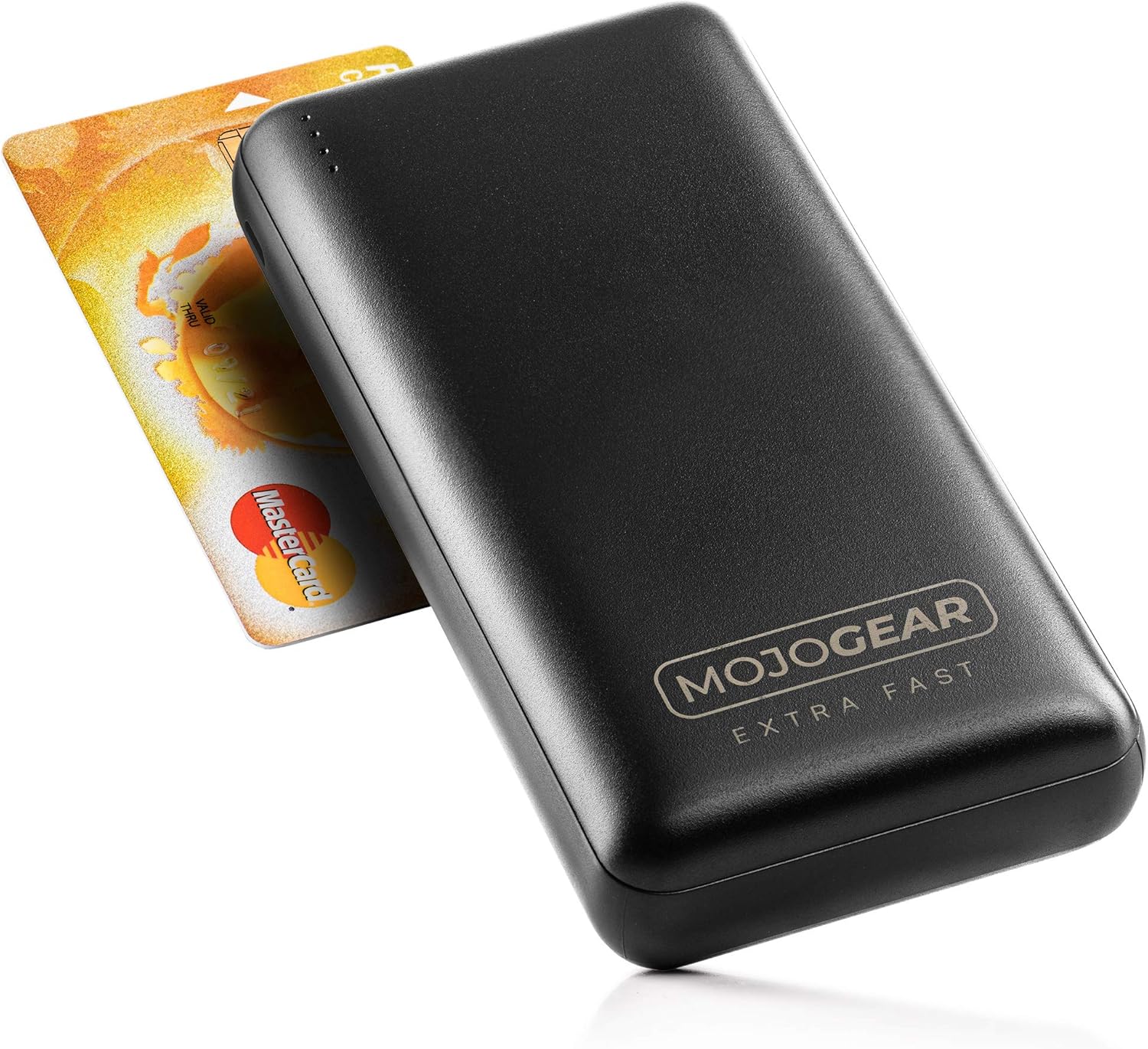


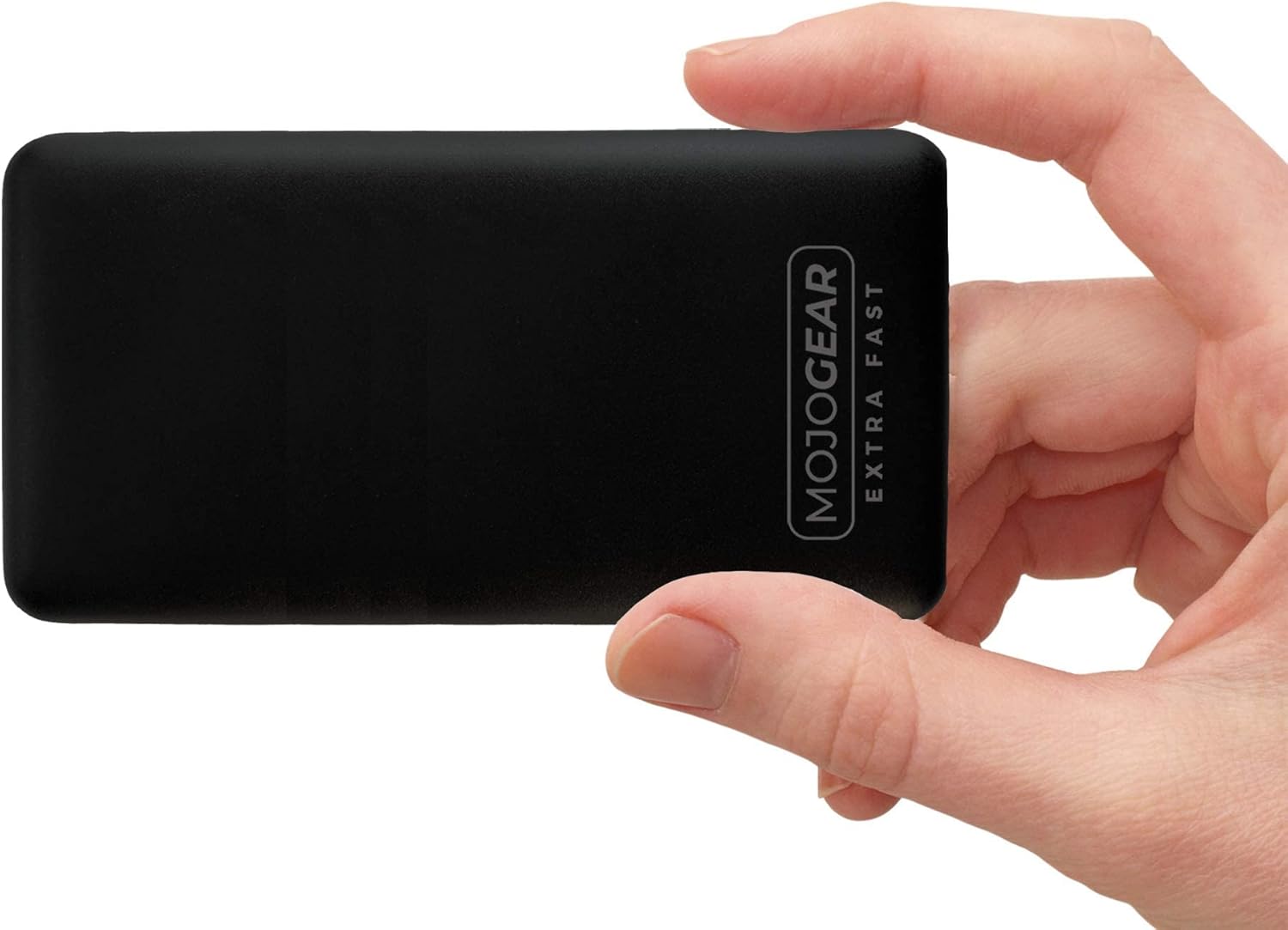
구성 요소:
- LED 표시등: Four small LED lights on the top edge indicate the remaining battery level and charging status.
- USB-A 출력 포트(2개): Standard USB ports for charging various devices. These support Quick Charge 3.0.
- USB-C Input/Output Port (x1): A versatile port that can be used to charge the power bank or to charge compatible devices. This port supports USB Power Delivery.
- Micro USB Input Port (x1): Dedicated port for charging the power bank using the provided Micro USB cable.
5. 설정
Before using your MOJOGEAR Mini XL Power Bank for the first time, it is recommended to fully charge it.
- Connect the provided 0.3m Micro USB cable to the Micro USB input port on the side of the power bank.
- 마이크로 USB 케이블의 다른 쪽 끝을 USB 전원 어댑터(별도 구매) 또는 컴퓨터의 USB 포트에 연결하십시오.
- The LED indicators will light up and blink, indicating that the power bank is charging. All four LEDs will remain solid when fully charged.
Alternatively, you can use a USB-C to USB-C cable (not included) to charge the power bank via its USB-C input/output port.
6. 사용 설명서
6.1. 장치 충전
To charge your smartphone, tablet, or other compatible devices:
- Connect your device's charging cable (e.g., USB-A to Lightning, USB-C to USB-C) to one of the power bank's output ports (USB-A or USB-C).
- 케이블의 다른 쪽 끝을 장치에 연결합니다.
- 보조 배터리가 자동으로 기기 충전을 시작합니다. LED 표시등에 남은 배터리 잔량이 표시됩니다.
The power bank supports Quick Charge 3.0 via the USB-A ports and USB Power Delivery via the USB-C port for fast charging compatible devices.
6.2. 여러 기기 동시 충전
You can charge up to three devices at the same time using the two USB-A output ports and the USB-C input/output port.
6.3. LED 표시등 상태
4개의 LED 표시등은 보조 배터리의 배터리 잔량을 나타냅니다.
- 4개의 LED (고정형): 75% - 100% 충전됨
- 3개의 LED (고정형): 50% - 75% 충전됨
- 2개의 LED (고정형): 25% - 50% 충전됨
- 1 LED가 켜져 있음: 0% - 25% 충전됨 (곧 충전)
- Blinking LEDs: Indicates the power bank is currently being charged.
7. 유지관리
Proper care will ensure the longevity of your power bank:
- 청소: Wipe the surface of the power bank with a dry, soft cloth. Do not use harsh chemicals or abrasive materials.
- 저장: 모바일 배터리는 직사광선과 극한의 온도를 피해 서늘하고 건조한 곳에 보관하세요.
- 배터리 관리 : If the power bank is not used for extended periods, charge it at least once every three months to maintain battery health and prevent deep discharge.
8. 문제 해결
If you encounter issues with your MOJOGEAR Mini XL Power Bank, refer to the following common problems and solutions:
| 문제 | 가능한 원인 | 해결책 |
|---|---|---|
| 보조 배터리가 충전되지 않음 | Loose cable connection; Faulty cable or adapter; Power source issue. | Ensure cables are securely connected. Try a different cable or power adapter. Test with a different power outlet or USB port. |
| 보조 배터리에서 장치가 충전되지 않음 | Power bank is depleted; Loose cable connection; Incompatible device; Faulty device cable. | Recharge the power bank. Check cable connections. Ensure your device is compatible. Try a different charging cable for your device. |
| 느린 충전 | Cable not supporting fast charging; Device not supporting fast charging; Charging multiple devices. | Use a cable that supports Quick Charge or Power Delivery. Ensure your device supports these fast charging protocols. Charging multiple devices simultaneously may reduce individual charging speeds. |
| Power bank feels warm during use | 충전/방전 중 정상 작동. | A slight warmth is normal. If it becomes excessively hot, disconnect immediately and contact customer support. |
9. 사양
| 특징 | 세부 사항 |
|---|---|
| 모델 | 20.000mAh |
| 용량 | 20,000mAh(74Wh) |
| 배터리 구성 | 리튬폴리머 |
| 입력 포트 | 1x Micro USB, 1x USB-C |
| 출력 포트 | 2x USB-A, 1x USB-C |
| 특별 기능 | Quick Charge 3.0 (USB-A), USB Power Delivery (USB-C) |
| Max Charging Speed | 최대 18W(3A) |
| 치수(길이 x 너비 x 높이) | 13.8 x 6.8 x 2.7cm |
| 무게 | 408그램 |
| 호환 장치 | Smartphones, Tablets, E-readers, Action Cameras, Wireless Headphones |
10. 보증 및 지원
10.1. 보증 정보
The MOJOGEAR Mini XL 20,000 mAh Power Bank comes with a 2년 보증 구매일로부터. 본 보증은 제조상의 결함 및 정상적인 사용으로 인해 발생하는 문제에 적용됩니다. 오용, 사고, 무단 개조 또는 자연재해로 인한 손상에는 적용되지 않습니다.
10.2. 고객 지원
For any questions, technical assistance, or warranty claims, please contact MOJOGEAR customer service. Refer to the product packaging or the official MOJOGEAR web최신 연락처 정보는 사이트에서 확인하세요.

