
소개
This manual provides essential instructions for the safe and efficient use of your Redmi 10000mAh Power Bank (Model PB100LZm). Please read this manual thoroughly before using the product and retain it for future reference.
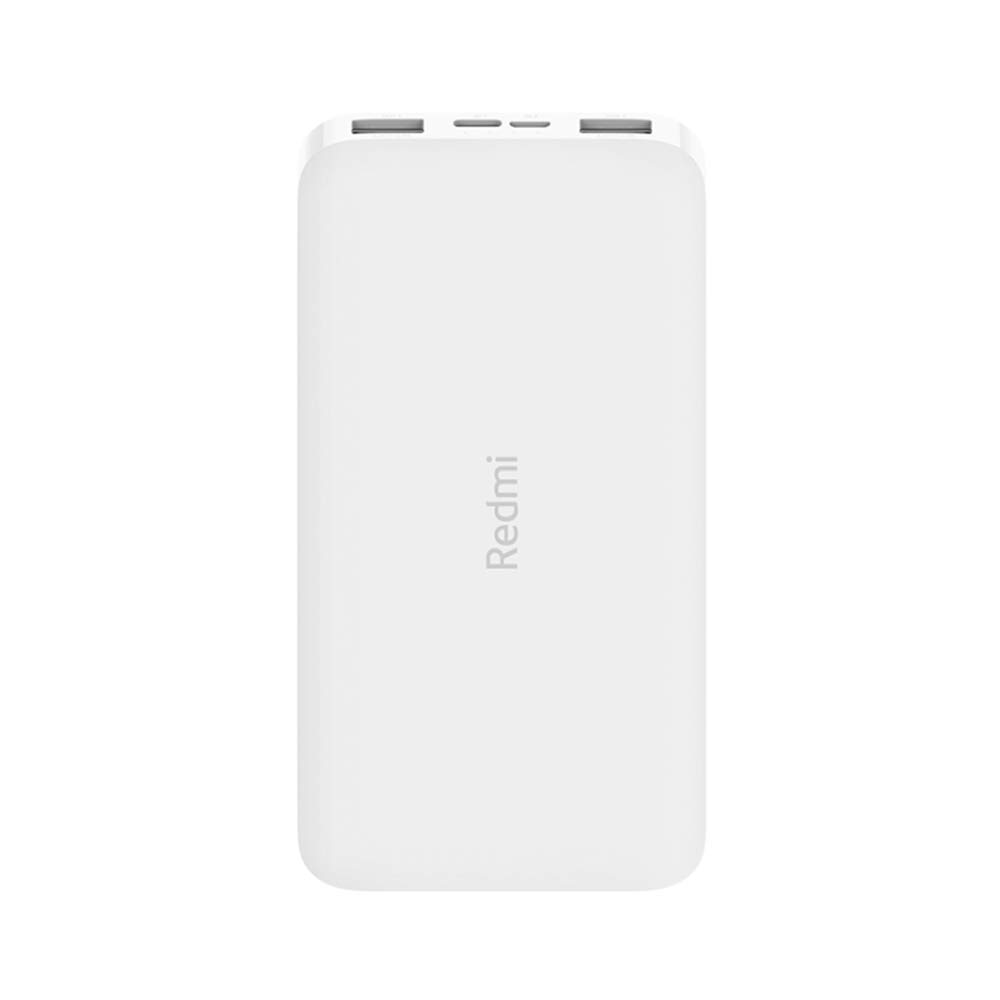
이미지: 각도 view of the white Redmi 10000mAh Power Bank.
안전 정보
To prevent injury, damage to the product, or damage to property, observe the following safety precautions:
- 보조 배터리를 분해, 수리 또는 개조하지 마십시오.
- 보조 배터리를 화기, 고온 또는 직사광선에 노출시키지 마십시오.
- 물이나 다른 액체와의 접촉을 피하십시오.
- 보조 배터리를 떨어뜨리거나 충격을 가하거나 강한 진동에 노출시키지 마십시오.
- 어린이의 손이 닿지 않는 곳에 보관하세요.
- 호환되는 충전 케이블과 어댑터만 사용하세요.
- 보조 배터리는 현지 규정에 따라 폐기하십시오.
제품 끝view
Familiarize yourself with the components of your Redmi 10000mAh Power Bank.

Image: Close-up of the power bank's top edge showing two USB-A output ports (OUT1, OUT2), one Micro-USB input port (IN1), one USB-C input port (IN2), and four LED battery level indicators.
- USB-A Output Ports (OUT1, OUT2): Used to charge external devices.
- Micro-USB Input Port (IN1): Used to charge the power bank.
- USB-C Input Port (IN2): Used to charge the power bank.
- LED 표시등: Four small lights indicating the remaining battery level.
- 전원 버튼: Located on the side, used to check battery level or activate charging.

이미지: 측면 view of the power bank highlighting the power button.
설정
파워뱅크 초기 충전
Before first use, fully charge your Redmi 10000mAh Power Bank.
- Connect a compatible USB cable to either the Micro-USB (IN1) or USB-C (IN2) input port on the power bank.
- 케이블의 다른 쪽 끝을 USB 전원 어댑터(포함되지 않음)나 컴퓨터의 USB 포트에 연결합니다.
- The LED indicators will light up, showing the charging progress. All four LEDs will be solid when fully charged.
장치 연결
The power bank is compatible with mobile phones and other USB-powered devices.
- Use the appropriate charging cable for your device.
- Connect one end of the cable to one of the USB-A output ports (OUT1 or OUT2) on the power bank.
- 케이블의 다른 쪽 끝을 기기의 충전 포트에 연결하세요.
작동 지침
외부 장치 충전
Once a device is connected, the power bank should automatically begin charging. If not, press the power button once to initiate charging.

Image: The power bank connected via a USB cable to charge a mobile phone, resting on a wooden table.
- The LED indicators will show the power bank's remaining battery level during charging.
- You can charge two devices simultaneously using both USB-A output ports.
배터리 수준 확인
Press the power button once to check the remaining battery level. The LED indicators will light up for a few seconds:
- 1개의 LED: 배터리 잔량 0~25%
- 2개의 LED: 배터리 잔량 25~50%
- 3개의 LED: 배터리 잔량 50~75%
- 4개의 LED: 배터리 잔량 75~100%
유지
- 청소: 보조 배터리를 부드럽고 마른 천으로 닦으십시오. 강한 화학 약품이나 연마제를 사용하지 마십시오.
- 저장: 모바일 배터리는 직사광선과 극한의 온도를 피해 서늘하고 건조한 곳에 보관하세요.
- 배터리 관리 : For optimal battery life, avoid fully discharging the power bank frequently. Recharge it when the battery level is low. If not used for extended periods, charge it to about 50% every three months.
문제 해결
| 문제 | 가능한 해결책 |
|---|---|
| 모바일 기기가 충전되지 않습니다. |
|
| 전원 은행에서 기기를 충전할 수 없습니다. |
|
| 느린 충전. |
|
명세서
| 상표 | 샤오미 |
| 모델 번호 | PB100LZm |
| 용량 | 10000mAh |
| 색상 | 하얀색 |
| 배터리 유형 | 리튬폴리머 |
| 입력 포트 | 1x Micro-USB, 1x USB-C |
| 출력 포트 | 2x USB-A (5.1V=2.4A each) |
| 호환 장치 | Mobile Phones and other USB-powered devices |
| 치수 | 15.8 x 8 x 2cm |
| 무게 | 276그램 |
보증 및 지원
Based on the provided product information, this product is indicated as having 무보증. For any product-related inquiries or technical support, please refer to the official Xiaomi support channels or your point of purchase.