
소개
This manual provides essential information for the setup, operation, and maintenance of your ASUS 14" Touch-Screen Laptop. Designed for versatility and performance, this laptop features an AMD Ryzen 5 processor, 8GB of memory, and a 256GB SSD, running on Windows 10 Home. Its touch-screen display and convertible design offer a flexible computing experience.
상자 안에 무엇이 들어있나요?
- ASUS 14" Touch-Screen Laptop (Model: Q406DA-BR5T6)
- 전원 어댑터
- 배터리(통합)
설정
초기 전원 켜기
Before first use, ensure the laptop is fully charged. Connect the power adapter to the charging port on the side of the laptop and plug it into a power outlet.
노트북을 켜려면 일반적으로 키보드 측면이나 오른쪽 상단에 있는 전원 버튼을 누르세요.
운영 체제 설정
Follow the on-screen prompts to complete the Windows 10 Home setup. This includes selecting your region, language, and setting up your user account.
For optimal performance, ensure all system updates are installed after initial setup.
노트북 작동하기
Touch-Screen Functionality
The 14-inch display is a responsive touch-screen, allowing for intuitive navigation and interaction with applications. Use gestures such as tap, swipe, pinch-to-zoom, and multi-finger input.

이미지: 앞면 view of the ASUS 14" Touch-Screen Laptop displaying the Windows login screen.
키보드 및 터치패드
The integrated keyboard provides a comfortable typing experience. The touchpad supports multi-touch gestures for precise cursor control.
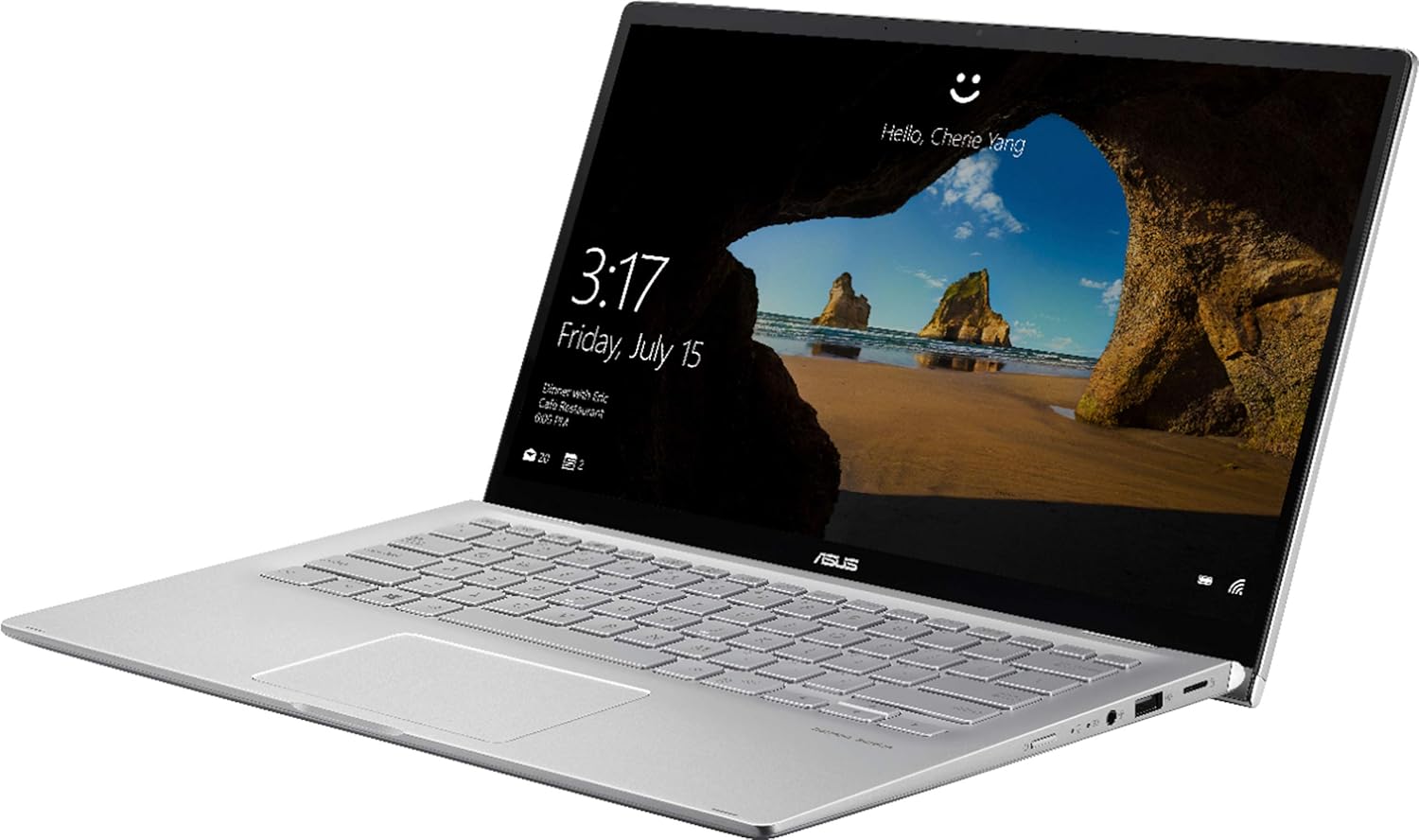
이미지: 각도 view of the ASUS 14" Touch-Screen Laptop, highlighting the keyboard and screen.
연결성
The laptop supports Bluetooth for wireless peripheral connections. It also includes HDMI output for connecting to external displays.
- 1 x USB 2.0 포트
- 1 x USB 3.0 포트
- HDMI 출력
- 블루투스
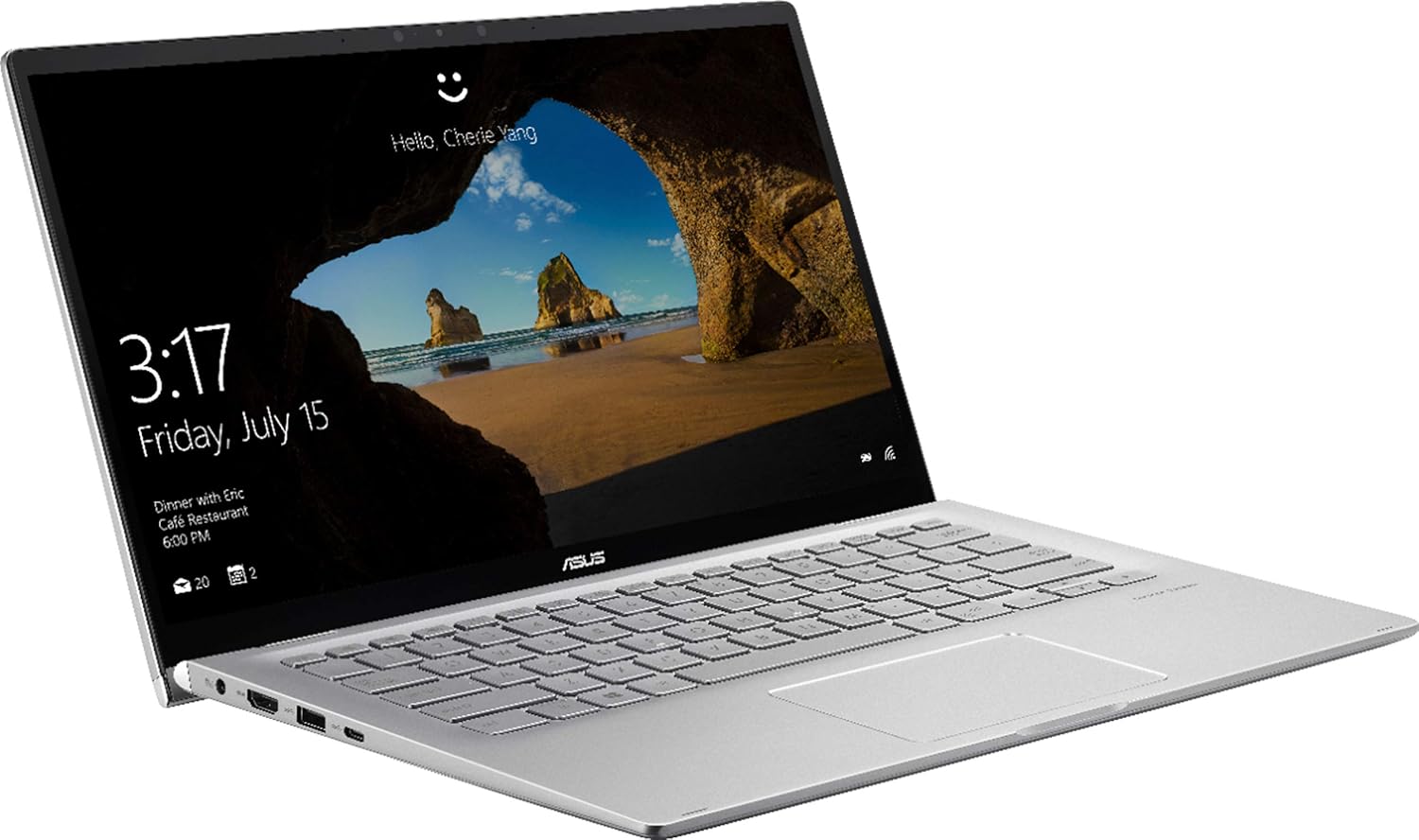
이미지: 측면 view of the ASUS 14" Touch-Screen Laptop, illustrating the available ports.
컨버터블 디자인
The laptop features a 360-degree hinge, allowing it to be used in various modes, including laptop, tent, stand, and tablet mode. This flexibility is ideal for presentations or media consumption.
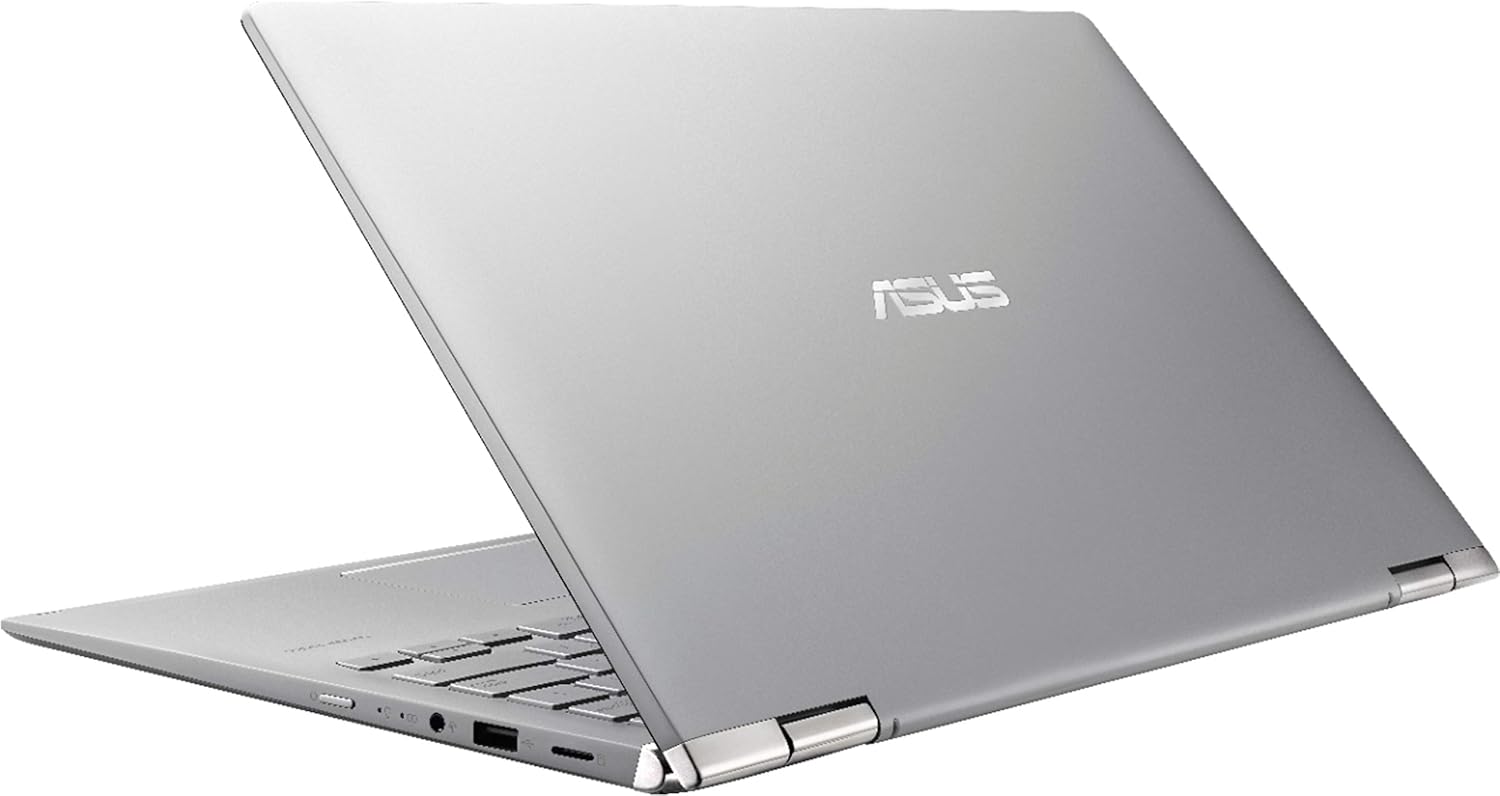
Image: The ASUS 14" Touch-Screen Laptop configured in tent mode, showcasing its convertible design.
명세서
| 특징 | 세부 사항 |
|---|---|
| 상표 | 아수스 |
| 모델명 | Q406DA-BR5T6 |
| 화면 크기 | 14 인치 |
| 화면 해상도 | 1920 x 1080 픽셀 |
| 프로세서 | AMD 라이젠 5 3500U(2.1GHz) |
| 숫양 | 8GB DDR4 |
| 하드 드라이브 | 256GB SSD(NVMe) |
| 그래픽 코프로세서 | AMD 라데온 베가 8 (내장형) |
| 운영 체제 | 윈도우 10 홈 |
| 품목 무게 | 1파운드 |
| 제품 치수 | 12.7 x 8.3 x 0.7 인치 |
| 색상 | 검은색 |
| 무선형 | 블루투스 |
| 포트 | 1x USB 2.0, 1x USB 3.0, HDMI |
유지
청소
부드럽고 보풀 없는 천으로 화면과 외부 표면을 닦으세요. 잘 지워지지 않는 얼룩은 살짝 두드려 닦아주세요.amp천에 물이나 화면에 안전한 세척제를 묻혀 닦아주세요. 강한 화학 물질은 피하세요.
배터리 관리
To prolong battery life, avoid extreme temperatures and do not leave the laptop plugged in constantly after it is fully charged. Periodically allow the battery to discharge to about 20% before recharging.
소프트웨어 업데이트
최적의 성능과 보안을 유지하려면 운영 체제 및 드라이버 업데이트를 정기적으로 확인하고 설치하십시오.
문제 해결
전원이 안 들어옴 / 켜지지 않음
- 전원 어댑터가 노트북과 작동하는 전원 콘센트에 모두 단단히 연결되어 있는지 확인하세요.
- 다른 장치를 연결하여 전원 콘센트가 작동하는지 확인하세요.
- 배터리가 완전히 방전된 경우, 다시 전원을 켜기 전에 최소 30분 동안 충전하십시오.
화면 문제
- If the screen is blank, try connecting an external monitor via HDMI to check if the issue is with the laptop's display or the graphics output.
- For unresponsive touch screen, restart the laptop. If the issue persists, check for touch screen driver updates.
연결 문제
- For Wi-Fi issues, restart your router and the laptop. Check network settings to ensure Wi-Fi is enabled and connected to the correct network.
- For Bluetooth issues, ensure Bluetooth is enabled on the laptop and the device you are trying to connect. Try re-pairing the device.
보증 및 지원
본 인증 리퍼비시 제품은 제조업체에서 재정비한 제품으로, 사용감이 거의 없거나 전혀 없으며, 모든 순정 액세서리가 포함되어 있습니다. 90일 제한적 하드웨어 보증.
For technical support or warranty claims, please refer to the contact information provided with your purchase documentation or visit the official ASUS support web대지.