
소개
This manual provides comprehensive instructions for the Easy@Home Digital Kitchen Scale, Model ENC-203. This device is designed to accurately measure food weight and assist in nutritional tracking by calculating various nutritional values. Please read this manual thoroughly before use to ensure proper operation and to maximize the benefits of your scale.
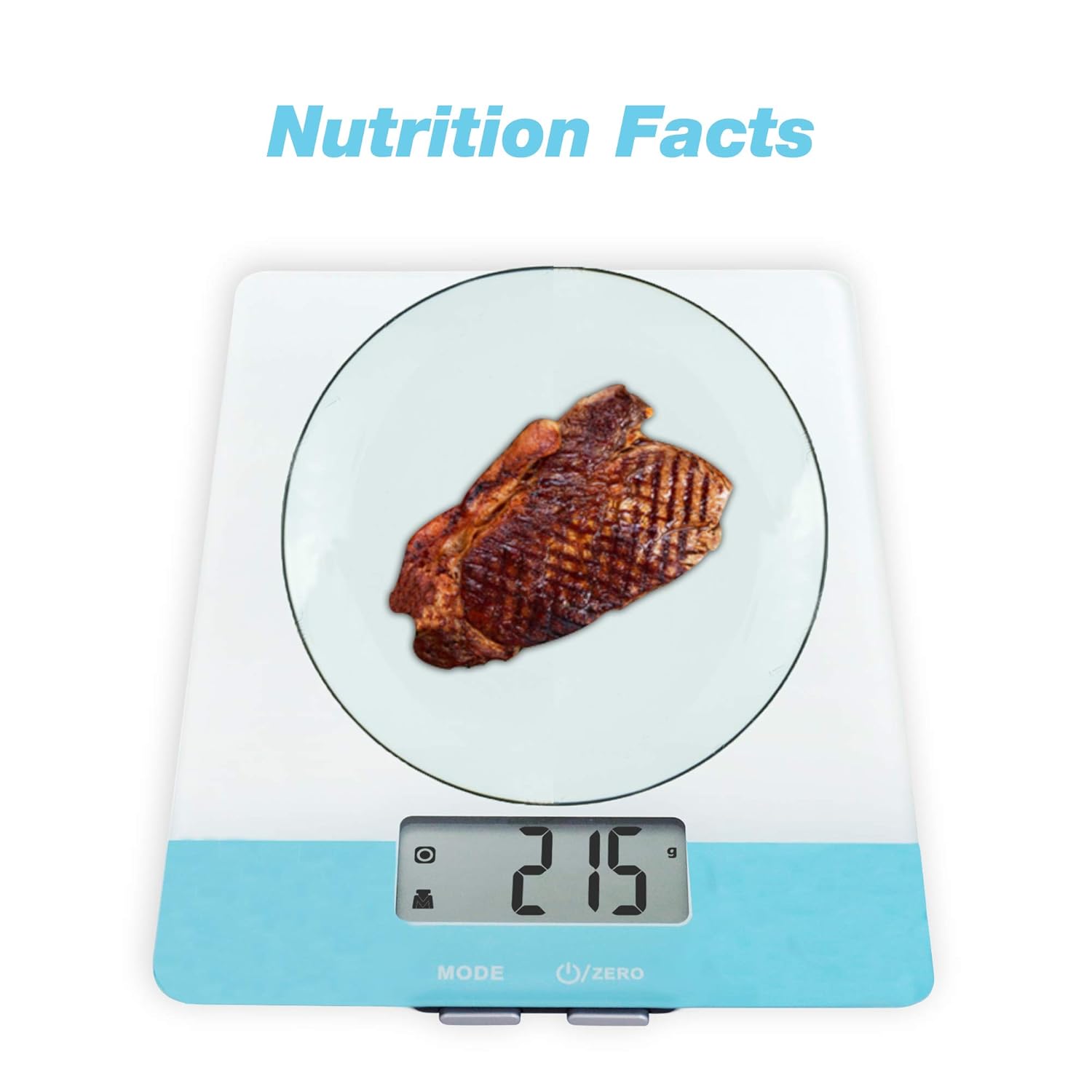
Image: The Easy@Home Digital Kitchen Scale in use, showing a piece of steak being weighed and a reading of 215 grams, indicating its primary function for nutritional measurement.
설정
- 짐 풀기: 저울을 포장에서 조심스럽게 꺼내십시오. 손상된 부분이 있는지 확인하십시오.
- 배터리 설치: Open the battery compartment located on the underside of the scale. Insert the required batteries (typically AAA, refer to the compartment label) ensuring correct polarity (+/-). Close the compartment securely.
- 놓기: 정확한 측정을 위해 저울을 평평하고 안정적이며 수평인 표면에 놓으십시오. 강한 전자기장이나 진동하는 장비 근처에 두지 마십시오.
작동 지침
1. 전원 켜기/끄기
를 누르세요 U/ZERO button to turn the scale on. The display will show '0' or '0.0'. To turn off the scale, press and hold the U/ZERO button for a few seconds, or the scale will automatically shut off after a period of inactivity (Auto Off feature).
2. 단위 환산
를 누르세요 방법 button to cycle through available weighing units: grams (g), milliliters (ml), fluid ounces (fl'oz), and pounds:ounces (lb:oz). Select the desired unit before weighing.

Image: The scale's display indicating the selection of multiple measuring units, including grams, milliliters, fluid ounces, and pounds:ounces.
3. Tare 기능
The Tare function allows you to subtract the weight of a container, so you only measure the net weight of the food item. Follow these steps:
- 저울 위에 빈 용기를 놓습니다.
- 를 누르세요 U/ZERO 버튼을 누르면 디스플레이가 '0'으로 재설정됩니다.
- Add the food item into the container. The display will show only the weight of the food.

Image: A visual guide demonstrating the Tare function, showing how to zero out the weight of a container to measure only the contents.
4. Nutritional Calculation (if applicable)
This scale features a nutritional calculator. To use this function:
- Weigh your food item using the standard weighing procedure.
- Refer to the product's specific instructions or accompanying app (if available) for details on how to input food codes or select food types to retrieve nutritional data (calories, fat, cholesterol, carbohydrates, etc.). This functionality typically requires interaction with a connected application or a database within the scale itself.

이미지: 오버view of the scale's operational features, including button functions, unit conversion, auto tare, auto off, and battery inclusion.
유지
- 청소: 부드러운 천으로 저울 표면을 닦으세요.amp 옷감. 체중계를 물에 담그거나 연마성 세제를 사용하지 마십시오.
- 저장: 저울은 서늘하고 건조한 곳에 보관하세요. 사용하지 않을 때는 저울 위에 무거운 물건을 올려놓지 마세요.
- 배터리 교체: If the display shows a 'Lo' indicator, replace the batteries promptly to ensure accurate readings and prevent battery leakage.
문제 해결
| 문제 | 가능한 원인 | 해결책 |
|---|---|---|
| 스케일이 켜지지 않음 | 배터리가 방전되었거나 배터리가 잘못 설치되었습니다. | 배터리 극성을 확인하거나 배터리를 교체하세요. |
| 'Lo'가 표시됨 | 배터리 전원이 부족합니다 | 배터리를 교체하세요. |
| 'Err'가 표시됨 | Overload or unstable surface | Remove excess weight. Ensure scale is on a flat, stable surface. |
| 부정확한 판독 | Unstable surface, low battery, or scale not zeroed | Place on a stable surface, replace batteries, or press U/ZERO to re-zero. |
명세서
- 모델: ENC-203
- 용량: Varies by model, typically up to 5 kg (11 lbs)
- 단위: g, ml, fl'oz, lb:oz
- 전원: AAA batteries (quantity specified in battery compartment)
- 표시하다: 백라이트가 있는 LCD
보증 정보
Easy@Home products are manufactured to high-quality standards. This product is covered by a limited warranty against defects in materials and workmanship. For specific warranty terms and conditions, please refer to the warranty card included in your product packaging or visit the official Easy@Home web대지.
고객 지원
If you have any questions, require assistance, or encounter issues not covered in this manual, please contact Easy@Home customer support. Contact information can typically be found on the product packaging, the official Easy@Home web사이트나 소매업체를 통해 구매할 수 있습니다.