
소개
The Majority Bowfell is a compact 50W TV Bluetooth Soundbar designed to enhance your audio experience. It features Bluetooth 5.0 connectivity and multiple input options including Optical, RCA, USB, and AUX, making it versatile for various home entertainment setups. This manual provides detailed instructions for setting up, operating, maintaining, and troubleshooting your soundbar.
상자 안에 무엇이 들어있나요?
택배 내용물을 확인해 주세요. 누락된 품목이나 손상된 품목이 있을 경우 고객 지원 센터로 문의해 주세요.
- 1x Majority Bowfell Soundbar
- 1x 원격 제어
- 1x RCA 케이블
- 1x 전원 어댑터
- 1x AUX 케이블
- 1x 사용자 설명서

Image: All items included in the Majority Bowfell Soundbar package.
제품 끝view
전면 및 측면 View
The front of the soundbar features a sleek grille. On the right side, you will find the main control buttons:
- 힘 button: To turn the unit on or off.
- 볼륨+ button: To increase the volume.
- 권 button: To decrease the volume.
- 보조 button: To select the AUX input mode.
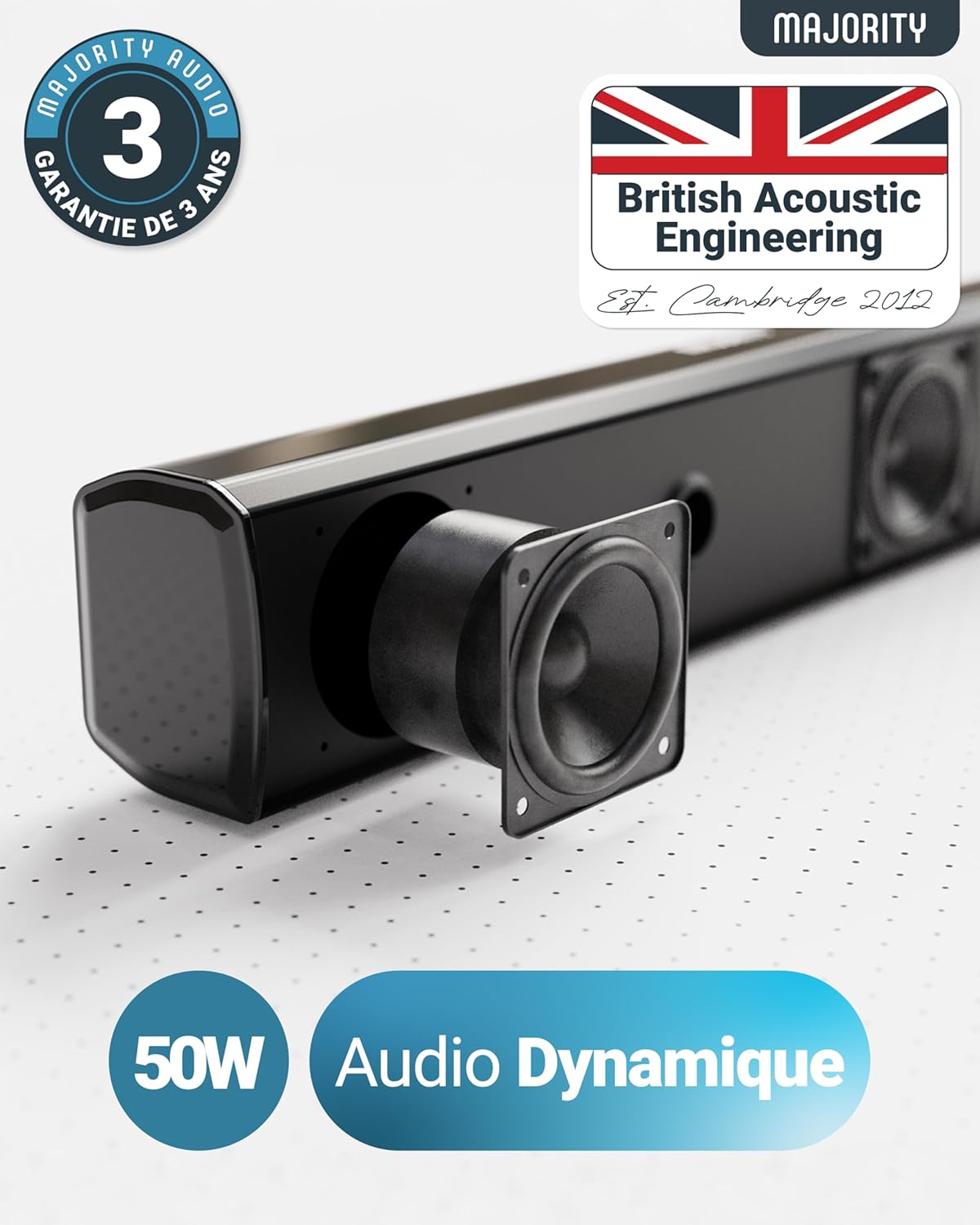
Image: Right side panel with control buttons.
후면 패널 연결
The rear panel provides various ports for connecting your audio sources:
- 광학 입력 port: For digital audio connection from your TV or other devices.
- USB port: For playing audio fileUSB 드라이브에서 s.
- 직류 18V port: For connecting the power adapter.

Image: Rear panel with input and power connections.
설정
1. 전원 연결
- 전원 어댑터를 직류 18V 사운드바 뒷면의 포트.
- 전원 어댑터를 벽면 콘센트에 꽂으세요.
2. 오디오 연결
다음 방법 중 하나를 선택하여 오디오 소스를 연결하세요.
Optical Connection (Recommended for TVs)
- Connect one end of an optical cable (not included) to the 옵티컬 아웃 port on your TV or audio device.
- 광케이블의 다른쪽 끝을 다음에 연결하세요. 광학 입력 사운드바의 포트입니다.
- Select 'Optical' input on the soundbar using the remote control or the side buttons.
RCA 연결
- Connect the RCA cable (included) to the 오디오 출력 (red and white) ports on your TV or audio device.
- Connect the other end of the RCA cable to the corresponding RCA input on the soundbar.
- Select 'RCA' input on the soundbar using the remote control or the side buttons.
AUX 연결
- Connect the 3.5mm AUX cable (included) to the 헤드폰 출력 or 보조 출력 장치의 포트.
- Connect the other end of the AUX cable to the 보조 port on the side of the soundbar.
- Select 'AUX' input on the soundbar using the remote control or the side buttons.
블루투스 연결
- 사운드 바를 켭니다.
- Press the 'Bluetooth' button on the remote control or cycle through inputs using the side buttons until 'BT' is displayed. The indicator light will flash, indicating pairing mode.
- On your device (smartphone, tablet, etc.), enable Bluetooth and search for 'Majority Bowfell'.
- Select 'Majority Bowfell' to pair. Once connected, the indicator light will stop flashing and remain solid.
USB 재생
- MP3 오디오가 포함된 USB 드라이브를 삽입하세요 file에 s USB port on the rear of the soundbar.
- Select 'USB' input on the soundbar using the remote control or the side buttons. The soundbar will automatically begin playing audio fileUSB 드라이브에서.
작동 지침
전원 켜기/끄기
를 누르세요 힘 사운드바 또는 리모컨의 버튼을 눌러 장치를 켜거나 끕니다.
입력 선택
를 누르세요 입력 button on the remote control or cycle through the input modes using the side buttons (repeatedly pressing the AUX button) to switch between Optical, RCA, AUX, Bluetooth, and USB inputs.
볼륨 조절
사용하세요 볼륨+ 그리고 권 사운드바 또는 리모컨의 버튼을 사용하여 볼륨 레벨을 조절합니다.
이퀄라이저 모드
The soundbar offers several equalizer presets to optimize your listening experience. Use the dedicated buttons on the remote control to select:
- 음악 방법
- 영화 방법
- 대화 방법
- 재즈 방법
- 평평한 mode (neutral sound profile)

Image: Remote control for the Majority Bowfell Soundbar, showing various function buttons including equalizer presets.
유지
To ensure the longevity and optimal performance of your Majority Bowfell Soundbar, follow these maintenance guidelines:
- 청소: Use a soft, dry cloth to wipe the surface of the soundbar. Do not use abrasive cleaners, waxes, or solvents as they may damage the finish.
- 액체를 피하세요: Keep the soundbar away from water and other liquids. Do not expose it to dripping or splashing.
- 온도 및 습도: Store and operate the soundbar in a dry environment, away from extreme temperatures and high humidity.
- 통풍: 사운드바 주변의 통풍이 잘 되도록 하여 과열을 방지하십시오. 통풍구를 막지 마십시오.
문제 해결
If you encounter any issues with your soundbar, refer to the following common problems and solutions:
| 문제 | 가능한 원인 | 해결책 |
|---|---|---|
| 전원이 없습니다 | 전원 어댑터가 연결되지 않았거나 결함이 있습니다. | Ensure the power adapter is securely connected to the soundbar and a working wall outlet. Try a different outlet. |
| 소리가 나지 않습니다 | 잘못된 입력이 선택되었거나, 볼륨이 너무 낮거나, 케이블이 제대로 연결되지 않았습니다. | Verify the correct input mode is selected. Increase the volume on both the soundbar and the connected device. Check all audio cable connections. |
| 블루투스 페어링 문제 | 사운드바가 페어링 모드가 아니거나, 장치가 너무 멀리 떨어져 있거나, 간섭이 있습니다. | Ensure the soundbar is in Bluetooth pairing mode (flashing 'BT' indicator). Move your device closer to the soundbar. Disconnect other Bluetooth devices. |
| 리모컨이 작동하지 않습니다 | Batteries are dead or incorrectly inserted. Obstruction between remote and soundbar. | Replace the remote control batteries (2x AAA). Ensure there is a clear line of sight between the remote and the soundbar's sensor. |
| 왜곡된 소리 | Volume too high, poor audio source quality, or incorrect equalizer setting. | Reduce the volume. Try a different audio source. Adjust equalizer settings to 'FLAT' or another suitable mode. |
명세서
Below are the technical specifications for the Majority Bowfell Soundbar:
- 상표: 다수
- 모델 이름: Bowfell
- 스피커 최대 출력: 50 와트
- 주파수 응답: 20 kHz (XNUMX kHz)
- 연결 기술 : Auxiliary, Bluetooth, Optical, RCA
- 오디오 출력 모드: 스테레오, 서라운드 사운드
- 입력 Voltage: 230 볼트
- 장착 유형: 테이블 마운트
- 재료: 플라스틱
- 제품 특징: 2.0 Channel, 39cm, 50W, Bluetooth, Equalizer Settings
- 추천 용도: Gaming Console, DVD Player, Music Player, Smartphone/Tablet, Television
- 색상: 검은색
- 제어 방법: 원격 제어
- 스피커 크기: 7.2 센티미터
- 블루투스 범위 : 10 미터
- 특별 기능: Home Cinema, Gaming, Theatre
- 오디오 인코딩 : DTS 2.0 Stereo, Stereo 2.0
- 품목 치수(깊이 x 너비 x 높이): 5.4 x 7.2 x 38.8 센티미터
- 품목 무게: 1.32 파운드
- 호환 장치: Gaming Console, Desktop Computer, Projector, Smartphone, Television
- 전원: 코드식 전기
- Number of Batteries (Remote): AAA 배터리 2개 (필수)
보증
The Majority Bowfell Soundbar comes with a 3년 연장 보증. Registration may be required to activate the extended warranty. Please refer to the warranty card included in your package or visit the Majority website for more details on warranty terms and registration process.
지원하다
For further assistance, technical support, or any questions not covered in this manual, please visit the official Majority website or contact their customer service. Keep your purchase receipt and product model information handy when seeking support.