
1. 서론
Thank you for choosing the iGear Ensemble 20W Wooden Portable Soundbar. This manual provides essential information for setting up, operating, and maintaining your soundbar to ensure optimal performance and longevity. The iGear Ensemble is designed to deliver rich audio with extra bass, featuring versatile connectivity options and a portable design crafted from recycled wood.

이미지 1.1: 앞면 view of the iGear Ensemble 20W Wooden Portable Soundbar.
2. 상자 안에 무엇이 들어있나요?
포장 내용물을 꼼꼼히 확인해 주세요. 누락되었거나 손상된 품목이 있는 경우 고객 지원팀에 문의하세요.
- 1 x iGear Ensemble Soundbar
- 1 x 충전 케이블
- 1 x 사용자 설명서

Image 2.1: The iGear Ensemble Soundbar and its included charging cable.
3. 특징
- 20W Extra Bass Speaker: Enjoy powerful and clear audio with enhanced bass.
- 블루투스 v5.0 연결: 호환 기기와의 원활한 무선 연결.
- Multi-Channel Connectivity: Supports USB drives and TF/SD cards for diverse audio sources.
- 내장형 FM 라디오: 즐겨 듣는 라디오 방송에 맞춰 보세요.
- 충전식 2400mAh 배터리 : Provides 3-5 hours of music playback on a single charge.
- 내장 우퍼: Delivers deeper and richer bass performance.
- 가볍고 휴대성이 좋음: Easy to carry for music on the go.
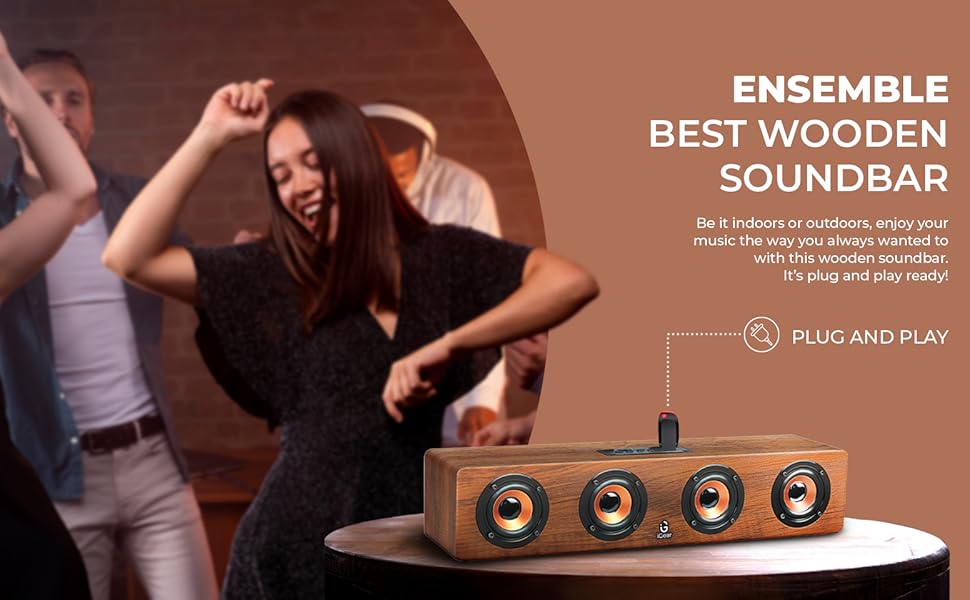
- Wooden Material: Crafted from recycled wood for an elegant aesthetic.
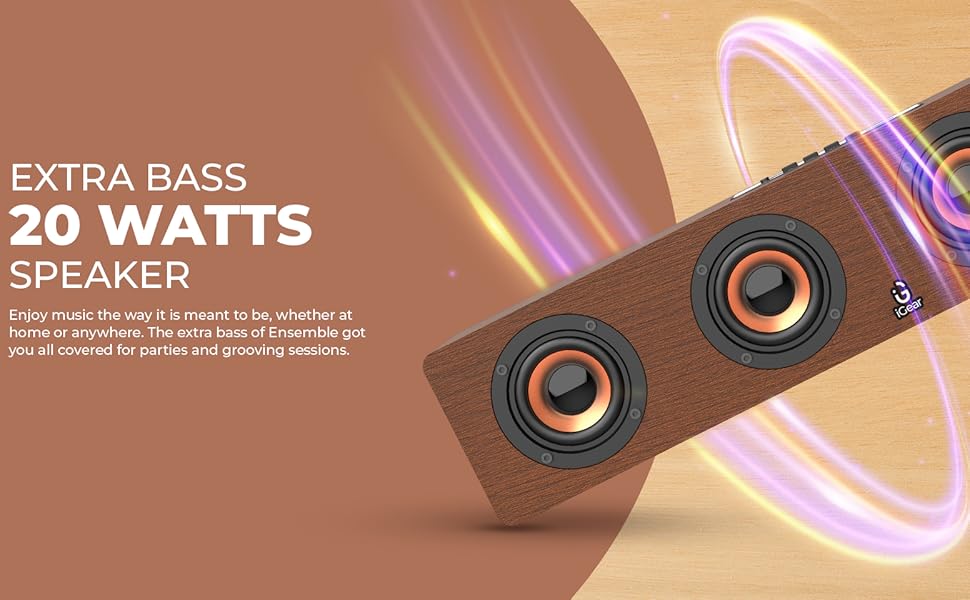
Image 3.1: The soundbar's 20 Watts output for extra bass.
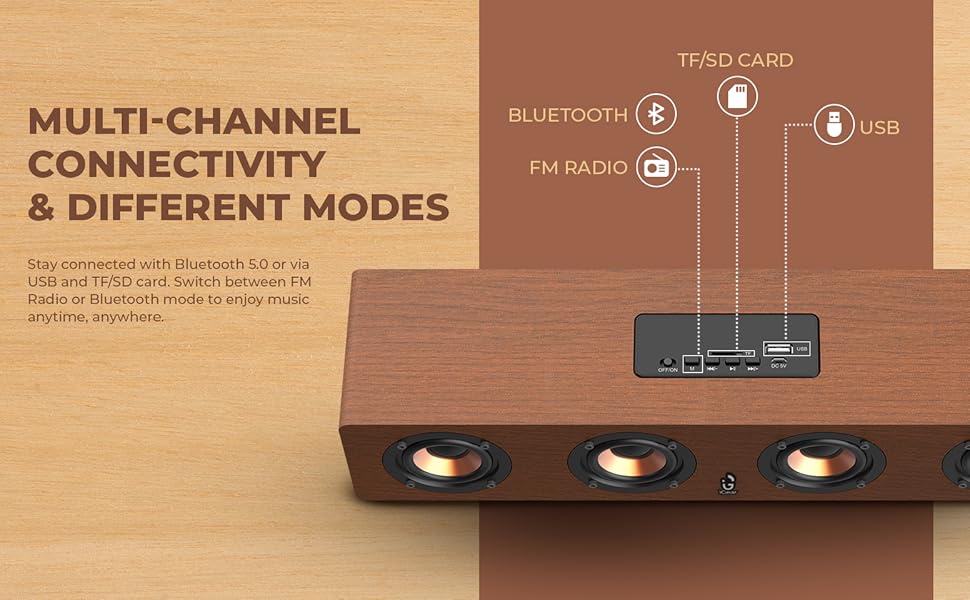
Image 3.2: The soundbar features a 2400 mAh battery for extended playtime.
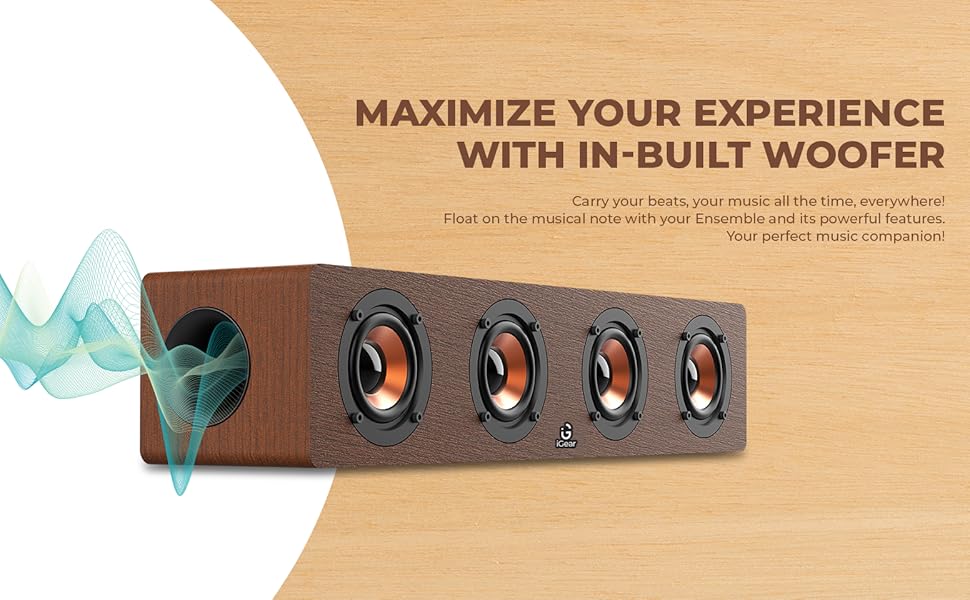
Image 3.3: The soundbar's in-built woofer for enhanced audio experience.
이미지 3.4: 이상view of the soundbar's multi-channel connectivity options.
4. 설정
4.1 사운드바 충전하기
- Connect the provided charging cable to the DC 5V port on the soundbar.
- 충전 케이블의 다른 쪽 끝을 USB 전원 어댑터(별도 구매) 또는 컴퓨터의 USB 포트에 연결하십시오.
- 충전 표시등이 켜집니다. 완전 충전에는 약 5시간이 소요됩니다.
- 완전히 충전되면 모델에 따라 표시등이 바뀌거나 꺼질 수 있습니다. 충전 케이블을 분리하세요.
4.2 전원 켜기/끄기
- To power on, slide the ON/OFF switch to the 'ON' position. You will hear an audible prompt.
- 전원을 끄려면 ON/OFF 스위치를 'OFF' 위치로 밀어주세요.
4.3 블루투스 페어링
- Ensure the soundbar is powered on and in Bluetooth mode (indicated by a blue LED light or audible prompt). If not, press the 'M' (Mode) button to switch to Bluetooth mode.
- 기기(스마트폰, 태블릿, 노트북)에서 Bluetooth를 활성화하고 사용 가능한 기기를 검색하세요.
- Select "iGear Ensemble" from the list of found devices.
- Once paired, you will hear a confirmation sound, and the Bluetooth indicator light will remain steady.
5. 사용 설명서
5.1 모드 선택
Press the 'M' (Mode) button repeatedly to cycle through available modes: Bluetooth, FM Radio, USB, and TF/SD Card.
5.2 볼륨 조절
- Press and hold the 'Volume Down (-)' button to decrease the volume.
- Press and hold the 'Volume Up (+)' button to increase the volume.
5.3 재생 제어
- Press the 'Play/Pause' button to play or pause audio.
- In Bluetooth/USB/TF/SD mode, short press 'Previous Track (-)' to go to the previous track.
- In Bluetooth/USB/TF/SD mode, short press 'Next Track (+)' to go to the next track.
5.4 FM 라디오 작동
- 'M' 버튼을 사용하여 FM 라디오 모드로 전환하세요.
- Press and hold the 'Play/Pause' button to automatically scan and save available FM stations.
- Use the 'Previous Track (-)' and 'Next Track (+)' buttons to navigate between saved stations.
5.5 USB/TF/SD 카드 재생
- Insert a USB drive or TF/SD card (with audio files) 해당 포트로.
- The soundbar will automatically switch to USB or TF/SD mode and begin playback. If not, press the 'M' button to select the correct mode.
- Use the playback control buttons (Play/Pause, Previous/Next Track) as described above.
6. 유지관리
- 청소: 부드럽고 마른 천으로 사운드바 표면을 닦으십시오. 연마성 세제나 용제를 사용하지 마십시오.
- 저장: 사운드바는 직사광선과 극한 온도 변화를 피해 서늘하고 건조한 곳에 보관하십시오.
- 배터리 관리 : To prolong battery life, avoid fully discharging the battery frequently. Charge the soundbar regularly, even if not in use for extended periods.
- 물을 피하세요: 본 제품은 방수 기능이 없습니다. 물과 높은 습도를 피해 보관하십시오.
7. 문제 해결
| 문제 | 가능한 원인 | 해결책 |
|---|---|---|
| 전원이 없습니다 | Battery is drained; Power switch is OFF. | Charge the soundbar; Slide the power switch to 'ON'. |
| 소리가 나지 않습니다 | 볼륨이 너무 작습니다. 잘못된 모드가 선택되었습니다. 기기가 연결되지 않았습니다. | Increase volume; Press 'M' to select correct mode; Re-pair Bluetooth or re-insert USB/TF/SD card. |
| 블루투스가 페어링되지 않습니다 | Soundbar not in pairing mode; Device Bluetooth is off; Too far from device. | Ensure soundbar is in Bluetooth mode; Enable Bluetooth on your device; Move device closer to soundbar (within 10 meters). |
| FM 라디오 잡음 | 신호가 약합니다. | Move the soundbar to a location with better reception; Re-scan for stations. |
8. 사양
| 특징 | 세부 사항 |
|---|---|
| 모델명 | 앙상블 |
| 모델 번호 | IG-1130 |
| 스피커 유형 | 서라운드 사운드 |
| 장착 유형 | 탁상 마운트 |
| 재료 | Wood (recycled) |
| 무선 통신 | 블루투스 v5.0 |
| 연결 기술 | 블루투스, USB, 무선 |
| 스피커 최대 출력 전력 | 20 와트 |
| 배터리 용량 | 2400mAh 리튬 이온 |
| 배터리 평균 수명 | 3-5시간 |
| 충전 시간 | 5시간 |
| 제품 크기(D x W x H) | 10.2D x 40.6W x 10.2H 센티미터 |
| 품목 무게 | 1.1 킬로그램 |
| 제어 방법 | 만지다 |
| 특별 기능 | Bass Boost, In-Built FM Radio, In-Built Subwoofer, Supports TF/SD cards and USB Drives |

Image 8.1: Dimensions of the iGear Ensemble Soundbar.
9. 보증 및 지원
The iGear Ensemble Soundbar comes with a 한정 보증. Please refer to the warranty card included in your package for specific terms and conditions. For any product-related queries, technical support, or warranty claims, please contact:
- 제조업체: Corporate Gifting Solutions, iGear Tech Private Limited
- 주소: 204 Sai Corporate Park, Laxmi Nagar, Off Link Road, Goregaon West, Mumbai 400104
- 무료 전화 번호: 1800 22 8495
10. 제품 오버view 동영상
이 공식 제품 비디오를 시청하여 시각적으로 살펴보세요.view of the iGear Ensemble Soundbar's features and design.
비디오 10.1: 오버view of the iGear Ensemble 20W Wooden Portable Soundbar, showcasin디자인, 기능 및 연결 옵션을 비교합니다.