
1. 서론
This manual provides detailed instructions for the operation and maintenance of your Microware EZCAP230 Cassette to MP3 Converter. This device allows you to convert your old cassette tapes into digital MP3 format, preserving your audio memories. It can function as a standalone converter or connect to a computer for conversion and playback.
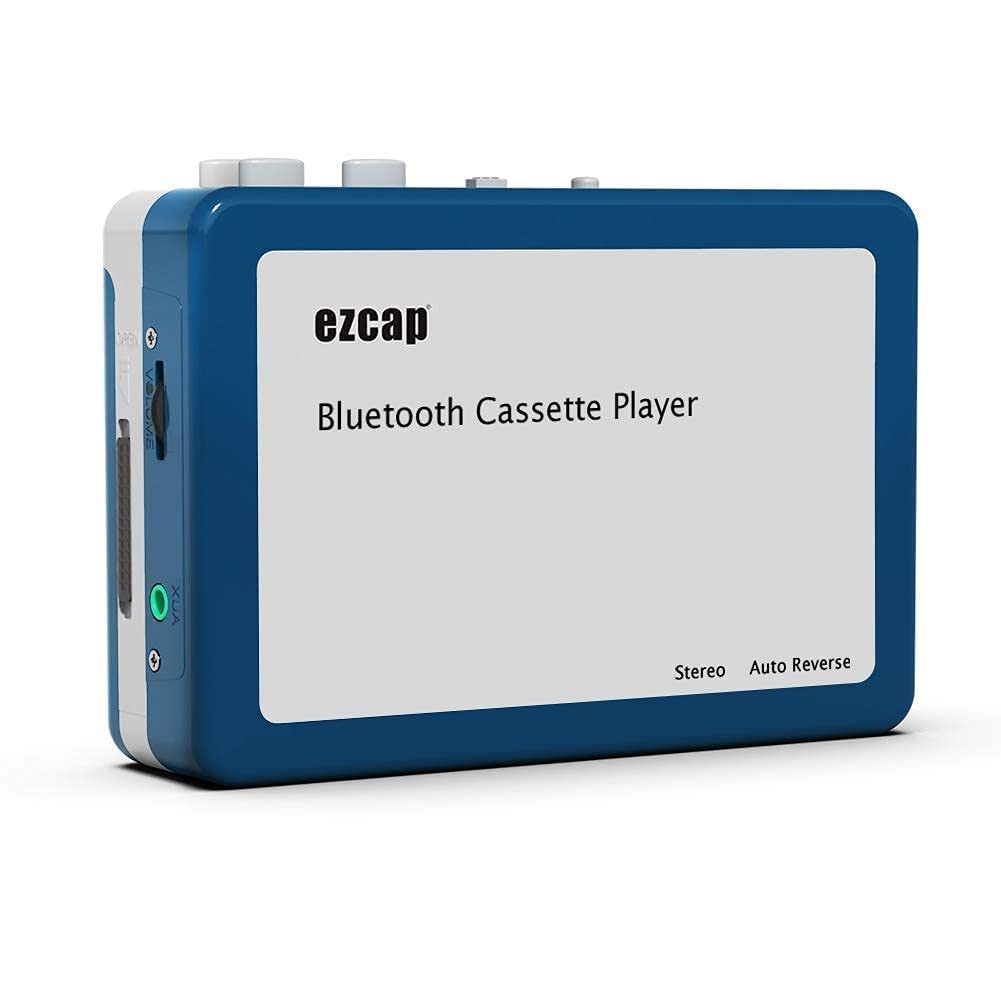
Image 1.1: The Microware EZCAP230 Cassette to MP3 Converter.
2. 제품 오버view
2.1 주요 특징
- Converts cassette tapes to MP3 format.
- Standalone operation: No computer required for conversion.
- USB connectivity for power and data transfer.
- Playback function to check recorded music.
- 컴팩트하고 휴대하기 편리한 디자인.
- Supports FAT, FAT32, exFAT USB formats up to 64GB. NTFS format is not supported.
2.2 패키지 내용
- Microware EZCAP230 Cassette to MP3 Converter
- USB 케이블
- 이어폰
- 사용 설명서 (본 문서)

Image 2.1: The converter unit, USB cable, and earphones.
3. 설정
3.1 전원 공급
이 장치는 두 가지 방식으로 전원을 공급받을 수 있습니다.
- USB 전원 : Connect the provided USB cable to the device and a computer USB port or a 5V DC power adapter (not included).
- 배터리 전원: Insert 2 x AA batteries (not included) into the battery compartment.
3.2 카세트 테이프 삽입하기
- 카세트 칸 덮개를 여세요.
- Insert your cassette tape with the open side facing up.
- Close the cassette compartment cover securely.

Image 3.1: Proper insertion of a cassette tape.
3.3 Connecting Earphones/Speakers and USB Flash Drive
- Connect the earphones to the 3.5mm audio output jack for private listening.
- To save converted MP3 files, insert a USB flash drive into the USB port. The device supports FAT, FAT32, and exFAT formats up to 64GB.

Image 3.2: Connecting earphones and a USB flash drive to the converter.
4. 사용 설명서
4.1 Standalone Cassette to MP3 Conversion
Follow these steps to convert your cassette tapes directly to MP3 format without a computer:
- 전원 켜기: Ensure the device is powered via USB or batteries.
- 카세트를 삽입하세요: Place a cassette tape into the compartment.
- USB 드라이브 연결: Insert a USB flash drive into the USB port. A green light will flash, indicating it's ready.
- 재생 시작: Press the "Play" button on top of the device to begin playing the tape.
- 녹음 시작: Press the "Record" button to start recording. The default mode is manual division. To divide tracks, press the "Record/Stop" button each time you want a new MP3 file.
- 녹음 중지: Press the "Record" button again to stop recording. The MP3 files will be saved to your USB flash drive.

Image 4.1: Step-by-step guide for independent cassette to MP3 conversion.
4.2 카세트 테이프 재생
To use the device as a cassette player:
- 카세트 테이프를 넣으세요.
- Connect earphones or external speakers to the 3.5mm audio output jack.
- "재생" 버튼을 누르세요.
- 볼륨 조절기를 사용하여 볼륨을 조절하세요.
4.3 컴퓨터에 연결하기
The device can be connected to a computer via USB for power and to transfer recorded MP3 files. While the device primarily functions for standalone conversion, you can manage the converted file컴퓨터에 있습니다.
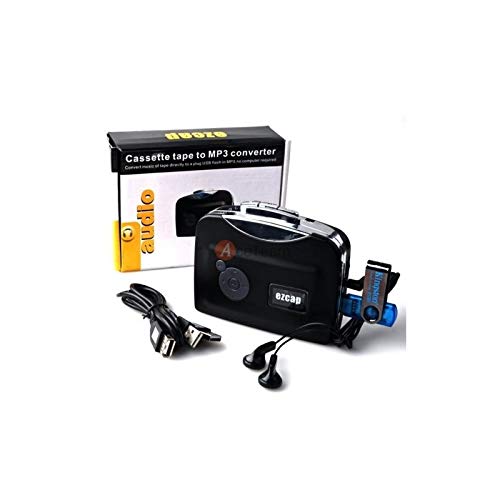
Image 4.2: The converter connected to a laptop, illustrating the digital conversion process.
4.4 Playback Function
The device includes a playback function to review the recorded MP3 files directly on the device. This allows you to verify the quality of your conversions.
비디오 4.1: 오버view of the Microware Cassette to MP3 Converter's features and operation, demonstrating its ease of use for digitizing old tapes.
5. 유지관리
- 기기를 깨끗하고 먼지가 없는 상태로 유지하세요. 청소 시에는 부드럽고 마른 천을 사용하세요.
- 극한의 온도, 습도 또는 직사광선에 장치를 노출하지 마십시오.
- 연마성 세척제나 용제를 사용하지 마십시오.
- 장기간 사용하지 않을 때는 누액을 방지하기 위해 배터리를 제거하십시오.
6. 문제 해결
6.1 전원 없음
- Check if the USB cable is securely connected to a power source.
- 배터리를 사용하는 경우 배터리가 올바르게 삽입되어 있고 방전되지 않았는지 확인하세요.
6.2 Poor Audio Quality During Playback/Recording
- Ensure the cassette tape is clean and in good condition.
- Check earphone connections.
- Clean the tape head and pinch rollers with a cotton swab lightly damp이소프로필 알코올로 소독함.
6.3MP3 Files Not Saving to USB Drive
- Ensure the USB flash drive is properly inserted.
- Verify that the USB drive is formatted to FAT, FAT32, or exFAT. NTFS is not supported.
- USB 드라이브에 충분한 여유 공간이 있는지 확인하십시오.
7. 사양
| 특징 | 사양 |
|---|---|
| 상표 | 마이크로웨어 |
| 모델 | 이지캡230 |
| 품목 무게 | 150g |
| 패키지 크기 | 14 x 10.01 x 5.99cm |
| 전원 | USB Power (5V DC) or 2 x AA Batteries |
| USB Format Support | FAT, FAT32, exFAT (up to 64GB). NTFS not supported. |
8. 보증 및 지원
For warranty information and technical support, please refer to the official MICROWARE web사이트를 방문하거나 판매점에 문의하세요. 구매 증빙 자료로 구매 영수증을 보관하세요.
제조업체: 마이크로웨어
첫 이용 가능 날짜: 24년 2019월 XNUMX일
추가 지원이 필요하면 다음을 방문하세요. MICROWARE Store on Amazon.