
HyperGear 15077
HyperGear RaveMini Portable Wireless LED Speaker Instruction Manual
모델: 15077
소개
The HyperGear RaveMini is a compact, portable wireless speaker designed to deliver powerful sound with an interactive, beat-driven LED light show. This speaker is suitable for both indoor and outdoor use, offering extended battery life and multiple playback options for a versatile audio experience.

The HyperGear RaveMini speaker and its packaging.
상자 안에 무엇이 들어있나요?
- HyperGear RaveMini Portable Wireless LED Speaker
- 마이크로 USB 충전 케이블
- 3.5mm Stereo Auxiliary Cable
특징
- Small Size, Big Sound: Engineered with a 40mm neodymium driver for room-filling sound.
- Beat-Driven LED Lightshow: Multi-colored LEDs flash to the beat of your music.
- 무선 연결 : Connects with any Bluetooth device within a 33-foot range.
- 배터리 수명 연장: Built-in rechargeable battery provides up to 3 hours of wireless playback on a single charge.
- 핸즈프리 통신: Integrated microphone and intuitive controls for managing calls and playlists.
- 다중 재생 옵션: Supports Bluetooth, Aux-in, Micro SD memory card, and USB flash drive audio playback.

The RaveMini combines HD sound with a vibrant LED lightshow.

The multi-colored LED lights dance to the beat of the music.
설정
스피커 충전하기
Before first use, fully charge your RaveMini speaker. Connect the included Micro USB charging cable to the speaker's charging port and the other end to a USB power source (e.g., wall adapter, computer USB port). The charging time is approximately 1 hour, providing up to 3 hours of playback.

Enjoy up to 3 hours of music with the RaveMini's extended battery life.
전원 켜기/끄기
Locate the power button on the speaker. Press and hold the power button for a few seconds to turn the speaker on or off. An audible cue or LED indicator will confirm the power status.
블루투스 페어링
- Ensure the RaveMini speaker is powered on and in pairing mode (usually indicated by a flashing LED light).
- Bluetooth가 활성화된 기기(스마트폰, 태블릿 등)에서 Bluetooth 설정으로 이동합니다.
- 검색 available devices and select "HyperGear RaveMini" (or similar name) from the list.
- Once connected, the speaker will provide an audible confirmation, and the LED light may change to a solid color.
- The speaker has a wireless range of up to 33 feet.
스피커 작동
컨트롤 및 기능
The RaveMini features intuitive controls for managing your audio and calls directly from the speaker. Refer to the specific button layout on your device for functions such as:
- 음악 재생/일시 중지
- Adjust Volume (Volume Up/Down)
- 트랙 건너뛰기 (다음/이전)
- 전화 받기/종료하기
- Activate Voice Assistant (if supported)
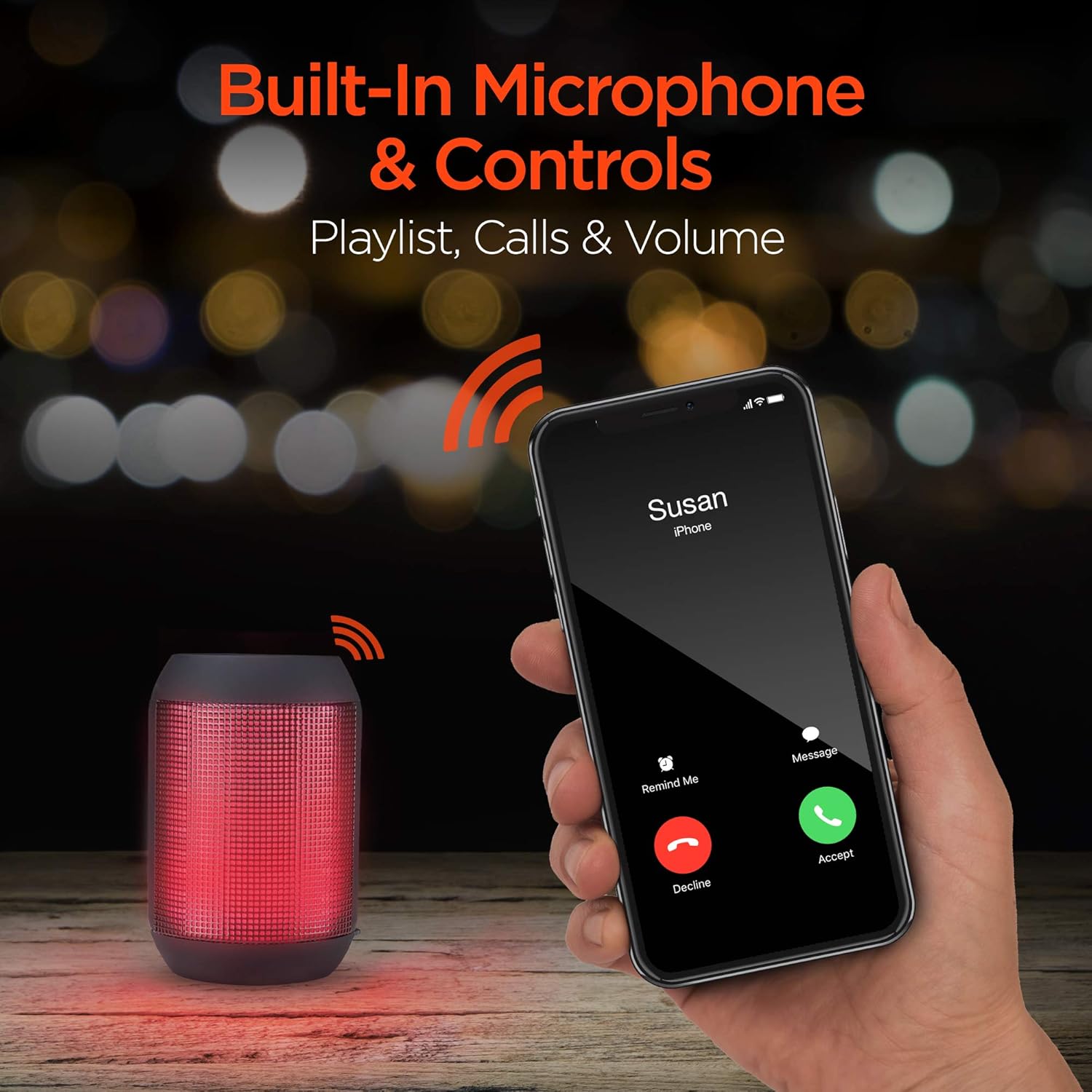
Built-in microphone and controls allow for hands-free calls and playlist navigation.
재생 모드
The RaveMini offers four ways to play your audio:
- 블루투스: 스마트폰, 태블릿 또는 기타 Bluetooth 지원 기기에 무선으로 연결하세요.
- Aux-in : Use the included 3.5mm stereo auxiliary cable to connect to non-Bluetooth devices.
- 마이크로 SD 카드 : Insert a Micro SD memory card with audio file지정된 슬롯에 넣으세요.
- USB 플래시 드라이브 : 오디오가 포함된 USB 플래시 드라이브를 연결하세요 files를 USB 포트에 연결합니다.

The RaveMini supports four versatile playback options.
유지
- Keep the speaker dry. Do not expose it to excessive moisture or liquids.
- Clean the speaker with a soft, dry cloth. Avoid using harsh chemicals or abrasive cleaners.
- 스피커를 사용하지 않을 때는 시원하고 건조한 곳에 보관하세요.
- 스피커를 떨어뜨리거나 강한 충격을 주지 마십시오.
문제 해결
| 문제 | 가능한 해결책 |
|---|---|
| 스피커가 켜지지 않습니다. | 스피커가 완전히 충전되었는지 확인하십시오. 마이크로 USB 케이블을 사용하여 전원에 연결하십시오. |
| Bluetooth 장치와 페어링할 수 없습니다. |
|
| 소리가 나지 않거나 볼륨이 작습니다. |
|
| LED 조명이 작동하지 않습니다. | Check if the light show feature is enabled (if there's a dedicated button). Ensure the speaker has sufficient battery charge. |
명세서
| 특징 | 세부 사항 |
|---|---|
| 모델명 | 15077 |
| 스피커 유형 | 집 밖의 |
| 특징 | Wireless Music + Calls, HD Stereo Sound, Beat-Driven LED Lightshow, Aux-in, Micro SD & USB compatible |
| 제품의 권장 용도 | 음악 플레이어용 |
| 컨트롤러 유형 | 배터리 구동 |
| 색상 | 검은색 |
| 배터리 수명 | 3시간 |
| 충전 시간 | 1시간 |
| 방수 | 거짓 |
| 제어 방법 | 앱 |
| 무선 통신 기술 | 블루투스 |
| 스피커 크기 | 40 밀리미터 |
| 전원 | 배터리 구동 |
| 배터리 수 | AAA 배터리 2개 필요(포함) |
| 오디오 드라이버 유형 | 동적 드라이버 |
| 블루투스 범위 | 33 피트 |
| 오디오 드라이버 크기 | 40 밀리미터 |
| 연결 프로토콜 | 블루투스 |
| USB 2 포트 수 | 1 |
| 한국어: | 633755150777 |
| 제조업체 | 하이퍼기어 |
| 품목 무게 | 10.9 온스 |
| ASIN | B07VHTZHJ4 |
| 첫 번째 이용 가능 날짜 | 18년 2019월 XNUMX일 |
| 상표 | 하이퍼기어 |
| 스피커 최대 출력 전력 | 5 와트 |
| 연결 기술 | 블루투스, 보조, USB |
| 오디오 출력 모드 | 스테레오 재생 |
| 장착 유형 | 탁상 마운트 |
보증
The HyperGear RaveMini Portable Wireless LED Speaker comes with a Limited Warranty. For detailed information regarding warranty coverage, terms, and conditions, please refer to the official HyperGear web사이트를 방문하거나 고객 지원팀에 직접 문의하세요. 보증 청구를 위해 구매 증빙 자료를 보관하세요.
지원하다
추가 지원, 제품 등록 또는 view frequently asked questions, please visit the official HyperGear web대지:
Visit the HyperGear Store on Amazon
You may also contact HyperGear customer service for direct support.
Ask a question about this manual
Ask about setup, troubleshooting, compatibility, parts, safety, or missing instructions. Manuals+ will review the question and use this page’s manual context to help answer it.