
1. 서론
The ARTDOT A4 LED Light Pad is designed to enhance visibility for various creative projects, including diamond painting, tracing, sketching, and more. Its ultra-slim and portable design, combined with adjustable brightness, makes it a versatile tool for artists and crafters.
This light pad provides enhanced visibility with a brightness of 1500 Lux, making intricate details like numbers and symbols on diamond paintings clearer. This feature helps reduce eye fatigue and improves overall work efficiency. The three-speed adjustable brightness allows you to customize the illumination to suit different working conditions and project requirements.
The lightweight and ultra-slim design ensures portability, allowing you to easily move the light board around your workspace or take it with you for on-the-go creativity. It is suitable for a wide range of applications beyond diamond painting, such as stenciling, calligraphy, embossing, scrapbooking, tattoo transfer, sewing projects, stained glass, quilting, applique, and X-ray view주고받음.
2. 제품 오버view
The ARTDOT A4 LED Light Pad is a compact and efficient tool. It features a durable acrylic surface and is powered via a USB connection.
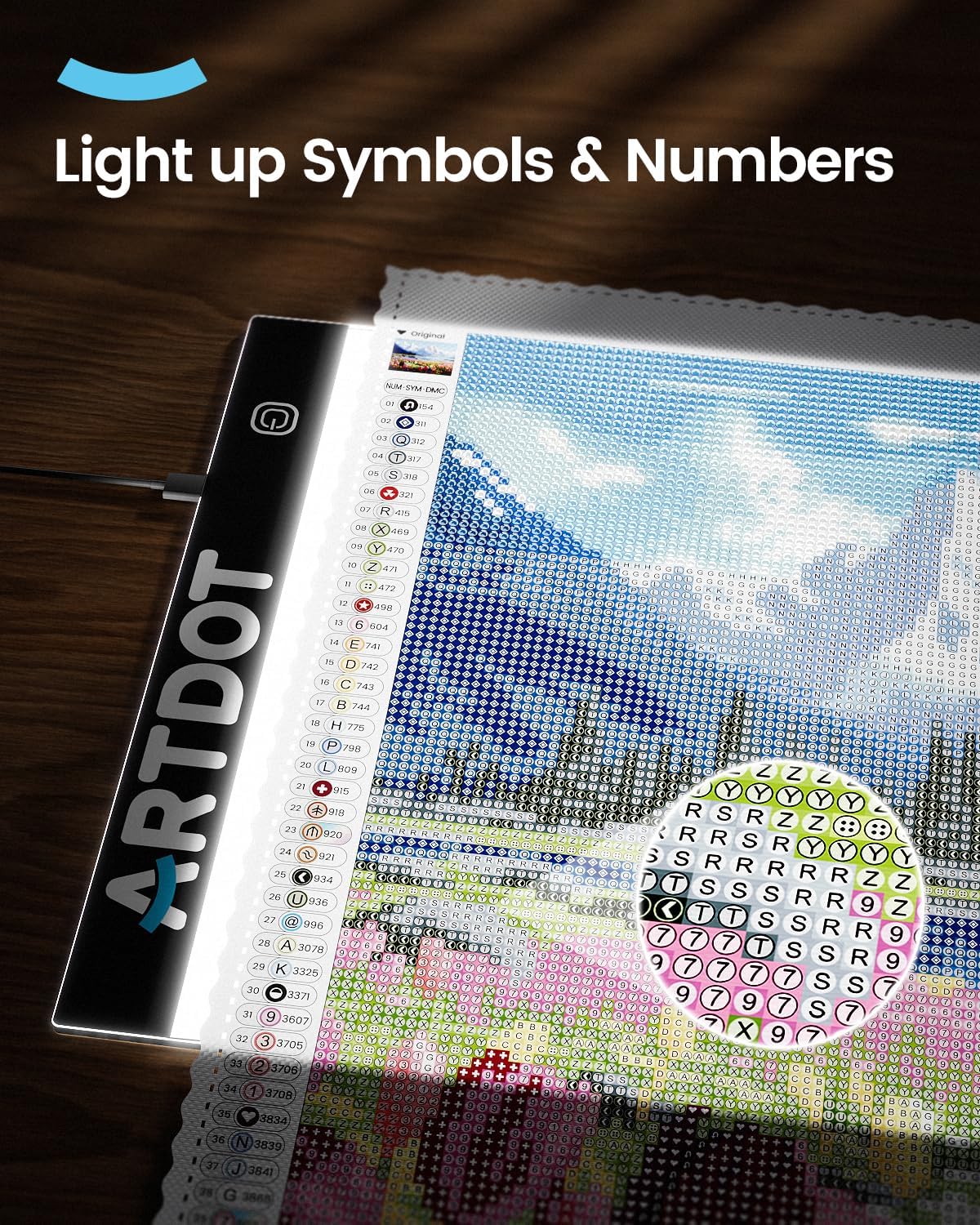
Image: The ARTDOT A4 LED Light Pad illuminating symbols and numbers on a diamond painting canvas, highlighting enhanced visibility.
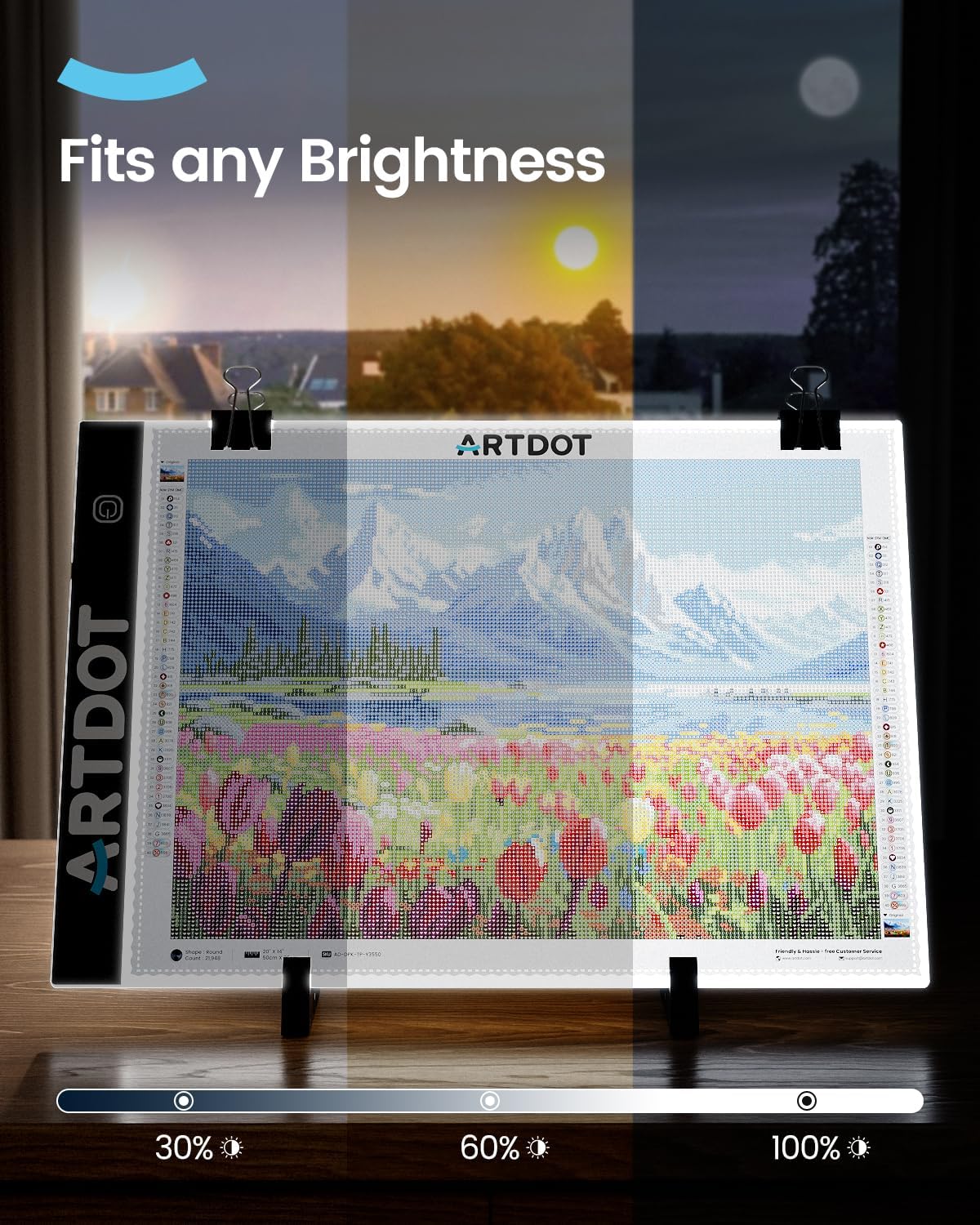
Image: The ARTDOT A4 LED Light Pad showcasing its three adjustable brightness levels, suitable for various lighting conditions.

Image: The ARTDOT A4 LED Light Pad being easily stored in a backpack, illustrating its portable and space-saving design.
3. 설정
- 짐 풀기: Carefully remove the ARTDOT A4 LED Light Pad and all accessories from its packaging.
- 전원 연결: Connect the provided USB cable to the light pad's USB port. Plug the other end of the USB cable into a compatible USB power source (e.g., computer, power bank, or USB wall adapter).
- 전원 켜기: Press the power button on the light pad to turn it on.
- 밝기 조정: Tap the power button repeatedly to cycle through the three available brightness levels (low, medium, high) to find the optimal illumination for your project.
- 위치: Place your diamond painting canvas, tracing paper, or other material directly onto the illuminated surface of the light pad. Use clips (if included in your kit) to secure the material in place.
설치 데모 비디오
Video: A demonstration of setting up and using a light pad for diamond art, including connecting the power and adjusting brightness. This video is provided by Diamond Art Club®.
4. 사용 설명서
The ARTDOT A4 LED Light Pad is designed for ease of use across various creative applications.
- For Diamond Painting: Place your diamond painting canvas on the light pad. The illumination from beneath will highlight the symbols and numbers, making them easier to read and reducing eye strain, especially for dark canvases or in low-light conditions.
- For Tracing and Sketching: Position your original artwork or design on the light pad, then place a blank sheet of paper over it. The light will shine through, allowing you to easily trace the lines and details.
- 액세서리 사용: If your kit includes accessories like an adjustable stand, clips, or diamond painting tools, utilize them to enhance your crafting experience. The stand can help maintain an ergonomic posture, reducing neck and back strain.

Image: The ARTDOT A4 LED Light Pad demonstrating its versatility for tracing, craft vinyl weeding, diamond painting, and sketching.

Image: A user demonstrating improved ergonomic posture while using the ARTDOT A4 LED Light Pad with an adjustable stand, promoting comfort during long crafting sessions.
작동 시연 영상
Video: A demonstration of the TSOCOS A3 Light Pad for Diamond Painting, showcasing its use for both diamond painting and tracing. This video is provided by TSOCOS US.
5. 유지관리
- 청소: Wipe the surface of the light pad with a soft, dry cloth. Avoid using abrasive cleaners or solvents that could damage the acrylic surface.
- 저장: When not in use, store the light pad in a dry, dust-free environment. Its slim design allows for easy storage in a drawer or bag.
- 손질: Handle the light pad with care to prevent scratches or damage to the surface and internal components.
6. 문제 해결
- Light Pad Not Turning On:
- Ensure the USB cable is securely connected to both the light pad and the power source.
- Verify that the USB power source is functional (e.g., try plugging another device into it).
- 다른 USB 케이블이나 전원 어댑터를 사용해 보세요.
- Brightness Not Adjusting:
- Ensure the light pad is powered on.
- Tap the power button firmly and repeatedly to cycle through the brightness levels. If it remains stuck on one level, try disconnecting and reconnecting the power.
7. 사양
| 특징 | 세부 사항 |
|---|---|
| 상표 | 아트닷(ARTDOT) |
| 모델명 | Tavoletta Luminosa A4 (AD-LB-A4) |
| 색상 | 검은색 |
| 재료 | 아크릴 |
| 제품 치수 | 9.76인치 길이 x 1.38인치 너비 x 13.98인치 높이 |
| 항목 두께 | 3 밀리미터 |
| 품목 무게 | 14.4 온스 |
| 전원 | 유선 전기(USB 전원 사용) |
| 광원 유형 | 발광 다이오드(LED) |
| 명도 | Adjustable to 3 levels (1500 Lux) |
| 추천 용도 | Diamond Painting, Stenciling, Calligraphy, Embossing, Scrapbooking, Tattoo Transfer, Sketching & Drawing, Sewing Projects, Stained Glass, Quilting, Applique, X-Ray View잉 |
| 조립이 필요합니다 | 아니요 |
| 필요한 배터리 | 아니요 |
8. 보증 및 지원
For warranty information or technical support, please refer to the product packaging or contact ARTDOT customer service directly. Keep your purchase receipt for any warranty claims.


