
1. 서론
This manual provides essential information for the safe and efficient use of your ROMOSS 20000mAh Portable Charger, Model PAS20. Please read it thoroughly before first use and retain it for future reference.

Image 1.1: The ROMOSS 20000mAh Portable Charger. This image displays the compact black power bank with its LED digital display showing '100' and the ROMOSS logo. The input/output ports are visible on one end.
2. 제품 오버view
2.1 주요 특징
- 20000mAh 대용량: 다양한 기기를 여러 번 충전할 수 있습니다.
- 컴팩트한 디자인: Measures approximately 5.7 x 2.7 x 1.1 inches for portability.
- Precise LED Digital Display: 배터리 비율을 표시합니다.tage 0%에서 100%까지.
- 입력 포트 3개: Recharge the power bank using Micro-USB, Lightning, or Type-C cables.
- 2 USB Output Ports: Charge two devices simultaneously at up to 2.1A.
- 안전 보호: Built-in intelligent system protects against over-heat, over-charge, over-current, over-discharge, and short-circuit.
2.2개의 구성요소
The ROMOSS PAS20 features a streamlined design with clearly marked ports and an intuitive display.
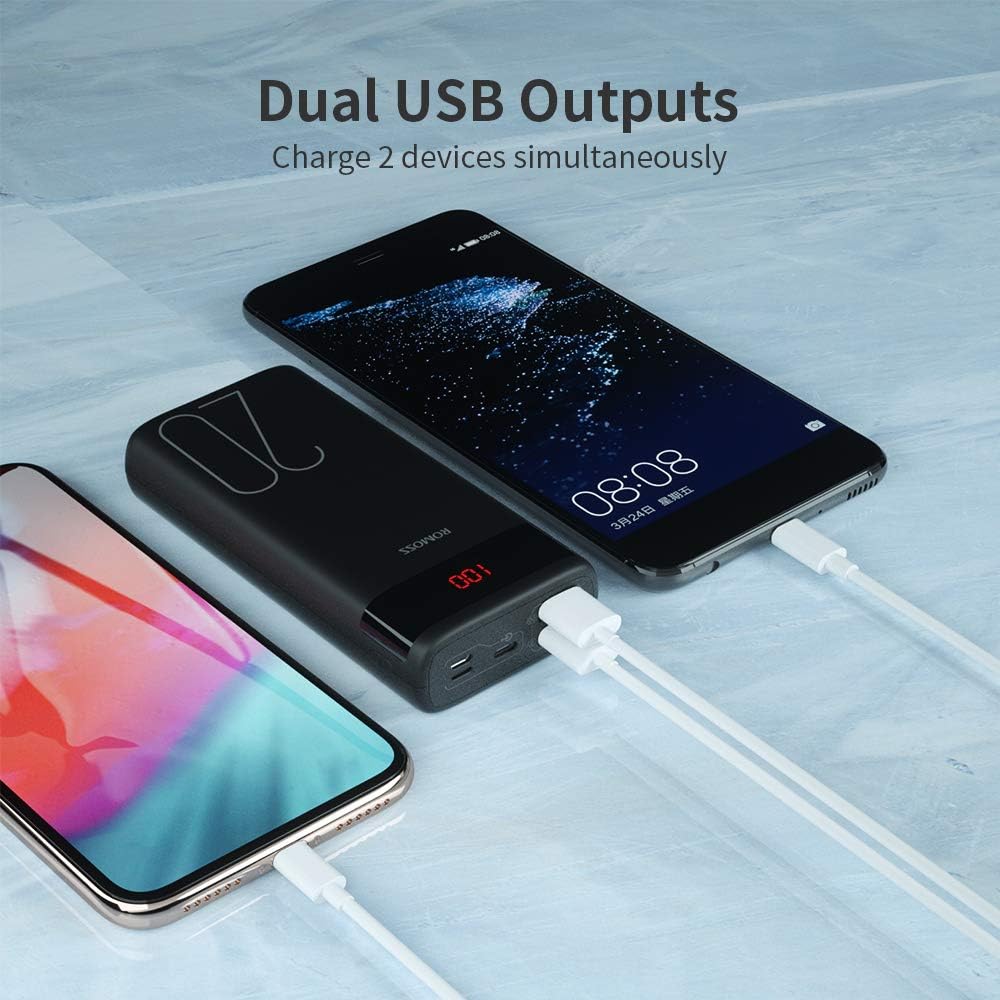
Image 2.1: Dual USB Output Ports. This image shows the end of the power bank with two USB-A output ports, allowing two devices to be charged simultaneously. Two smartphones are connected and charging.

Image 2.2: Charging Capacity Examples. This image illustrates the approximate number of charges the power bank can provide for various devices, including iPhone 8 (8.2 charges), iPhone XR (5 charges), Samsung S10 (4.4 charges), and Nintendo Switch (2 charges).

Image 2.3: Charging a Nintendo Switch. A user is shown holding a Nintendo Switch while it is connected and charging from the ROMOSS power bank, demonstrating its compatibility with gaming devices.
3. 설정
3.1 파워뱅크 초기 충전
Before first use, it is recommended to fully charge your ROMOSS power bank. The power bank may not be fully charged upon initial receipt.
- Connect a compatible charging cable (Micro-USB, Lightning, or Type-C) to one of the input ports on the power bank.
- 케이블의 다른 쪽 끝을 USB 벽면 어댑터(별도 구매) 또는 전원이 공급되는 USB 포트에 연결하십시오.
- The LED digital display will show the charging progress. It is fully charged when the display shows '100'.
Note: A charging cable is not included with the power bank.
4. 사용 설명서
4.1 장치 충전
The power bank features two USB-A output ports to charge your electronic devices.
- 기기의 USB 충전 케이블을 보조 배터리의 USB 출력 포트 중 하나에 연결하세요.
- 케이블의 다른 쪽 끝을 장치에 연결합니다.
- The power bank will automatically begin charging your device. If it does not, press the power button on the side of the power bank.
- LED 디스플레이에 배터리 잔량이 백분율로 표시됩니다.tag모바일 배터리의 e.
4.2 배터리 잔량 확인
To check the remaining battery level of the power bank, simply press the power button once. The LED digital display will illuminate and show the current percentage.
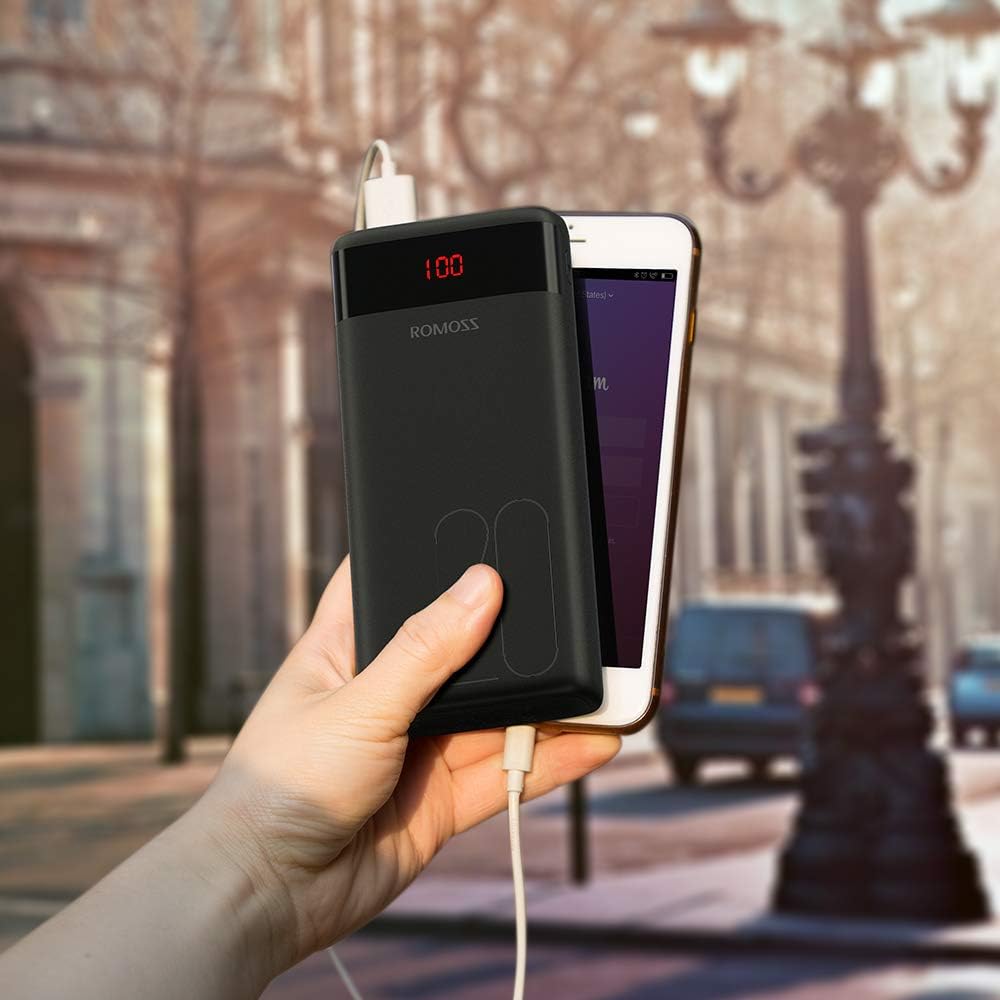
Image 4.1: Power Bank in Use. This image shows the ROMOSS power bank being held in a hand, connected to a smartphone via a charging cable, demonstrating its portable use.
5. 유지관리
- 모바일 배터리는 극한의 온도, 직사광선, 액체에 가까이 두지 마세요.
- 부드럽고 마른 천으로 기기를 닦으세요. 연마성 세제나 용제는 사용하지 마세요.
- 사용하지 않을 때는 시원하고 건조한 곳에 보관하세요.
- 보조 배터리를 장기간 사용하지 않을 경우, 배터리 수명 유지를 위해 최소 3개월에 한 번씩 충전하십시오.
6. 문제 해결
- 모바일 기기가 충전되지 않음: Ensure the charging cable is securely connected to both the power bank input port and the power source. Try a different cable or power adapter.
- 전원 은행에서 기기가 충전되지 않음: Ensure the device's charging cable is securely connected to both the power bank output port and the device. Press the power button on the power bank to activate charging. Check if the power bank has sufficient charge.
- 느린 충전: Ensure you are using appropriate cables and adapters. Charging speed can vary depending on the device and cable quality.
- LED 디스플레이가 작동하지 않습니다: Press the power button. If it still doesn't light up, the power bank might be completely discharged or require service.
7. 사양
| 특징 | 세부 사항 |
|---|---|
| 모델 번호 | PAS20 |
| 배터리 용량 | 20000밀리amp 시간(mAh) |
| 제품 치수 | 5.73 x 1.17 x 2.75 인치 |
| 품목 무게 | 15.2 온스 |
| 입력 포트 | Micro USB, Lightning, Type-C |
| 출력 포트 | 2 x USB-A (2.1A max) |
| 특별 기능 | Digital Display, Portable, Travel-friendly |
8. 안전 정보
Please observe the following safety guidelines to prevent injury or damage to the device:
- 기기를 직접 분해, 개조 또는 수리하지 마세요.
- 보조 배터리를 불, 물 또는 극한 온도에 노출시키지 마십시오.
- 장치를 떨어뜨리거나 강한 충격을 가하지 마십시오.
- 어린이의 손이 닿지 않는 곳에 보관하세요.
- 호환되는 충전 케이블과 어댑터만 사용하세요.
- 보조 배터리가 부풀어 오르거나, 누액이 발생하거나, 이상한 냄새가 나는 경우 즉시 사용을 중단하십시오.
- The power bank is not fully charged when first used; charge it fully before use.
- If the power bank is not recharging, press the power button or reinsert the cable to activate the charger.
9. 제품 비디오
이 공식 제품 비디오를 시청하여 시각적으로 살펴보세요.view of the ROMOSS 20000mAh Portable Charger.
Video 9.1: ROMOSS 20000mAh Portable Phone Charger. This video provides a detailed visual demonstration of the power bank's features, including its compact size, LED display, multiple input/output ports, and charging capabilities for various devices.