
Amazon Basics OD0007BLK
Amazon Basics Classic Home Office Computer Desk with Shelves
Model: OD0007BLK
제품 끝view
The Amazon Basics Classic Home Office Computer Desk with Shelves is designed for home office, dorm room, study area, or computer workstation use. It features a durable metal frame and a wide desktop with two open-sided storage shelves. The shelves can be assembled on either the left or right side to suit your space and needs.
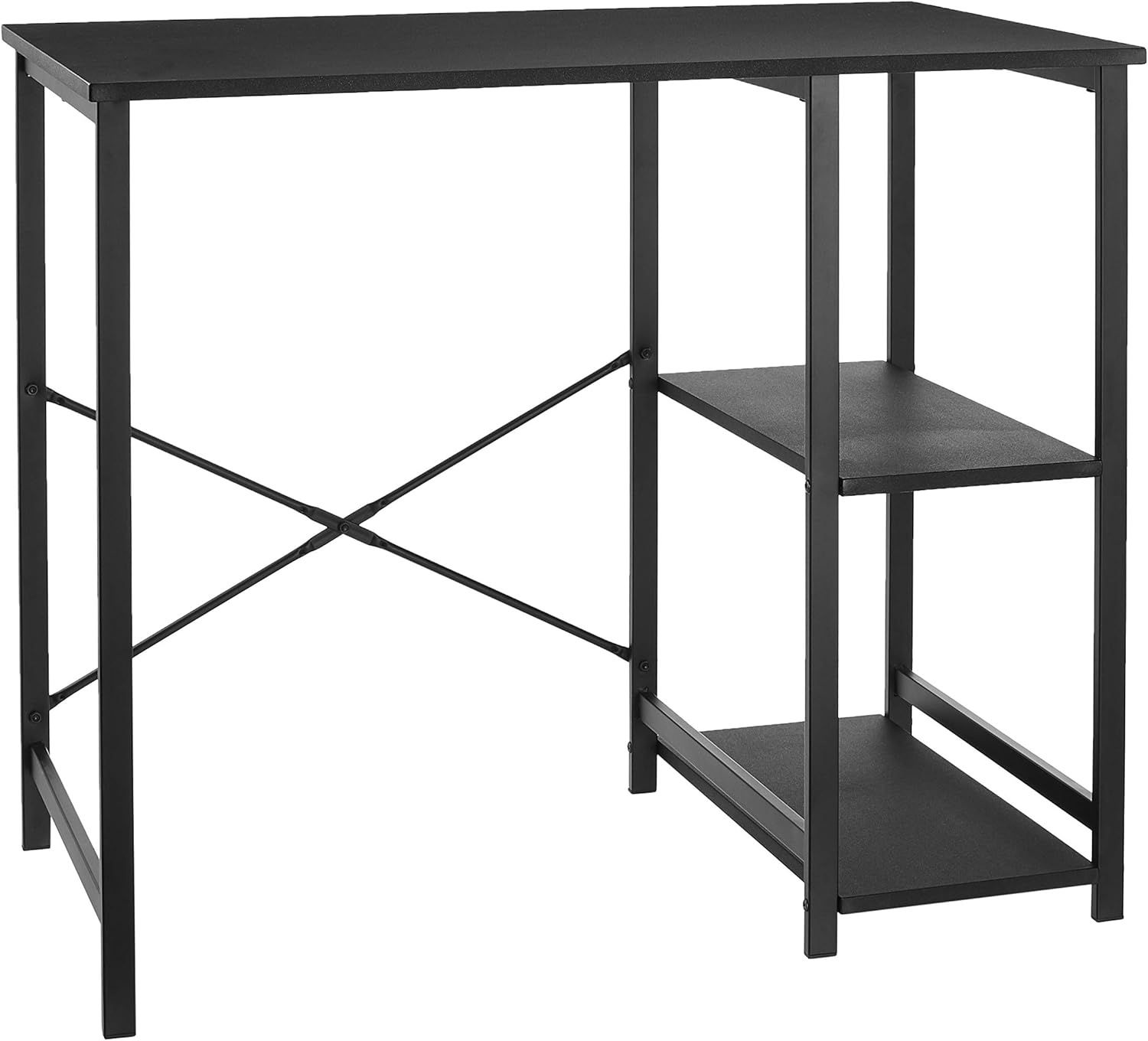
Figure 1: Assembled Amazon Basics Classic Home Office Computer Desk.
패키지 내용
Before assembly, ensure all components are present and undamaged. Refer to the included instruction manual for a detailed list of parts and hardware.
- 데스크탑 패널
- 금속 프레임 구성 요소(다리, 가로대)
- Shelf Panels (2)
- Assembly Hardware (screws, nuts, plastic inserts)
- Instruction Manual (PDF available online: 사용 설명서 (PDF))

Figure 2: All components laid out before assembly. Verify all parts are present.
설정 및 조립
Easy assembly is a key feature of this desk. Hardware and instructions are included. A screwdriver is required for assembly (not included).
- 작업 공간 준비: Clear a spacious area for assembly. Lay out all components and hardware, ensuring easy access.
- Assemble the Crossbars: Connect the two crossbar pieces using the provided screw and nut. This forms the X-shaped support for the back of the desk.
- Attach Shelf Frames: Identify the two shelf frames. These are the metal structures that will hold the wooden shelves.
- 선반 설치: Secure the wooden shelf panels to the metal shelf frames using the designated screws. Ensure the holes on the shelf panels face downwards for proper alignment with the frame.
- Connect Side Structures: Attach the assembled shelf unit to one side of the main desk frame. The design allows for the shelves to be positioned on either the left or right side of the desk.
- Secure Crossbar: Attach the assembled crossbar to the back of the desk frame, connecting the two main leg structures. Tighten all screws for stability.
- 데스크톱 첨부: Carefully place the desktop panel onto the assembled frame. Align the pre-drilled holes on the desktop with the corresponding holes on the frame. Secure the desktop using the remaining screws.
- 최종 조임: Once all components are in place, thoroughly tighten all screws to ensure the desk is stable and secure.
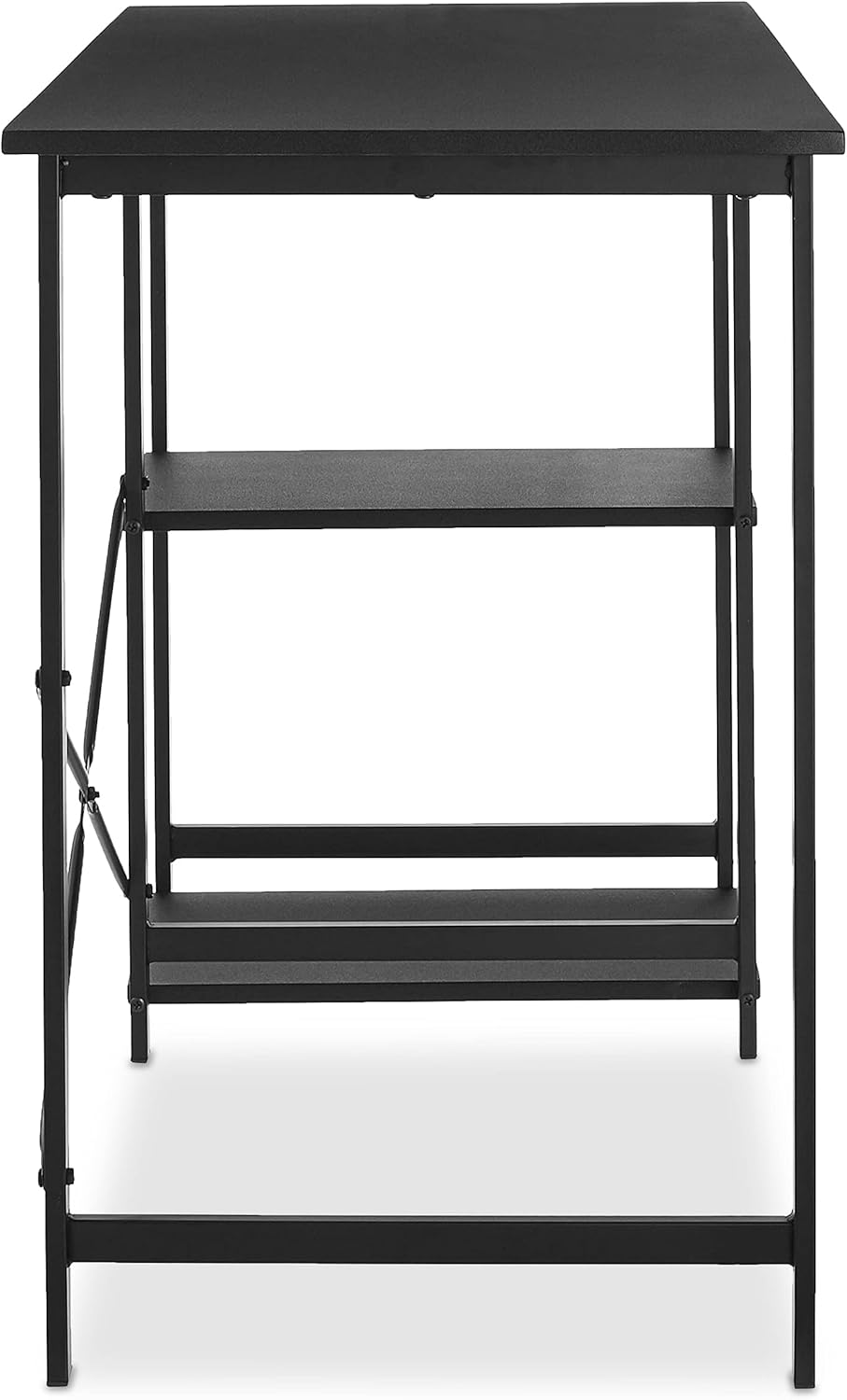
Figure 3: Illustrative assembly step. Note the customizable shelf placement.

Figure 4: Attaching the rear crossbar for enhanced stability.

Figure 5: The desk offers a customizable layout, allowing shelves to be on the left or right side.
사용 설명서(사용법)
This desk is designed for versatile use in various settings. Its compact yet functional design makes it suitable for:
- 홈 오피스: Ideal for a laptop and a second monitor setup.
- 연구 분야: 제공합니다 ample space for books, stationery, and study materials on the desktop and shelves.
- 컴퓨터 워크스테이션: The shelves offer convenient storage for a tower PC, printer, or other peripherals.
- 일반적인 사용: Can be used for various tasks requiring a stable surface and integrated storage.
The two open-sided storage shelves are perfect for organizing paperwork, books, or devices, keeping your workspace tidy and efficient.

Figure 6: The desk in a typical home office setup, showcasing는 그 유용성입니다.
유지
To ensure the longevity and appearance of your Amazon Basics Computer Desk, follow these maintenance guidelines:
- 청소: 책상과 금속 프레임을 부드러운 천으로 닦으세요.amp 천을 사용하십시오. 강한 화학 약품이나 연마성 세척제는 마감재를 손상시킬 수 있으므로 사용하지 마십시오. 잘 지워지지 않는 얼룩은 순한 비눗물을 사용하여 닦은 후 깨끗한 천으로 물기를 제거하십시오.
- 긁힘을 방지하세요: Use coasters for drinks and mouse pads for computer mice to prevent scratches on the desktop surface.
- 무게 분포 : Distribute weight evenly across the desktop and shelves. Avoid placing excessively heavy items on one side or corner. The maximum weight recommendation is 100 pounds.
- 정기 점검: 모든 나사와 연결부가 단단히 조여져 있는지 정기적으로 점검하세요. 안정성을 유지하기 위해 필요한 경우 다시 조여주세요.
- 환경 조건: Avoid prolonged exposure to direct sunlight or extreme temperatures, which can cause warping or fading of the wood finish.
문제 해결
책상에 문제가 발생하면 다음의 일반적인 문제와 해결 방법을 참조하세요.
- 흔들리는 책상:
Ensure all screws are fully tightened. Check that the desk is placed on a flat, even surface. If on carpet, consider using a mat underneath for added stability.
- Holes Not Aligning / Missing Pre-drilled Holes:
While the product is designed for easy assembly, minor manufacturing variations can occur. If holes do not align perfectly, gently adjust the metal pieces. For seemingly missing holes on wooden shelves, they might be covered by paint; a screwdriver can typically penetrate these. If a screw doesn't fit, ensure you are using the correct screw size as indicated in the manual. Some users have found success using pliers or a drill for stubborn screws, but exercise caution to avoid damage.
- Damaged or Peeling Finish:
The desk features a durable finish, but wear and tear can occur over time. For minor scuffs, touch-up pens matching the black finish may be used. For significant peeling or damage, contact customer support for potential solutions or replacement parts.
- Missing or Incorrect Parts:
If any parts are missing or incorrect upon unboxing, immediately contact Amazon Basics customer support. Do not attempt to force incompatible parts or proceed with incomplete assembly.
명세서
| 상표 | 아마존 기본 정보 |
| 모델 번호 | OD0007BLK |
| 치수(길이 x 너비 x 높이) | 35.5 x 19.6 x 29.5 인치 |
| 색상 | 검은색 |
| 재료 | Wood (desktop, shelves), Metal (frame) |
| 무게 | 21.8 파운드 |
| 최대 중량 권장 사항 | 100 파운드 |
| 조립이 필요합니다 | 예 |
| 인증 | BIFMA certified |

그림 7: 책상의 상세 치수.
보증 및 지원
Amazon Basics products typically come with a limited warranty. For specific warranty details, claims, or technical support, please refer to the official Amazon Basics web해당 사이트를 방문하거나 아마존 고객 서비스에 직접 문의하세요.
여기에서 공식 사용자 설명서(PDF 형식)도 찾으실 수 있습니다. 사용 설명서 (PDF)
For additional product information or to explore other Amazon Basics products, visit the 아마존 베이직스 스토어.
Ask a question about this manual
Ask about setup, troubleshooting, compatibility, parts, safety, or missing instructions. Manuals+ will review the question and use this page’s manual context to help answer it.