
소개
This manual provides instructions for the setup, operation, maintenance, and troubleshooting of your new replacement remote control for Optoma projectors. This remote is designed to be compatible with a wide range of Optoma projector models, offering a convenient and reliable control solution.
Compatible Optoma Projector Models:
- HD26, X412, HD26B, HD26BR, UHD300X
- GT1080, GT1080E, GT1080DARBEE, GT1070X, VDGTGZBZ, GT1070Xe
- HD141X, HD143X, H181X, DH1008, DH1009
- HD37, UHD60, HDF536, HDF537ST, HD200D
- HD39DARBEE, VDHDNBDSE, UHD65, HD27, HD27E, HD27HDR, HD29DARBEE
- EH200ST, EH412ST, GT5600, VDHDNL, HD142X, HD144X, HD152X
- UHD550X, HD28HDR, HD28DSE, UHD40, UHD50, UHZ65, VDUHDLZ, ZH403, HD39HDR, UHD35
Please verify that your original remote control is identical to this replacement model for full functionality. If your original remote differs, some functions may not be fully compatible.
설정
배터리 설치
리모컨 작동에는 AA 배터리 2개가 필요합니다. 배터리는 리모컨에 포함되어 있지 않습니다.
- 리모콘 뒷면에서 배터리함을 찾으세요.
- 배터리 칸 덮개를 아래로 밀거나 걸쇠를 누르고 들어올려 엽니다.
- AA 배터리 두 개를 넣고, 양극(+)과 음극(-) 단자가 배터리 보관함 내부 표시와 올바르게 맞춰지도록 합니다.
- 배터리 칸 덮개를 제자리에 다시 밀어 넣어 딸깍 소리가 날 때까지 단단히 고정합니다.

The remote control's rear panel, with the battery cover removed, revealing the battery compartment and regulatory markings.

The remote control's front, highlighting the requirement for two AA batteries for operation.
작업
기본 기능
Point the remote control directly at the infrared receiver on your Optoma projector. The maximum effective range is approximately 10 meters (33 feet).
명확한 view of the remote control's front face, displaying all functional buttons including power, menu, volume, and source selection.
- 켜기/끄기: Press the 'ON' button to power on the projector. Press the 'OFF' button to power off the projector.
- 메뉴: Access the projector's on-screen display (OSD) menu.
- 탐색 버튼(위, 아래, 왼쪽, 오른쪽, Enter): Use these buttons to navigate through menu options and confirm selections.
- 볼륨 +/- : 오디오 출력 레벨을 조정합니다.
- 원천: Cycle through available input sources (e.g., HDMI1, HDMI2, VGA1, VGA2, Video, YPbPr).
- 무음: 오디오를 음소거하거나 음소거 해제합니다.
- 명도: Adjust the projector's brightness setting.
- 차이: Adjust the projector's contrast setting.
- 요지: Access keystone correction settings to adjust image geometry.
- 종횡비: Change the image aspect ratio.
- 방법: Select different display modes.
- 3D : Activate or deactivate 3D mode (if supported by projector).
- 수면 타이머 : Set a timer for the projector to automatically power off.
- 재동기화: Re-synchronize the input signal.
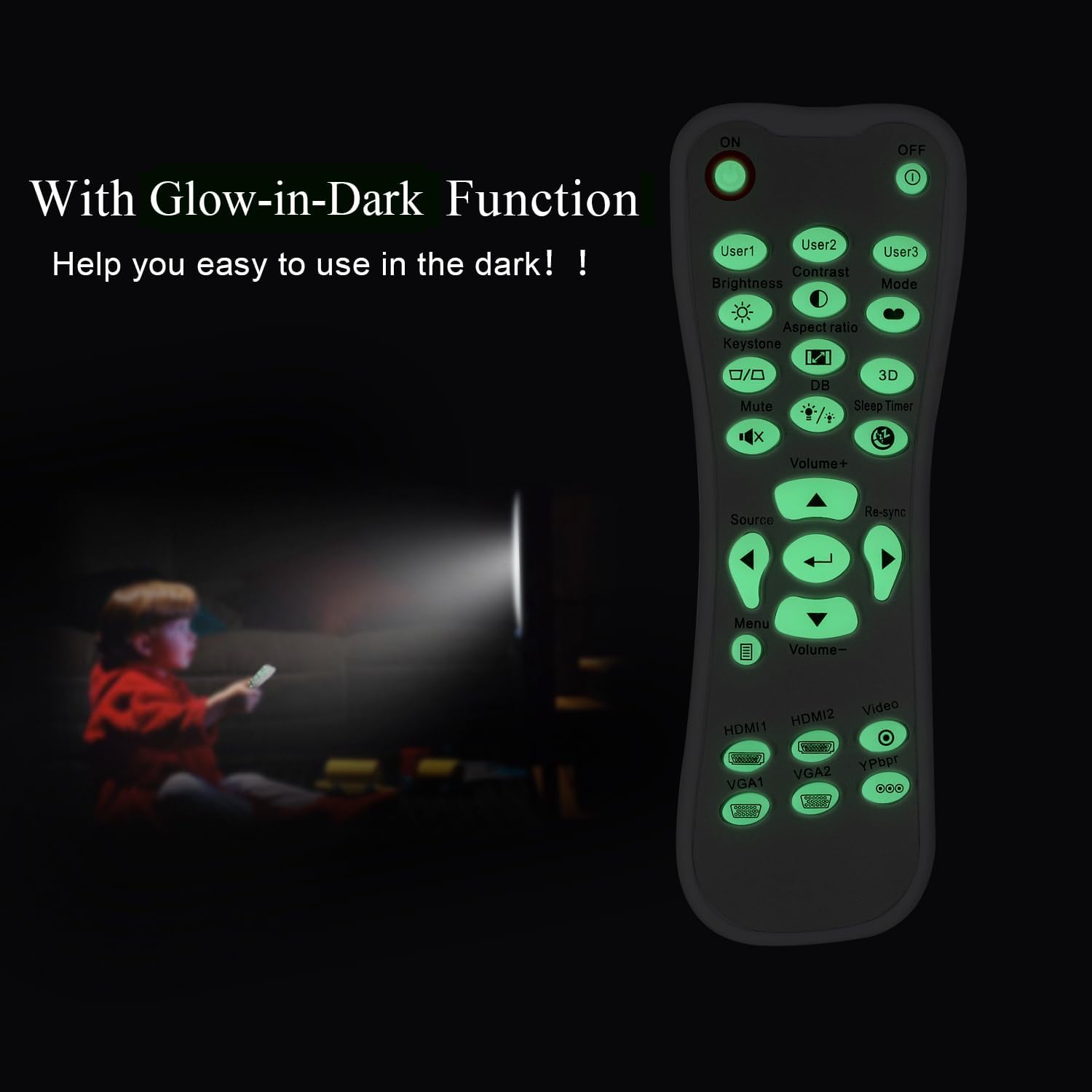
Glow-in-Dark Function
Certain buttons on this remote control are designed to glow in the dark, enhancing visibility and ease of use in low-light conditions. For optimal luminous effect, expose the remote control to bright light for a period before use in the dark.

The remote control features glow-in-the-dark buttons, making it visible and easy to use in low-light environments, such as a darkened room during projector use.
작동 범위
The remote control operates using infrared (IR) technology. Ensure a clear line of sight between the remote control and the projector's IR receiver. The effective operating distance is up to 10 meters (approximately 33 feet).
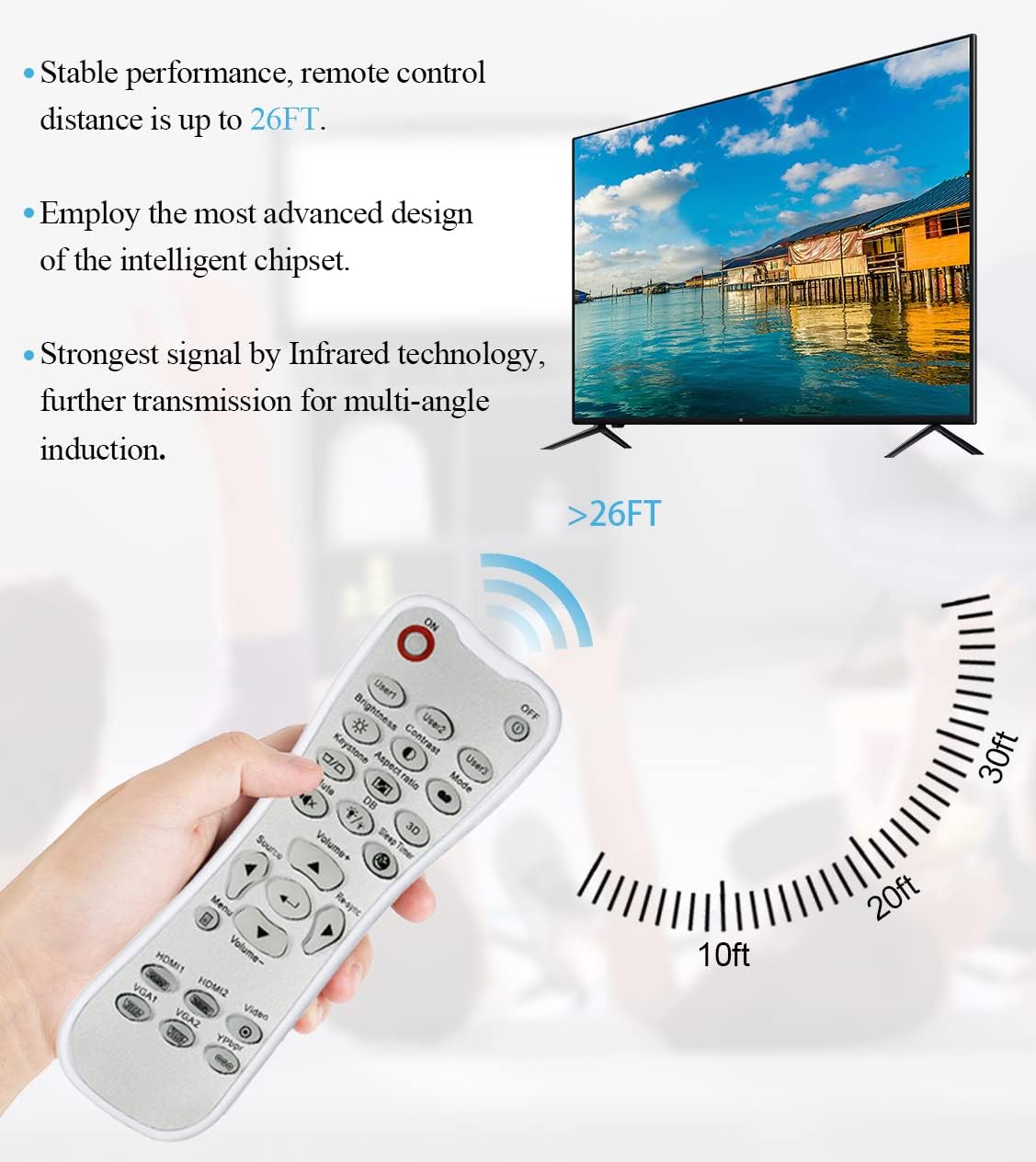
The remote control utilizes infrared technology for signal transmission, offering a reliable operating range of up to 26 feet (approximately 8 meters) for controlling your projector.
유지
청소
To clean the remote control, use a soft, dry cloth. Do not use liquid cleaners, abrasive pads, or chemical solvents, as these may damage the surface or internal components.
배터리 교체
리모컨의 반응이 느려지거나 작동이 멈추면 배터리를 교체하십시오. 항상 두 개의 배터리를 새 AA 배터리로 동시에 교체하십시오. 오래된 배터리와 새 배터리를 혼용하거나, 종류가 다른 배터리를 사용하지 마십시오.
저장
리모컨은 직사광선과 극한의 온도를 피해 서늘하고 건조한 곳에 보관하세요. 리모컨을 장기간 사용하지 않을 경우, 누액을 방지하기 위해 배터리를 분리해 두는 것이 좋습니다.
문제 해결
- 리모컨이 응답하지 않음:
- 배터리가 올바른 극성으로 올바르게 설치되었는지 확인하세요.
- 오래된 배터리를 새 배터리로 교체하십시오.
- Check for any obstructions between the remote control and the projector's IR receiver.
- 유효 작동 범위(최대 10미터) 내에 있는지 확인하십시오.
- 버튼이 뻑뻑하거나 반응이 없습니다.
- Ensure the remote control is clean and free from debris that might impede button movement.
- If buttons are consistently stiff, this may indicate a manufacturing issue.
- Glow-in-dark function is weak:
- Expose the remote control to bright light for a longer duration to charge the luminous material.
명세서
| 특징 | 사양 |
|---|---|
| 모델명 | L-27-5KEY |
| 브랜드 호환성 | 옵토마 프로젝터 |
| 특징 | Universal Replacement, Glow-in-Dark Buttons |
| 색상 | 하얀색 |
| 연결 기술 | 적외선 (IR) |
| 버튼 수량 | 5 (referring to the main function keys, though more buttons are present) |
| 컨트롤러 유형 | 버튼 제어 |
| 최대 범위 | 10미터 (약 33피트) |
| 배터리 유형 | AA 배터리 2개(포함되지 않음) |
| 재료 | 플라스틱 |
| 품목 치수(L x W x H) | 14.9cm(5.9인치) x 5.3cm(2.1인치) x 2.5cm(1인치) |

A dimensional diagram illustrating the compact size of the remote control, measuring approximately 14.9 cm (5.9 inches) in length, 5.3 cm (2.1 inches) in width, and 2.5 cm (1 inch) in thickness.
보증 및 지원
For any issues not covered in this manual, or for warranty inquiries, please contact the seller or manufacturer directly through your purchase platform. Keep your purchase receipt as proof of purchase.