
Supereyes S003
Supereyes S003 Smartphone Microscope Adapter User Manual
Model: S003 | Brand: Supereyes
1. 제품 오버view
The Supereyes S003 is a compact smartphone microscope adapter designed to provide 75x optical magnification for detailed observation and photography using your mobile device. It features a digital and optical combination for clear imaging without manual focusing, and an integrated LED light for optimal illumination. The adapter is universally compatible with most smartphones and tablets.
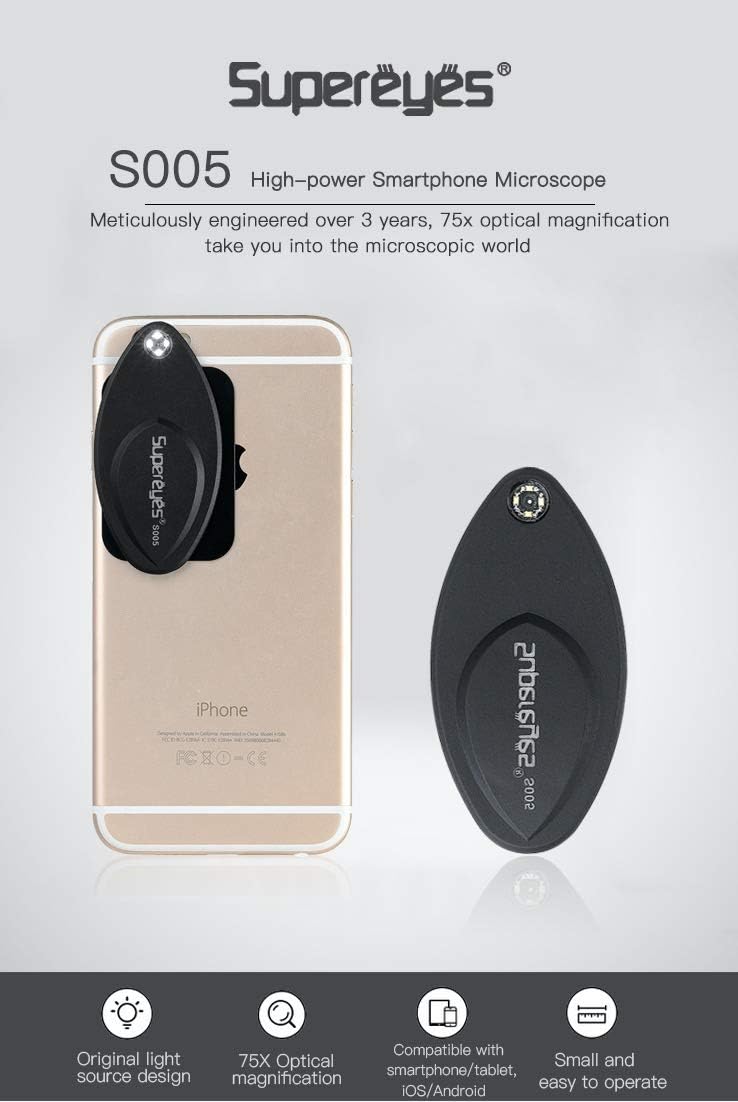
Image 1.1: The Supereyes S003 microscope adapter attached to a smartphone, highlighting its compact form factor and integrated LED light.
주요 특징:
- 75x Optical Magnification: Explore the microscopic world with enhanced detail.
- Digital and Optical Combination: Achieves clear images without the need for manual focusing.
- 보편적 인 호환성 : Designed to work with most mainstream smartphones and tablets.
- 자석 부착: Securely connects to your device via a metal plate with 3M adhesive.
- Automatic LED Illumination: The integrated light turns on automatically when the microscope is attached.
- 휴대성 있는 디자인: Thin and lightweight for easy transport.
2. 패키지 내용
패키지에 모든 품목이 들어 있는지 확인하세요.
- Supereyes S003 Microscope Adapter
- Metal Plate with 3M Adhesive
- CR2016 배터리(사전 설치 또는 별도 포함)
3. 설정 지침
Follow these steps to prepare your Supereyes S003 for use:
3.1 Attaching the Metal Plate to Your Smartphone
- Clean the back surface of your smartphone or tablet where the camera lens is located. Ensure it is free of dust and grease.
- Peel off the protective film from the 3M adhesive on the back of the metal plate.
- Carefully align the metal plate on the back of your phone, ensuring it is positioned near your phone's camera lens. The microscope will attach to this plate. Press firmly for a few seconds to secure it.
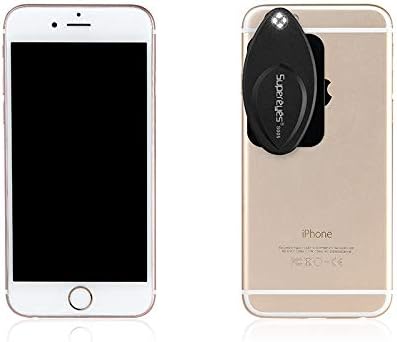
Image 3.1: The Supereyes S003 microscope and its magnetic metal plate.
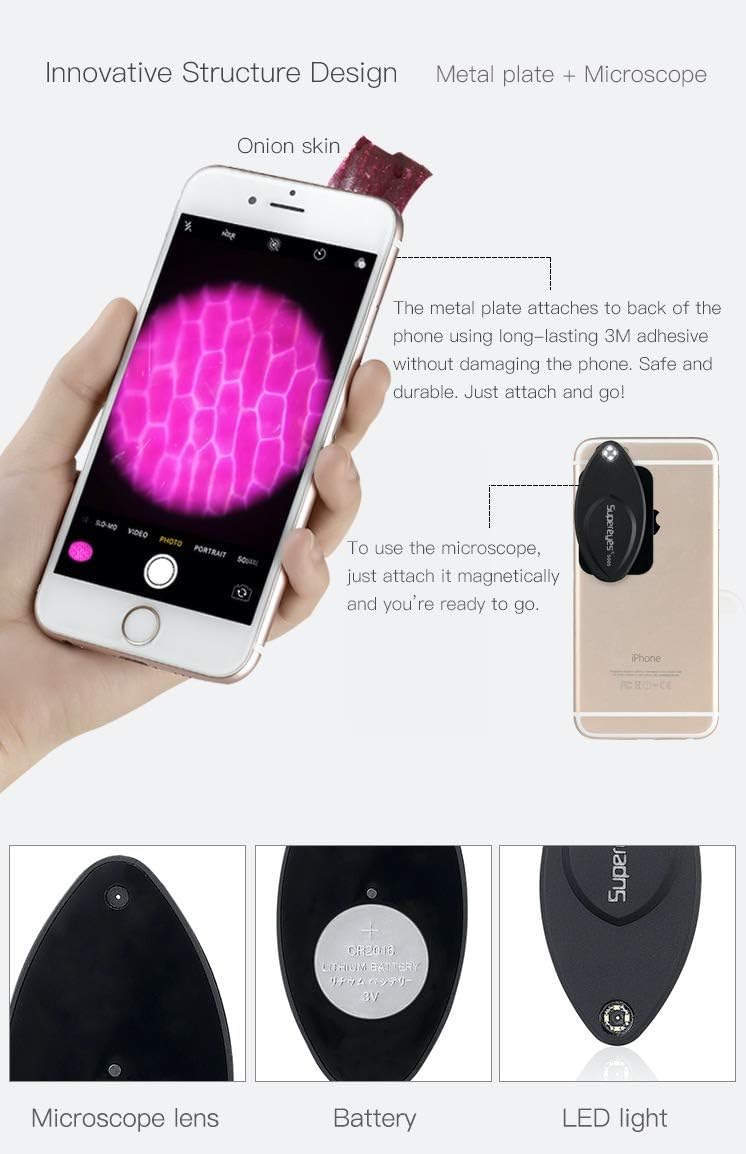
Image 3.2: Step-by-step illustration of attaching the metal plate and then the microscope to a smartphone.
3.2 Attaching the Microscope Adapter
- Once the metal plate is securely attached to your phone, simply place the Supereyes S003 microscope adapter onto the metal plate. It will magnetically snap into place.
- Ensure the microscope's lens is aligned with your phone's camera lens. The integrated LED light will automatically turn on when properly attached.
3.3 배터리 설치/교체
The Supereyes S003 uses a CR2016 battery. If the LED light does not turn on, the battery may need to be installed or replaced.
- Gently pry open the back cover of the microscope adapter to access the battery compartment.
- Insert or replace the CR2016 battery, ensuring the positive (+) side is facing up.
- 뒷면 커버를 단단히 닫으세요.
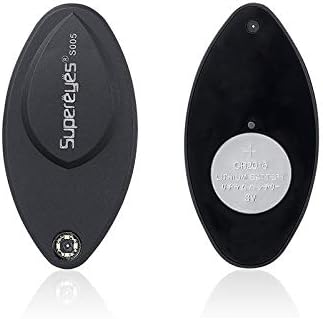
이미지 3.3: 앞면과 뒷면 views of the microscope, illustrating the battery placement.
4. 사용 설명서
Using your Supereyes S003 microscope adapter is straightforward:
- Ensure the microscope adapter is securely attached to your smartphone with the LED light on.
- Open your smartphone's default camera application.
- Place the object you wish to observe directly onto the microscope's lens. For best results, gently press the object against the lens.
- Observe the magnified image on your phone's screen. The S003 is designed for no-focusing operation, providing clear images automatically.
- Use your phone's camera features to capture photos or videos of the magnified view.
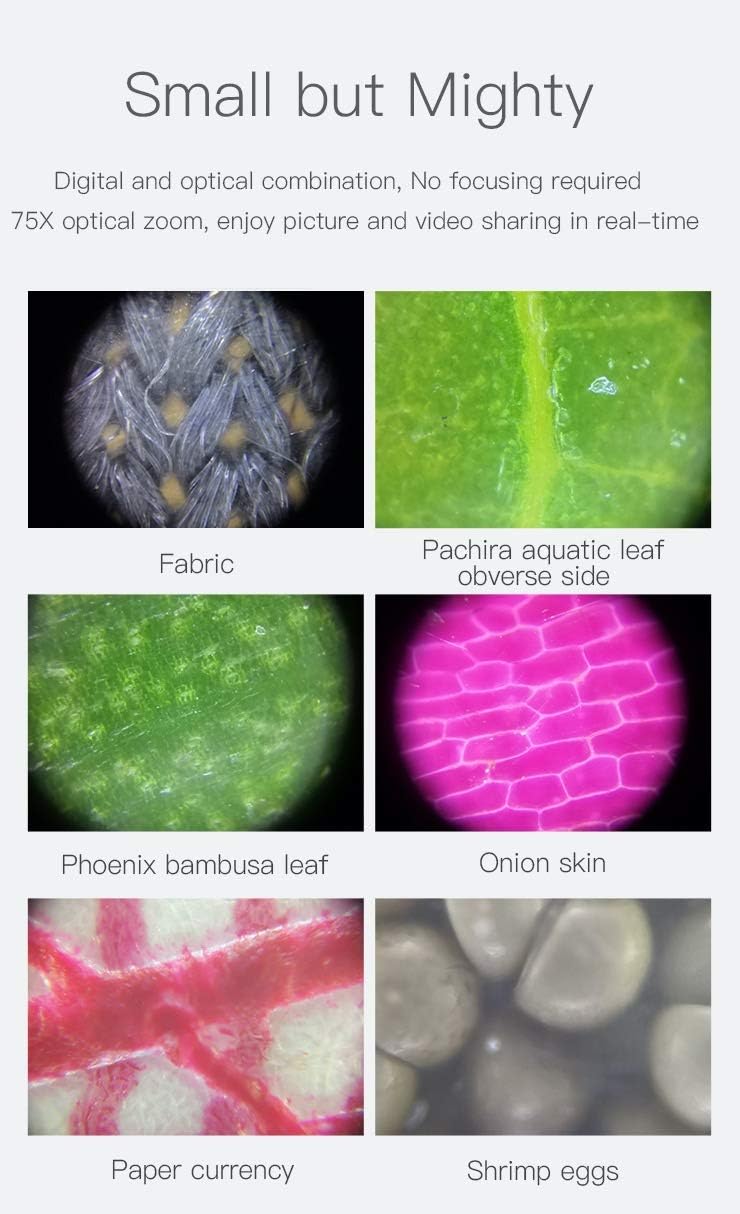
이미지 4.1: Examples of magnified images captured using the Supereyes S003, demonstrating its clarity and magnification capabilities.
5. 유지관리
To ensure the longevity and optimal performance of your Supereyes S003 microscope adapter:
- 렌즈 청소: 광학 렌즈 전용으로 제작된 부드럽고 보풀 없는 천을 사용하여 현미경 렌즈를 살살 닦으십시오. 연마성 재질이나 강한 화학 물질은 사용하지 마십시오.
- 저장: When not in use, detach the microscope from your phone and store it in a clean, dry place, away from direct sunlight and extreme temperatures.
- 배터리 관리 : If the microscope will not be used for an extended period, remove the CR2016 battery to prevent leakage.
- 충격 방지: Handle the device with care to prevent drops or impacts that could damage the lens or internal components.
6. 문제 해결
If you encounter issues with your Supereyes S003, refer to the following common solutions:
| 문제 | 가능한 원인 | 해결책 |
|---|---|---|
| LED 조명이 켜지지 않습니다. | 배터리가 소진되었거나 잘못 설치되었습니다. | Check battery orientation or replace the CR2016 battery. Ensure the microscope is properly attached to the metal plate. |
| 이미지가 흐릿하거나 불분명합니다. | Object not in direct contact with the lens; lens is dirty. | Ensure the object is gently pressed against the microscope lens. Clean the lens with a soft, lint-free cloth. |
| Microscope does not attach securely. | Metal plate not properly adhered or misaligned. | Ensure the metal plate is clean and firmly attached to your phone. Re-align the microscope with the metal plate. |
7. 사양
| 특징 | 세부 사항 |
|---|---|
| 상표 | 슈퍼아이즈 |
| 모델 번호 | S003 |
| 확대 | 75배 광학 |
| 호환 장치 | 스마트폰, 태블릿 |
| 조명 | Integrated LED Light (Automatic On/Off) |
| 전원 | CR2016 배터리 |
| 재료 | 금속 |
| 품목 무게 | 0.06 킬로그램 |

Image 7.1: Dimensions of the Supereyes S003 microscope and its accompanying metal plate.

Image 7.2: The compact size of the Supereyes S003, comparable to a credit card.
8. 보증 정보
The Supereyes S003 Smartphone Microscope Adapter comes with a 2년 보증 구매일로부터 유효합니다. 본 보증은 정상적인 사용 조건에서 발생하는 제조상의 결함 및 재료상의 하자에 적용됩니다. 보증 청구를 위해 구매 증빙 자료를 보관해 주십시오. 오용, 사고, 무단 개조 또는 정상적인 마모로 인한 손상은 보증 대상에서 제외됩니다.
9. 고객 지원
For further assistance, technical support, or warranty inquiries, please contact Supereyes customer service through the retailer where you purchased the product or visit the official Supereyes web연락처 정보 사이트.
Ask a question about this manual
Ask about setup, troubleshooting, compatibility, parts, safety, or missing instructions. Manuals+ will review the question and use this page’s manual context to help answer it.