
Feit Electric OM60/SW/HK
Feit Electric OM60/SW/HK A19 Smart LED Light Bulb User Manual
Model: OM60/SW/HK
소개
This manual provides instructions for the installation, setup, operation, and maintenance of your Feit Electric OM60/SW/HK A19 Smart LED Light Bulb. This smart bulb is designed to work with Apple HomeKit and Siri Voice Control, offering convenient lighting management without requiring a separate smart home hub for direct control. For remote access and advanced automations, an Apple Home Hub (Apple TV, iPad, or HomePod) is required.
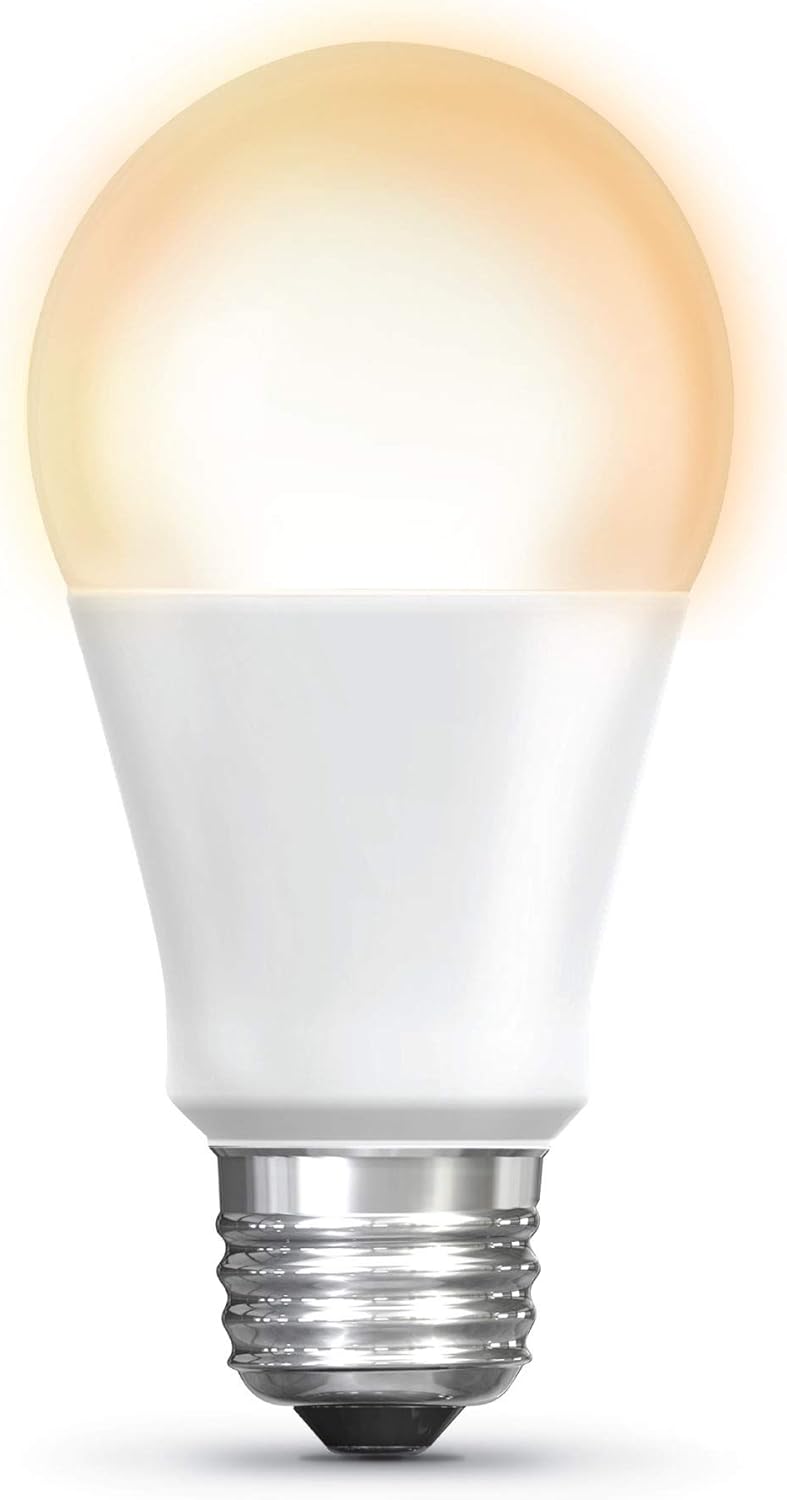
Image: The Feit Electric A19 Smart LED Light Bulb illuminated, showcasing its soft white light output.
안전 정보
- 감전 위험: 전구를 설치하거나 제거하기 전에 항상 조명기구의 전원을 끄십시오.
- 실내/실외 사용: This bulb is rated for outdoor use. Ensure the fixture is suitable for the environment.
- 디머 호환성: This smart bulb is dimmable via the Apple Home app or Siri. Do not use with standard incandescent dimmer switches, as this may damage the bulb.
- 작동 온도: Do not install in enclosed fixtures that restrict airflow, as this can shorten bulb life.
- 처분: Dispose of LED bulbs according to local regulations. Do not dispose of with general household waste.
패키지 내용
귀하의 패키지에는 다음 품목이 포함되어야 합니다.
- 1 x Feit Electric OM60/SW/HK A19 Smart LED Light Bulb
설치 지침
1. 물리적 설치
- 설치하기 전에 조명 기구의 전원 스위치가 꺼져 있는지 확인하십시오.
- Carefully screw the Feit Electric Smart LED Light Bulb into a standard E26 medium base socket.
- 전등 스위치를 켜세요. 전구에 불이 들어올 것입니다.
2. Apple HomeKit Pairing
The bulb connects directly to your Apple device via Bluetooth. No separate hub is required for basic control.
- 열기 Apple 홈 앱 on your iPhone, iPad, or iPod touch (iOS 10.0.1 or later required).
- 탭하세요 "+" icon in the upper right corner and select "액세서리 추가".
- 스캔하다 HomeKit 설정 코드 located on the bulb or its packaging. Follow the on-screen prompts to add the bulb to your Home app and assign it to a room.

Image: A smartphone screen showing the Apple Home app interface, used to control smart lighting in a living room setting.
3. 펌웨어 업데이트 (중요)
To ensure optimal performance and compatibility with the latest iOS versions, it is recommended to update the bulb's firmware using the Feit OTA app.
- 다운로드 "Feit OTA" app from the Apple App Store.
- Ensure the smart bulb is powered on.
- Open the Feit OTA app. Grant Bluetooth access permissions if prompted.
- 로 이동 "More" (bottom right corner) and select "EQUIPMENT UPGRADE GATT".
- Select the desired light bulb from the list.
- If a firmware update is available, select "UPDATE RIGHT NOW". Keep your phone screen active and do not leave the app during the update process to prevent interruption.
- After the update is complete, you may need to repeat steps 3-6 if multiple updates are required. The app will indicate when no further updates are needed.
- Once updated, return to the Apple Home app to confirm functionality. If issues persist, try resetting the bulb to factory settings (see Troubleshooting) and re-pairing.
4. Home Hub Setup for Remote Access
For control of your smart bulb when away from home, or for advanced automations and scheduling, an Apple Home Hub is required.
- Set up an Apple TV (4th generation or later), HomePod, or an iPad (running iOS 10 or later) as your Home Hub.
- Ensure your Home Hub device is connected to your home Wi-Fi network and signed in with the same Apple ID as your other HomeKit devices.
- Keep the Home Hub device powered on and connected to power to maintain remote access.
작동 지침
1. Control with Apple Home App
Once paired, you can control your smart bulb directly from the Apple Home app:
- 켜기/끄기: Tap the bulb icon in the Home app.
- 디밍 : Press and hold the bulb icon to access controls for brightness adjustment.
- Schedules & Automations: Use the Home app to create custom schedules for turning lights on/off or to set up automations based on time, location, or other HomeKit accessories.
- 그룹화: 여러 개의 전구를 한데 모아 동시에 제어하세요.
2. Siri 음성 제어
Use Siri on your iPhone, iPad, HomePod, or Apple Watch to control your smart bulb with voice commands:
- "Hey Siri, turn on the [Room Name] light."
- "Hey Siri, dim the [Light Name] to 50%."
- "Hey Siri, turn off all the lights."
메모: Direct control via Bluetooth has a limited range (approximately 75 feet) and may experience slight delays compared to Wi-Fi based smart devices. For consistent remote control and faster response times, ensure a Home Hub is properly configured.
유지
- 청소: Ensure the bulb is cool and the power is off before cleaning. Wipe with a soft, dry cloth. Do not use liquid or abrasive cleaners.
- 저장: 전구를 보관할 경우, 원래 포장 상태로 서늘하고 건조한 곳에 보관하십시오.
- No user-serviceable parts are inside. Do not attempt to disassemble the bulb.
문제 해결
Bulb Not Responding or Connecting
- 전원 확인: Ensure the light fixture switch is on and the bulb is receiving power.
- 블루투스 범위 : If controlling directly, ensure your Apple device is within Bluetooth range of the bulb.
- 전원 주기: Turn the light switch off for 10 seconds, then turn it back on. This can often resolve minor connectivity issues.
- 펌웨어 업데이트 : Verify that the bulb's firmware is up to date using the Feit OTA app (refer to Setup Instructions). Outdated firmware can cause connectivity problems.
- 전구 재설정: To factory reset the bulb, turn it off for 1 second, then on for 1 second, repeating this cycle 5 times. The bulb will flash to indicate a successful reset. Then, attempt to re-pair with the Apple Home app.
- Home Hub Check: If using remote access, ensure your Apple Home Hub (Apple TV, iPad, or HomePod) is online, powered, and connected to the same network.
Delay in Response
- This bulb uses Bluetooth for direct control, which can sometimes introduce a slight delay compared to Wi-Fi devices. Ensure your controlling device is close to the bulb.
- A properly configured Apple Home Hub can improve response times, especially for automations and remote control.
Bulb Turns Soft White After Power Outage
- The bulb is designed to return to a default soft white state after a power interruption. This behavior cannot be changed.
명세서
| 특징 | 세부 사항 |
|---|---|
| 모델 번호 | OM60/SW/HK |
| 라이트 타입 | 주도의 |
| 전구 모양 크기 | A19 |
| 전구베이스 | E26 미디엄 |
| 왓tage | 10 와트 |
| 백열등가 | 60 와트 |
| 명도 | 800루멘 |
| 밝은 색상 | 2700K 소프트 화이트 |
| 연색지수(CRI) | 90 |
| 권tage | 120 볼트 |
| 평균 수명 | 15,000시간 |
| 제어 방법 | App (Apple Home), Voice (Siri) |
| 연결성 | Bluetooth (for direct control) |
| 제품 치수 | 폭 2.4인치 x 높이 4.4인치 |
| 재료 | Glass, Metal, Plastic, Powdered Metal Steel, Rubber |
| 실내/실외 사용 | 집 밖의 |

Image: Dimensional drawing of the A19 light bulb, indicating a height of 4.4 inches and a diameter of 2.4 inches.
보증 및 지원
보증 정보
This Feit Electric smart LED light bulb comes with a 1년 보증 구매일로부터. 이 보증은 정상적인 사용 하에서 재료 및 제조상의 결함을 포함합니다.
For warranty claims or further assistance, please contact Feit Electric customer service.
고객 지원
If you encounter any issues or have questions regarding your Feit Electric Smart LED Light Bulb, please contact:
- 이메일: info@feit.com
- 무료 전화: 1-866-326-BULB (1-866-326-2852)
Please have your model number (OM60/SW/HK) and proof of purchase ready when contacting support.
Ask a question about this manual
Ask about setup, troubleshooting, compatibility, parts, safety, or missing instructions. Manuals+ will review the question and use this page’s manual context to help answer it.