
1. 설정 가이드
This section provides instructions for the initial setup of your Rii RK200 Wireless Keyboard and Mouse Combo.
1.1 패키지 내용
- Rii RK200 Wireless Keyboard
- Rii Wireless Mouse
- Nano USB Receiver (stored in the mouse battery compartment)
1.2 배터리 설치
The keyboard and mouse require batteries (not included) for operation. Please ensure correct polarity when inserting batteries.
마우스 배터리: Open the battery compartment cover on the underside of the mouse. Insert AA 배터리 1개. The Nano USB receiver is also located here. Remove it before closing the compartment.

키보드 배터리: Open the battery compartment cover on the underside of the keyboard. Insert AAA 배터리 1개.
1.3 장치에 연결하기
The Rii RK200 combo uses a single Nano USB receiver for both the keyboard and mouse, offering a stable 2.4 GHz wireless connection up to 10 meters (33 feet).
- Locate the Nano USB receiver. It is typically stored in the battery compartment of the mouse.
- 나노 USB 수신기를 컴퓨터 또는 호환 장치의 사용 가능한 USB 포트에 꽂으세요.
- 마우스 밑면의 전원 스위치를 사용하여 마우스를 켭니다.
- Your device should automatically detect and install the necessary drivers. No additional software installation is required.

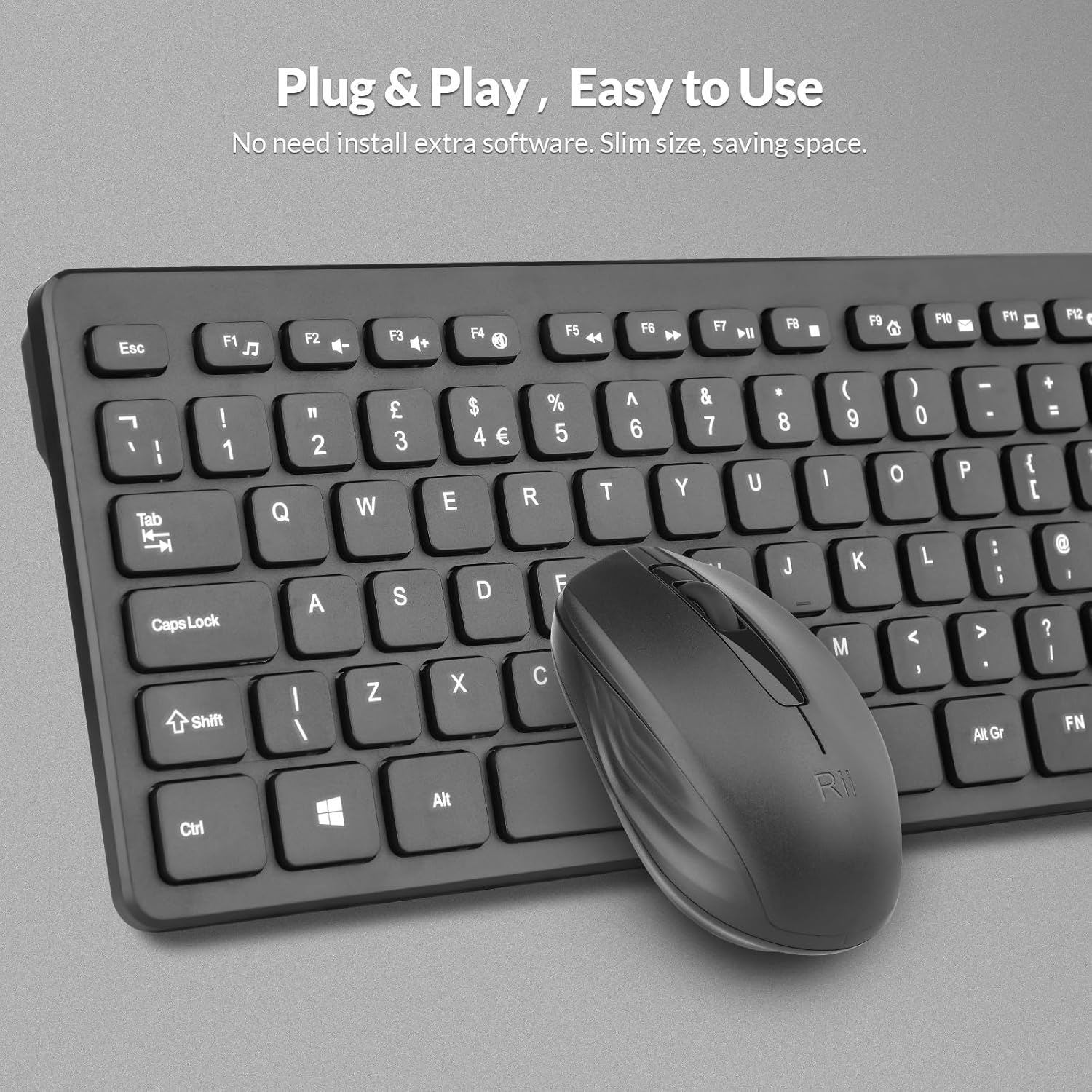
The Nano USB receiver provides a plug-and-play connection for both the keyboard and mouse.
1.4 설정 비디오 가이드
This video demonstrates the unboxing and initial setup steps for the Rii Wireless Keyboard and Mouse Combo, including battery installation and USB receiver connection.
2. 사용 설명서
Learn how to effectively use your Rii RK200 Wireless Keyboard and Mouse Combo.
2.1 키보드 기능
The Rii RK200 keyboard features silent keys for a quiet typing experience and an ergonomic design with adjustable stands for comfort during extended use.
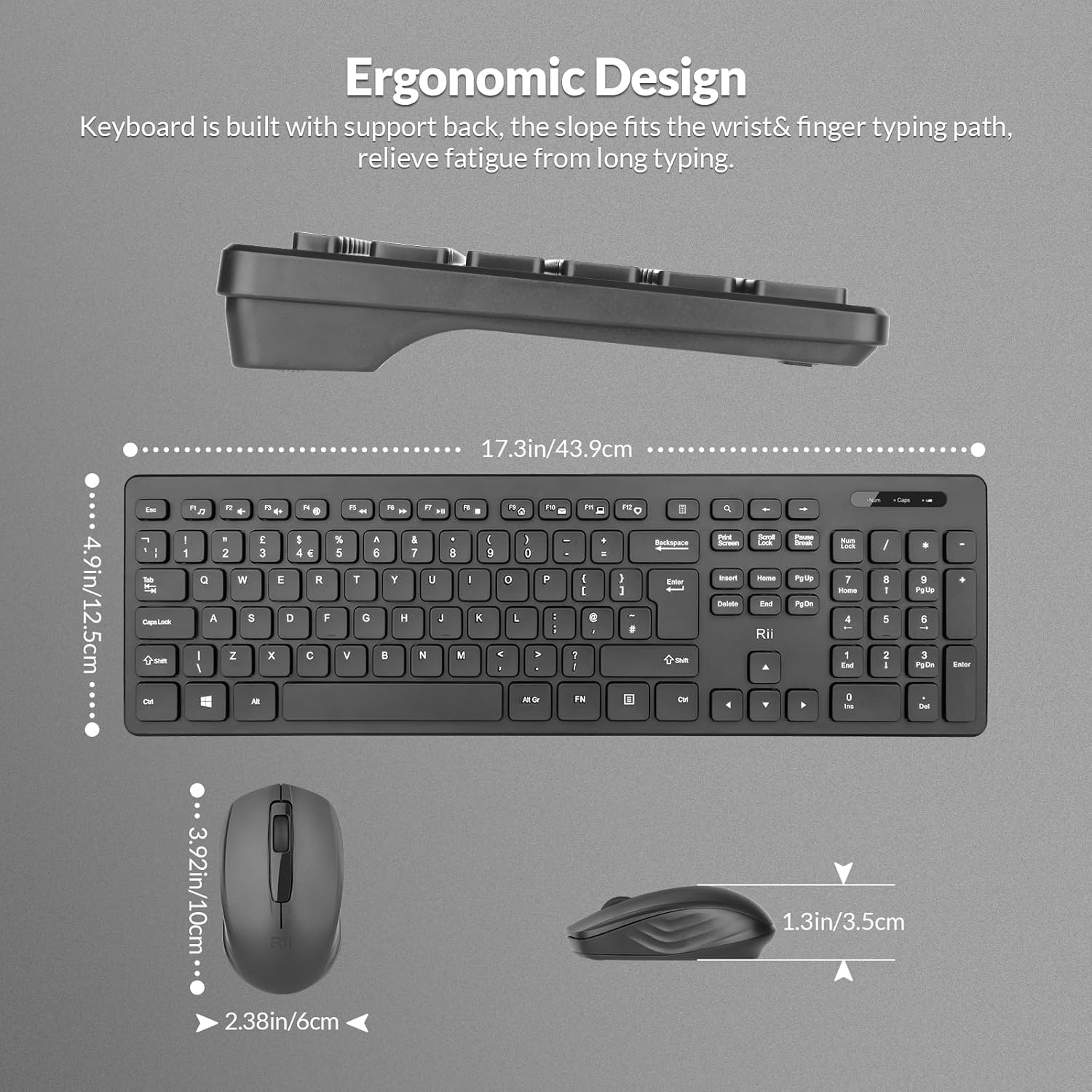
The keyboard is designed with a slight incline to reduce wrist strain.
표시등
The keyboard includes indicator lights for essential functions:
- NumLock Indicator: Lights up when the numeric keypad is active.
- Caps Lock 표시기: Caps Lock이 활성화되면 켜집니다.
- 배터리 부족 표시기: Illuminates when the keyboard battery is low and requires replacement.

표시등은 키보드 상태에 대한 시각적 피드백을 제공합니다.
기능 키(F1-F12)
The keyboard features 12 function keys that can be used for multimedia control and other shortcuts. These keys often require pressing the Fn key simultaneously with the desired function key for their secondary functions.
2.2 마우스 기능
The Rii RK200 mouse offers a comfortable, ergonomic design and a DPI of 1000 for precise cursor movement.

The mouse features a scroll wheel, left-click, and right-click buttons for standard navigation.
DPI 설정
The mouse operates at a fixed DPI of 1000, providing a balanced sensitivity for most tasks, from general browsing to office work.
자동 절전 모드
To conserve battery life, both the keyboard and mouse enter a power-saving sleep mode after 10 minutes of inactivity. Press any key or click the mouse to reactivate them.
3. 유지관리
Proper care ensures the longevity and optimal performance of your Rii RK200 combo.
3.1 청소
- 부드럽고 마른 천으로 키보드와 마우스 표면을 닦으세요.
- 완고한 먼지에는 약간 damp천에 물이나 순하고 연마성이 없는 세제를 묻혀 닦아주세요. 과도한 습기는 피하세요.
- Do not spray cleaning solutions directly onto the devices.
- 압축 공기를 사용하여 키보드 키 사이의 먼지와 이물질을 제거하십시오.
3.2 보관
When not in use for extended periods, store the keyboard and mouse in a cool, dry place. Consider removing batteries if storing for several months to prevent leakage.
4. 문제 해결
If you encounter issues with your Rii RK200 Wireless Keyboard and Mouse Combo, refer to the following solutions.
4.1 연결 문제
- 키보드/마우스가 반응하지 않습니다: Ensure the Nano USB receiver is securely plugged into a working USB port on your device.
- 간헐적 연결: Try plugging the USB receiver into a different USB port. Ensure the keyboard and mouse are within the 10-meter (33-foot) operating range and there are no large metallic objects or other wireless devices causing interference.
- Mouse not moving: 마우스 전원 스위치가 '켜짐' 위치에 있는지 확인하십시오.
4.2 전원 문제
- 기기가 켜지지 않음: Replace the batteries in both the keyboard (1 AAA) and mouse (1 AA) with fresh ones. Ensure batteries are inserted with correct polarity.
- Low-Battery Indicator is on: Replace the keyboard battery promptly.
4.3 기타 문제
- 키가 응답하지 않음: 키보드를 청소하여 키 입력을 방해할 수 있는 이물질을 제거하십시오.
- 마우스 커서가 불규칙합니다. Clean the optical sensor on the underside of the mouse. Ensure you are using the mouse on a suitable surface.
5. 사양
| 특징 | 세부 사항 |
|---|---|
| 모델 번호 | RK200 |
| 상표 | Rii |
| 연결 기술 | 2.4GHz 무선(USB 수신기) |
| 키보드 레이아웃 | QWERTY, 104 Keys |
| 마우스 움직임 감지 | 광학 |
| 마우스 DPI | 1000 |
| 키보드 전원 공급 장치 | AAA 배터리 1개(포함되지 않음) |
| 마우스 전원 공급 장치 | AA 배터리 1개(포함되지 않음) |
| 작동 범위 | 최대 10미터(33피트) |
| 호환되는 운영 체제 | Windows 7/8/10/11, Android OS, Mac OS, Raspberry Pi OS, iOS |
| 호환 장치 | Laptop, Personal Computer, Smart TV, Android TV Box, Raspberry Pi |
| 제품 크기 (키보드 포함) | 40 x 14 x 2cm |
| 품목 무게 | 450그램 |
| 원산지 | 중국 |
6. 보증 및 지원
6.1 보증 정보
The Rii RK200 Wireless Keyboard and Mouse Combo comes with a 12개월 보증 구매일로부터.
6.2 고객 지원
For any issues or questions regarding your product, please contact our customer support team. We offer 7x24 service to assist you.
Please refer to your purchase platform or the Rii official web구체적인 연락처 정보는 해당 사이트를 참조하세요.