
SimpliSafe 8 piece
SimpliSafe 8종 무선 가정 보안 시스템 사용 설명서
Model: 8 piece
소개
This manual provides detailed instructions for the installation, operation, and maintenance of your SimpliSafe 8 Piece Wireless Home Security System. Designed for ease of use and robust protection, this system offers comprehensive security for your home.
The SimpliSafe system is built with unprecedented safeguards to keep your home protected against power outages, downed Wi-Fi, cut landlines, and physical attacks. It is compatible with Alexa and Google Assistant for smart home integration.
시스템 구성 요소
SimpliSafe 8종 무선 가정 보안 시스템은 다음과 같은 구성 요소로 이루어져 있습니다.
- 1 기지국
- 키패드 1 개
- 4 Entry Sensors
- 1 모션 센서
- 1 패닉 버튼

그림 1: 위에view of SimpliSafe 8 Piece Wireless Home Security System components including Base Station, Keypad, Entry Sensors, Motion Sensor, and Panic Button.
설정 및 설치
The SimpliSafe system is designed for easy, DIY installation without the need for professional tools or wiring. Follow these steps to set up your system:
- Plug in the Base Station: Place the Base Station in a central location in your home. Plug it into a standard electrical outlet. The Base Station has a battery backup that lasts up to 24 hours and cellular backup (with professional monitoring plan) to ensure continuous protection.
- Download the SimpliSafe App: Download the SimpliSafe App from your phone's app store (available on Google Play and Apple App Store).
- Place Your Sensors:
- 진입 센서: Attach Entry Sensors to windows, doors, and cabinets. These sensors alert you when an entry point is opened. They can be customized to send "Secret Alerts" for private areas without sounding an alarm.
- 모션 센서: Place Motion Sensors in corners of rooms for optimal coverage. They detect motion within 35 feet and have a 90-degree field of view. These sensors are designed to ignore pets under 60 lbs to prevent false alarms.
- 패닉 버튼: Strategically place the Panic Button in an easily accessible location, such as by your bedside. This button triggers the alarm and dispatches police quickly, with an optional silent panic feature.

그림 3: An Entry Sensor installed on a window frame, demonstrating its discreet placement and function.

그림 4: A Motion Sensor installed in a room corner, illustrating its wide coverage area.

그림 5: A hand pressing the SimpliSafe Panic Button, highlighting its immediate alarm activation.
- Activate Your System: Follow the in-app instructions to activate your system and connect all sensors.
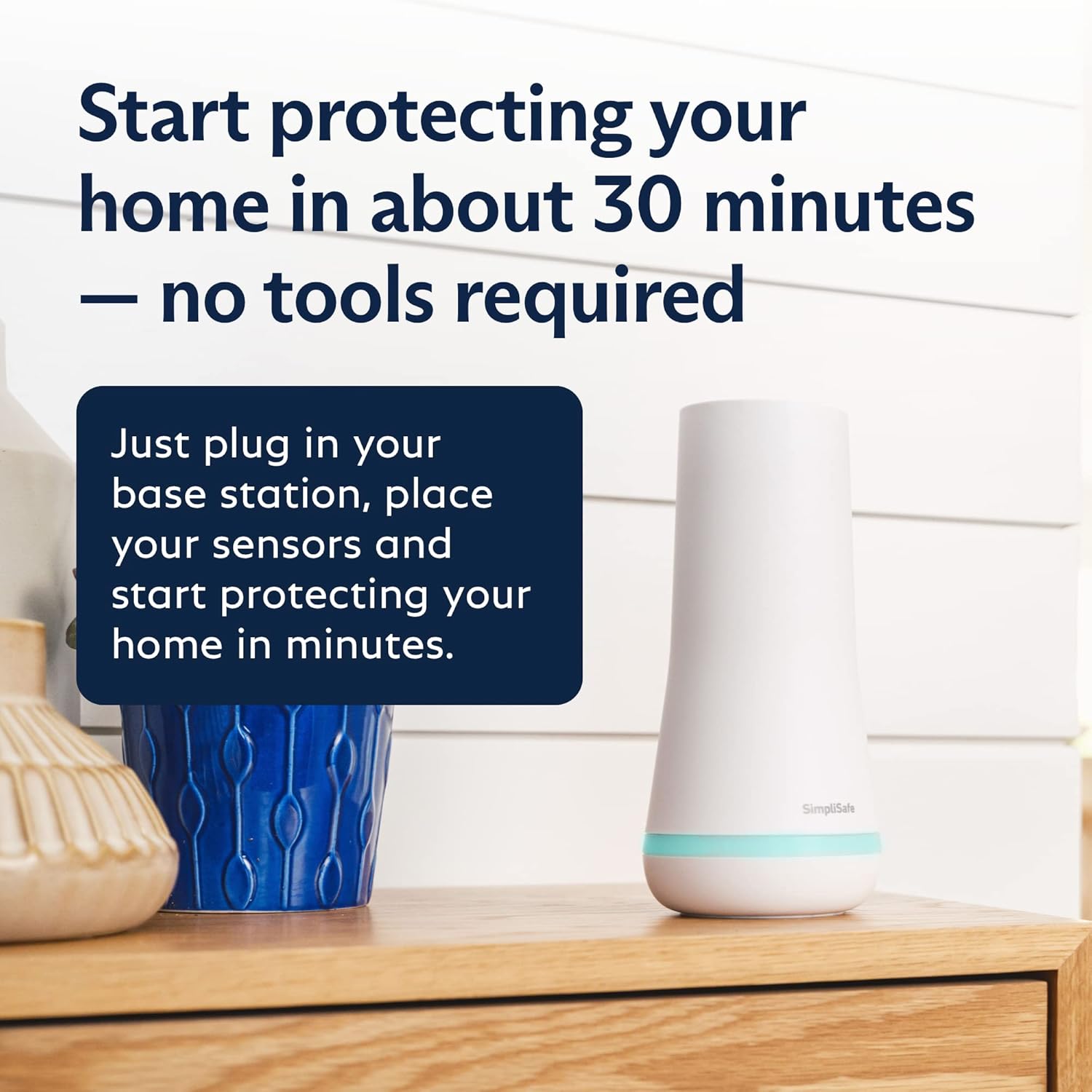
그림 2: SimpliSafe Base Station plugged into an outlet, ready for setup. The base station is the central hub for the system.
시스템 작동
The SimpliSafe system can be controlled via the Keypad or the SimpliSafe App.
키패드 사용
The wireless Keypad allows you to arm and disarm your system easily. Its backlit buttons illuminate when approached, making it convenient to use in low light conditions.
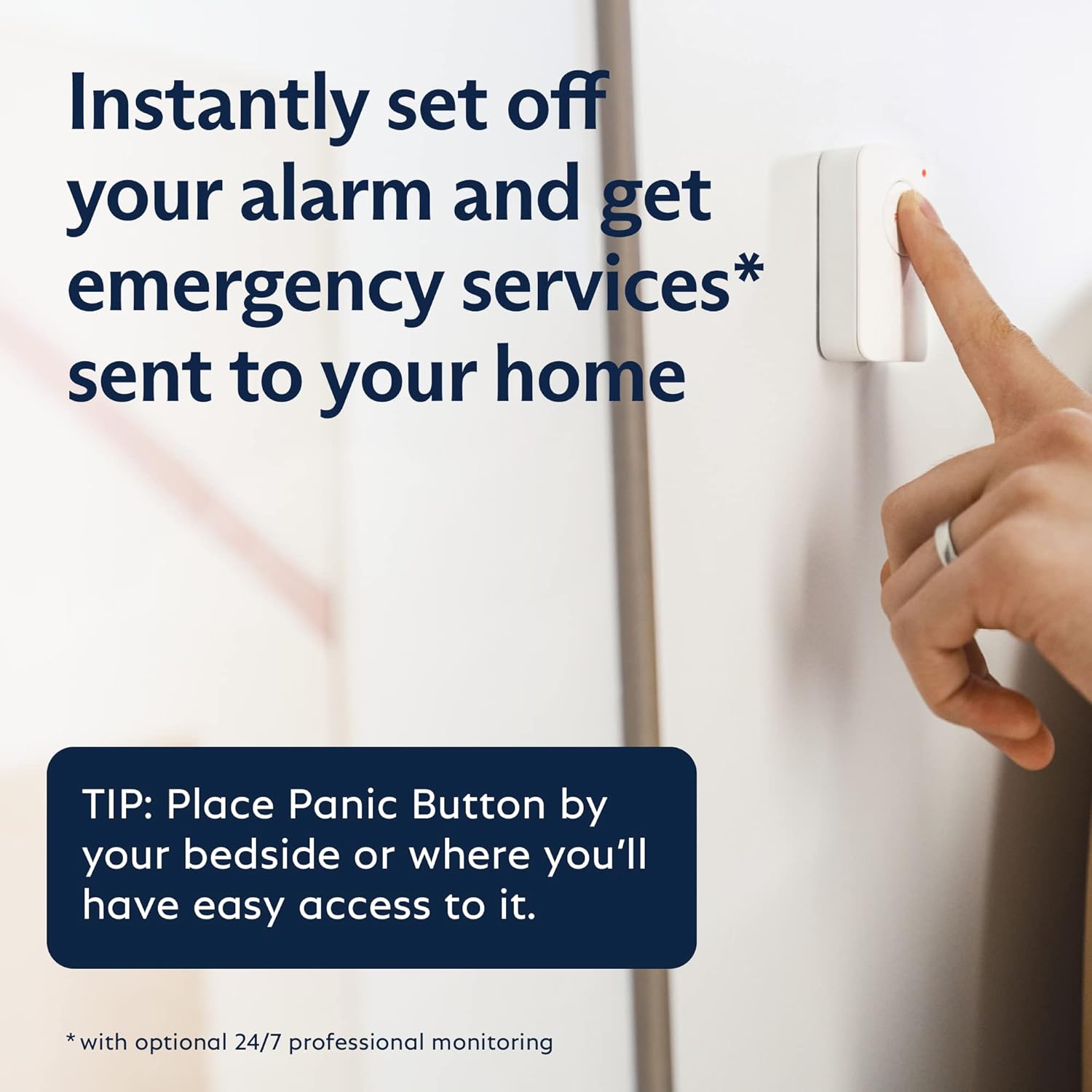
그림 6: A hand interacting with the SimpliSafe Keypad, showing its illuminated buttons for easy operation.
Using the SimpliSafe App
The SimpliSafe App provides complete control of your system from anywhere, allowing you to arm, disarm, and monitor your home remotely. It also provides real-time status updates and alerts.

그림 7: A smartphone displaying the SimpliSafe App interface, showing options to arm/disarm the system and view 상태.
스마트 홈 통합
The SimpliSafe system is compatible with popular smart home platforms like Google Assistant and Amazon Alexa, allowing for voice control and integration into your existing smart home ecosystem.
Professional Monitoring (Optional)
SimpliSafe offers optional 24/7 professional monitoring services. With a monitoring plan, agents are ready to instantly alert emergency responders (police, fire department, emergency medical care) when an alarm is triggered. This service provides fast response when you need it most, even if you are away from home.
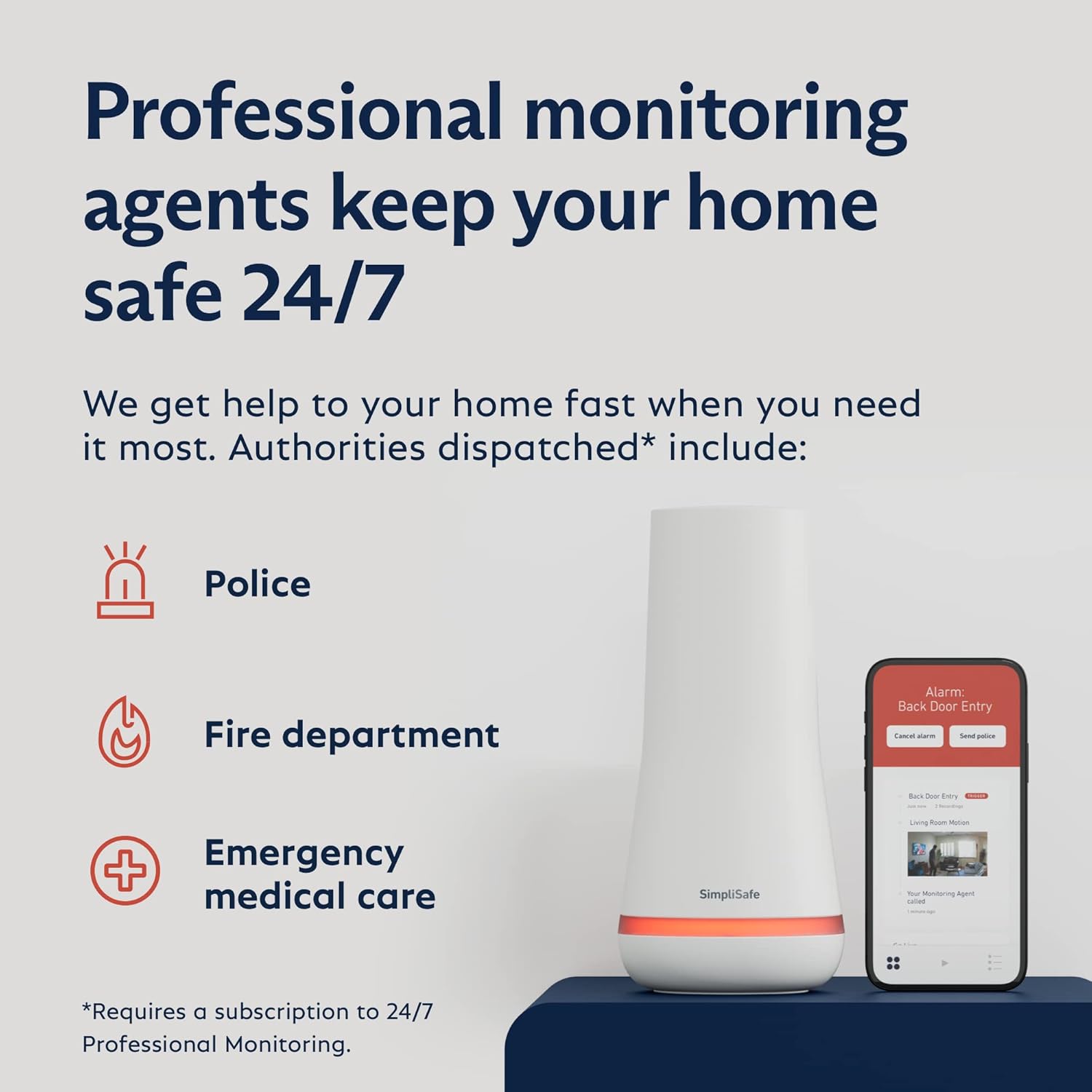
그림 8: Visual representation of SimpliSafe's 24/7 professional monitoring, showing dispatch of police, fire, and medical services.
Monitoring plans start at less than $1/day with no long-term contracts or hidden fees. Your first month of Core Monitoring is often included.
유지
To ensure optimal performance of your SimpliSafe system, regular maintenance is recommended:
- 배터리 교체: The Base Station has a 24-hour battery backup. Individual sensors are battery-powered (8 AAA batteries included with the system). Replace batteries as indicated by the system or app notifications.
- 청소: Periodically wipe down sensors and the Keypad with a soft, dry cloth to remove dust and debris.
- 소프트웨어 업데이트: Ensure your SimpliSafe App and system firmware are up to date to benefit from the latest features and security enhancements.
문제 해결
If you encounter issues with your SimpliSafe system, try the following troubleshooting steps:
| 문제 | 가능한 해결책 |
|---|---|
| 센서가 응답하지 않습니다 | Check battery, ensure proper placement, or re-pair the sensor with the Base Station via the app. |
| Base Station offline | Verify power connection. If using Wi-Fi, check your internet connection. The cellular backup should activate if Wi-Fi is down (requires monitoring plan). |
| 허위 경보 | Ensure motion sensors are placed correctly to avoid detecting pets or moving objects. Adjust sensitivity settings if available. |
| 앱 연결 문제 | Check your phone's internet connection. Ensure the SimpliSafe App is updated to the latest version. Restart the app or your phone. |
For further assistance, refer to the official SimpliSafe User Manual (PDF) linked in the product information or contact SimpliSafe customer support.
명세서
| 특징 | 세부 사항 |
|---|---|
| 상표 | 심플리세이프 |
| 모델 번호 | 8개 |
| 색상 | 하얀색 |
| 전원 | Battery Powered (Base Station has plug-in power with battery backup) |
| 연결 기술 | 무선 전화 |
| 호환 장치 | Smartphone (Alexa, Google Assistant) |
| 모션 센서 범위 | 35 feet, 90-degree field of view |
| Base Station Battery Life | 최대 24시간 |
| 소음 수준(사이렌) | 95데시벨 |
| 치수(길이 x 너비 x 높이) | 12.13 x 4.44 x 12.38 인치 |
| 품목 무게 | 0.01 온스 |
| 한국어: | 815017029568 |
보증 및 지원
The SimpliSafe 8 Piece Wireless Home Security System comes with a 1년 제조사 제한 보증. Warranty extensions are available with a professional monitoring plan.
For customer support, technical assistance, or warranty claims, please contact SimpliSafe directly. Purchase from unauthorized third parties may void the warranty.
For additional resources, you can refer to the official 사용 설명서 (PDF).
Ask a question about this manual
Ask about setup, troubleshooting, compatibility, parts, safety, or missing instructions. Manuals+ will review the question and use this page’s manual context to help answer it.