
소개
구매해주셔서 감사합니다asing the Amazon Basics Air Circulator Fan. This manual provides important information regarding the safe operation, installation, maintenance, and troubleshooting of your fan. Please read this manual thoroughly before use and retain it for future reference.

이미지: 앞면 view of the Amazon Basics Air Circulator Fan, showcasing its black finish and circular design.
안전 정보
- 선풍기를 청소하거나 유지 보수하기 전에 항상 전원 콘센트에서 플러그를 뽑으십시오.
- 팬이 작동하는 동안에는 팬 그릴에 손가락이나 다른 물건을 넣지 마십시오.
- 선풍기를 물이나 기타 액체로부터 멀리하십시오. 습하거나 건조한 환경에서 사용하지 마십시오.amp 위치.
- 전원 코드가 손상되거나 끼지 않았는지 확인하세요.
- 이 팬은 실내에서만 사용하도록 설계되었습니다.
- 팬을 떨어뜨리거나 손상된 경우 팬을 작동하지 마십시오.
- 어린이와 애완동물의 손이 닿지 않는 곳에 보관하세요.
제품 특징
- 컴팩트한 디자인: Measures 7.6"D x 14.8"W x 14.1"H inches with three 11-inch blades, suitable for various room types.
- 조정 가능한 기울기: Features a 90-degree variable tilt head to direct airflow precisely.
- 3 속도 설정: Easily adjust airflow with low, medium, and high-speed options via a back-mounted control knob.
- 휴대용 편의성: Weighs only 4.2 pounds, making it easy to move.
- 에너지 효율성: Operates at 70 Watts, providing effective airflow while managing energy consumption.
- 조용한 작동: Designed for a low noise level of approximately 30 dB.
- 전원: Corded Electric, 120 Volts.
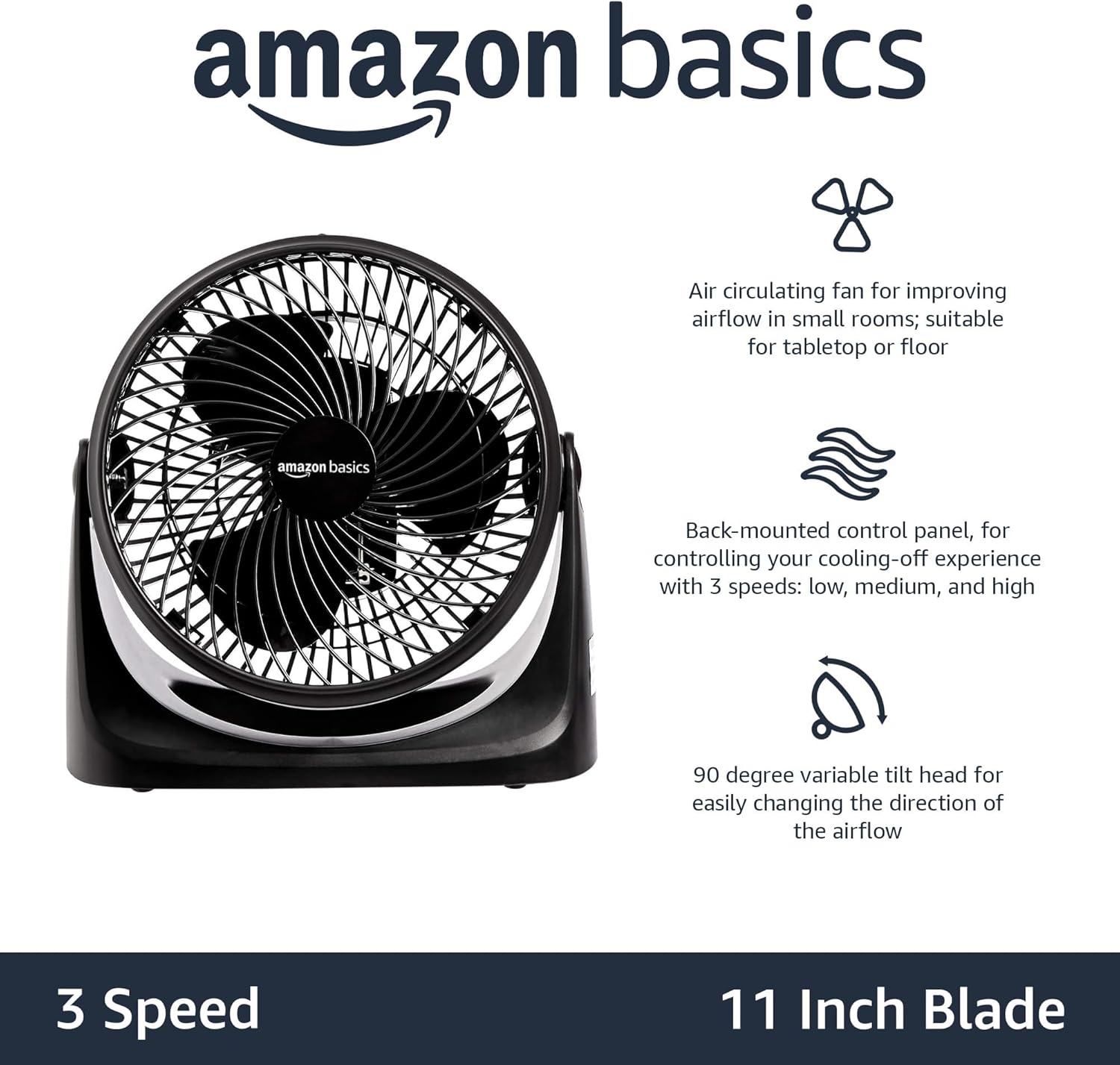
Image: A diagram illustrating the key features of the fan, including its air circulating capability, back-mounted control panel, and 90-degree variable tilt head.
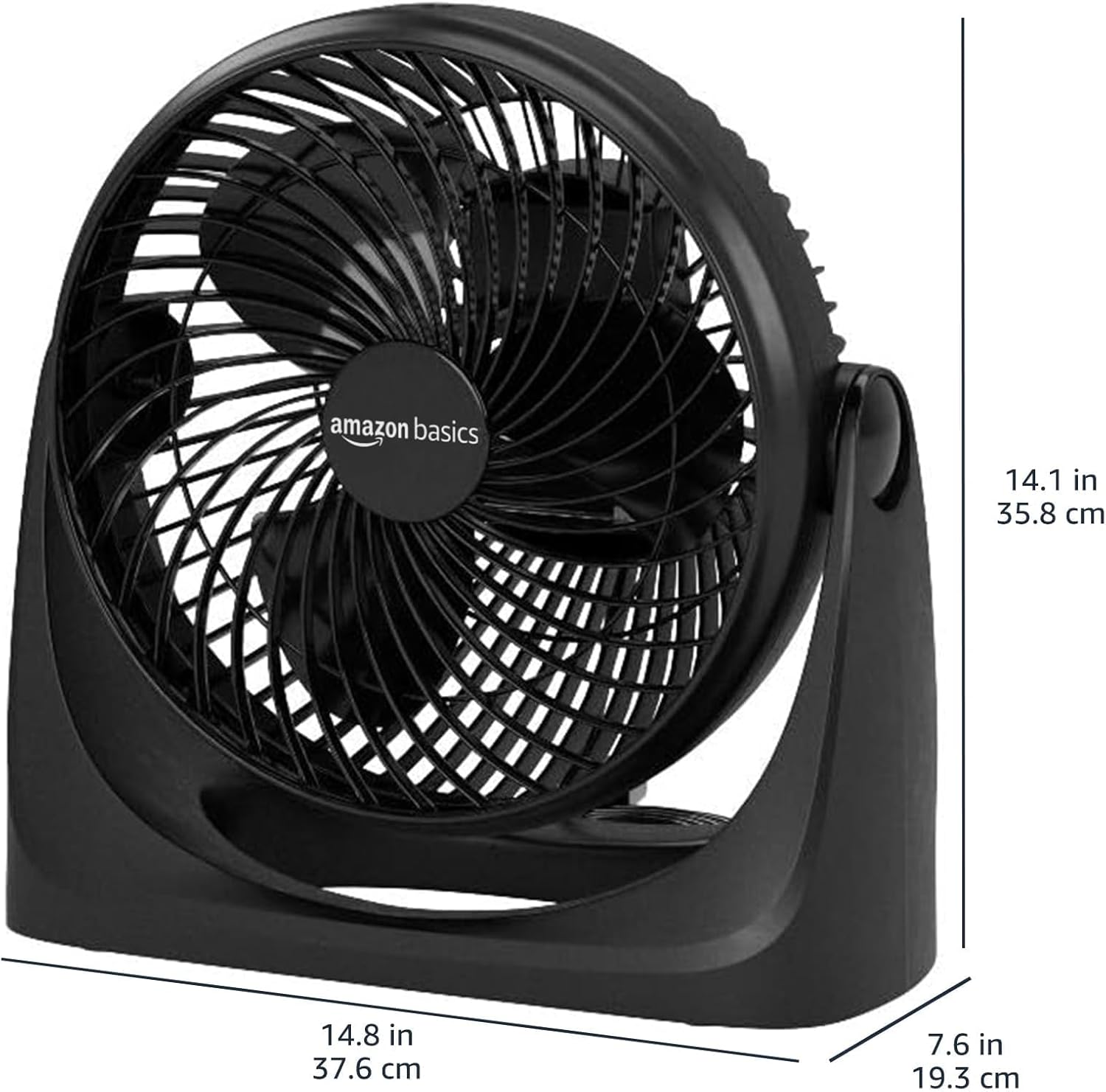
이미지: 측면 view of the fan with its dimensions clearly marked: 14.8 inches wide, 7.6 inches deep, and 14.1 inches high.
패키지 내용
- Amazon Basics Air Circulator Fan (1 unit)
- Integrated Power Cord (1 unit)
- 사용 설명서 (본 문서)
설정
- 풀다: 상자에서 선풍기와 모든 포장재를 조심스럽게 꺼내세요.
- 놓기: Place the fan on a stable, flat surface. Ensure there is adequate space around the fan for proper air circulation.
- 전원 연결: Plug the integrated power cord into a standard 120V AC electrical outlet.
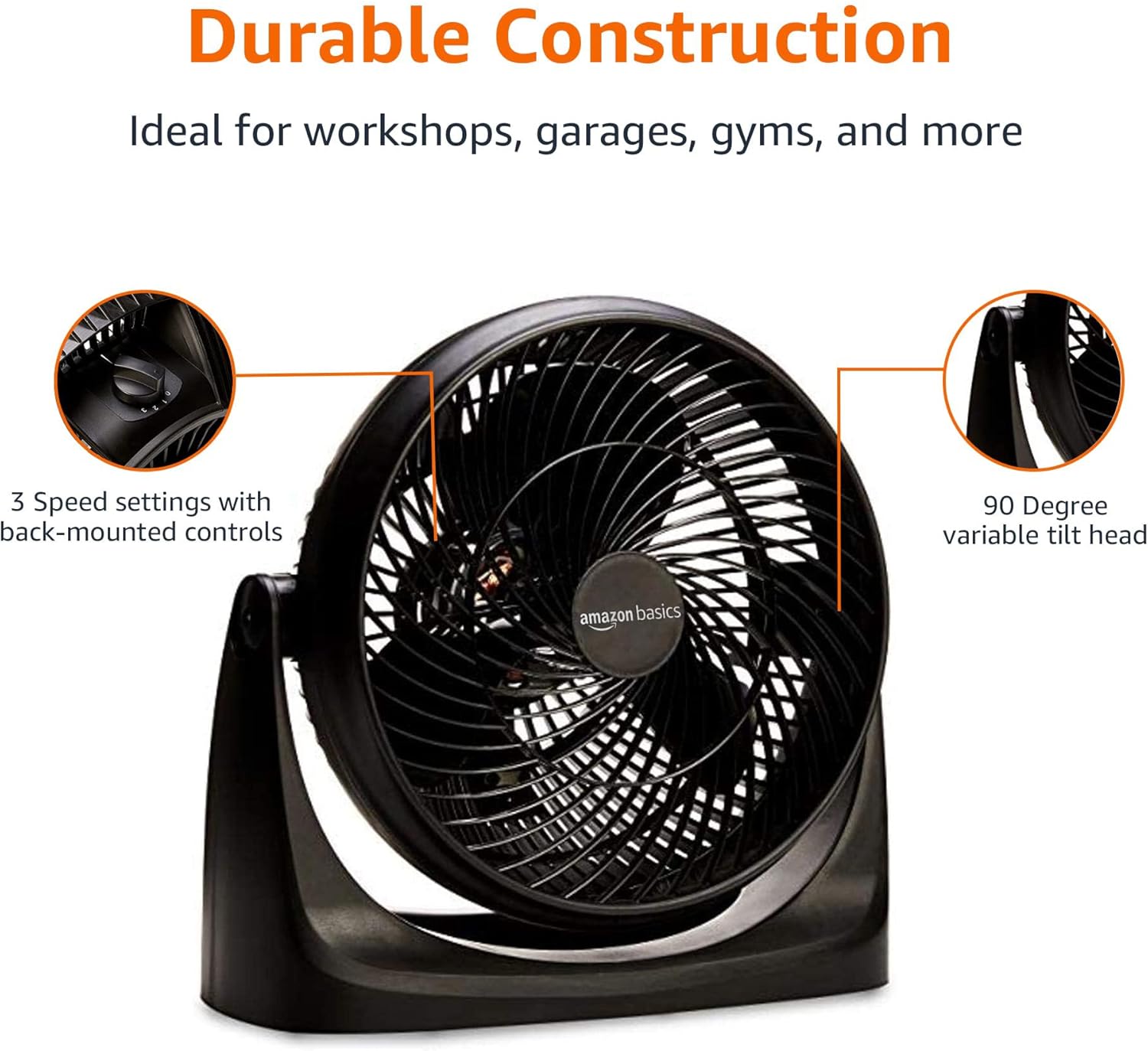
Image: The Amazon Basics Air Circulator Fan positioned on a side table next to a sofa, demonstrating typical indoor placement.
작동 지침
- 전원 켜기/끄기 및 속도 선택: Locate the control knob on the back of the fan.
- Turn the knob to '0' to turn the fan off.
- Turn the knob to '1' for low speed.
- Turn the knob to '2' for medium speed.
- Turn the knob to '3' for high speed.
- 기울기 조정: Gently grasp the fan head and tilt it up or down to achieve the desired airflow direction. The fan head can be adjusted up to 90 degrees.
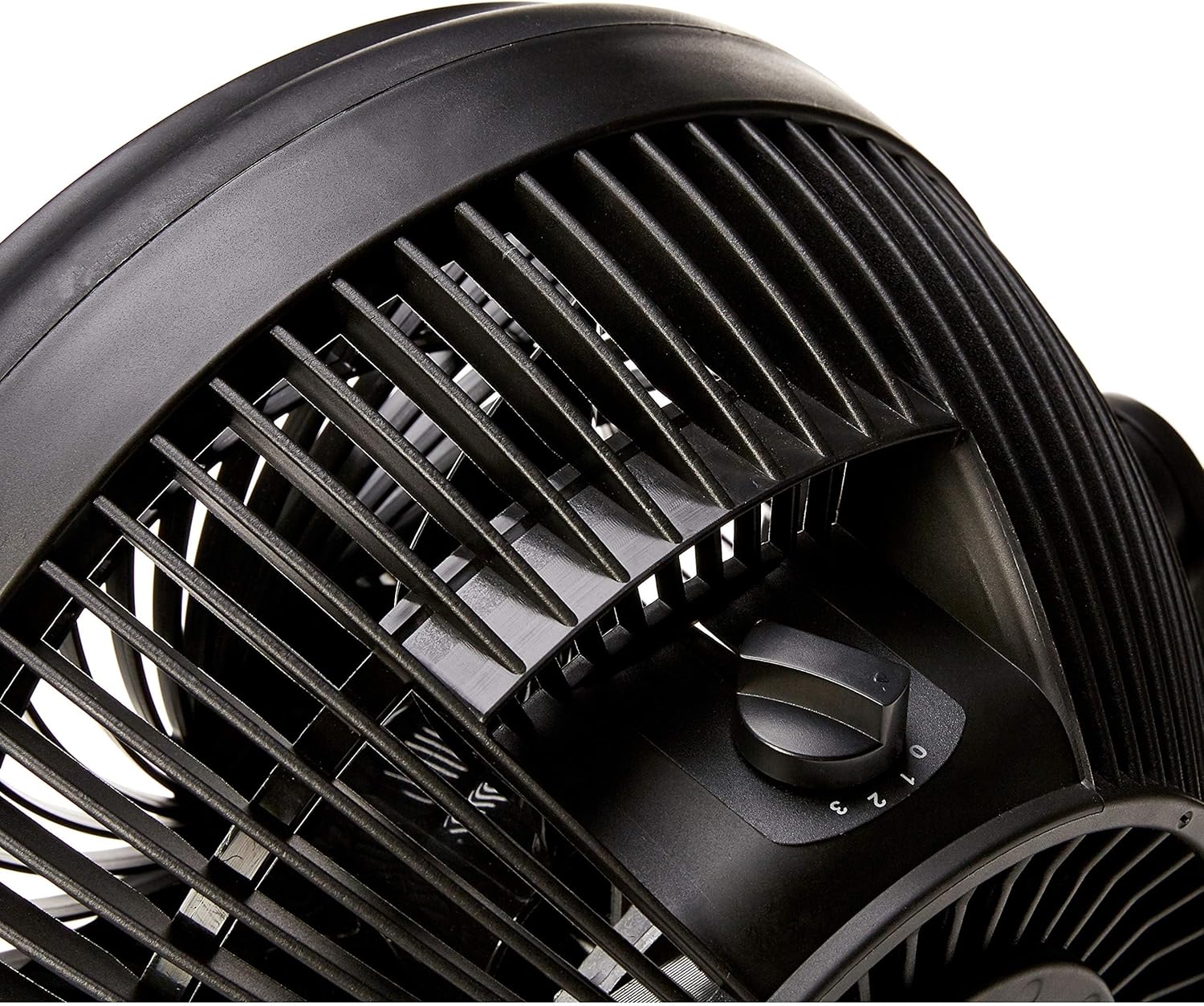
이미지: 클로즈업 view of the fan's rear, highlighting the rotary control knob used for power and speed selection (settings 0, 1, 2, 3).
유지
정기적인 청소는 선풍기의 성능을 유지하고 수명을 연장하는 데 도움이 됩니다.
- 외부 청소:
- 전원 콘센트에서 팬 플러그를 뽑습니다.
- 부드러운 d로 외부 표면을 닦으십시오.amp 옷감.
- 연마성 세척제나 용제를 사용하지 마십시오.
- 팬을 다시 연결하기 전에 팬이 완전히 말랐는지 확인하세요.
- 블레이드 청소:
The fan grille is not designed for easy removal for cleaning. For deep cleaning of the blades, it is recommended to use a vacuum cleaner with a brush attachment or compressed air to remove dust through the grilles. Do not attempt to disassemble the fan.
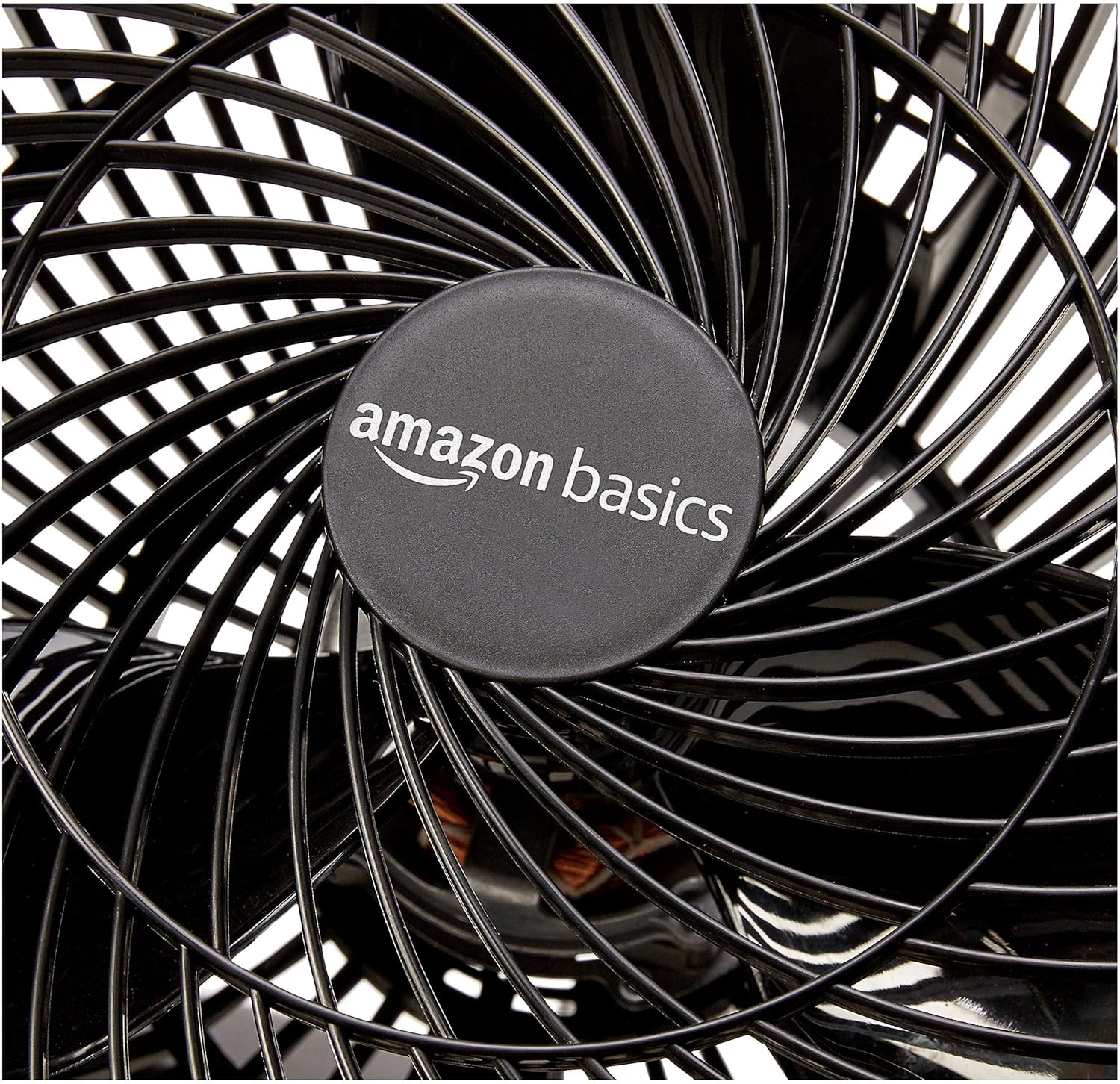
이미지: 자세한 view of the fan's blades and the "amazon basics" logo at the center, illustrating the areas that may accumulate dust.
- 저장: When not in use, store the fan in a cool, dry place, preferably in its original packaging to protect it from dust.
문제 해결
| 문제 | 가능한 원인 | 해결책 |
|---|---|---|
| 팬이 켜지지 않습니다. | 장치에 전원이 들어오지 않습니다. | 전원 코드가 정상적으로 작동하는 콘센트에 단단히 꽂혀 있는지 확인하세요. 회로 차단기를 확인하세요. |
| 공기 흐름이 약함. | Fan speed setting is too low; Dust accumulation on blades/grille. | Increase the fan speed setting. Clean the fan blades and grilles as described in the Maintenance section. |
| 이상한 소음. | Fan is not on a stable surface; Obstruction in the fan. | Place the fan on a flat, stable surface. Unplug the fan and check for any foreign objects caught in the blades or grille. |
명세서
| 기인하다 | 세부 사항 |
|---|---|
| 모델명 | FT26-16A |
| 상표 | 아마존 기본 정보 |
| 제품 크기(D x W x H) | 7.6" x 14.8" x 14.1"(19.3cm x 37.6cm x 35.8cm) |
| 품목 무게 | 4.2파운드(1.9kg) |
| 전원 | 코드식 전기 |
| 권tage | 120 볼트 |
| 왓tage | 70 와트 |
| 블레이드 수 | 3 |
| 블레이드 길이 | 11 인치 |
| 소음 수준 | 30데시벨 |
| 특징 | Adjustable Tilt (90-degree) |
| 제어 방법 | 로터리 노브 |
| 실내/실외 사용 | 실내 |
보증 및 지원
보증 정보 및 고객 지원에 대해서는 Amazon Basics 공식 웹사이트를 참조하십시오. web해당 웹사이트를 방문하거나 아마존 고객 서비스에 직접 문의하십시오. 보증 청구를 위해 구매 영수증을 보관하십시오.
온라인 지원: 아마존 고객 서비스