
소개
This manual provides detailed instructions for the installation, operation, and maintenance of your Weiser San Clemente x Halifax Front Door Handleset with Deadbolt. Please read these instructions carefully before beginning installation to ensure proper function and security. Keep this manual for future reference.

이미지: 이상view of the Weiser San Clemente x Halifax Handleset in Matte Black, showing the exterior handle, deadbolt, and interior lever.
제품 끝view 및 기능
The Weiser San Clemente x Halifax Handleset is designed for exterior doors requiring keyed entry and enhanced security. It features a modern aesthetic with a low-profile deadbolt and a reversible interior lever.
주요 특징:
- Modern Handleset with Low-Profile 데드볼트: Features a sleek, geometric design with a 1-inch deadbolt throw and a 1/2-inch exterior depth for a contemporary look.
- 간편한 설치: Designed for straightforward installation in minutes using a screwdriver.
- SmartKey Security Technology: Provides advanced protection against break-in techniques and allows for re-keying the lock in seconds.
- 손잡이 높이 조절 가능: Features an adjustable bottom through-bolt for compatibility with pre-drilled doors, offering 8-13/32" through 9-11/16" height adjustment.
- 양면 디자인: Can be installed on both right-handed and left-handed doors.
상자 안에 무엇이 들어있나요?
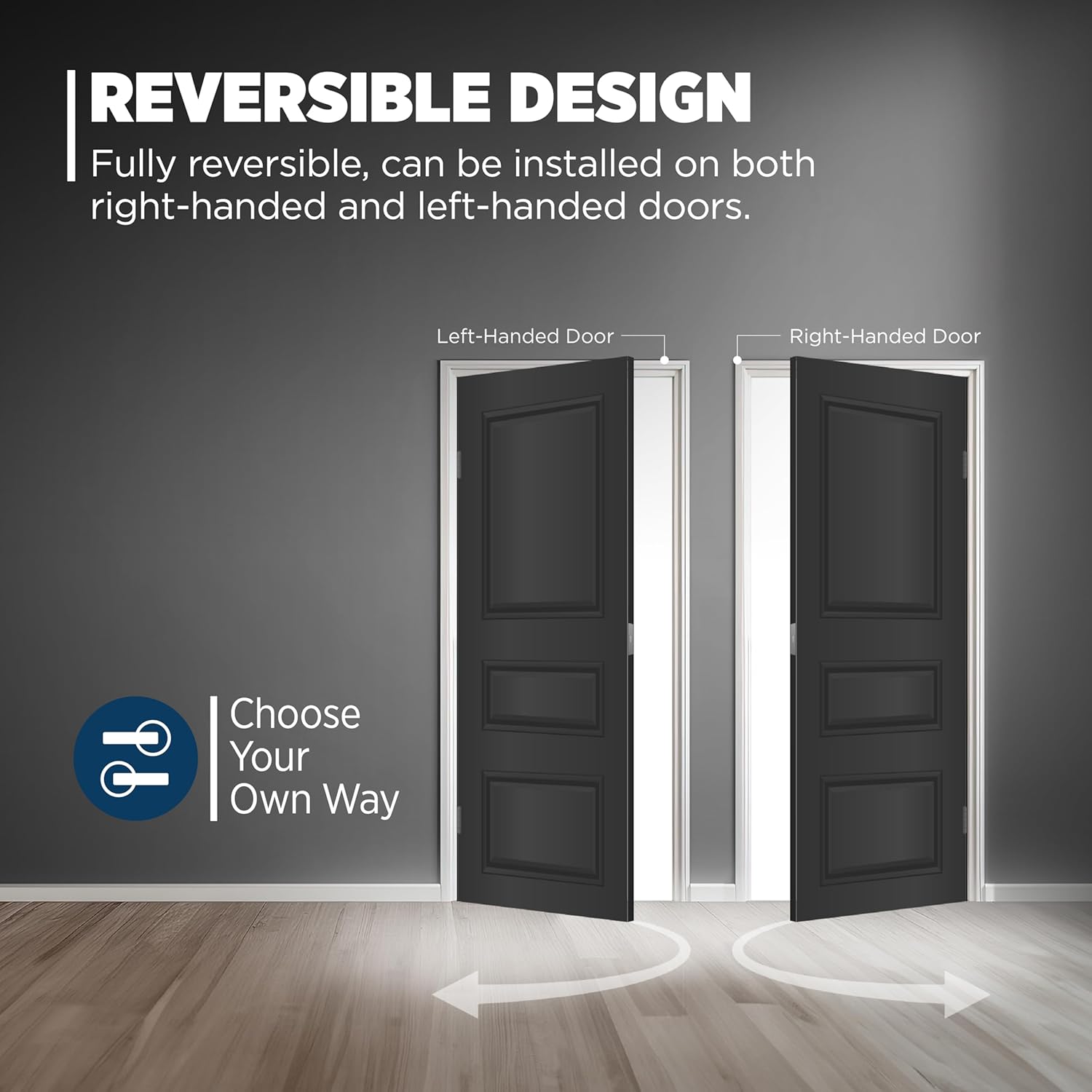
Image: Detailed illustration of all components included in the product packaging, such as the exterior deadbolt face, interior thumb turn, handleset grip, interior lever, adjustable latches, deadbolt strike, full lip corner lever strike, installation hardware, Weiser keys, and SmartKey tool.
- Exterior Deadbolt Face
- Interior Thumb Turn
- Handleset Grip
- 내부 레버
- Adjustable Latches (with square front option or a drive-in collar)
- 데드 볼트 스트라이크
- Full Lip Corner Lever Strike
- 설치 하드웨어
- 2개의 바이저 키
- 스마트키 도구
설정 및 설치
Follow these steps for a successful installation. A screwdriver is the only tool required for most installations.
문 준비:
- Ensure your door has a cross bore of 2-1/8 inches.
- The door thickness should be between 1-3/8 inches and 1-3/4 inches.
- Verify the backset is adjustable to either 2-3/8 inches or 2-3/4 inches to fit standard door operations.

Image: Illustration demonstrating how the handleset fits standard doors with adjustable latch backset options.
설치 단계:

Image: Visual guide detailing the installation process, including installing latches, deadbolt, handleset, interior lever, and strikes.
- Install Top and Bottom Latches: Insert the latches into the door edge.
- Place Deadbolt on Door and Secure with Screws: Position the deadbolt assembly and fasten it with the provided screws.
- Place Handleset on Door: Ensure the handleset aligns with the existing or newly drilled holes. The adjustable through-bolt allows for flexibility.
- Install Interior Lever and Secure with Washer, Screw, and Screw Cover: Attach the interior lever assembly and secure it.
- Install Top and Bottom Strikes: Mount the strike plates on the door frame, aligning them with the latches and deadbolt.
Adjustable Through-Bolt:
The handleset features an adjustable bottom through-bolt connection point, providing 1-1/2 inches of adjustment. This allows the handle to fit most pre-existing door configurations by sliding vertically and horizontally for easy and accurate installation.

이미지: 클로즈업 view of the adjustable through-bolt mechanism, illustrating its full range of motion and how it can be positioned (top, middle, bottom).
작업
The San Clemente x Halifax handleset offers secure and convenient operation.
잠금 및 잠금 해제:
- From the Outside: The handleset can be locked or unlocked using a key.
- From the Inside: The handleset can be locked or unlocked using the interior thumb turn or a key.
스마트키 재설정:
The SmartKey Security feature allows you to re-key your lock yourself in seconds, making lost or unreturned keys obsolete and providing protection against advanced break-in techniques.

Image: Diagram illustrating the SmartKey re-keying process, showing where the reset tool is inserted and the benefits of re-keying (e.g., for lost keys, multiple doors).
자물쇠의 키를 다시 설정하려면:
- 작동하는 키를 삽입하고 시계 방향으로 90도 돌리십시오.
- Insert the SmartKey reset tool fully into the small hole next to the keyway.
- Remove the reset tool and the functioning key.
- 새 키를 완전히 삽입한 후 시계 반대 방향으로 180도 돌리십시오.
- Your lock is now re-keyed to the new key. Test the new key to ensure proper operation.
유지
Proper maintenance ensures the longevity and smooth operation of your handleset.
- 청소: 손잡이 부분을 부드러운 천으로 정기적으로 청소하십시오.amp 천을 사용하십시오. 연마성 세제, 용제 또는 독한 화학 물질은 무광 검정 마감을 손상시킬 수 있으므로 사용하지 마십시오.
- 매끄럽게 하기: Periodically apply a silicone-based lubricant to the latch and deadbolt mechanisms to ensure smooth operation. Do not use oil-based lubricants.
- 점검: Routinely check all screws and components for tightness. Tighten any loose screws to prevent wear and ensure security.
문제 해결
If you encounter issues with your handleset, refer to the following common troubleshooting tips:
| 문제 | 가능한 원인 | 해결책 |
|---|---|---|
| 열쇠가 돌아가지 않거나 뻑뻑합니다. | Incorrect key; debris in keyway; worn key; lock mechanism needs lubrication. | Ensure you are using the correct key. Clean keyway with compressed air. Try a new key if yours is worn. Apply silicone-based lubricant to the keyway. |
| Deadbolt or latch does not extend/retract fully. | Misalignment with strike plate; loose screws; debris in mechanism. | Check alignment of strike plate on door frame and adjust if necessary. Tighten all mounting screws. Clean any debris from the latch/deadbolt mechanism. |
| 핸들셋이 느슨합니다. | 장착 나사가 느슨합니다. | Tighten all visible mounting screws, including those for the interior lever and exterior handleset. |
| SmartKey 재키잉에 실패했습니다. | Incorrect procedure; reset tool not fully inserted; new key not fully inserted. | Review the SmartKey re-keying steps carefully. Ensure the reset tool and keys are fully inserted and turned to the correct angles. |
명세서
Detailed specifications for the Weiser San Clemente x Halifax Handleset.
| 기인하다 | 세부 사항 |
|---|---|
| 모델 번호 | 9GLA84710-002 |
| 상표 | 바이저 |
| 스타일 | San Clemente x Halifax |
| 색상 | 매트블랙 |
| 재료 | Metal (Handle Material: Iron) |
| 제품 치수 | 8 x 5.5 x 5.5cm |
| 품목 무게 | 2.78kg |
| 크로스 보어 | 2-1/8 인치 |
| 문 두께 | 1-3/4 inches (standard fitment 1-3/8" to 1-3/4") |
| 핸들 타입 | 지렛대 |
| 포함된 구성 요소 | Deadbolt, Exterior Handle, Latches, Interior Lever, Strikes |
| 전원 | 손으로 구동 |
| 인증 | BHMA Grade 2 Certified (Security, Durability, Finish) |

Image: Technical drawing illustrating the precise dimensions of the Weiser San Clemente Handleset and Deadbolt, including handle height and backset.
보증 및 지원
Weiser provides a Limited Lifetime Warranty for this product.
- 보증 설명: 제한된 평생 보증.
- For warranty claims or technical support, please contact Weiser customer service. Refer to the official Weiser web최신 연락처 정보는 사이트에서 확인하세요.