
1. 서론
This manual provides detailed instructions for the safe and proper installation, operation, and maintenance of your MANHATTAN Universal Flat-Panel TV Articulating Wall Mount, Model 461399. This single-arm mount is designed to securely hold flat-panel televisions ranging from 13 to 42 inches and weighing up to 20 kg (44 lbs). It offers adjustable tilt, swivel, and level functionalities to optimize your view경험.

이미지 1.1: 각도 view of the MANHATTAN Universal Flat-Panel TV Articulating Wall Mount.
2. 안전 정보
경고: Read all instructions carefully before installation. Improper installation can result in property damage, serious injury, or death. If you do not understand these instructions or have doubts about the safety of the installation, contact a qualified installer.
- 설치 표면이 마운트와 텔레비전의 총 무게를 안전하게 지탱할 수 있는지 확인하십시오.
- 최대 중량 용량 20kg(44파운드)을 초과하지 마십시오.
- 본 제품은 실내에서만 사용하도록 설계되었습니다.
- Use only the provided mounting hardware. If any parts are missing or damaged, contact customer support.
- Always use a stud finder to locate wall studs for secure mounting in wood stud walls.
- Wear appropriate safety gear during installation, including eye protection.
3. 패키지 내용
Verify that all components are present and undamaged before beginning installation. If any parts are missing or defective, do not proceed with installation and contact customer support.
- Wall Mount Assembly (Single Arm)
- TV Mounting Brackets (VESA Plate)
- Hardware Kit (Screws, Washers, Spacers, Wall Anchors)
- 사용 설명서
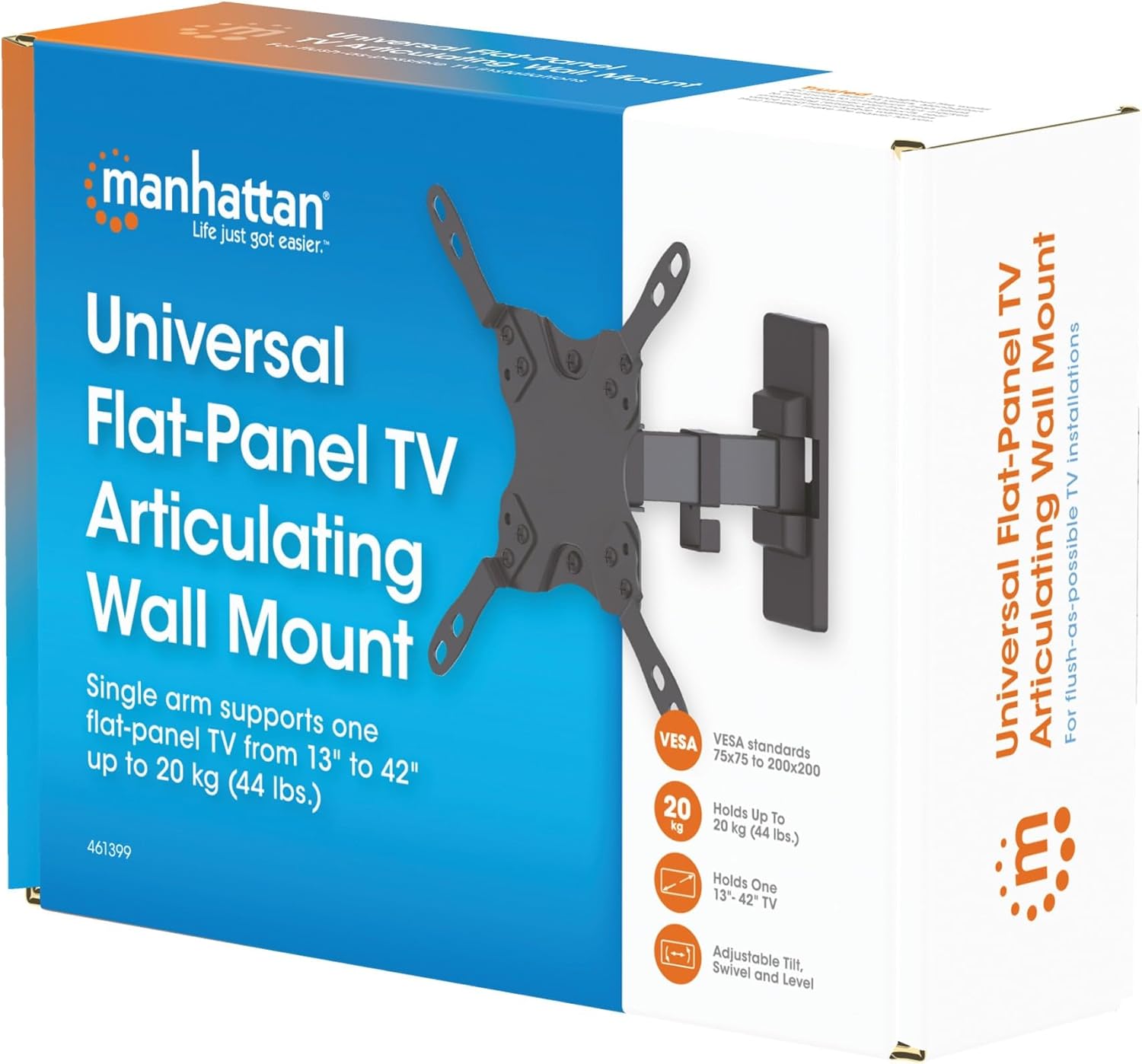
Image 3.1: Packaging of the MANHATTAN Universal Flat-Panel TV Articulating Wall Mount.
4. 설정 및 설치
4.1 설치 전 확인 사항
- TV 호환성: Ensure your TV's weight is within 20 kg (44 lbs) and its screen size is between 13 and 42 inches. Check the VESA mounting pattern on your TV (typically 75x75mm, 100x100mm, 200x100mm, or 200x200mm).
- 벽 유형: Determine your wall type (wood stud, concrete, brick). Different wall types require specific mounting hardware and techniques.
- 필요한 도구: Pencil, drill, stud finder (for wood walls), level, Phillips head screwdriver, socket wrench.
4.2 TV 브래킷을 TV에 부착하기
- 화면 손상을 방지하려면 부드럽고 깨끗한 표면에 TV를 뒤집어서 조심스럽게 놓으세요.
- TV 뒷면에 있는 VESA 장착 구멍을 확인하세요.
- TV 장착 구멍에 맞는 나사, 와셔, 스페이서를 하드웨어 키트에서 선택하십시오.
- Attach the TV mounting brackets to the back of your TV using the selected hardware. Ensure they are securely fastened but do not overtighten.

이미지 4.2.1: 후면 view of the VESA plate, showing mounting holes for TV attachment.

이미지 4.2.2: 앞면 view of the VESA plate, showing mounting holes for TV attachment.
4.3 벽면 플레이트 장착
- Determine the desired height and position for your TV. Use a pencil to mark the top center of where the mount will be.
- Place the wall plate against the wall at the marked position and use a level to ensure it is perfectly horizontal. Mark the drill holes.
- 목재 스터드 벽의 경우: Use a stud finder to locate the center of a wood stud. Drill pilot holes (recommended size in manual, typically 5mm) into the stud. Secure the wall plate using the lag bolts and washers.
- 콘크리트/벽돌 벽의 경우: Drill pilot holes (recommended size in manual, typically 10mm) into the solid concrete or brick. Insert wall anchors into the holes. Secure the wall plate using the lag bolts and washers.
- Ensure the wall plate is firmly and securely attached to the wall.

이미지 4.3.1: 측면 view of the mount, illustrating its extension from the wall.
4.4 TV 걸기
- 다른 사람의 도움을 받아 부착된 브래킷을 이용해 TV를 조심스럽게 들어 올려 벽면 고정판에 걸어주세요.
- TV가 벽걸이 받침대에 제대로 고정되었는지 확인하십시오.
- 안전 나사나 잠금 장치를 단단히 조여 우발적인 분리를 방지하십시오.
5. 작동 지침 (조정)
This articulating wall mount allows for flexible positioning of your TV to achieve optimal view각도를 나타냅니다.
- 기울기 조정: Loosen the tilt knobs on the VESA plate, adjust the TV to the desired vertical angle (+5° to -12°), and then retighten the knobs.
- 회전 조정: Gently push or pull the TV to swivel it horizontally (up to 180° depending on TV size and wall distance).
- 레벨 조정 : If your TV is slightly unlevel after installation, there may be a mechanism to adjust the horizontal level (typically +/-3°). Consult the specific diagram for your model.

Image 5.1: Technical diagram showing dimensions and available adjustment angles (tilt, swivel, level).
5.1 케이블 관리
Utilize the integrated cable clips on the arm to route and organize your TV cables, ensuring a neat appearance and preventing damage.

Image 5.1.1: Detail of the mount arm showing cable management clips.
6. 유지관리
- 모든 나사와 연결부를 주기적으로 점검하여 단단히 고정되어 있는지 확인하세요.
- 부드럽고 마른 천으로 마운트를 닦으십시오. 연마성 세척제나 용제를 사용하지 마십시오.
- If the mount becomes stiff, a small amount of silicone-based lubricant can be applied to the articulating joints.
7. 문제 해결
| 문제 | 가능한 원인 | 해결책 |
|---|---|---|
| TV 수평이 맞지 않습니다. | Wall plate not level during installation; level adjustment needed. | Re-check wall plate level and adjust if necessary. Use the mount's level adjustment feature if available. |
| 마운트가 느슨하거나 불안정하다고 느껴집니다 | Mounting screws are not fully tightened; wall anchors not properly installed; wall surface is inadequate. | Ensure all mounting screws are securely tightened. Verify wall anchors are correctly installed for your wall type. If the wall is inadequate, consult a professional. |
| Difficulty moving/adjusting TV | Joints are too tight or require lubrication. | Loosen adjustment screws slightly. Apply silicone-based lubricant to articulating joints if needed. |
8. 사양
| 모델 번호 | 461399 |
| 상표 | 맨해튼 |
| 장착 유형 | 굴절식 벽 마운트 |
| 이동 유형 | 관절 |
| 재료 | 금속 |
| 색상 | 검은색 |
| 호환 장치 | Television (13" - 42") |
| 최대 중량 용량 | 20kg(44파운드) |
| VESA 호환성 | 75x75mm, 100x100mm, 200x100mm, 200x200mm |
| 기울기 범위 | +5° ~ -12° |
| 스위블 범위 | 최대 180° (TV 크기에 따라 다름) |
| 레벨 조정 | +/-3° |
| 제품 치수 | 7.48 x 8.66 x 8.66 inches (approximate, folded) |
| 품목 무게 | 2.31파운드 |
9. 보증 및 지원
For warranty information or technical support, please refer to the documentation included with your purchase or visit the official MANHATTAN web사이트. 보증 청구를 위해 구매 증빙 자료를 보관하세요.
제조업체: 맨해튼
첫 이용 가능 날짜: 9년 2017월 XNUMX일


