
1. 이상view
The Prolink PRT7011L is a portable 4G LTE WiFi hotspot designed for high-speed mobile internet access. It supports data transmission rates of up to 150Mbps and allows sharing of the wireless connection with up to 16 users or devices simultaneously. The device features a built-in rechargeable battery providing up to 10 hours of usage on a single charge, ensuring connectivity even without a nearby power source. LED indicators on the front panel provide clear status updates for battery, Wi-Fi, and 4G signal strength. Its compact and lightweight design makes it suitable for travel.
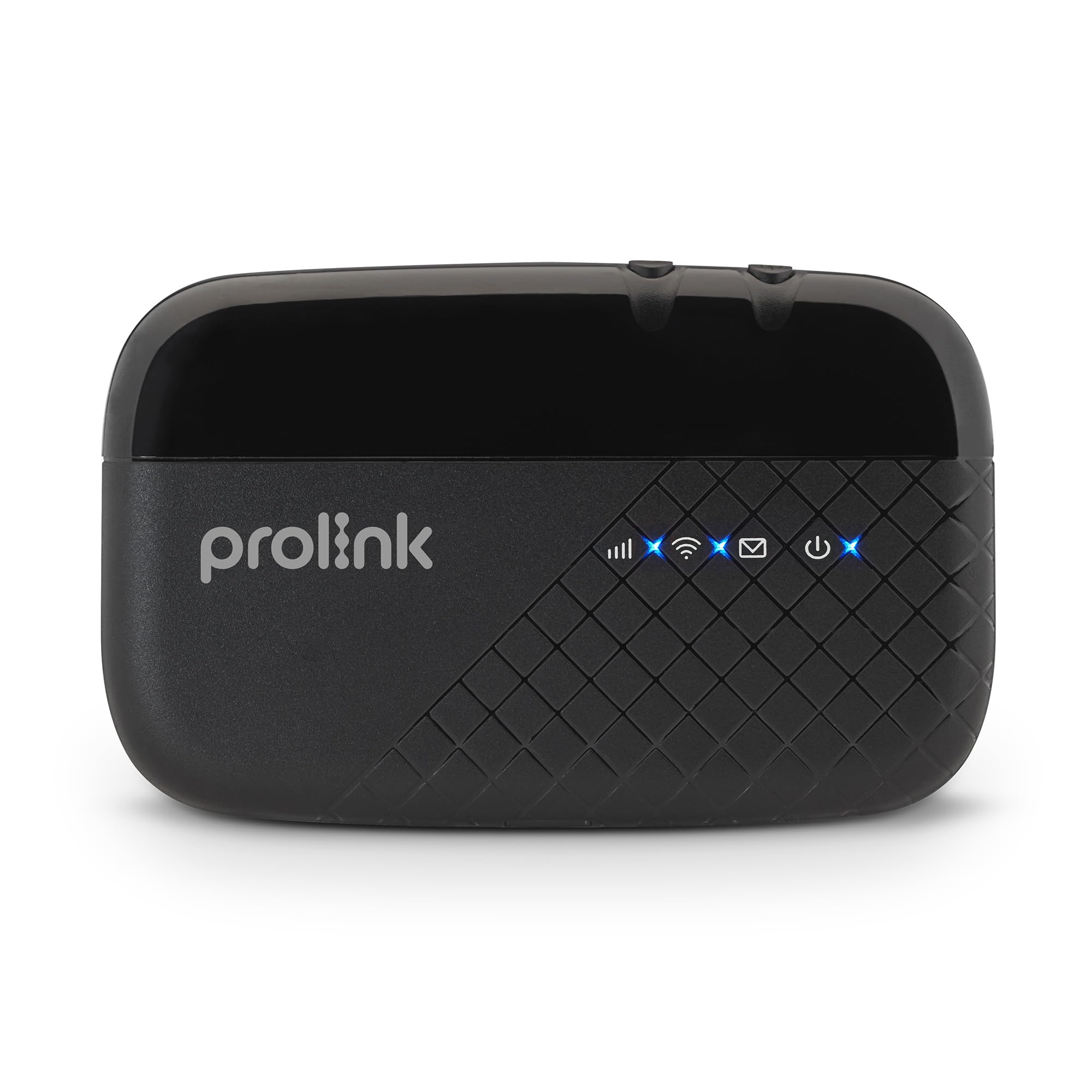
Image: Prolink PRT7011L Portable 4G LTE WiFi Travel Router Hotspot.
2. 패키지 내용
패키지에 모든 품목이 들어 있는지 확인하세요.
- 1 x PRT7011L Portable 4G LTE WiFi Hotspot
- 1 x USB 충전 케이블
- 1 x 2000mAh Lithium (Li-ion) Battery
- 1 x 빠른 설치 가이드(QIG)
3. 제품 다이어그램
Familiarize yourself with the components of your Prolink PRT7011L device.

앞쪽 View: LED indicators for signal, Wi-Fi, messages, and power.

옆 View: Micro USB charging port.

뒤쪽 View (internal): Battery compartment and SIM card slots.
4. 설정
4.1 배터리 설치
- Gently remove the back cover of the device.
- Insert the provided 2000mAh Lithium (Li-ion) battery into its compartment, ensuring the contacts align correctly.
- 뒷면 덮개를 다시 씌우고 딸깍 소리가 나면서 제자리에 고정될 때까지 세게 누르십시오.
4.2 SIM 카드 설치
- With the back cover removed, locate the SIM card slot. The PRT7011L uses a standard-sized SIM card.
- Insert your data SIM card into the slot, ensuring the gold contacts face downwards and the notched corner aligns with the slot's orientation.
- Gently push the SIM card until it is securely in place.
4.3 전원 켜기
- Press and hold the Power button (usually located on the side or top of the device) for a few seconds until the screen illuminates.
- The device will boot up and attempt to connect to the 4G LTE network. This may take a few moments.
4.4 Wi-Fi에 연결하기
- Once the device is powered on and connected to the mobile network, the Wi-Fi network name (SSID) and password (Wi-Fi Key) will be displayed on the device screen.
- On your Wi-Fi enabled device (smartphone, tablet, laptop), navigate to the Wi-Fi settings.
- 검색 available Wi-Fi networks and select the SSID matching your Prolink PRT7011L.
- 메시지가 표시되면 Wi-Fi 키를 입력하세요.
- 이제 귀하의 기기는 핫스팟을 통해 인터넷에 연결되었습니다.
Video: Installation Guide for Prolink Mobile Wi-Fi. This video demonstrates the general steps for battery and SIM card installation, and powering on the device.
5. 운영
5.1 다중 사용자 공유
The PRT7011L allows up to 16 users or devices to connect simultaneously, providing internet access for multiple smartphones, tablets, and laptops. This feature is ideal for sharing connectivity with family, friends, or colleagues.

Image: Share Wi-Fi with up to 16 users simultaneously.
5.2 배터리 수명 연장
The integrated 2000mAh battery provides up to 10 hours of continuous 4G sharing on a single charge. The device can be recharged via the included Micro USB charging cable, allowing for continuous operation when connected to a power source or power bank.
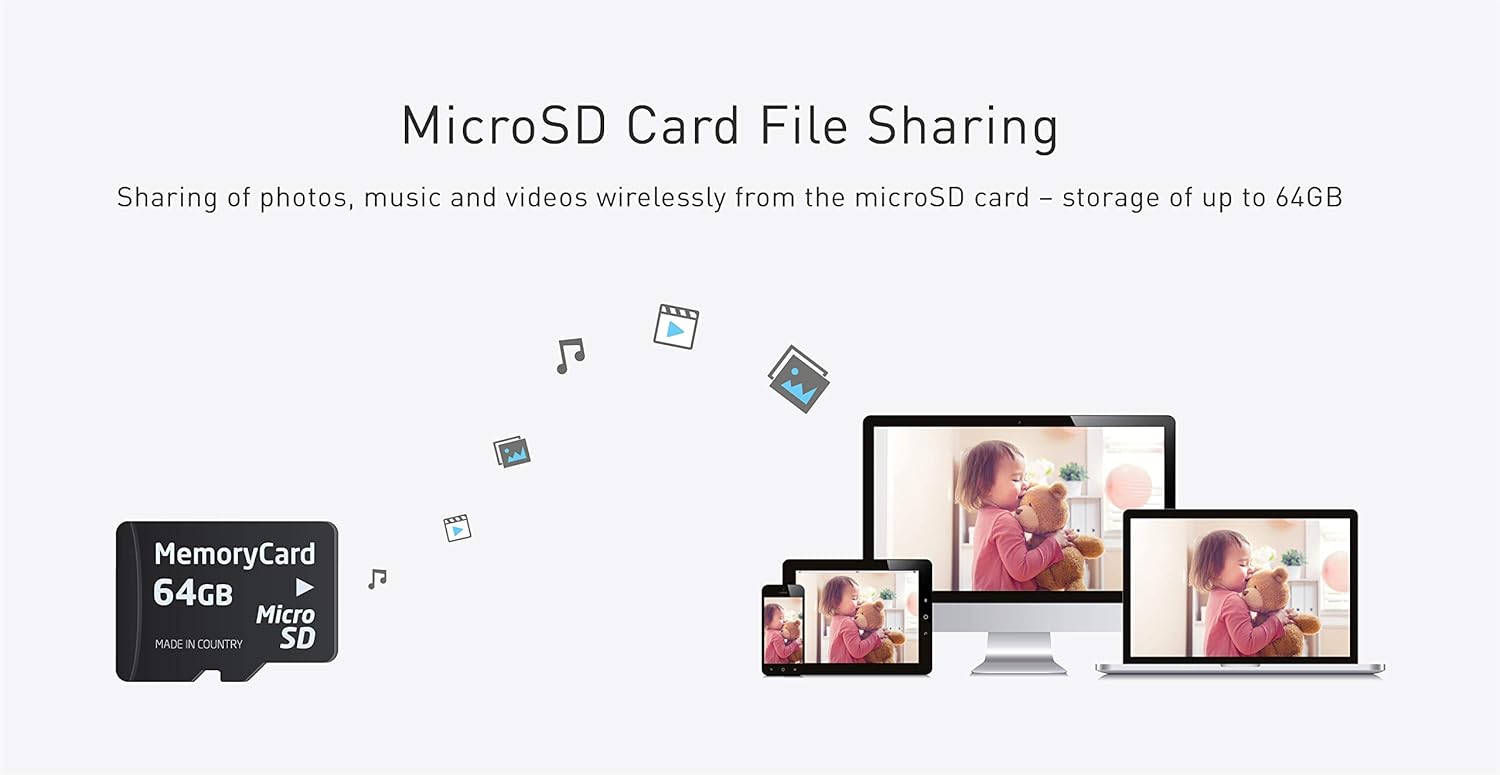
Image: Up to 10 hours of 4G sharing on a single charge.
5.3 마이크로SD 카드 File 공유하기
The device supports MicroSD cards up to 64GB. This feature enables wireless sharing of photos, music, and videos among all connected devices, turning your hotspot into a portable media server.

Image: MicroSD card file sharing up to 64GB.
5.4 mProMiFi App Management
The dedicated "PROLiNK mWiFi" app allows for easy configuration and monitoring of your hotspot. Download the app from Google Play or the App Store to manage your device from your smartphone.

Image: Manage and monitor with the PROLiNK mWiFi app. Download the app 여기.
- 데이터 로밍: Easily enable or disable data roaming as needed to control costs while traveling internationally.
- 와이파이 설정: Change the Network Name (SSID) and password for your Wi-Fi network. Note: You will need to reconnect your devices after changing these settings.
- SMS Management: Send and receive SMS messages directly through the app, using your hotspot's SIM card.
- Data Limit Settings: Set daily or monthly data limits to manage your data consumption and avoid overage charges.
- 밴드 잠금: Select preferred LTE/5G NR bands for optimized performance based on your location and network provider.
Video: Prolink DL-7211 5G Wi-Fi 6 Mobile Router (mProMiFi app). This video demonstrates the mProMiFi app functionality, including Wi-Fi settings, SMS, and data limit management, which are similar for the PRT7011L.
Video: Prolink DL-7203E Mobile Wi-Fi. This video showcases various features of a Prolink mobile Wi-Fi device, including high-speed internet, long battery life, power bank function, intuitive status display, LAN port, multi-device support, and international compatibility, many of which are applicable to the PRT7011L.
6. 유지관리
- 기기를 서늘하고 건조한 곳에 보관하고 직사광선과 극한의 온도를 피하세요.
- 기기를 떨어뜨리거나 물에 노출시키지 마십시오.
- Use only the provided or approved charging cable and battery.
- 부드럽고 마른 천으로 기기를 닦으세요. 액체 세척제는 사용하지 마세요.
- 최적의 배터리 수명을 위해 배터리를 자주 완전히 방전하지 마세요.
7. 문제 해결
- 인터넷에 연결되지 않음: Ensure the SIM card is correctly inserted and activated with a data plan. Check the signal strength indicator on the device. Try restarting the device.
- Wi-Fi에 연결할 수 없습니다: Verify that the Wi-Fi is enabled on the hotspot and your connecting device. Double-check the Wi-Fi network name (SSID) and password. Try restarting both the hotspot and your connecting device.
- 느린 속도: Check the 4G signal strength. Reduce the number of connected devices if too many are using the hotspot simultaneously. Ensure your data plan has sufficient speed and remaining data.
- 장치 전원이 켜지지 않음: Ensure the battery is correctly installed and charged. Connect the device to a power source using the USB cable to check if it powers on.
8. 사양
| 특징 | 설명 |
|---|---|
| 상표 | 프로링크 |
| 모델명 | PRT7011L |
| 특별 기능 | LED 표시등, WPS |
| 주파수 대역 클래스 | 싱글 밴드 |
| 무선 통신 표준 | 802.11b, 802.11g, 802.11n |
| 호환 장치 | Tablet, Smartphones, Laptops, etc. |
| 권장 제품 사용 | 여행하다 |
| 연결 기술 | 3G, 4G, LTE, USB, Wi-Fi |
| 안테나 유형 | 내부 |
| 운영 체제 | 라우터OS |
| 보안 프로토콜 | 뉴스 |
| 포트 수 | 1 (LAN) |
| 데이터 전송 속도 | 초당 최대 150메가비트 |
| LAN 포트 대역폭 | 10/100 메가비트/초 |
| MicroSD 카드 지원 | 최대 64GB |
| 안테나 수 | 2 |
| 품목 무게 | 0.1 킬로그램 |
| 품목 치수(L x W x H) | 10.6L x 6.5W x 1.6H 센티미터 |
9. 보증 및 지원
9.1 보증 정보
The Prolink PRT7011L comes with a 3-year local manufacturer warranty for the device itself, and a 1-year warranty for the included battery.
9.2 기술 지원
For technical assistance or inquiries, please contact Prolink support:
- 이메일: support@prolink2u.com
- 전화: (65) 6357 0666

Image: Prolink support contact details.
10. Supported Countries
The Prolink PRT7011L is designed to support various mobile networks across numerous countries. Below is a general list of regions and countries where the device is expected to function. For specific band compatibility, it is recommended to consult with your SIM operator.

Image: Supported Countries for Prolink devices.