
소개
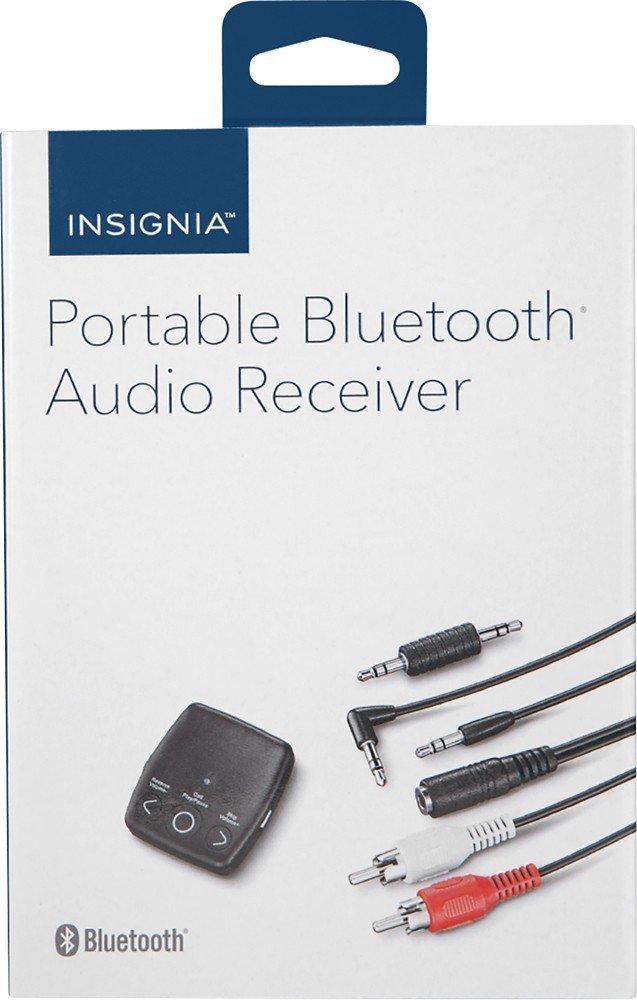
The INSIGNIA Portable Bluetooth Audio Receiver NS-MBTK35 allows you to wirelessly stream audio from your Bluetooth-enabled devices to any audio system with a 3.5mm or RCA input. Enjoy crystal clear sound and hands-free calling with this versatile receiver. Its compact design and built-in rechargeable battery make it ideal for use at home or on the go.
무엇이 포함됩니까?
- INSIGNIA Portable Bluetooth Audio Receiver
- 3.5 mm Audio Cable (3 ft.)
- 3.5 mm Male-to-Male Adapter
- 3.5 mm to RCA Adapter
- 마이크로 USB 충전 케이블
- 운반 파우치
- Velcro Mounting Pads
제품 끝view
Familiarize yourself with the receiver's controls and ports.
이미지: 앞면 view of the INSIGNIA Portable Bluetooth Audio Receiver, showing the control buttons: Reverse/Volume-, Call/Play/Pause, and Skip/Volume+.
통제 수단:
- Call/Play/Pause Button: Powers the device on/off, plays/pauses audio, answers/ends calls.
- Reverse/Volume- Button: 이전 트랙으로 건너뛰거나 볼륨을 줄입니다.
- Skip/Volume+ Button: 다음 트랙으로 건너뛰거나 볼륨을 높입니다.
- 마이크로폰: 핸즈프리 통화를 위해.
- 3.5mm 오디오 출력: 오디오 시스템에 연결됩니다.
- 마이크로 USB 충전 포트: 내부 배터리를 충전합니다.
수신기 충전 중
Before first use, fully charge the receiver. A full charge provides up to 6 hours of operation.
- Connect the small end of the included Micro USB charging cable to the Micro USB port on the receiver.
- Connect the large end of the Micro USB charging cable to a USB power source (e.g., computer USB port, USB wall adapter).
- 충전 중에는 LED 표시등이 켜지고 충전이 완료되면 꺼집니다.

Image: A black Micro USB charging cable, used to power the receiver.
설정
오디오 시스템에 연결:
The receiver can connect to your audio system using either a 3.5mm audio cable or an RCA adapter.
- 3.5mm 오디오 케이블 사용 방법: Connect one end of the 3.5mm audio cable to the receiver's 3.5mm audio output port. Connect the other end to the 3.5mm auxiliary input on your audio system (e.g., car stereo, home speaker).
- Using the 3.5mm to RCA Adapter: If your audio system has RCA inputs (red and white), connect the 3.5mm male-to-male adapter to the receiver's 3.5mm audio output. Then, connect the 3.5mm male-to-male adapter to the 3.5mm female end of the RCA adapter. Finally, connect the red and white RCA plugs to the corresponding RCA input jacks on your audio system.
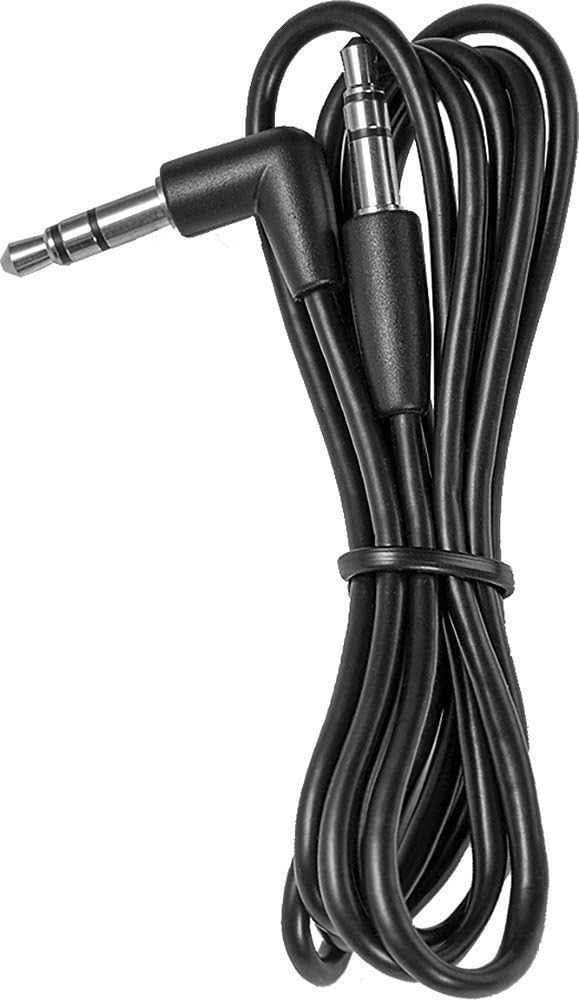
Image: A black 3.5 mm audio cable with L-shaped and straight connectors.

Image: A 3.5 mm female to dual RCA male adapter cable (red and white).
수신기 장착:
Use the included Velcro mounting pads to secure the receiver in a convenient location, such as on a dashboard or near your audio system.

Image: Two circular white Velcro mounting pads with 3M branding.
작동 지침
전원 켜기/끄기:
- 전원을 켜려면: 를 누르고 계세요 Call/Play/Pause button for approximately 3 seconds until the LED indicator flashes.
- 전원을 끄려면: 를 누르고 계세요 Call/Play/Pause LED 표시등이 꺼질 때까지 약 3초 동안 버튼을 누르세요.
Bluetooth 장치와 페어링:
The receiver can be paired with up to eight different Bluetooth devices.
- Ensure the receiver is powered on and in pairing mode (LED indicator will flash rapidly). If it's not in pairing mode, press and hold the Call/Play/Pause button until it enters pairing mode.
- 오디오 소스 장치(예: 스마트폰, 태블릿)에서 Bluetooth를 활성화합니다.
- 검색 available Bluetooth devices on your audio source device.
- Select "NS-MBTK35" from the list of found devices.
- Once paired, the LED indicator on the receiver will glow solid blue.
오디오 재생:
- 재생/일시 중지: 를 누르세요 Call/Play/Pause 단추.
- 볼륨 업: 를 누르세요 Skip/Volume+ 단추.
- 볼륨 작게 : 를 누르세요 Reverse/Volume- 단추.
- 다음 트랙: 를 누르고 계세요 Skip/Volume+ 단추.
- 이전 트랙 : 를 누르고 계세요 Reverse/Volume- 단추.
핸즈프리 통화:
The built-in microphone allows you to make and receive calls.
- 전화 받기: 를 누르세요 Call/Play/Pause 전화가 오면 버튼.
- 통화 종료: 를 누르세요 Call/Play/Pause 통화 중 버튼.
- 전화 거부: 를 누르고 계세요 Call/Play/Pause 전화가 오면 버튼.
유지
- Keep the receiver dry. Avoid exposure to moisture or liquids.
- Clean the receiver with a soft, dry cloth. Do not use abrasive cleaners or solvents.
- 극한의 온도, 직사광선, 먼지가 많은 환경을 피하세요.
- Do not attempt to disassemble or modify the receiver. This will void the warranty.
문제 해결
| 문제 | 해결책 |
|---|---|
| 수신기의 전원이 켜지지 않습니다. | Ensure the battery is charged. Connect the receiver to a power source using the Micro USB cable. |
| Bluetooth 장치와 페어링할 수 없습니다. | 1. Ensure the receiver is in pairing mode (flashing LED). 2. Make sure Bluetooth is enabled on your audio source device. 3. Place the receiver and your device within 30 feet (10 meters) of each other. 4. Turn off and on both devices and try pairing again. |
| 소리가 나지 않거나 음질이 좋지 않습니다. | 1. Check all cable connections between the receiver and your audio system. 2. Ensure the volume on both the receiver and your audio source device is turned up. 3. Make sure the receiver is within range of your Bluetooth device and there are no significant obstacles. 4. Verify that your audio system is set to the correct input source (e.g., AUX). |
| Calls are not clear. | Ensure the microphone is not obstructed and you are speaking clearly towards the receiver. Reduce background noise if possible. |
명세서
| 상표 | INSIGNIA |
| 모델 번호 | NS-MBTK35 |
| 연결 기술 | 블루투스, RCA, USB |
| 무선 기술 | 블루투스 |
| 무선 범위 | 최대 30피트(10미터) |
| 오디오 출력 모드 | 스테레오 재생 |
| 호환 장치 | 스마트폰, 스피커 |
| 특징 | 핸즈프리 통화를 위한 내장 마이크 |
| 배터리 수명 | 최대 6시간(완전 충전 시) |
| 색상 | 검은색 |
| 한국어: | 600603206559 |
안전 정보
- Read these instructions carefully before using your new product.
- 이 지침을 향후 참고용으로 보관하세요.
- Do not expose the receiver to water, rain, or moisture.
- Do not place the receiver near heat sources such as radiators, heat registers, stoves, or other apparatus (including amp열을 생성하는 발전기.
- 제조사가 지정한 부속품/액세서리만 사용하세요.
- 모든 서비스는 자격을 갖춘 서비스 담당자에게 문의하십시오. 장비가 어떤 식으로든 손상된 경우 서비스가 필요합니다.
보증 및 지원
For warranty information or technical support, please refer to the documentation included with your purchase or visit the official INSIGNIA web대지. 보증 청구를 위해 구매 영수증을 보관하십시오.