
1. 서론
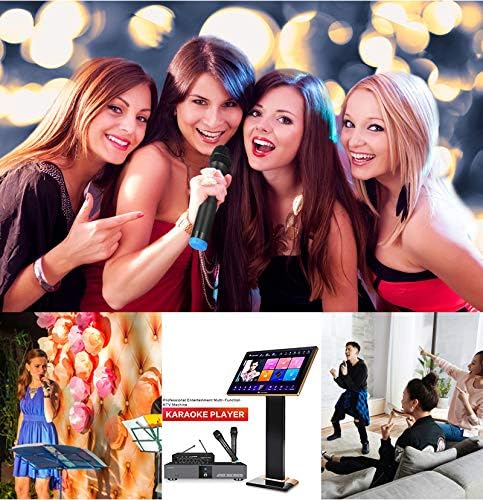
Thank you for choosing the Inandon KV-306 Karaoke Player. This 22-inch capacitive touch screen system is designed to provide a comprehensive home entertainment experience with intelligent song selection and free cloud downloads. For optimal performance, please read this manual carefully before use.
상자 안에 무엇이 들어있나요?
- Inandon KV-306 Karaoke Player Unit
- 22인치 정전식 터치스크린
- 마이크로폰
- 전원 어댑터
- VGA 케이블
- 네트워크 케이블
- RCA 오디오 케이블
- Optical Cable (optional, for soundbar connection)
2. 안전 정보
기기 손상이나 부상을 방지하기 위해 다음 안전 수칙을 준수해 주십시오.
- Ensure the karaoke machine is used with an amplifier and speakers (not included).
- 본 제품을 물이나 습기에 노출시키지 마십시오.
- 제공된 전원 어댑터만 사용하세요.
- 과열을 방지하려면 환기구를 깨끗하게 유지하십시오.
- 장치 위에 무거운 물건을 올려 놓지 마십시오.
- 천둥번개가 칠 때나 장기간 사용하지 않을 때는 전원을 차단하십시오.
3. 제품 오버view
The Inandon KV-306 Karaoke Player consists of a main unit and a separate 22-inch touch screen for song selection and control. Below is an overview of the main unit's front and rear panels.

주요 특징:
- 직관적인 조작을 위한 22인치 정전식 터치스크린.
- Wi-Fi Connectivity for online features and cloud downloads.
- Intelligent Song Deletion to optimize hard drive space.
- KTV Intelligent Scoring System for an interactive singing experience.
- Mobile Device Song Selection via dedicated app.
- System Online Update Service for continuous improvement.
4. 설정
Follow these steps to set up your Inandon KV-306 Karaoke Player:
4.1. Touch Screen Assembly
Assemble the touch screen stand by securing the base and screen mount using the provided screws. Ensure all connections are firm.
4.2. Connecting the Touch Screen to the Karaoke Player
- Connect the touch screen VGA cable to the VGA output port on the karaoke player unit.
- Connect the touch screen network cable to the 'TOUCH SCREEN' network interface on the karaoke player unit.
- Connect the touchscreen power adapter to the touchscreen's power input.

4.3. 오디오 출력 연결
The karaoke player requires an external amplifier and speakers for audio output. There are two primary methods for connecting audio:
Method 1: Using RCA Cables (to Amp리피어)
- Connect the RCA red and white cables from the 'AUDIO OUT' ports on the karaoke machine to the 'AUX IN' of your amp리퍼.
- Connect the microphone power adapter to the 12V port of the microphone host.
- Connect the RCA red and white cables from the microphone host's AUX output to the audio input of the amp리퍼.

Method 2: Using Optical Cable (to Soundbar/Receiver)
- Connect an optical cable from the 'OPTICAL' output port on the karaoke player to the optical input of your soundbar or receiver.
- Switch your soundbar or receiver to the corresponding optical input source.

4.4. 전원 연결
- Connect the power adapter of the karaoke machine to the DC 12V input on the karaoke machine.
- 전원 어댑터를 벽면 콘센트에 꽂으세요.

4.5. Wiring Demonstration Video
배선 방법에 대한 시각적 안내는 아래 영상을 참조하십시오.
동영상: This video demonstrates the wiring process for the Inandon Karaoke Player, including connections for the touch screen, audio, and power.
5. 사용 설명서
Once the system is set up, you can begin enjoying your karaoke experience.
5.1. 전원 켜기 / 끄기
Press the 'POWER' button on the front panel of the main unit to turn the system on or off.
5.2. 터치스크린 인터페이스 사용
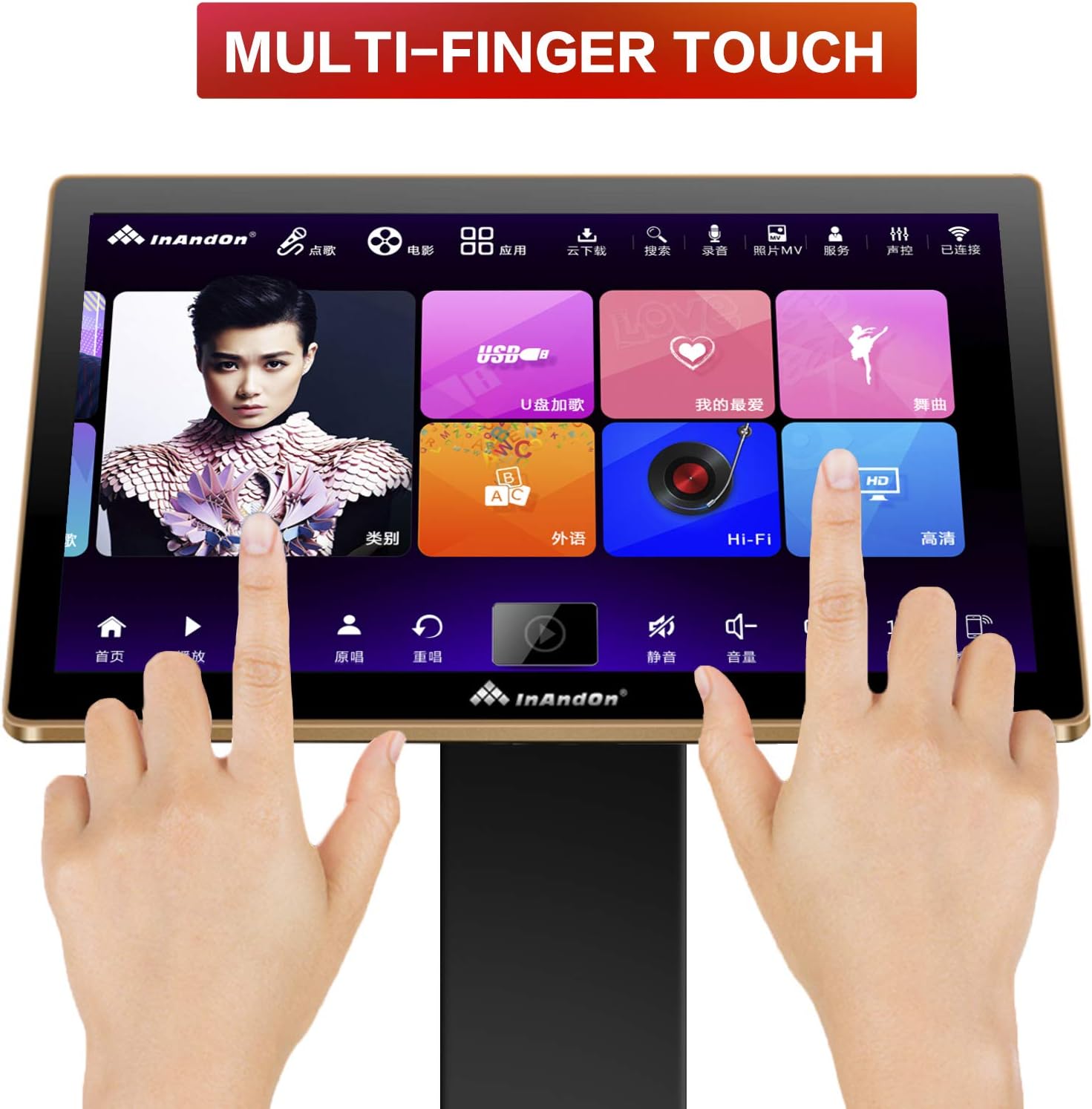
The 22-inch capacitive touch screen provides an intuitive interface for navigating songs and features. It supports multi-finger touch for easy interaction.
5.3. Song Selection and Cloud Download
- Intelligent Song Selection: Browse and select songs directly from the touch screen.
- Mobile Wireless Ordering: Use a mobile phone app (e.g., WeChat) to remotely select songs.
- Cloud Download: Connect to the internet to access a vast cloud song library (approximately 440,000 songs) and download songs for free. The 4T hard drive stores about 90,000 songs.
5.4. Intelligent Song Management
The karaoke machine features intelligent song deletion. When the hard drive memory falls below 10GB, the system automatically deletes songs with low or no click-through rates to free up space. You can re-download these songs from the cloud if needed.

5.5. KTV 지능형 점수 시스템
Enhance your singing experience with the built-in KTV intelligent scoring system, providing real-time feedback on your performance.
5.6. Live Demonstrations
Watch these videos for live demonstrations of the karaoke machine in action:
동영상: A live demonstration of the karaoke machine in use, showing two individuals singing along with lyrics displayed on a large screen.
동영상: Live footage of karaoke machines in a room with dynamic lighting, showcasing the visual experience during use.
동영상: This video illustrates the overall effect of using the karaoke system in a home setting, displaying the screen and audio setup.
6. 유지관리
To ensure the longevity and optimal performance of your Inandon KV-306 Karaoke Player, follow these maintenance guidelines:
- 청소: Use a soft, dry cloth to clean the touch screen and main unit. Avoid abrasive cleaners or solvents.
- 소프트웨어 업데이트: The system supports online updates. Regularly check for and install available updates to ensure you have the latest features and improvements.
- 하드 드라이브 관리: The intelligent song deletion feature helps manage space. If you frequently download new songs, consider manually reviewing and deleting older, less-played songs.
7. 문제 해결
If you encounter issues with your Inandon KV-306 Karaoke Player, refer to the following common problems and solutions:
| 문제 | 해결책 |
|---|---|
| 사운드 출력이 없습니다 | Ensure the karaoke machine is connected to an amplifier and speakers. Check all audio cable connections (RCA or Optical) and verify the amplifier/soundbar input source is correctly selected. |
| 터치 스크린이 응답하지 않습니다 | Check the touch screen's power connection and the network cable connection to the main unit. Restart the system. |
| Cannot download songs from cloud | Verify that the karaoke player is connected to the internet via Wi-Fi or LAN. Check network settings. |
| Limited English songs | The cloud library has a larger selection of Chinese songs (approx. 240,000) compared to English songs (approx. 20,000). This is expected behavior. |
| Hard drive full | The system automatically deletes less-played songs when space is low. You can also manually manage songs or re-download from the cloud. |
8. 사양
| 특징 | 세부 사항 |
|---|---|
| 상표 | 이난돈 |
| 모델 번호 | KV-306 |
| 특징 | Touch Screen, Wi-Fi |
| 색상 | 하얀색 |
| 포함된 구성 요소 | 마이크로폰 |
| 추천 용도 | Business, Home, KTV |
| 전원 | Battery Powered (main unit is DC 12V, touch screen has separate adapter) |
| 총 USB 포트 | 2 |
| 연결 기술 | 와이파이 |
| 미디어 유형 | USB, SD, Wi-Fi |
| 호환 장치 | Amp리퍼 |
| 한국어: | 712760261446 |
9. 보증 및 지원
For warranty information, please refer to the documentation provided with your purchase or contact the seller directly. For technical support, you may reach out via WeChat at 17727581630.