
소개
The HyperGear Rave Wireless Stereo Speaker delivers high-fidelity sound with an interactive multi-colored LED light show. It features Bluetooth connectivity, a built-in speakerphone, and an FM radio, making it suitable for various audio needs.
패키지 내용
- Rave Wireless Speaker
- 3.5mm Stereo Auxiliary Cable
- 마이크로 USB 충전 케이블
- 사용 설명서 (본 문서)

제품 끝view
스피커의 조작 버튼과 포트에 익숙해지세요.

제어 버튼
- 전원 버튼: 스피커를 켜거나 끄려면 길게 누르세요.
- 모드 버튼(M): Bluetooth, FM 라디오, AUX 모드 사이를 전환하려면 누르세요.
- Play/Pause Button (►/∕): 오디오를 재생하거나 일시 정지하려면 누르십시오. 통화 모드에서는 전화를 받거나 끊으려면 누르십시오.
- Volume Down / Previous Track (-/◀◀): 누르면 볼륨이 줄어듭니다. 길게 누르면 이전 트랙으로 이동합니다.
- Volume Up / Next Track (+/►►): 누르면 볼륨이 커집니다. 길게 누르면 다음 곡으로 넘어갑니다.
- Light Mode Button (*): Press to cycle through different LED light patterns or turn off the light show.
포트
- 마이크로 USB 충전 포트: 스피커의 내장 배터리를 충전합니다.
- 3.5mm AUX 입력: For connecting external audio devices via the auxiliary cable.
설정
스피커 충전하기
Before first use, fully charge the speaker. Connect the Micro USB charging cable to the speaker's charging port and the other end to a USB power adapter (not included) or a computer's USB port. The charging indicator light will illuminate during charging and turn off when fully charged. A full charge takes approximately 3-4 hours and provides up to 8 hours of playback.
전원 켜기/끄기
를 누르고 계세요 전원 버튼 for approximately 3 seconds to turn the speaker on or off. A voice prompt will indicate the power status.
작동 지침
블루투스 페어링
- 스피커 전원이 켜져 있고 블루투스 모드인지 확인하십시오. 그렇지 않은 경우, 버튼을 누르십시오. 모드 버튼(M) until you hear the Bluetooth pairing prompt. The LED indicator will flash, indicating it is ready to pair.
- 모바일 기기에서 블루투스를 활성화하고 사용 가능한 기기를 검색하세요.
- Select "HyperGear Rave" from the list of devices.
- 페어링이 완료되면 스피커에서 확인음이 울리고 LED 표시등이 깜빡임을 멈춥니다.

주악
블루투스 모드
After successful pairing, you can play music from your connected device. Use the speaker's 재생/일시정지, 볼륨 업/다음 트랙, 그리고 볼륨 낮추기/이전 트랙 buttons to control playback, or control directly from your device.
AUX 모드
Connect one end of the 3.5mm auxiliary cable to the speaker's AUX input and the other end to the audio output of your external device. Press the 모드 버튼(M) to switch to AUX mode. Audio will play directly from your connected device.
핸즈프리 통화
When connected via Bluetooth, the speaker can be used as a speakerphone. When a call comes in, the music will pause. Press the 재생/일시정지 버튼 to answer an incoming call. Press it again to end the call. Press and hold the 재생/일시정지 버튼 수신 전화를 거부합니다.
FM 라디오 작동
를 누르세요 모드 버튼(M) to switch to FM Radio mode. The speaker will automatically scan and save available stations. Use the 볼륨 업/다음 트랙 그리고 볼륨 낮추기/이전 트랙 buttons to navigate between saved stations. Press and hold these buttons to fine-tune the frequency.
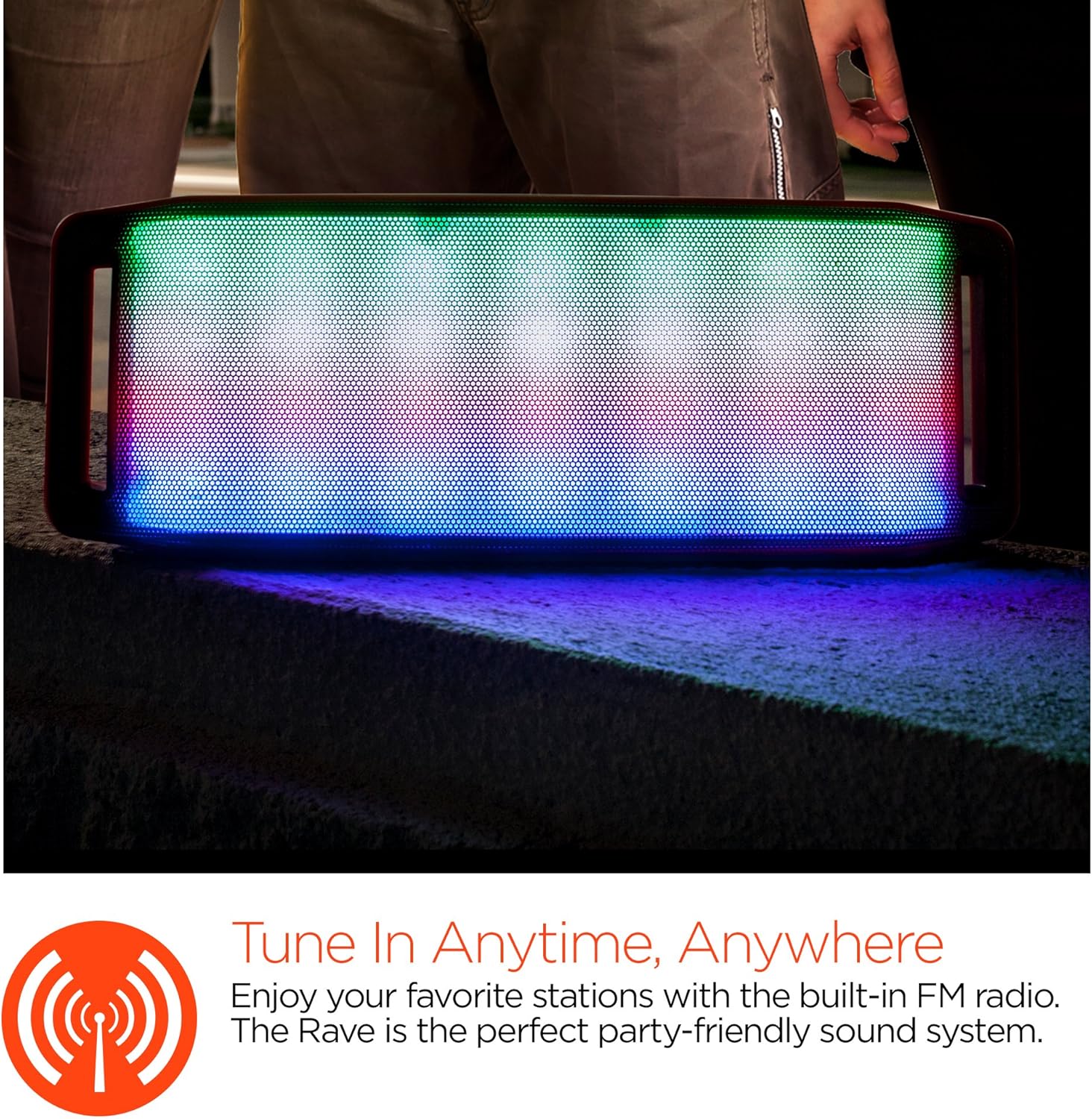
LED 조명 쇼
The speaker features an interactive multi-colored LED light show. Press the Light Mode Button (*) to cycle through different light patterns or to turn the light show off.

유지
청소
Wipe the speaker with a soft, dry cloth. Do not use abrasive cleaners or solvents. Avoid exposing the speaker to excessive moisture.
저장
스피커를 직사광선과 극한의 온도를 피해 서늘하고 건조한 곳에 보관하세요. 장기간 보관할 경우, 배터리 수명을 유지하기 위해 주기적으로 충전하세요.
배터리 관리
To prolong battery life, avoid fully discharging the speaker frequently. Charge the speaker regularly, even if not in use, to prevent deep discharge.
문제 해결
| 문제 | 가능한 원인 | 해결책 |
|---|---|---|
| 스피커가 켜지지 않습니다. | 배터리가 소진되었습니다. | Micro USB 케이블을 사용하여 스피커를 충전하세요. |
| 블루투스로 페어링할 수 없습니다. | 스피커가 페어링 모드에 있지 않습니다. 장치의 Bluetooth가 꺼져 있습니다. 장치가 너무 멀리 떨어져 있습니다. | Ensure speaker is in Bluetooth pairing mode (flashing LED). Turn on Bluetooth on your device. Move device closer to speaker (within 10 meters). |
| 소리가 나지 않습니다. | Volume is too low; incorrect mode selected; device not playing. | Increase volume on both speaker and connected device. Ensure correct mode (Bluetooth/AUX/FM) is selected. Verify audio is playing on the source device. |
| 사운드 왜곡. | 볼륨이 너무 높음; 배터리가 부족함; 간섭. | 볼륨을 줄이세요. 스피커를 충전하세요. 스피커를 다른 전자 기기에서 멀리 두세요. |
| FM 라디오 수신 상태가 좋지 않습니다. | 신호가 약함; 환경적 간섭. | Relocate the speaker to an area with better reception. Extend the charging cable (if connected) as it can act as an antenna. |
명세서
| 특징 | 세부 사항 |
|---|---|
| 모델 번호 | 13604 |
| 블루투스 버전 | 3.0 ± EDR |
| 스피커 출력 전력 | 2 x 5W (총 10W) |
| 신호 대 잡음비(S/N) | 80데시벨 |
| 배터리 용량 | 1500mAh |
| 플레이 타임 | 최대 8시간 |
| 블루투스 범위 | 최대 33피트/10m |
| 연결 기술 | 블루투스, 무선 |
| 오디오 출력 모드 | 스테레오 재생 |
| 제어 방법 | 만지다 |
| 무게 | 2.25 파운드 |
| 특별 기능 | Bass Boost, Display, Multi-colored LED Light Show, Built-in Speakerphone, FM Radio |
보증 및 지원
For warranty information or technical support, please refer to the contact details provided on the product packaging or visit the official HYPERGEAR web사이트. 구매 증빙 자료로 구매 영수증을 보관하세요.