
1. 서론
The CHERRY KC 1000 is a reliable wired keyboard designed for professional office use and everyday computing. It features a full-size Italian QWERTY layout, a flat design, and quiet keystrokes for comfortable and efficient typing. This manual provides essential information for setting up, operating, maintaining, and troubleshooting your keyboard.
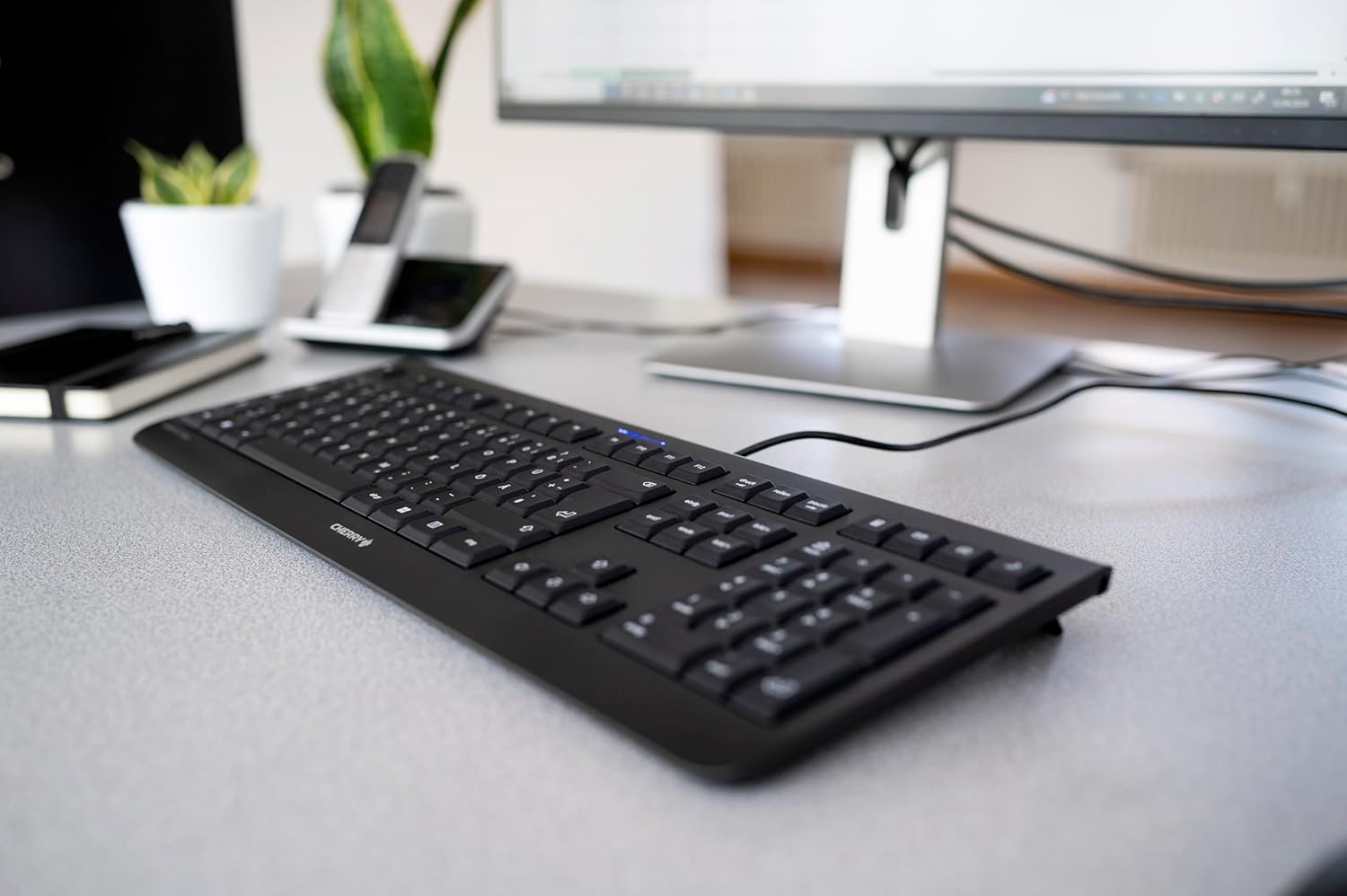
Image 1.1: The CHERRY KC 1000 keyboard in a typical office setup.
2. 설정
The CHERRY KC 1000 keyboard is designed for simple Plug & Play installation. No additional drivers are required for most operating systems.
2.1 키보드 연결
- Locate an available USB-A port on your computer (desktop PC, laptop, or compatible device).
- Insert the USB connector of the CHERRY KC 1000 keyboard into the USB-A port.
- 운영 체제가 필요한 드라이버를 자동으로 감지하고 설치합니다. 이 과정은 일반적으로 몇 초 정도 소요됩니다.
- 이제 키보드를 사용할 준비가 되었습니다.
The keyboard features a 180 cm (approximately 5.9 feet) long cable, providing ample flexibility for desk arrangements.
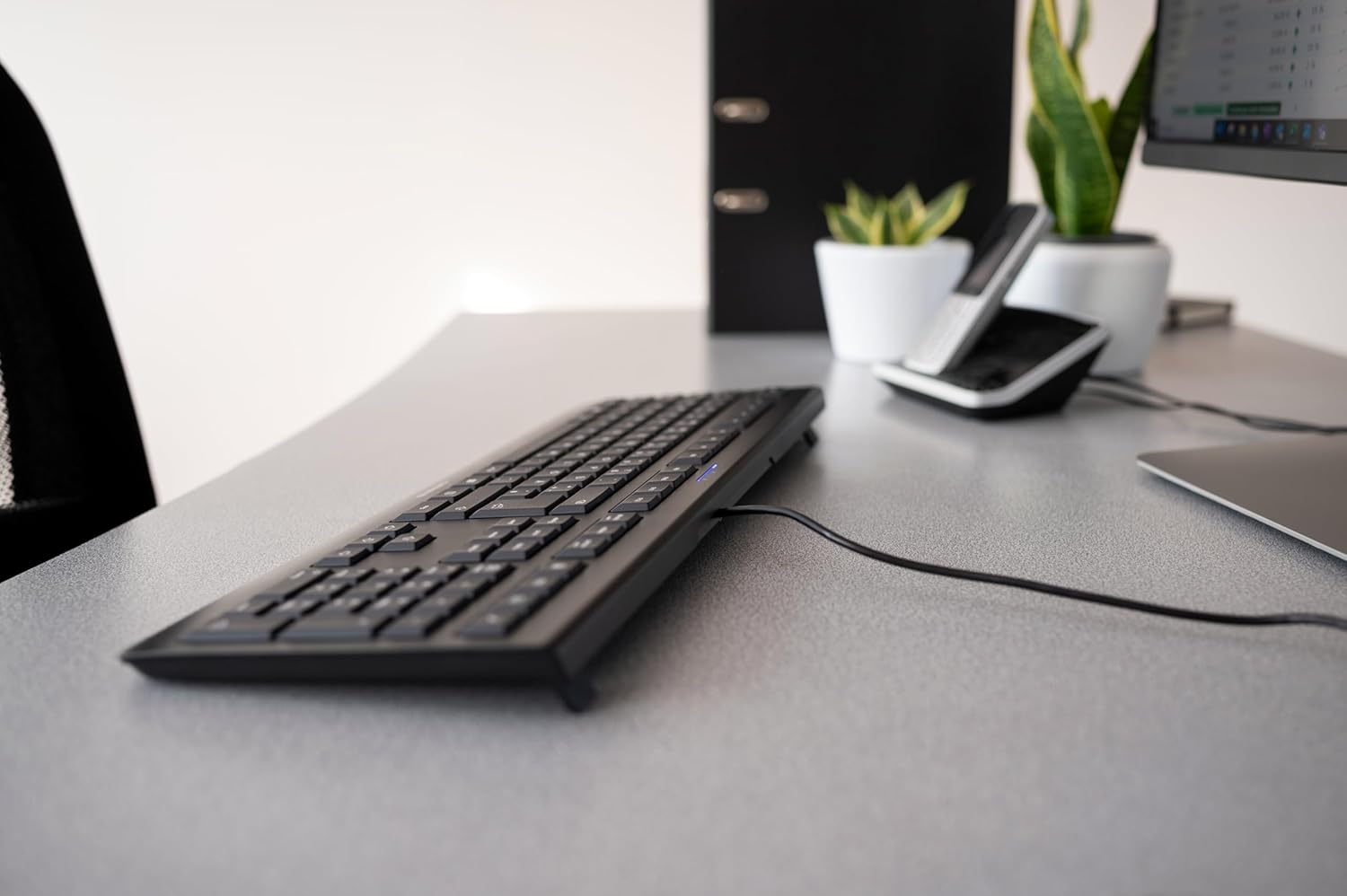
Image 2.1: The USB cable connection of the CHERRY KC 1000 keyboard.
3. 키보드 작동
The CHERRY KC 1000 offers a standard Italian QWERTY layout with additional function keys for enhanced productivity.
3.1 키 레이아웃 및 기능
The keyboard includes a full-size layout with a dedicated numeric keypad and cursor keys. The Italian QWERTY layout supports specific characters and symbols commonly used in the Italian language.

이미지 3.1: 이상view of the CHERRY KC 1000 Italian QWERTY key layout.
3.2 특수 기능 키
The keyboard features 4 additional keys located above the numeric keypad for quick access to common functions:
- 계산자: Opens the default calculator application.
- 이메일: Launches your default email client.
- 브라우저: 기본을 엽니다 web 브라우저.
- 수면 모드 : 컴퓨터를 절전 모드로 전환합니다.
3.3 상태 LED
Three blue status LEDs are located above the function keys to indicate the status of:
- 대문자 잠금: Caps Lock 키가 활성화되면 불이 켜집니다.
- NUM: Num Lock이 활성화되면 불이 켜집니다.
- 스크롤: Scroll Lock 키가 활성화되면 불이 켜집니다.

Image 3.2: User interacting with the CHERRY KC 1000 keyboard.
4. 유지관리
Proper care and maintenance will ensure the longevity and optimal performance of your CHERRY KC 1000 keyboard.
4.1 키보드 청소
- 청소하기 전에 키보드를 컴퓨터에서 분리하세요.
- 부드럽고 털이 없는 천을 살짝 사용하세요.ampened with water or a mild cleaning solution (e.g., isopropyl alcohol) to wipe the keycaps and keyboard surface.
- Avoid using abrasive cleaners, solvents, or harsh chemicals, as these can damage the keyboard's finish or key legends.
- 키 사이의 먼지와 이물질을 제거하려면 압축 공기나 작은 브러시를 사용하세요.
- 키보드를 컴퓨터에 다시 연결하기 전에 완전히 건조되었는지 확인하십시오.
4.2 일반 관리
- 키보드에 액체를 쏟지 않도록 주의하세요.
- 키보드를 극한 온도나 장시간 직사광선에 노출시키지 마십시오.
- 키보드를 분해하려고 시도하지 마십시오. 분해할 경우 보증이 무효화될 수 있습니다.
5. 문제 해결
If you encounter issues with your CHERRY KC 1000 keyboard, refer to the following common troubleshooting steps.
5.1 키보드가 응답하지 않음
- USB 연결 확인: USB 케이블이 키보드와 컴퓨터의 USB 포트에 제대로 연결되어 있는지 확인하십시오. 다른 USB 포트를 사용해 보십시오.
- 컴퓨터를 다시 시작합니다. 때로는 컴퓨터를 재시작하는 것만으로 연결 문제가 해결될 수 있습니다.
- 다른 컴퓨터에서 테스트: If possible, connect the keyboard to another computer to determine if the issue is with the keyboard or the original computer.
- 드라이버 재설치: Although Plug & Play, sometimes reinstalling drivers can help. Disconnect the keyboard, restart the computer, and then reconnect the keyboard.
5.2 키가 제대로 작동하지 않음
- 클린 키: Dust or debris under the keycaps can cause keys to stick or not register. Refer to the cleaning instructions in Section 4.1.
- 소프트웨어 충돌: Ensure no other software or keyboard utilities are interfering with the keyboard's operation.
5.3 Status LEDs Not Working
- Verify that the corresponding lock function (Caps Lock, Num Lock, Scroll Lock) is activated.
- If the keyboard is otherwise functional, a minor software glitch might be preventing the LED from lighting up. A computer restart may resolve this.
6. 사양
Below are the technical specifications for the CHERRY KC 1000 Wired Keyboard.
| 특징 | 세부 사항 |
|---|---|
| 모델명 | 체리 KC 1000 |
| 모델 번호 | JK-0800IT-2 |
| 연결성 | 유선 USB-A |
| 키보드 레이아웃 | Italian QWERTY |
| 키의 개수 | 109 |
| 핵심기술 | Membrane or Rubber Dome |
| 특별 기능 | Whisper-quiet keystroke, 4 additional function keys (Calculator, Email, Browser, Sleep Mode), 3 blue status LEDs |
| 케이블 길이 | 1.8미터(5.9피트) |
| 재료 | 플라스틱 |
| 색상 | 검은색 |
| 무게 | 530그램 |
| 호환 장치 | 노트북, PC |
| 인증 | c-tick, cULus, CE, FCC, BSMI, TÜV/GS, Blue Angel eco-label |
7. 보증 및 지원
CHERRY products are manufactured to high-quality standards. For information regarding warranty coverage, please refer to the warranty card included with your product or visit the official CHERRY website. For technical support or further assistance, please contact CHERRY customer service through their official channels.
The product package includes: 1 CHERRY KC 1000 keyboard and a printed instruction manual.


