
이케아 40250855
Ikea LILLHULT USB Type C to USB Cable User Manual
모델: 40250855
소개
This user manual provides essential information for the safe and efficient use of your Ikea LILLHULT USB Type C to USB cable. Please read this manual carefully before using the product and retain it for future reference.
설치 지침
The Ikea LILLHULT cable is designed for connecting devices with a USB Type C port to a power source or another device with a standard USB-A port for charging and data transfer.
- 커넥터 식별: Locate the USB Type C connector (smaller, reversible) and the standard USB-A connector (larger, rectangular).
- 장치에 연결: Insert the USB Type C connector into the compatible port on your smartphone, tablet, or other USB-C enabled device. Ensure it is fully seated.
- 전원/데이터 소스에 연결하세요: Insert the USB-A connector into a compatible USB wall adapter, power bank, computer USB port, or other USB-A enabled charging/data port.
- 연결 확인: Confirm that your device indicates it is charging or connected for data transfer.
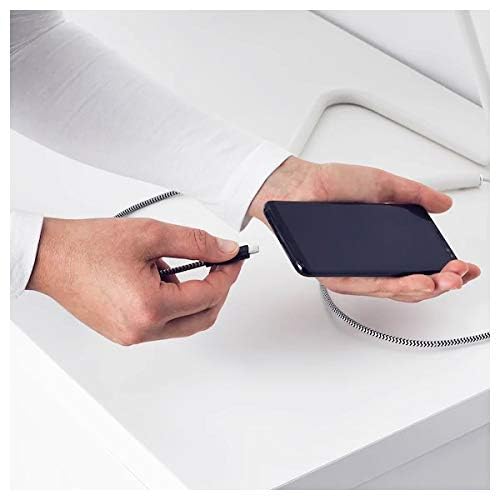
Image: A person connecting the USB Type C end of the cable to a smartphone. This illustrates the initial connection step.
작동 지침
충전 장치
Once properly connected to a power source, the cable will facilitate charging of your USB Type C device. Charging speed may vary depending on the power adapter and the device's charging capabilities.
데이터 전송
This cable supports data transfer at speeds up to 0.48 Gigabits Per Second. To transfer data, connect the USB-A end to a computer's USB port and the USB Type C end to your device. Your device may prompt you to select a connection mode (e.g., "File "이체" 또는 "MTP").
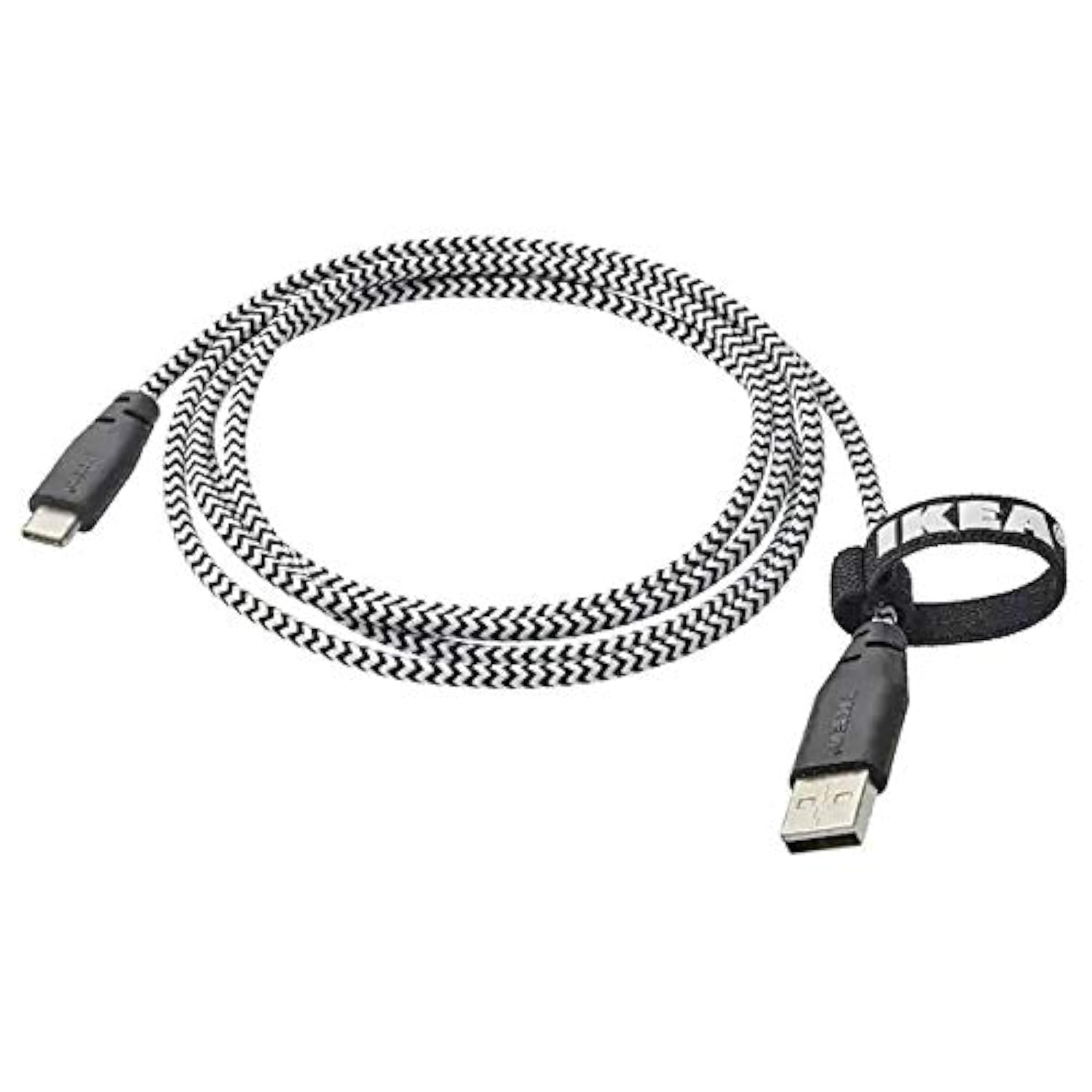
Image: The Ikea LILLHULT cable in use, connecting a smartphone to a charging base, with a laptop in the background. This demonstrates the cable's function in a typical setup.
유지 보수 및 관리
- 청소: Wipe the cable with a dry, soft cloth. Avoid using harsh chemicals or abrasive cleaners.
- 저장: When not in use, coil the cable loosely. Avoid sharp bends or kinks, especially near the connectors, to prevent internal wire damage. The integrated cable tie can be used for neat storage.
- 손질: 케이블을 연결하거나 분리할 때는 케이블 자체를 잡아당기지 말고 항상 커넥터 하우징을 잡으십시오.
- 환경: 케이블을 극한의 온도, 직사광선, 습기에 노출시키지 마세요.
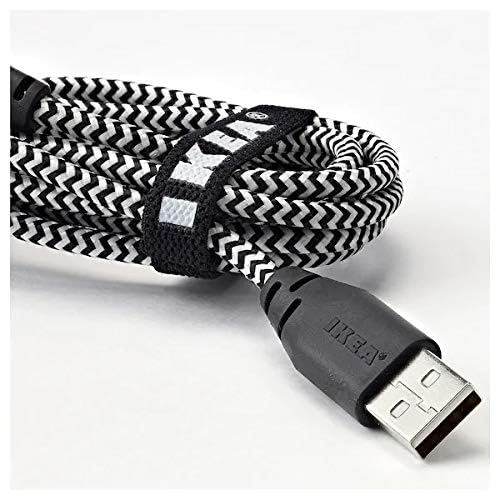
이미지: 클로즈업 view of the coiled Ikea LILLHULT cable, secured with its integrated cable tie, showing the durable braided design and the USB-A connector with the Ikea logo. This highlights the cable's design for easy storage and durability.
문제 해결
| 문제 | 가능한 원인 | 해결책 |
|---|---|---|
| 장치가 충전되지 않습니다. | Loose connection, faulty power adapter, incompatible device. | Ensure both ends of the cable are securely connected. Try a different power adapter or USB port. Verify device compatibility. |
| 느린 충전. | Low-power USB port, power adapter not sufficient, background apps on device. | 더 높은 와트를 사용하세요tage power adapter. Close unnecessary applications on your device. Ensure the USB port provides adequate power. |
| 데이터 전송이 작동하지 않습니다. | Incorrect device settings, driver issues on computer, loose connection. | Check your device's USB connection settings (e.g., select "File Transfer"). Ensure computer drivers are up to date. Reconnect the cable firmly. |
명세서
- 상표: 이케아
- 모델: 40250855
- 커넥터 유형: USB Type C to USB-A
- 케이블 유형: USB
- 길이: 1.5 meters (4 feet 11 inches)
- 호환 장치: Charging Adapter, USB Type C enabled devices
- 특징: 내구성 있는 브레이디드 디자인
- 데이터 전송 속도: 최대 초당 0.48기가비트
- 색상: 검은색
- 아이템 모양: 둥근
- 제조업체: 이케아
보증 및 지원
For information regarding warranty, returns, or customer support, please refer to the purchase documentation or visit the official Ikea web사이트. 보증 청구를 위해 구매 증빙 자료를 보관하세요.
온라인 리소스:
- 공식 이케아 Web대지: www.ikea.com
- Product Support Page (if available): Refer to the Ikea web특정 제품 지원 페이지 사이트입니다.
Ask a question about this manual
Ask about setup, troubleshooting, compatibility, parts, safety, or missing instructions. Manuals+ will review the question and use this page’s manual context to help answer it.