
1. 제품 오버view
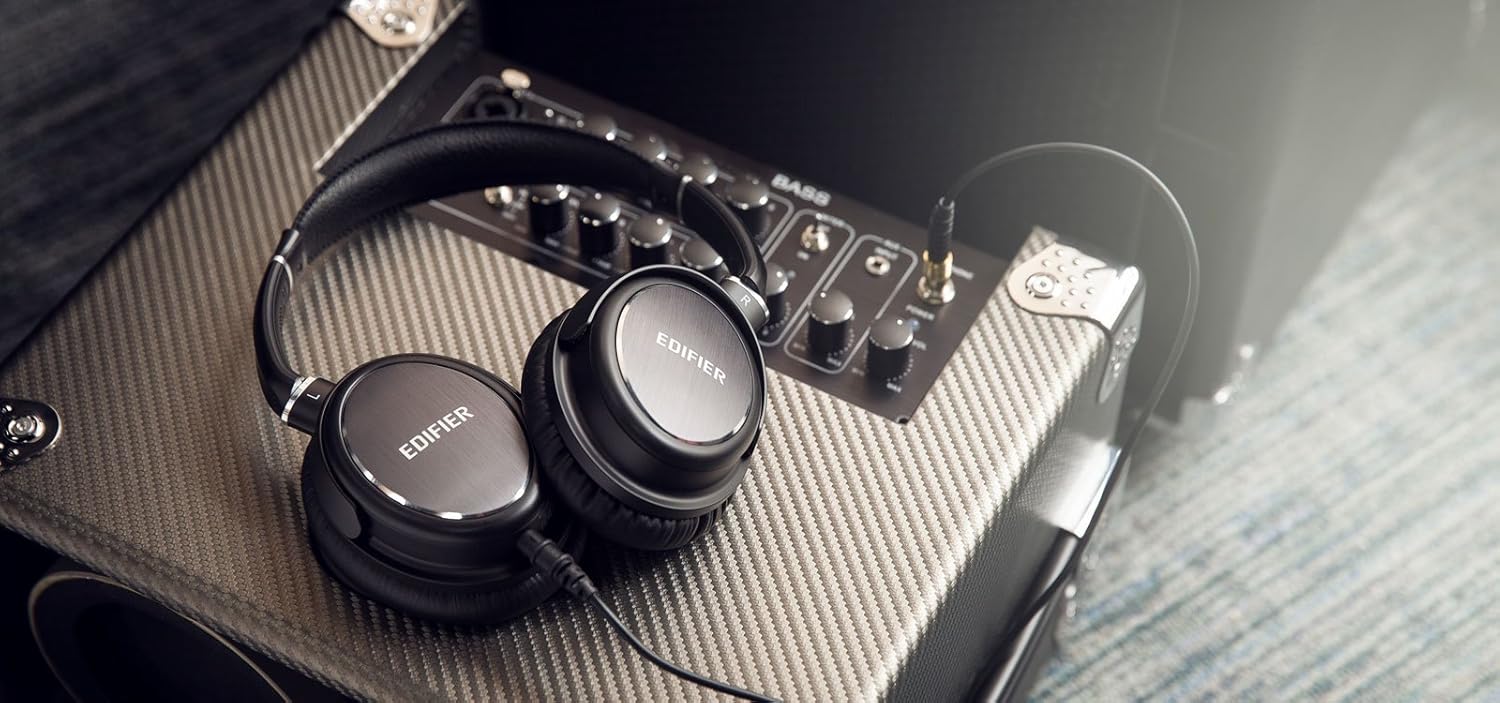
The Edifier H850 Over-The-Ear Pro Headphones are designed for professional audio monitoring and audiophile listening. They feature an ergonomic, lightweight design with comfortable leather earpads for extended use and effective noise isolation. Equipped with fine-tuned 40mm neodymium magnet drivers, these headphones deliver accurate sound reproduction, making them suitable for various applications including electric guitar monitoring, instrument monitoring, and recording.
주요 특징은 다음과 같습니다.
- 하루 종일 편안함: Ergonomic and lightweight design with leather pads for comfort and noise isolation.
- Fine-Tuned Sound: 40mm neodymium magnet drivers in a closed-back design for true sound.
- Musician Oriented: Ideal for guitar amplifier monitoring and auditioning equipment.
- 여행 친화적: Fold-flat design and a removable cable for easy transport. A 1/4-inch adapter is included.
2. 상자 안에 무엇이 들어있나요?
- Edifier H850 Over-The-Ear Pro Headphones
- Detachable Audio Cable (3.5mm to 3.5mm)
- 1/4-inch (6.35mm) Adapter

3. 설정 및 연결
3.1 헤드밴드 조정
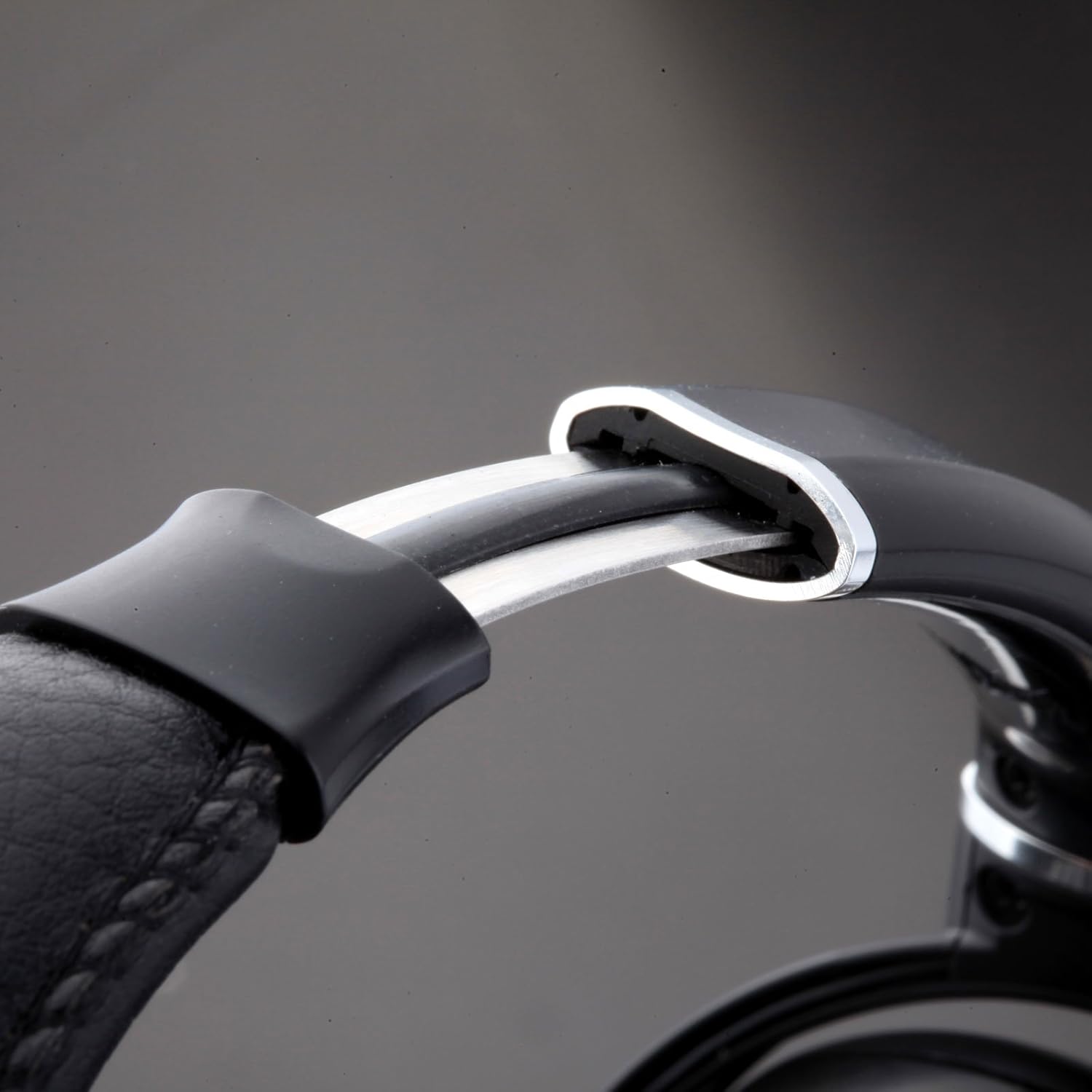
To ensure optimal comfort and sound quality, adjust the headband to fit your head. Gently slide the earcups up or down along the headband until they rest comfortably over your ears. The self-adjusting headband is designed to conform to various head sizes.
3.2 오디오 케이블 연결하기
The Edifier H850 headphones feature a detachable audio cable with a locking mechanism for secure connection. Locate the 3.5mm input port on the left earcup. Insert the smaller end of the audio cable into this port and twist clockwise to lock it in place. Connect the other end of the 3.5mm cable to your audio source (e.g., smartphone, computer, audio interface).
3.3 Using the 1/4-inch Adapter
For audio equipment with a 1/4-inch (6.35mm) output, attach the included 1/4-inch adapter to the 3.5mm plug of your audio cable. Then, connect the adapter to your audio source.
4. 사용 설명서
Once connected to an audio source, ensure the volume on your device is set to a low level before placing the headphones on your head. Gradually increase the volume to a comfortable listening level. The H850 headphones are designed for a wide range of professional and personal listening environments.

5. 유지관리 및 관리
To prolong the life of your Edifier H850 headphones, follow these maintenance guidelines:
- 청소: 이어컵과 헤드밴드는 부드럽고 마른 천으로 닦아주세요. 강한 화학 약품이나 마모성 재질은 사용하지 마세요.
- 저장: When not in use, store the headphones in a clean, dry place. The fold-flat design allows for compact storage.
- 케이블 관리: 분리형 케이블은 조심스럽게 다루십시오. 손상을 방지하기 위해 급격하게 구부리거나 과도하게 당기지 마십시오.
- 이어패드 수명: The leather earpads are designed for durability. Avoid prolonged exposure to direct sunlight or extreme temperatures.

6. 문제 해결
If you encounter issues with your Edifier H850 headphones, consider the following:
- 소리 없음: Ensure the audio cable is securely connected to both the headphones and the audio source. Check the volume levels on your audio source. Test with a different audio source or cable if possible.
- 왜곡된 소리: Reduce the volume on your audio source. Ensure the audio cable is not damaged.
- 불편감: Re-adjust the headband and earcups for a better fit. Allow for a break during long listening sessions.
7. 사양
| 특징 | 사양 |
|---|---|
| 상표 | 에디파이어 |
| 모델명 | H850 (ed-h850-us-fbm) |
| 연결 기술 | 열광한 |
| 귀 위치 | 귀 위 |
| 오디오 드라이버 크기 | 40 밀리미터 |
| 주파수 응답 | 20000Hz |
| 임피던스 | 32옴 |
| 감광도 | 96데시벨 |
| 소음 제어 | 소리 차단 |
| 재료 | 가죽 |
| 특징 | Foldable, Detachable Cable |
| 품목 무게 | 1 pounds (approximately 16 ounces) |
| 제품 치수 | 10.63 x 9.13 x 3.5 인치 |
8. 보증 및 지원
The Edifier H850 Over-The-Ear Pro Headphones come with a 1년 보증 in the USA and Canada, covering manufacturing defects and ensuring product durability. For technical support, warranty claims, or further assistance, please refer to the contact information provided in your product packaging or visit the official Edifier support web대지.
추가 정보 및 지원은 다음을 방문하세요. Amazon의 Edifier Store.