
1. 서론
This manual provides essential information for the safe and effective use of your Newmowa LP-E6/LP-E6N Battery (2 Pack) and Smart LCD Display Dual USB Charger. Please read these instructions carefully before use and retain them for future reference.
2. 패키지 내용
아래 나열된 모든 품목이 패키지에 포함되어 있는지 확인하세요.
- 2 x Newmowa LP-E6/LP-E6N Replacement Batteries
- 1 x Smart LCD Display Dual USB Charger
- 1 x 마이크로 USB 케이블
3. 호환 카메라 모델
The Newmowa LP-E6/LP-E6N batteries and charger are compatible with the following Canon EOS camera models:
- 캐논 EOS 5D 마크 IV
- 캐논 EOS 5D 마크 III
- 캐논 EOS 6D
- 캐논 EOS 7D
- 캐논 EOS 7D 마크 II
- 캐논 EOS 60D
- 캐논 EOS 70D
- 캐논 EOS 80D
- Canon XC10

Figure 3.1: Compatible Canon EOS camera models.
4. 설치 및 충전 방법
Follow these steps to set up your charger and begin charging your batteries:
- 배터리 삽입: Carefully insert one or two LP-E6/LP-E6N batteries into the designated charging slots (CH1 and CH2) on the dual USB charger. Ensure the battery contacts align correctly with the charger pins.
- 전원 연결: Connect the provided Micro USB cable to the charger's input port. Connect the other end of the Micro USB cable to a compatible USB power source.

Figure 4.1: Steps for inserting batteries and connecting the charger.
4.1 충전 옵션
The charger supports various USB power sources for convenience:
- USB 벽면 충전기
- 파워뱅크
- 노트북/컴퓨터 USB 포트
- 자동차 충전기
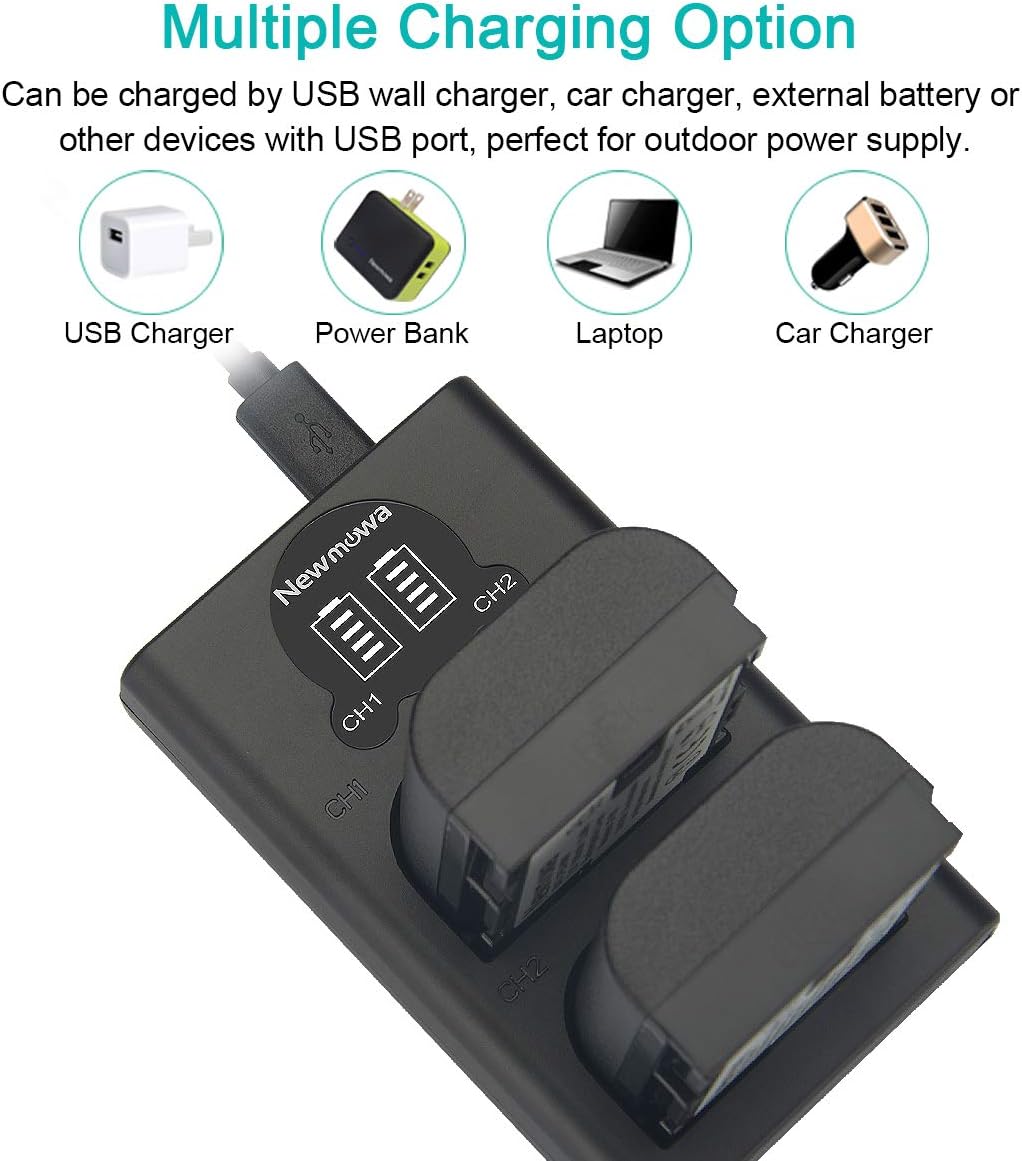
Figure 4.2: Multiple charging options for the Newmowa dual USB charger.
4.2 LCD 디스플레이 표시기
The Smart LCD Display provides real-time charging status for each battery:
- One Grid Flashing: 배터리 잔량이 0~25% 사이입니다.
- Two Grids Flashing: 배터리 잔량이 25~50% 사이입니다.
- Three Grids Flashing: 배터리 잔량이 50~75% 사이입니다.
- Four Grids Flashing: 배터리 잔량이 75~100% 사이입니다.
- Four Grids Solid: 배터리가 완전히 충전되었습니다.
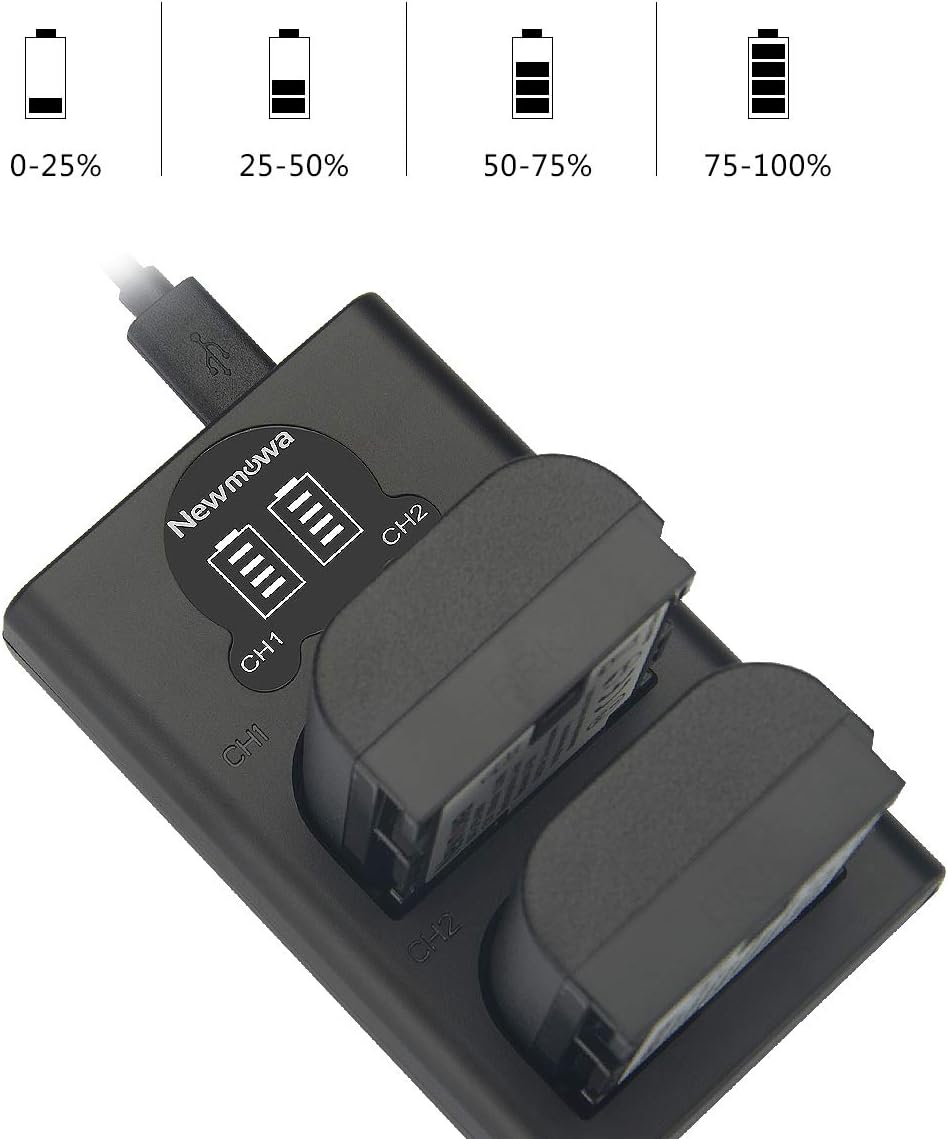
Figure 4.3: LCD display showing battery charge levels.
5. 운영 지침
Once batteries are charged, remove them from the charger. Insert the charged batteries into your compatible Canon EOS camera according to the camera's instruction manual. The batteries are ready for use.
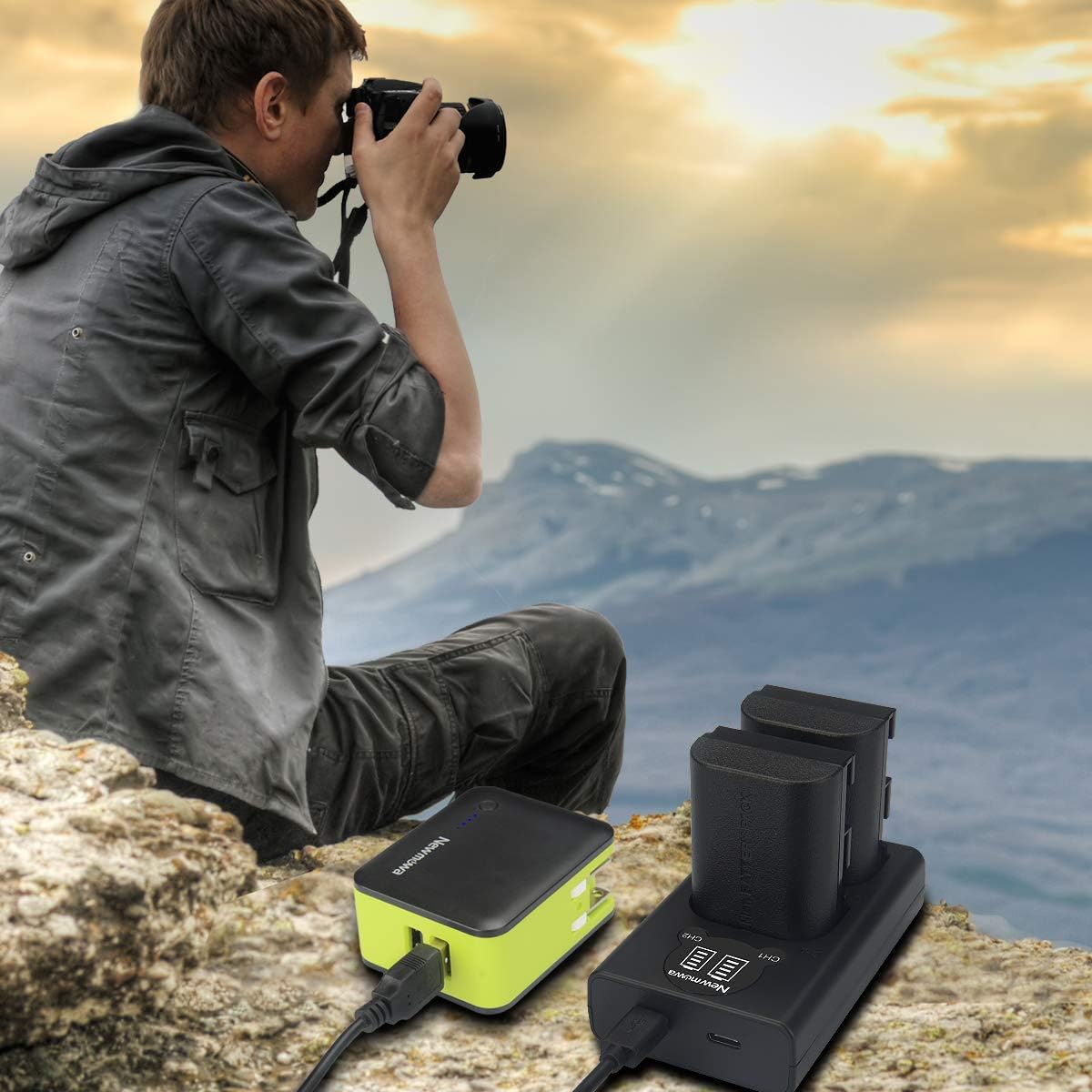
그림 5.1: 예ample of product use in an outdoor setting.
6. 유지 관리 및 보관
Proper maintenance and storage will extend the lifespan of your batteries and charger:
- 청소: Use a dry, soft cloth to clean the charger and battery contacts. Do not use liquid cleaners.
- 저장: Store batteries in a cool, dry place away from direct sunlight and extreme temperatures. For long-term storage, it is recommended to store batteries with a partial charge (around 50%).
- 보호: Utilize protective cases for batteries when not in use to prevent damage and short circuits.

Figure 6.1: Recommended battery storage in protective cases.
7. 안전 정보 및 보호 조치
Your Newmowa charger and batteries are designed with multiple safety features:
- 회로 보호 : Built-in protection against over-charging, short-circuiting, high-temperature, and power surges.
- Fire-Resistant Construction: High-quality, fire-resistant materials are used in the product's construction.
- 일반 안전: Do not expose batteries to high temperatures, disassemble, or short circuit them. Keep out of reach of children.

그림 7.1: 통합 안전 보호 기능.
8. 문제 해결
문제가 발생하면 다음의 일반적인 해결책을 참조하세요.
- 충전기 전원이 켜지지 않음: Ensure the USB cable is securely connected to both the charger and the power source. Try a different USB port or power adapter.
- 배터리가 충전되지 않음: Verify that batteries are inserted correctly into the charger slots. Check for any debris on battery or charger contacts. Ensure the power source is active.
- 느린 충전: Ensure your USB power source provides sufficient current. Using a higher amperage USB adapter (e.g., 2A) can speed up charging.
9. 사양
| 특징 | 사양 |
|---|---|
| 모델 번호 | VBD58-SB |
| 배터리 용량 | 1800mAh |
| 배터리 용량tage | 7.2V |
| 배터리 셀 구성 | 리튬 이온 |
| 충전기 입력 | Micro USB / Type-C (Type-C cable not included) |
| 품목 무게 | 8 ounces (approx. for entire package) |
| 패키지 크기 | 4.7 x 3.6 x 2.1 인치 |
10. 보증 및 지원
Newmowa products are designed for reliability and performance. For any questions, technical support, or warranty claims, please contact Newmowa customer service through the retailer's platform or the official Newmowa website. Please have your product model number (VBD58-SB) and purchase information ready.