
1. 서론
The KitSound Cayman 2.1 Wireless Bluetooth Speaker System combines powerful audio performance with a modern design, offering versatile connectivity options for an enhanced listening experience. This manual provides detailed instructions for setting up, operating, and maintaining your speaker system.
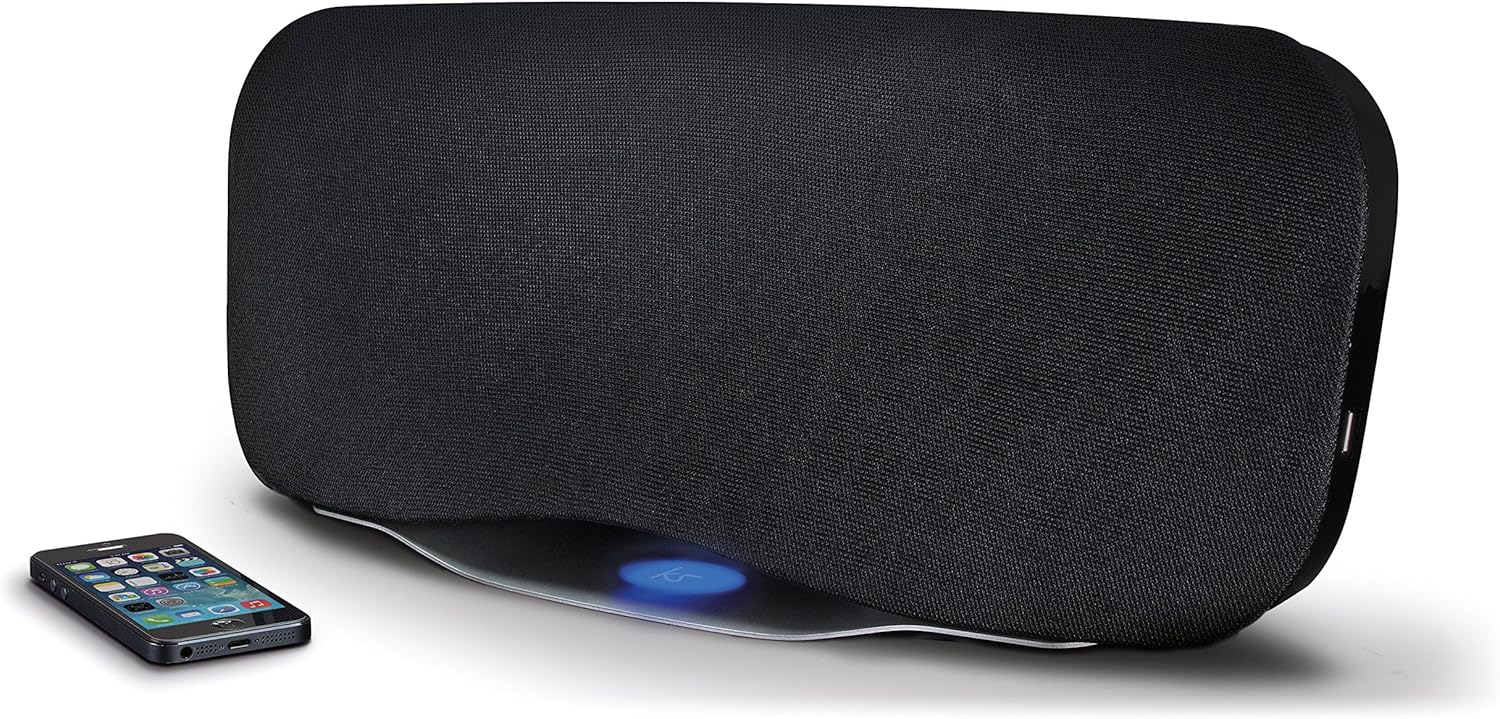
Image 1.1: The KitSound Cayman 2.1 speaker system shown with a smartphone, highlighting its sleek design and wireless connectivity.
2. 패키지 내용
다음 항목에 대한 상자를 체크해 주세요.
- KS Cayman 2.1 Wireless Bluetooth Speaker with EU Plug
- 원격 제어
- 3.5mm 오디오 케이블
- 취급 설명서(본 문서)

Image 2.1: The retail packaging for the KitSound Cayman 2.1 Wireless Bluetooth Speaker System, indicating the included components.
3. 제품 오버view
3.1 전면 및 상단 View

이미지 3.1: 앞면 view of the KitSound Cayman 2.1 speaker, showing the speaker grille and the included remote control.
3.2 후면 패널 및 연결

이미지 3.2: 후면 view of the speaker system, illustrating the various input ports and power connection.
후면 패널에는 일반적으로 다음이 포함됩니다.
- 전원 입력
- 3.5mm 오디오 입력(AUX)
- USB 충전 포트
3.3 리모컨

이미지 3.3: 상세 view of the remote control, showing buttons for power, pairing, mode selection, volume, track control, and sound modes (Balanced/Boost).
The remote control allows you to manage power, volume, playback, and sound modes from a distance. Key buttons include:
- 전원 버튼: 스피커를 켜거나 끕니다.
- 페어링 버튼: 블루투스 페어링 모드를 시작합니다.
- 모드 버튼: Switches between input sources (Bluetooth, AUX).
- 볼륨 높이기/낮추기: 스피커 볼륨을 조정합니다.
- 트랙 제어: Skips tracks forward/backward (Bluetooth mode).
- 재생/일시 정지/통화: Controls playback and manages calls (Bluetooth mode).
- Balanced/Boost: Selects between different sound profiles.
4. 설정
4.1 전원 연결
- Place the KitSound Cayman speaker on a stable, flat surface.
- 스피커 뒷면의 전원 입력 포트에 전원 케이블을 연결합니다.
- Plug the other end of the power cable into a suitable EU power outlet.
- Press the power button on the speaker or remote control to turn it on.
4.2 초기 배치
For optimal sound performance, position the speaker in a central location within the room. When used as a soundbar, place it directly below your television.
5. 사용 설명서
5.1 블루투스 페어링
- 스피커의 전원이 켜져 있는지 확인하십시오.
- 를 누르세요 방법 button on the remote control or speaker until the Bluetooth indicator light flashes, indicating pairing mode.
- On your smartphone, tablet, or MP3 device, enable Bluetooth and search for available devices.
- 선택하다 "KS Cayman" 장치 목록에서.
- 페어링이 완료되면 Bluetooth 표시등이 켜지고 확인음이 들립니다.
- 이제 기기에서 스피커로 오디오를 무선으로 스트리밍할 수 있습니다.
5.2 NFC (Near Field Communication) Pairing
NFC 기능이 있는 기기의 경우:
- 기기에서 NFC가 활성화되어 있고 스피커 전원이 켜져 있는지 확인하십시오.
- Gently tap your NFC-enabled device against the NFC logo on the top of the KitSound Cayman speaker.
- Your device will automatically connect to the speaker via Bluetooth.
- A confirmation tone will sound upon successful connection.
5.3 유선 연결(AUX)
To connect devices without Bluetooth or NFC:
- Connect one end of the supplied 3.5mm audio cable to the AUX IN 스피커 뒷면의 포트.
- Connect the other end of the 3.5mm audio cable to the headphone jack or audio output of your device (e.g., TV, MP3 player).
- 를 누르세요 방법 button on the remote control or speaker to select the AUX input.
- 이제 연결된 장치의 스피커를 통해 오디오가 재생됩니다.
5.4 Using as a Soundbar
The KitSound Cayman can function as a soundbar for your television:
- Place the speaker (540mm wide) directly under your TV.
- Connect your TV's audio output to the speaker's AUX IN port using the 3.5mm audio cable.
- Select the AUX input mode on the speaker.
- Adjust the volume using the remote control or the TV's volume controls.
5.5 USB 충전 포트
The integrated USB port on the rear of the speaker can be used to charge compatible devices (e.g., smartphones, tablets) while the speaker is powered on.
5.6가지 사운드 모드
The remote control features buttons to switch between different sound profiles:
- 균형 잡힌: Provides a neutral and well-rounded audio experience.
- 후원: Enhances bass and treble for a more dynamic sound.
6. 유지관리
- 청소: 부드럽고 마른 천을 사용하여 스피커 외부를 닦으세요. 액체 세척제나 연마재를 사용하지 마세요.
- 저장: 장시간 사용하지 않을 경우, 스피커를 직사광선과 극한의 온도를 피해 서늘하고 건조한 곳에 보관하세요.
- 습기를 피하세요: Do not expose the speaker to water or excessive humidity, as it is not waterproof.
- 통풍: 과열을 방지하려면 스피커의 통풍구가 막히지 않도록 하세요.
7. 문제 해결
| 문제 | 가능한 원인 | 해결책 |
|---|---|---|
| 전원이 없습니다 | 전원 케이블이 연결되지 않았거나 전원 콘센트가 작동하지 않습니다. | Ensure the power cable is securely connected to both the speaker and a working power outlet. Check the power switch. |
| 소리가 안 나요 (블루투스) | Speaker not paired, volume too low, or incorrect input mode. | Re-pair the Bluetooth device. Increase speaker and device volume. Ensure the speaker is in Bluetooth mode. |
| No sound (AUX) | Cable not connected properly, incorrect input mode, or device volume too low. | Check 3.5mm audio cable connections. Ensure the speaker is in AUX mode. Increase volume on both speaker and connected device. |
| 리모컨이 작동하지 않습니다 | Batteries depleted or obstruction between remote and speaker. | Replace remote control batteries. Ensure a clear line of sight between the remote and the speaker's sensor. |
| 블루투스 연결이 좋지 않음 | Device too far from speaker, interference, or obstacles. | Move the device closer to the speaker (within 10 meters). Remove any obstacles. Avoid placing near other wireless devices. |
8. 사양
| 출력 실효값 | 50와트 |
| 주파수 응답 | 40Hz - 15KHz |
| 블루투스 버전 | V4.0 EDR |
| 블루투스 범위 | 최대 10미터 |
| 연결 기술 | Auxiliary, Bluetooth, NFC, USB |
| 제어 방법 | 원격 |
| 전원 | Electric component with cord (EU Power Plug) |
| 제품 치수 | 54.5 x 21.5 x 17.5cm |
| 품목 무게 | 3.85kg |
| 모델 번호 | KSCAYMEU |
9. 보증 및 지원
For warranty information and technical support, please refer to the documentation provided with your purchase or visit the official KitSound web사이트. 보증 청구를 위해 구매 증빙 자료를 보관하세요.
Manufacturer: Kondor Limited