
소개
The Insignia NS-CA103 3.5mm Cassette Adapter allows you to connect modern audio devices, such as MP3 players, cell phones, or tablets, to older cassette players. This adapter facilitates the playback of digital audio through a cassette player's audio system, utilizing a standard 3.5mm headphone jack connection. It is designed to provide increased stereo separation for improved sound clarity.
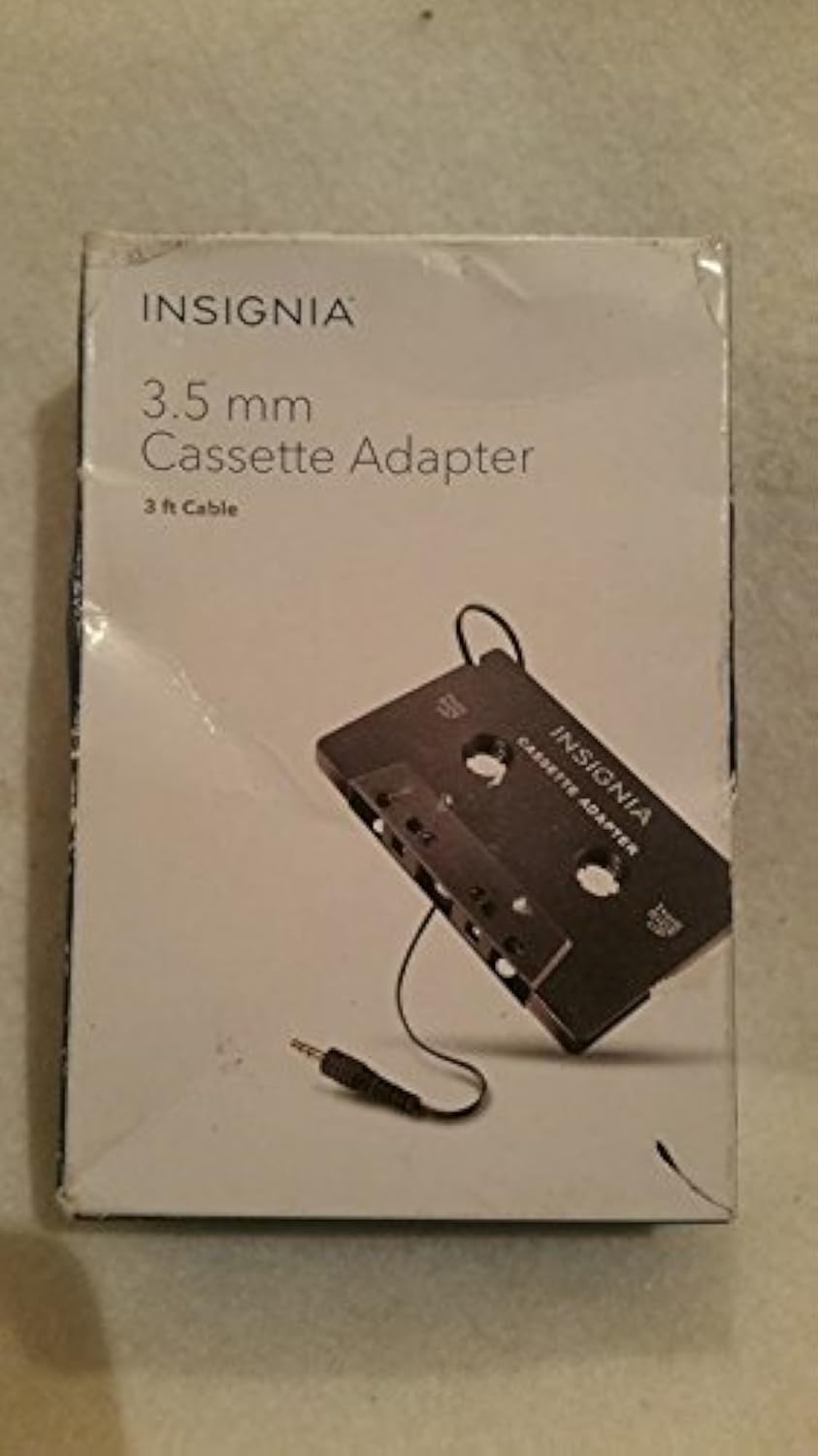
Image: Insignia 3.5mm Cassette Adapter in its retail packaging.
패키지 내용
- Insignia NS-CA103 3.5mm Cassette Adapter with integrated 3 ft. cable
설정
Follow these steps to connect and prepare your Insignia NS-CA103 Cassette Adapter for use:
- Prepare Cassette Player: Set the volume of your cassette player to a minimum setting.
- 오디오 장치 연결: Connect the 3.5mm plug from the cassette adapter into the headphone jack of your portable audio player (e.g., MP3 player, cell phone, tablet).
- 어댑터 삽입: Insert the cassette adapter into the cassette deck of your cassette player. Ensure the side labeled "THIS SIDE UP" is facing the correct direction for your cassette player.
- Set Audio Device Volume: Set the volume of your portable audio player to a middle level.
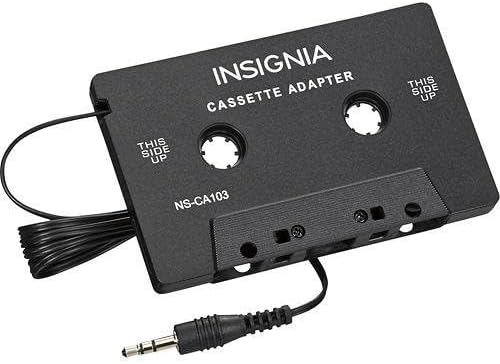
Image: The Insignia NS-CA103 Cassette Adapter showing the cassette body and the attached 3.5mm audio jack.
작동 지침
Once the adapter is set up, you can begin playing audio:
- 재생 시작: Begin playing audio on your connected portable audio device.
- Adjust Cassette Player Volume: Gradually adjust the volume on your cassette player to the desired listening level.
- Fine-tune Volume: If needed, make minor adjustments to the volume on your portable audio device to achieve optimal sound quality and balance.
- 제거: When not in use, remove the cassette adapter from the cassette player to prevent unnecessary wear on the cassette player's mechanism.

Image: Back of the Insignia 3.5mm Cassette Adapter packaging, displaying setup and operating instructions.
유지
To ensure the longevity and optimal performance of your cassette adapter:
- 저장: Store the adapter in a clean, dry place away from extreme temperatures and direct sunlight.
- 청소: 어댑터를 부드럽고 마른 천으로 닦으십시오. 액체 세척제나 용제를 사용하지 마십시오.
- 케이블 관리: 케이블 내부 손상을 방지하기 위해 케이블을 급격하게 구부리거나 꺾지 마십시오.
- 손질: Handle the adapter gently, especially when inserting and removing it from the cassette player.
문제 해결
| 문제 | 해결책 |
|---|---|
| 소리가 나지 않거나 볼륨이 낮음: |
|
| Poor sound quality (static, distortion): |
|
| Cassette player ejects adapter: |
|
명세서
| 모델 번호 | NS-CA103 |
| 상표 | INSIGNIA |
| 커넥터 유형 | 보조 (3.5mm) |
| 케이블 길이 | 3피트(약 0.91미터) |
| 호환 장치 | Devices with a 3.5mm headphone jack (MP3 Players, Cell Phones, Tablets) |
| 품목 치수(L x W x H) | 15.2 x 10.2 x 3 센티미터 |
| 품목 무게 | 0.02파운드(약 9그램) |
| 한국어: | 600603165047 |
보증 정보
This Insignia NS-CA103 3.5mm Cassette Adapter is covered by a 1년 한정 보증. For specific terms and conditions, please refer to the warranty documentation included with your purchase or contact Insignia customer support.
고객 지원
For technical assistance, warranty claims, or further information regarding your Insignia NS-CA103 3.5mm Cassette Adapter, please contact Insignia customer support. Contact details can typically be found on the product packaging or the official Insignia web대지.