
중요한 안전 정보
Please read these instructions carefully before using the shredder. Keep this manual for future reference.
- 어린이와 애완동물을 분쇄기에 가까이 두지 마십시오.
- 헐렁한 옷, 장신구, 머리카락 및 기타 이물질이 파쇄기 입구에 닿지 않도록 하십시오.
- Do not insert fingers or hands into the shredder opening.
- 사용하지 않을 때나 청소하기 전에는 분쇄기의 전원을 뽑으십시오.
- Do not shred metal objects, large paper clips, or hard plastic (except credit cards as specified).
- 파쇄기 위 또는 근처에서 에어로졸 제품, 석유계 윤활유 또는 기타 인화성 제품을 사용하지 마십시오.
- 전원 코드가 손상된 경우 파쇄기를 작동하지 마십시오.
- The shredder is equipped with overheat protection. If it overheats, it will automatically shut off. Allow it to cool down before resuming operation.
패키지 내용
모든 항목이 있는지 확인하세요.
- Amazon Basics AS665C Paper Shredder Unit
- 쓰레기통
- 사용 설명서(본 문서)
설정
- 분쇄기를 개봉하세요: 포장에서 모든 구성 요소를 조심스럽게 제거합니다.
-
쓰레기통을 놓으세요: Place the shredder head securely on top of the provided waste bin. Ensure it is properly seated.
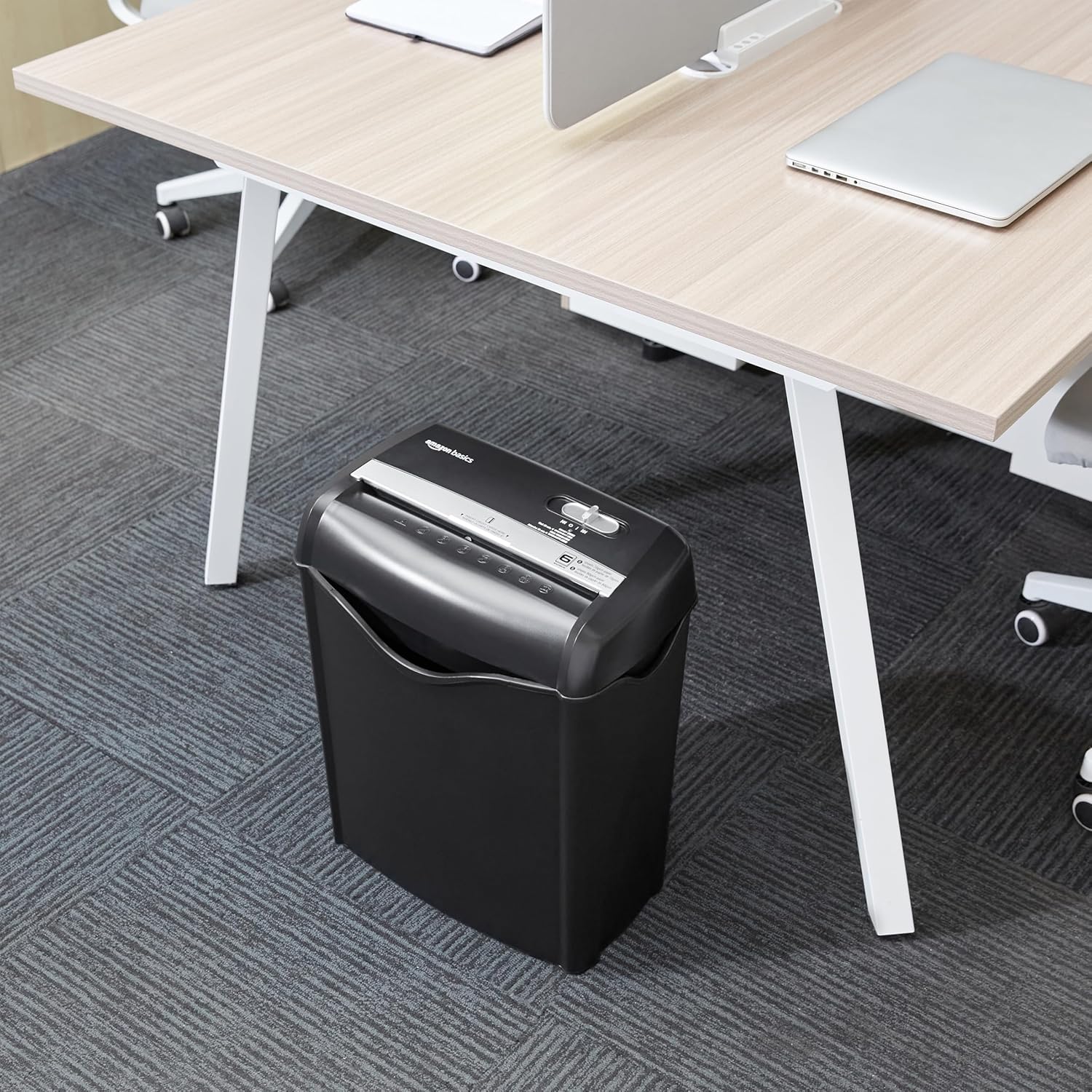
Image: The Amazon Basics AS665C Paper Shredder positioned under a desk, demonstrating its compact size and ease of placement in an office or home environment.
- 전원 연결: 전원 코드를 표준 전기 콘센트에 꽂으세요.
작동 지침
제어 스위치
The shredder features a slide switch with three positions:
- 자동(I): 종이를 넣으면 자동으로 파쇄가 시작되고 파쇄가 완료되면 멈춥니다.
- OFF(O): 파쇄기의 전원이 꺼져 있습니다.
- REV (<<): 용지 걸림을 해결하기 위해 역방향 기능을 활성화합니다.

이미지: 자세한 view of the shredder's control switch, showing the "AUTO", "OFF", and "REV" settings, along with the "READY" (green) and "OVERHEAT" (red) indicator lights.
문서 파쇄
- 모드 선택: 제어 스위치를 로 설정하십시오. 자동(I) position. The "READY" indicator light (green) will illuminate.
-
용지 삽입: Insert up to 6 sheets of 70gsm paper (or 5 sheets of 80gsm paper) straight into the paper entry slot. The shredder will automatically start and stop.
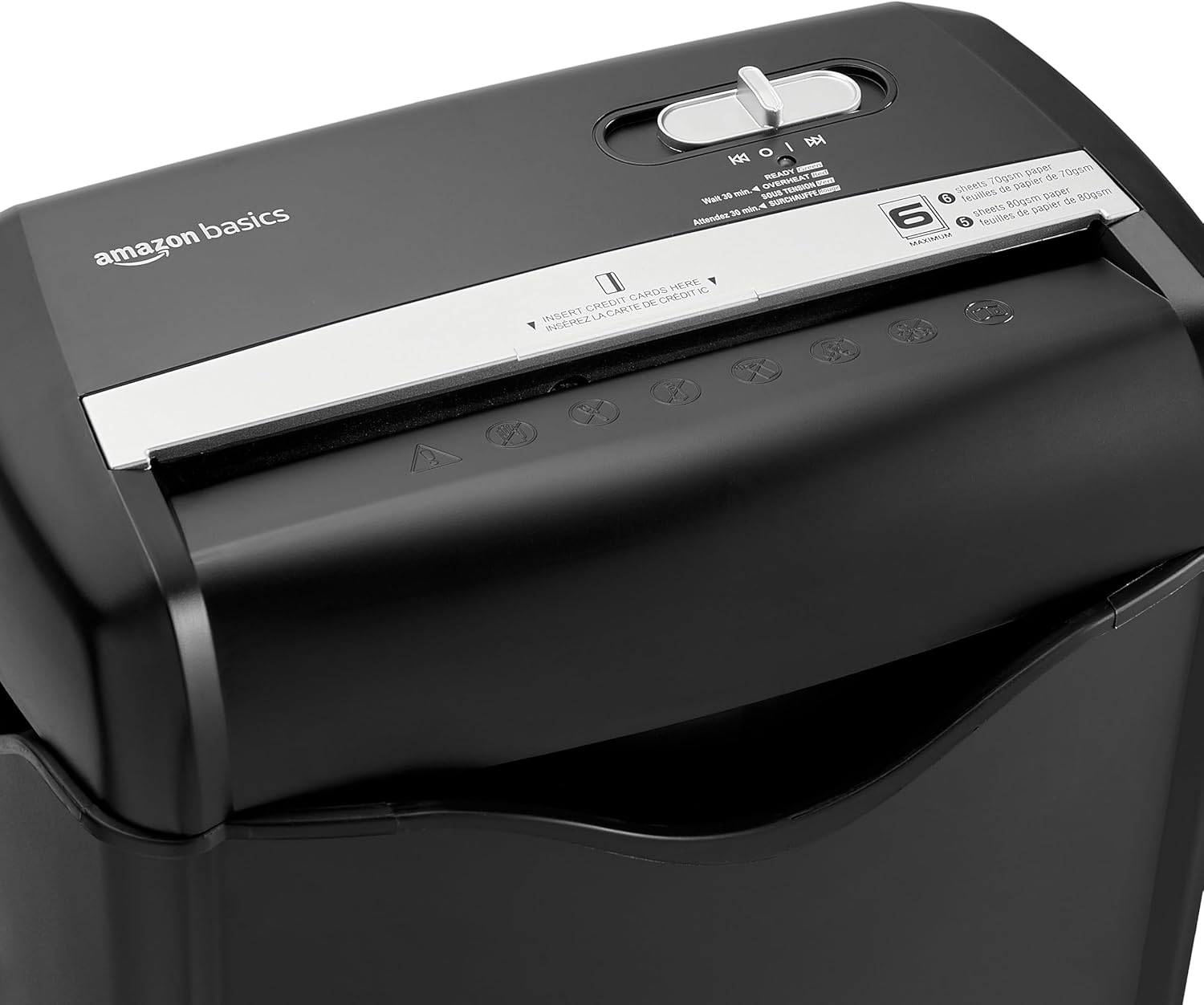
이미지: 상단 view of the shredder, highlighting the paper entry slot, the control switch, and the "MAXIMUM" sheet capacity label.

Image: A close-up of the shredder's label indicating the maximum sheet capacity: 6 sheets of 70gsm paper or 5 sheets of 80gsm paper.
-
신용카드 파쇄: Insert one credit card at a time into the dedicated credit card slot.

이미지: 클로즈업 view of the shredder's dedicated slot for inserting credit cards, clearly labeled "INSERT CREDIT CARDS HERE".
- 과열 보호: The shredder will automatically shut off if it runs continuously for too long or if the motor overheats. The "OVERHEAT" indicator light (red) will illuminate. Allow the shredder to cool down for approximately 30 minutes before resuming operation.

Image: A pile of cross-cut shredded paper, demonstrating the small particle size for enhanced security. A quarter coin is placed next to it for scale.
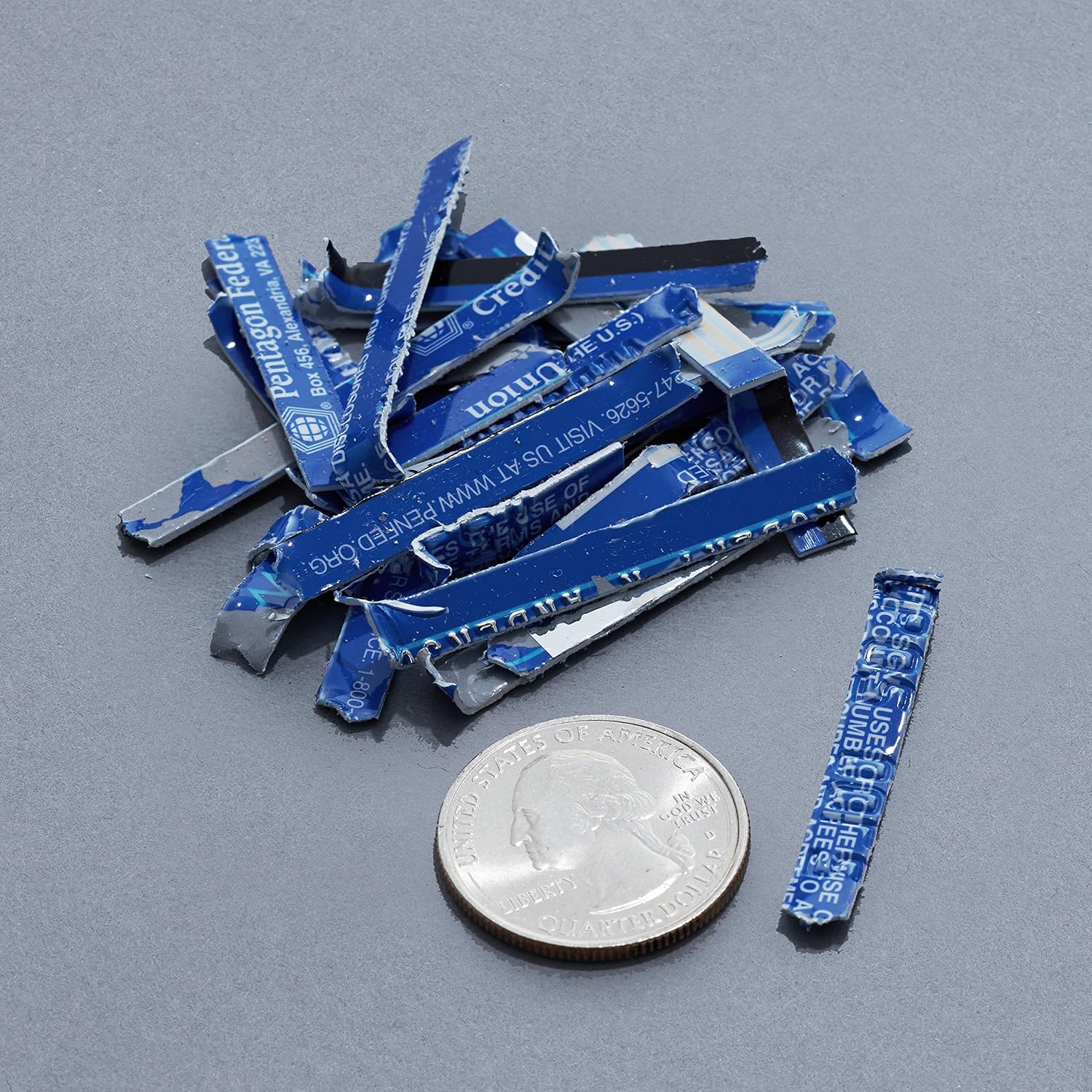
Image: A collection of shredded credit card pieces, illustrating the secure destruction of plastic cards. A quarter coin is included for size reference.
유지
쓰레기통 비우기
Regularly empty the waste bin to prevent paper jams and ensure optimal performance. Unplug the shredder before removing the head to empty the bin.
청소
- 청소하기 전에 분쇄기의 전원을 뽑으세요.
- Wipe the exterior of the shredder with a soft, dry cloth.
- 연마성 세척제나 용제를 사용하지 마십시오.
- For optimal performance, periodically oil the shredder blades with shredder oil sheets or liquid shredder oil. Follow the oil product's instructions.
문제 해결
| 문제 | 가능한 원인 | 해결책 |
|---|---|---|
| 분쇄기가 작동하지 않습니다. |
|
|
| 종이 걸림. |
|
|
| 파쇄기가 작동 중에 멈춥니다. |
|
|
명세서
| 특징 | 세부 사항 |
|---|---|
| 상표 | 아마존 기본 정보 |
| 모델 번호 | AS665C (Manufacturer Model: AS662C-EU) |
| 파쇄형 | 샛길 |
| 시트 용량 | 6 sheets (70gsm paper) / 5 sheets (80gsm paper) |
| 파쇄물 | 종이, 신용카드 |
| 전원 | 코드식 전기 |
| 특별 기능 | Portable, Overheat Protection, Manual Reverse |
| 제품 크기(L x W x H) | 30.7 x 19.6 x 38.1cm(12.1 x 7.7 x 15인치) |
| 제품 무게 | 3.72kg(8.2파운드) |
| 재료 | 플라스틱과 금속 |
보증 및 지원
For warranty information and customer support, please refer to the Amazon Basics web해당 웹사이트를 방문하거나 아마존 고객 서비스에 직접 문의하십시오. 보증 청구를 위해 구매 영수증을 보관하십시오.